Free OnlineAI 3D Art Generator
How to Create 3D-Style Art with AI
Set the Subject and Final Frame
Direct Material, Camera, and Light
Generate and Inspect the Depth
Refine in Chat and Export

Visual Control for a Convincing 3D Look
Turn Plain Language Into Dimensional Imagery
Describe the idea in everyday words and let the 3D AI art generator translate subject, space, material, and mood into a complete image—without a scene graph, renderer, or complex modeling setup.
Shape Material and Light Together
Ask for frosted glass, translucent gel, brushed metal, glazed ceramic, soft clay, velvet, or weathered stone, then explain whether the light should reveal gloss, texture, translucency, or edge definition.
Guide the Artwork With References
Upload an image you are permitted to use and explain what to preserve: subject, silhouette, pose, palette, material direction, or composition. This makes an AI 3D art generator from image useful for controlled visual exploration.
Compare Camera and Composition Variations
Explore eye-level, low-angle, overhead, macro, three-quarter, or isometric views while keeping the core brief consistent. Compare crops and focal depth before choosing the strongest frame.
Refine Without Rebuilding the Scene
Use Chat Edit for targeted changes to color, surface, lighting, background, pose, or scale. For exact dimensional lettering, brand marks, or app assets, choose the AI 3D Text Generator, AI 3D Logo Generator, or AI 3D Icon Generator.
Try It Free and Export Clean Images
New users receive free AI credits after signup. Test the free AI 3D art generator online, refine your preferred direction, and download watermark-free PNG or JPG artwork for personal or professional creative projects.
Describe Light, Material, and Camera for Better 3D Art
- Define the surface: Name material and finish together—matte clay, frosted glass, polished chrome, translucent resin, soft fabric, glazed ceramic, or rough stone.
- Place the camera: Choose eye level, low angle, overhead, three-quarter, macro, orthographic, or isometric view and state how tightly the subject should be cropped.
- Design the light: Describe key-light direction, rim light, fill, shadow softness, reflections, volumetric haze, color temperature, and depth of field.
- Set image boundaries: Choose portrait, square, or landscape format and exclude unwanted text, logos, watermarks, extra limbs, floating objects, or cluttered backgrounds.
AI 3D Art Prompts for Characters, Products, and Worlds
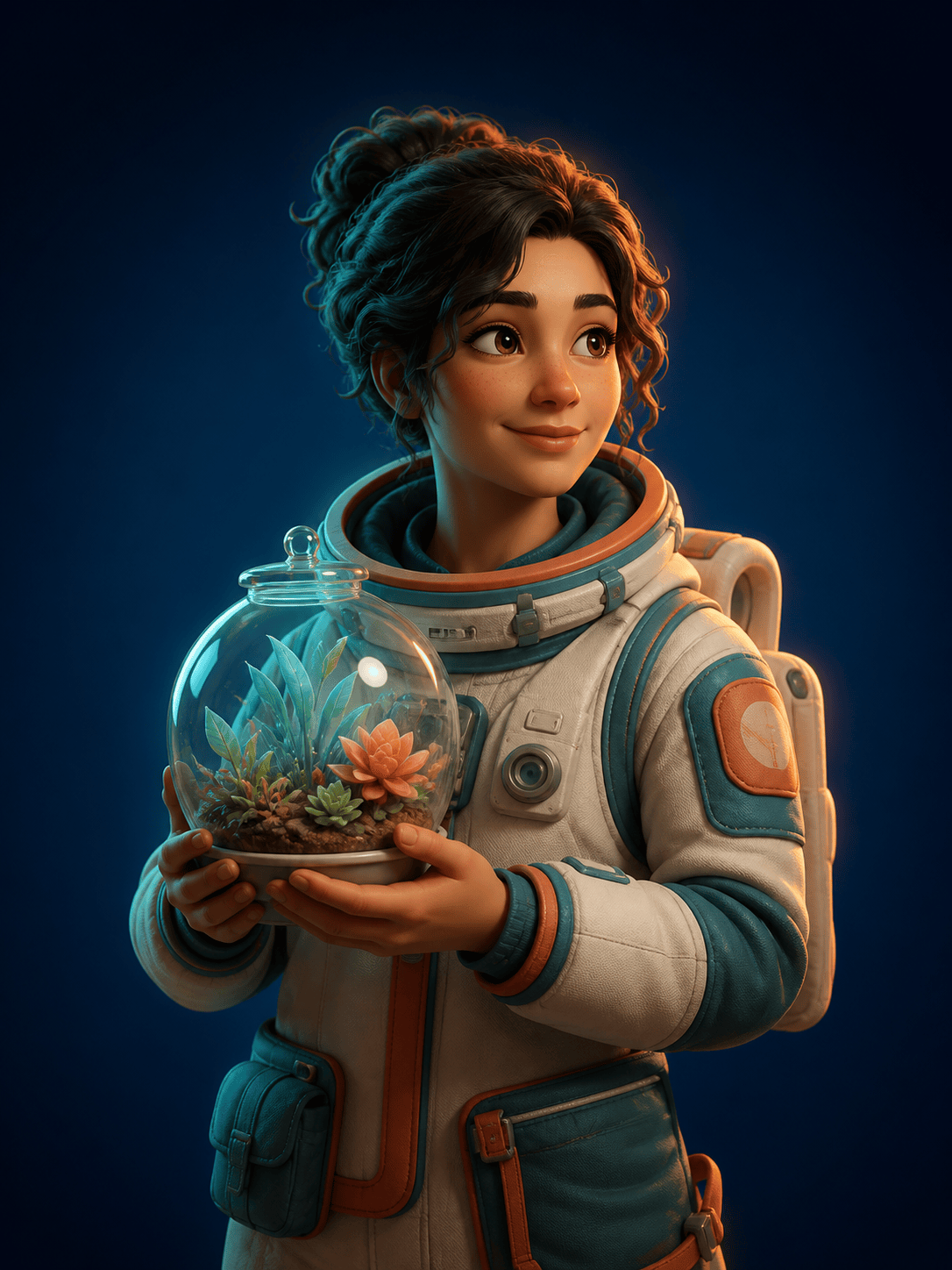
Stylized 3D Character: Create an original astronaut botanist holding a glass terrarium, matte clay and translucent resin materials, three-quarter portrait, teal studio key light, warm rim light, gentle contact shadows, 3:4 format, no text.
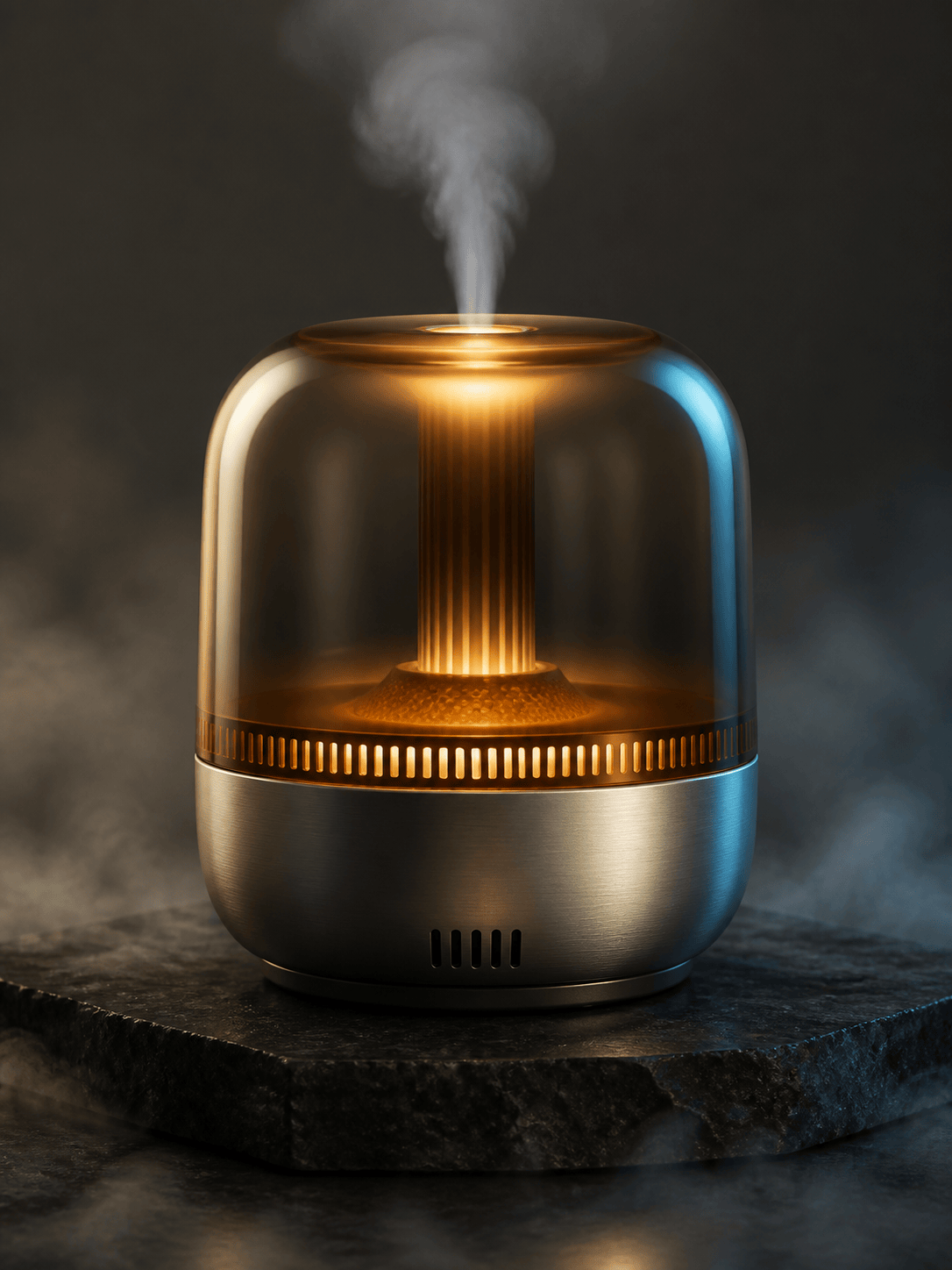
Cinematic Product Render: Visualize a fictional portable aroma diffuser with a translucent amber shell and brushed-aluminum base, macro three-quarter view, dark stone plinth, softbox reflections, subtle mist, premium studio lighting, landscape composition, no branding.
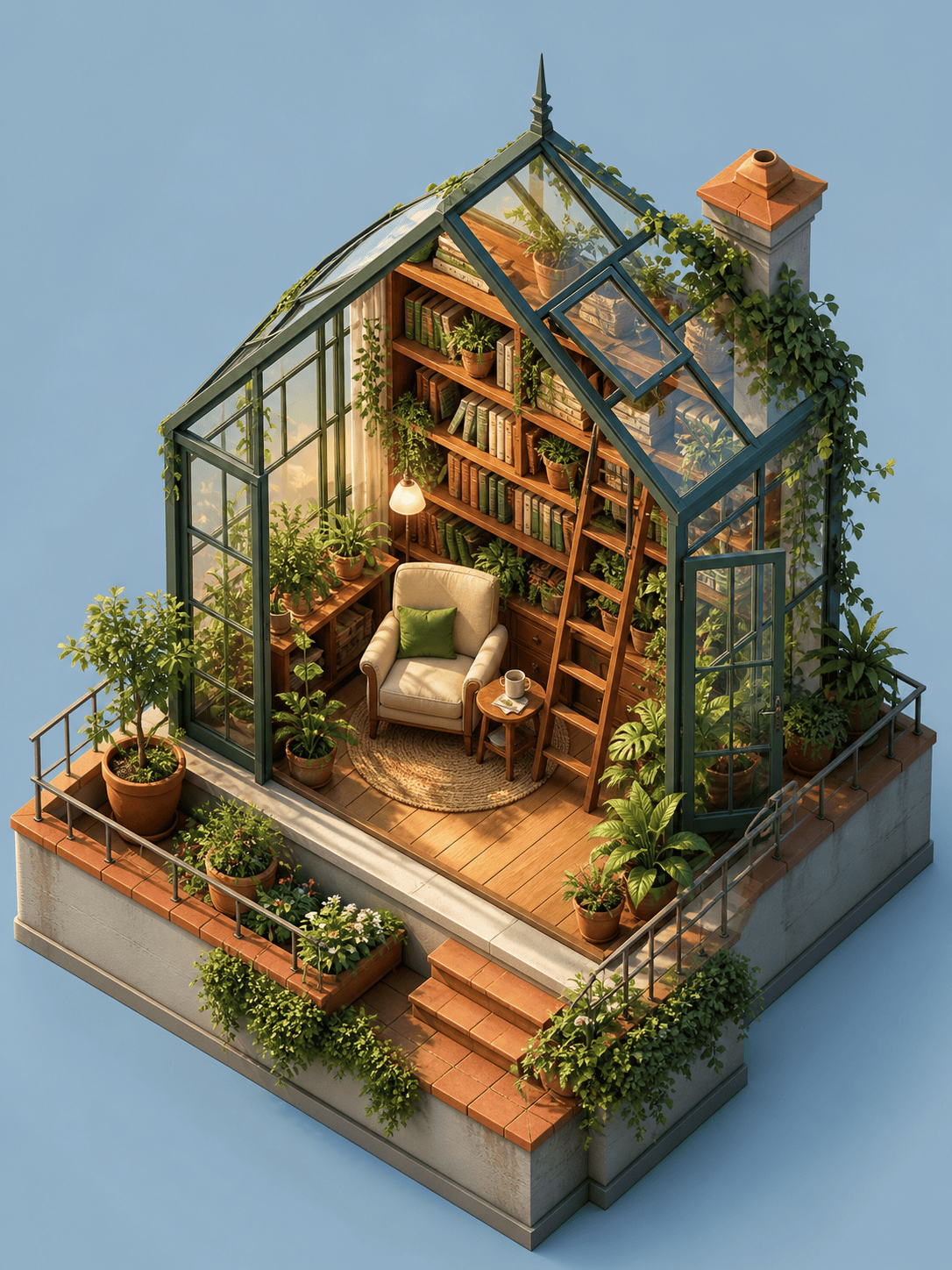
Isometric Miniature World: Build a cozy rooftop greenhouse reading room as a detailed isometric miniature, warm wood, glass panes, leafy plants, tiny furniture, orthographic camera, sunrise light, clean blue background, crisp ambient shadows, square image.
Glossy Abstract 3D Art: Create intertwined translucent gel ribbons and chrome spheres suspended above a reflective lavender floor, magenta and cyan rim lights, elegant negative space, shallow depth of field, vertical social-cover composition, no typography.
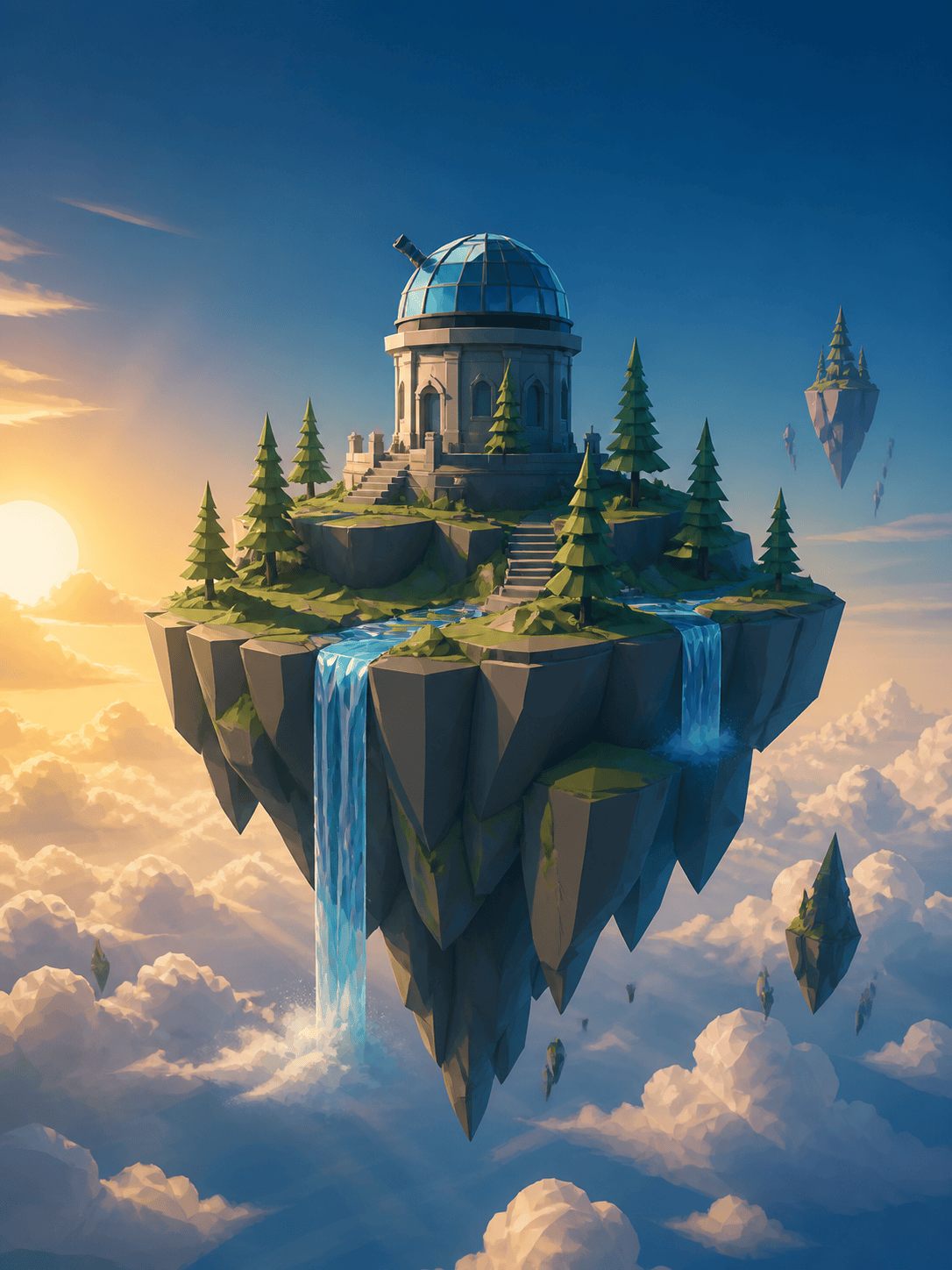
Low-Poly Fantasy Environment: Design a low-poly floating island with a small observatory, pine trees, waterfalls, layered clouds, wide establishing camera, golden-hour backlight, atmospheric depth, readable silhouette, 16:9 concept-art frame.
Photo to 3D-Style Portrait: Reinterpret @[uploaded portrait] as an original soft-clay character image. Preserve the person's permitted facial features, hairstyle, expression, and pose; use rounded forms, fabric texture, soft studio light, a simple pastel background, and a 3:4 crop.





