Free OnlineAI 3D Text Generator
How to Create 3D Text with AI
Enter the Exact Text
Choose the 3D Style
Refine Lettering in Chat
Export the Text Asset

Why Mew Design Is a Practical AI 3D Text Maker
Exact Words First
The AI agent focuses on the text you type, so logo lettering, sale titles, names, and short slogans stay central to the composition.
Material Control
Create chrome, glass, candy, balloon, neon, stone, gold, plastic, clay, or soft matte 3D text without setting up a 3D app.
Lighting and Depth Edits
Ask for deeper extrusion, softer shadows, stronger rim light, flatter perspective, or a more dramatic camera angle after the first draft.
Transparent Asset Direction
This online 3D text maker can create isolated word art that is easier to place over thumbnails, posters, or product images.
Reference-Aware Styling
Upload brand colors, a mood board, or a logo reference so the AI-generated 3D text matches a campaign or visual system.
Free Online Trial
Try the free AI 3D text generator with starter credits after signup, then export watermark-free image results for your designs.
How to Prompt AI for Clean 3D Text
- Pick a material: Name the material, such as chrome, glass, neon, candy, balloon, stone, gold, plastic, or clay.
- Control the render: Describe depth, bevel, camera angle, lighting, shadow, and whether the background should be transparent or simple.
- State the destination: Mention where the text will be used, such as YouTube thumbnail, product launch post, logo mockup, poster header, or sticker.
- Fix text issues: After generation, ask Chat Edit to correct spelling, remove extra words, simplify the background, or increase letter readability.
3D Text Prompt Examples
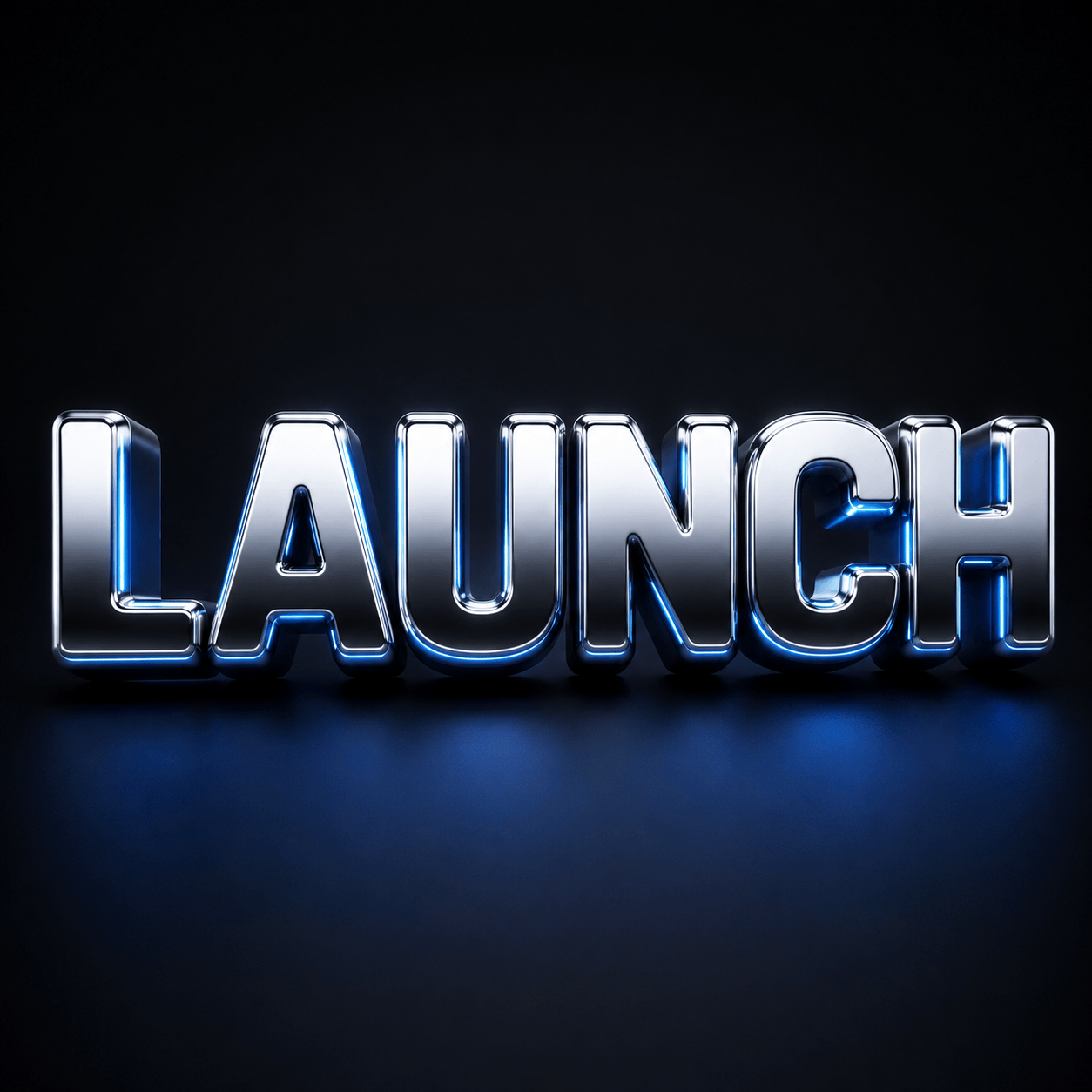
Create the exact word "LAUNCH" in glossy chrome 3D lettering, rounded bold font, blue rim light, deep extrusion, soft shadow, dark studio background, no extra text.
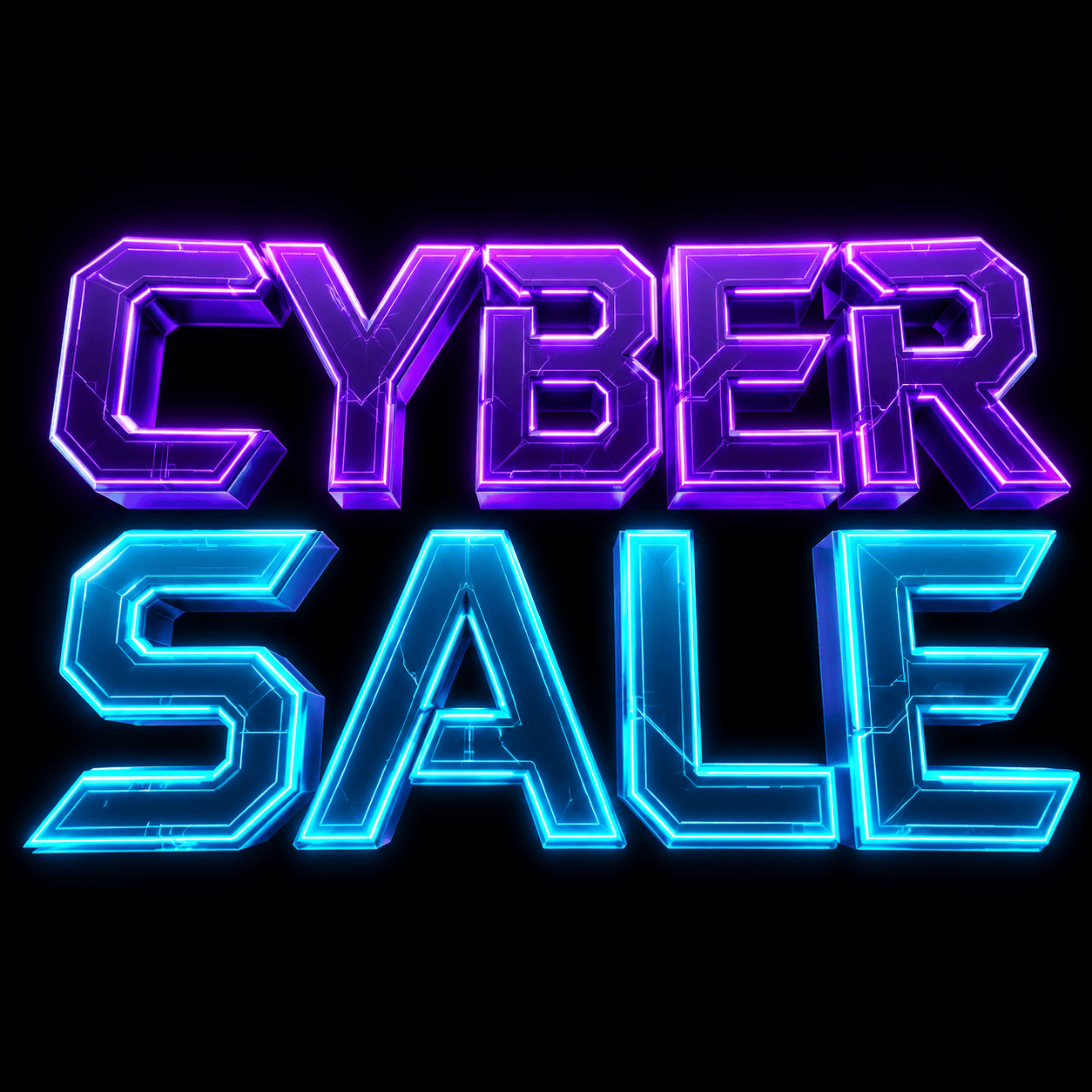
Design "CYBER SALE" as neon purple and cyan 3D text for a square social post, futuristic bevels, glowing edges, readable letters, black background.
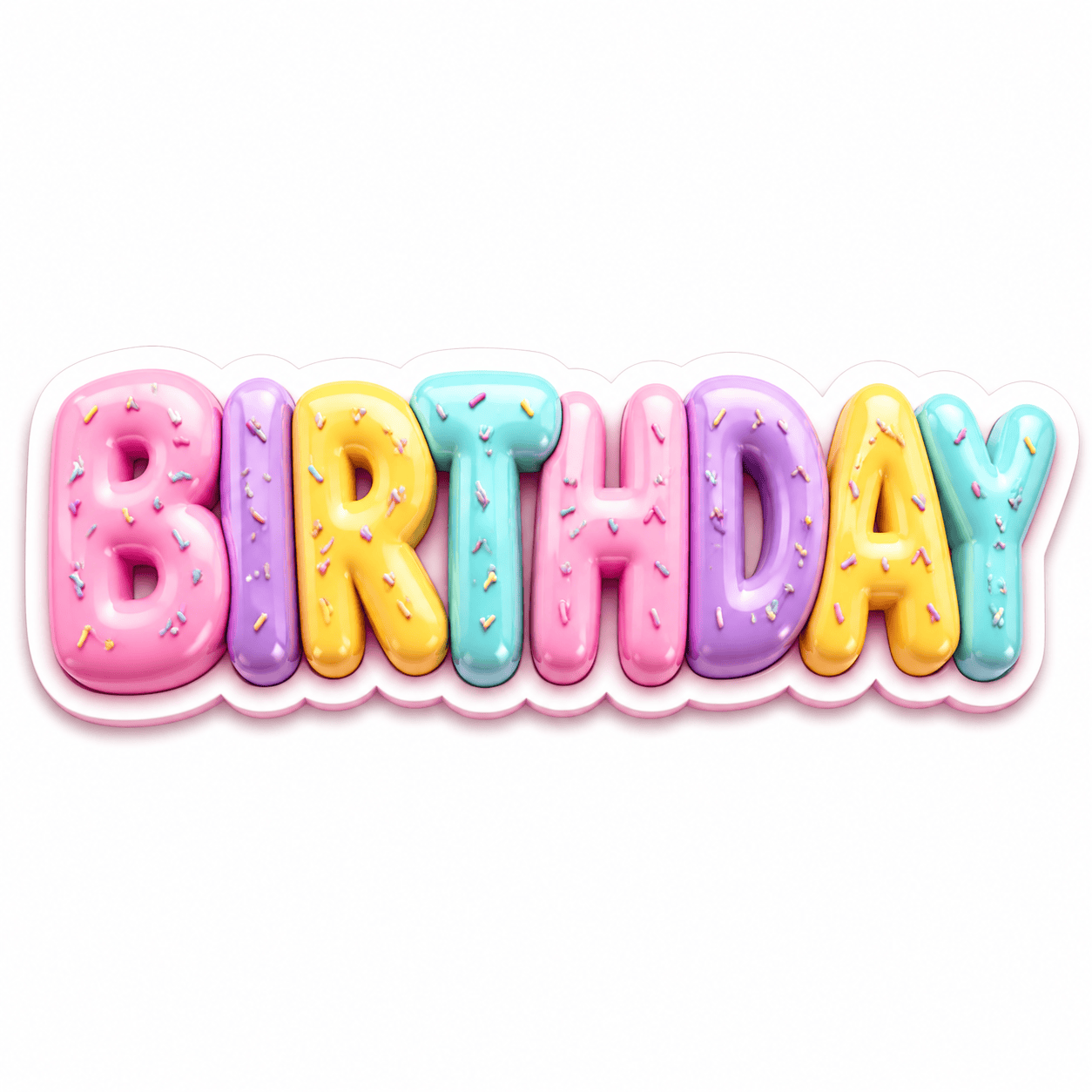
Make "BIRTHDAY" as playful candy 3D text, pastel colors, soft sprinkles, rounded bubble letters, bright clean background, sticker-like composition.
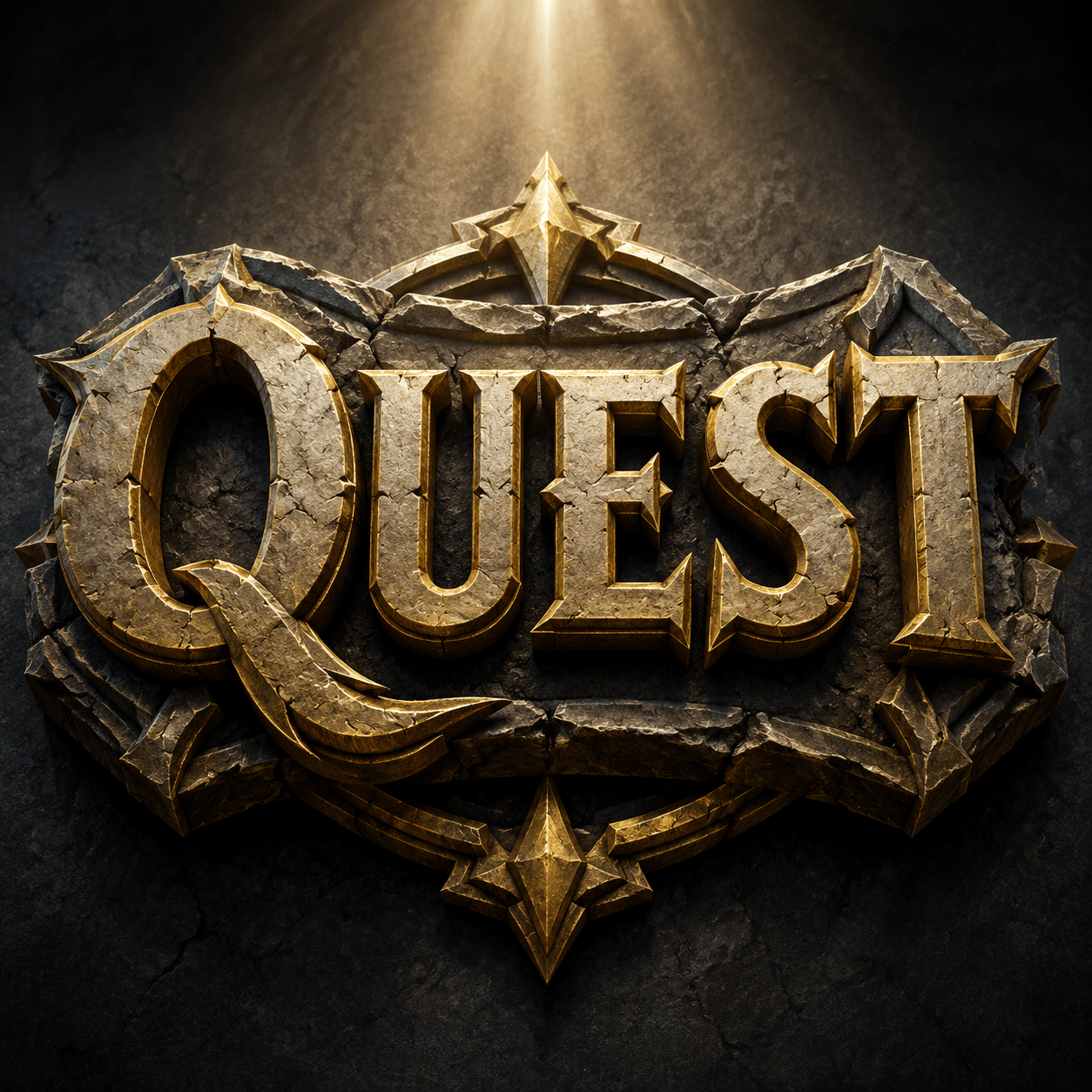
Create "QUEST" as carved stone and gold 3D logo text, fantasy game title style, dramatic top light, strong depth, centered square asset.
Generate "SUMMER DROP" as transparent-background 3D text, orange gel letters, glossy highlights, clean shadow, ready to place over a product photo.
Design "PODCAST" as matte black 3D title lettering with subtle red edge light, cinematic perspective, high readability, no extra words.





