Free OnlineAI 3D Icon Generator


How to Create a 3D Icon with AI
Define the Symbol and Its Job
Set the 3D Visual System
Generate and Check at Working Size
Refine, Remove the Background, and Export

A Faster Way to Art-Direct 3D Icons
Control the Material Without 3D Software
Describe matte clay, translucent glass, glossy plastic, polished metal, soft inflatable forms, or an isometric miniature in everyday language. Add surface roughness, edge softness, reflections, and shadow behavior to move beyond a generic 3D render.
Build a More Cohesive Icon Set
Generate related subjects together and repeat one visual system across the series: the same three-quarter view, palette, key light, material, base shape, padding, and visual weight. The AI 3D icon set generator workflow makes it easier to compare a family before choosing final versions.
Match a Brand or Reference Direction
Upload a logo, product screenshot, mood board, or an existing icon and ask Mew Design to follow its palette, geometry, lighting, and finish. References provide a concrete visual target when color names and style labels are not specific enough.
Design for Recognition, Not Decoration
A useful icon needs a distinct silhouette and one clear focal idea. Ask for fewer parts, thicker forms, stronger light-dark separation, and generous padding, then inspect the design at the size used in a feature card, app tile, slide, or social graphic.
Correct the Details Through Chat
Use Chat Edit to replace the central symbol, rotate the camera, reduce reflections, standardize bases, rebalance margins, or remove the background. You can refine one issue at a time instead of rebuilding the render in a conventional 3D application.
Try Ideas and Export Without a Watermark
Start the free AI 3D icon generator with signup credits, explore several materials or colorways, and export selected visuals without a watermark as PNG, JPG, or PDF for digital content or presentation use.
How to Prompt AI for a Consistent 3D Icon Set
- Lock the Style Rules: Specify material, color hierarchy, edge softness, base shape, camera angle, light direction, shadow, padding, and background. Repeat the same rules across every member of a set.
- Protect the Silhouette: Use one dominant symbol, simple geometry, strong separation between overlapping parts, and minimal tiny detail. Ask for a centered composition with clear breathing room around the subject.
- Plan for the Destination: State whether the icon is for a small product feature, a large website illustration, a mobile app concept, a slide, or a campaign graphic. The intended size should determine detail and contrast.
- Add Useful Exclusions: Exclude words, letters, random badges, people, hands, extra props, busy scenery, harsh reflections, uneven perspectives, mismatched lighting, or multiple competing symbols when they do not serve the icon.
3D Icon Prompts for Products, Apps, and Brands
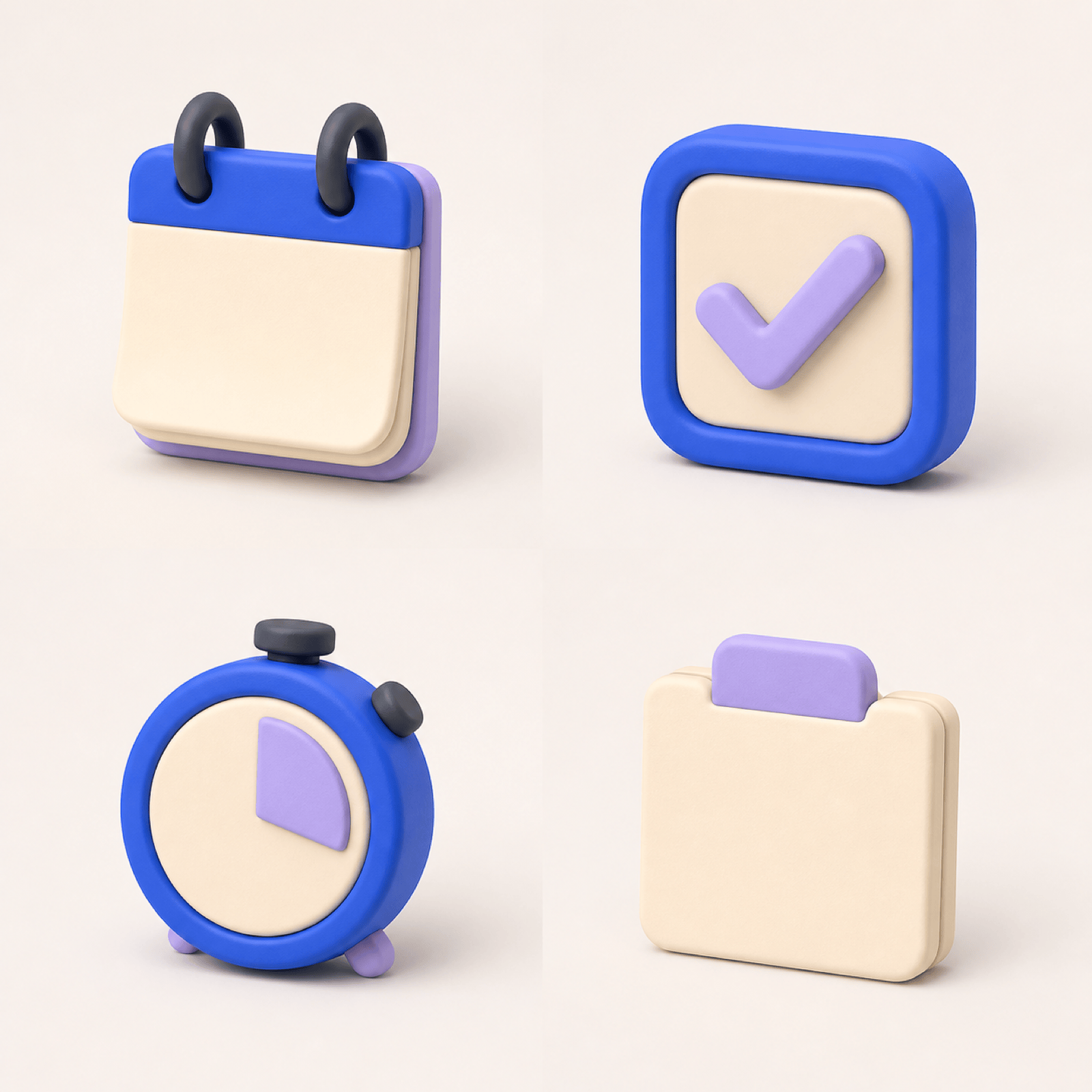
SaaS Feature Set: Create four matching 3D clay icons for automation, analytics, collaboration, and security. Use one cobalt-and-lilac palette, identical three-quarter camera angles, rounded chunky forms, one upper-left studio light, soft shadows, equal scale, and generous padding. No text or people.
Glass Security Icon: Generate a translucent electric-blue 3D shield containing a simple lock shape. Use controlled glass refraction, a crisp outer silhouette, subtle cyan edge light, and a dark navy studio background. Keep the center uncluttered and avoid words, circuitry, or extra badges.
Finance App Icon Concept: Design a glossy 3D mobile app icon with a cobalt rounded-square base, a compact wallet, two gold coins, and one rising teal chart. Use bold readable shapes, centered composition, soft reflections, and enough margin for platform cropping. Do not include currency symbols or text.
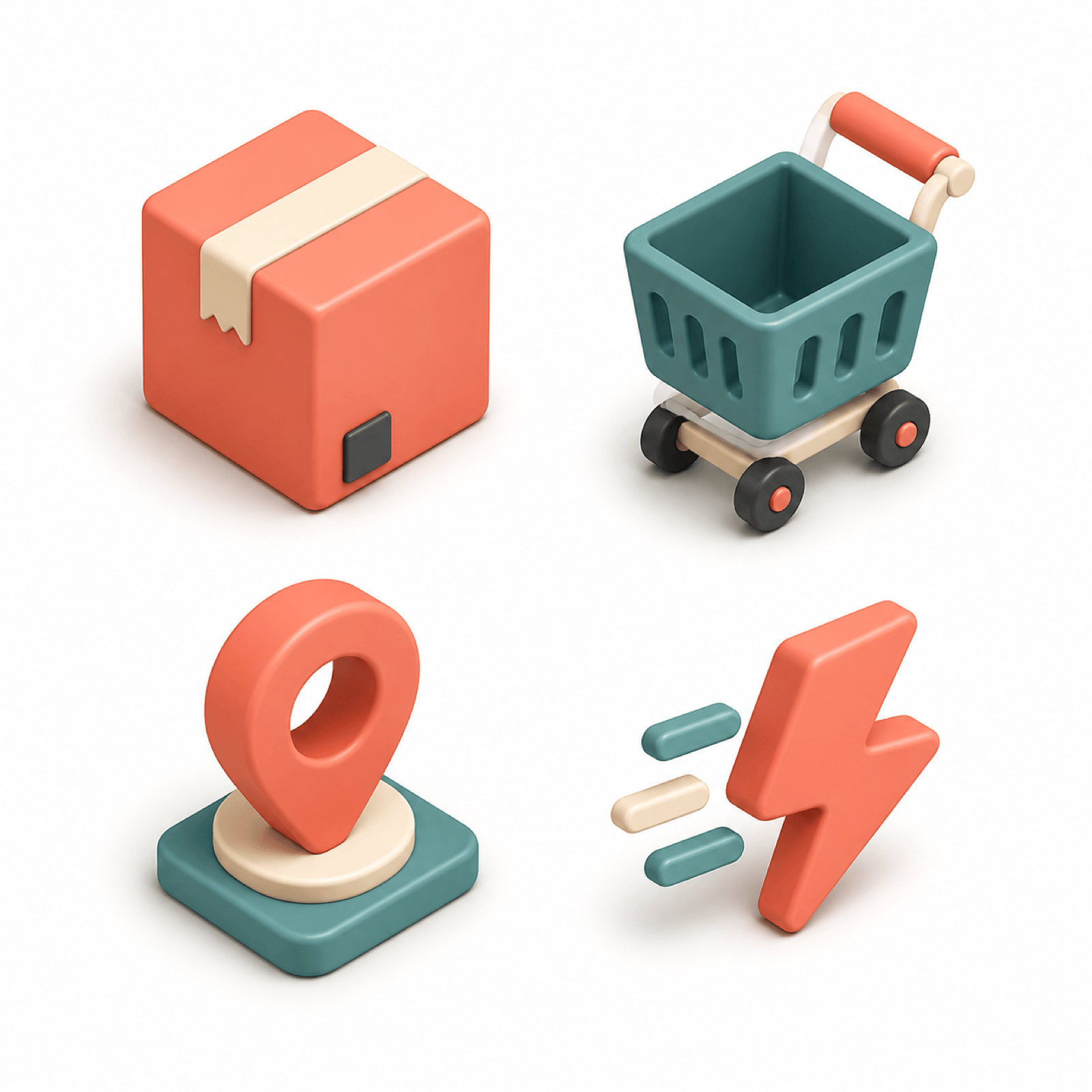
E-commerce Icon Family: Create an isometric set showing a parcel, shopping cart, location pin, and delivery spark. Use warm coral, teal, cream, and charcoal with consistent miniature geometry, the same 30-degree view, soft ambient shadows, and a clean light background.
Gaming Achievement Badge: Make a metallic 3D trophy icon with a small star cutout, brushed dark titanium, a restrained amber glow, beveled edges, and a strong centered silhouette. Use a plain background and avoid lettering, numbers, characters, fire, or decorative clutter.
Education Icon Set from a Reference: Use my uploaded brand reference to create four matching 3D icons for lessons, quizzes, certificates, and student progress. Follow its color palette and rounded geometry while keeping one material, light direction, camera angle, base treatment, and padding across the set.





