An Honest Answer toWhat Is My Ethnicity AI?
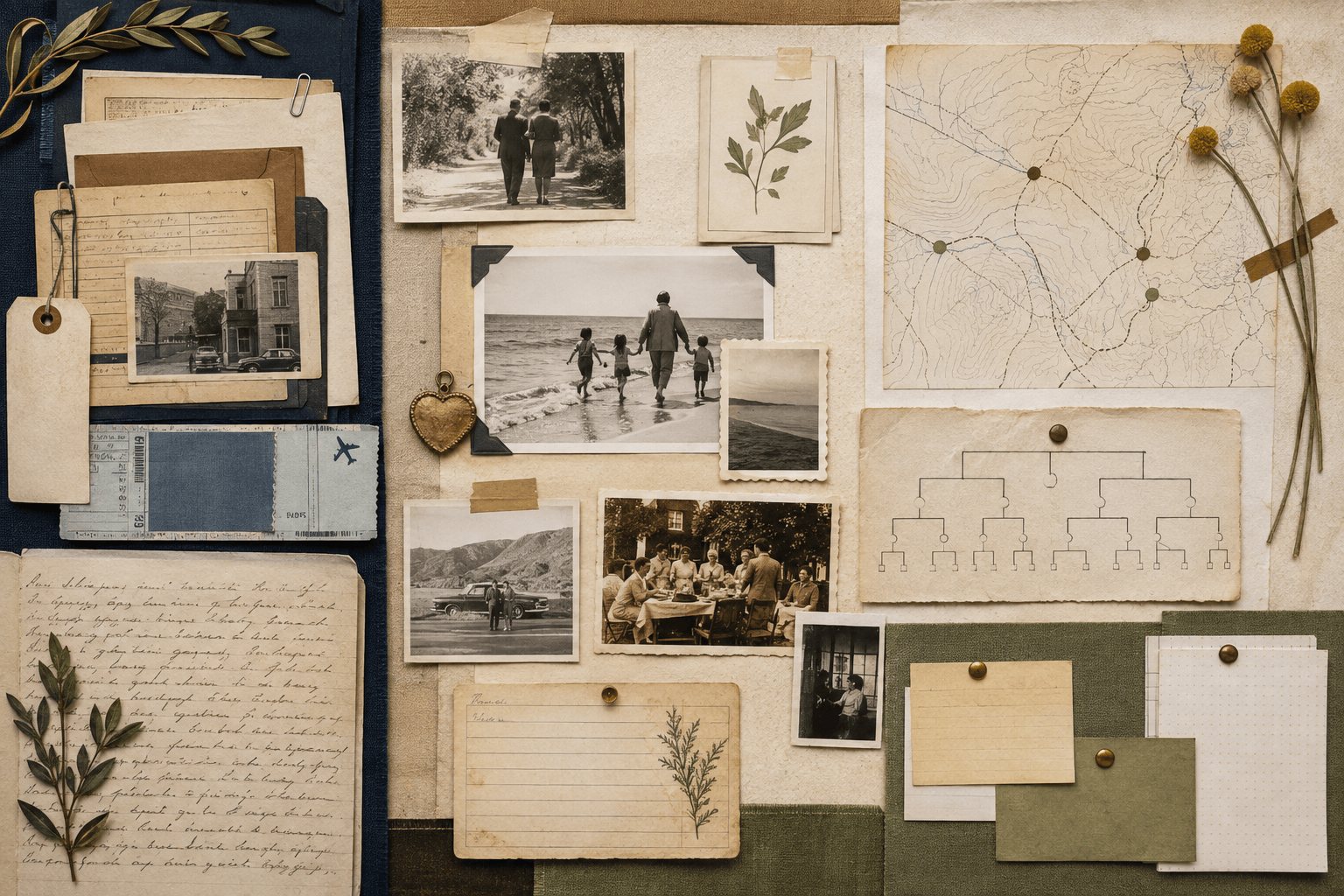
If you are asking "What is my ethnicity, AI?" start with the honest answer: a selfie cannot verify ethnicity, race, nationality, or genetic ancestry. Mew Design - AI Design Agent can instead turn facts you provide—family places, records, oral histories, and existing ancestry results—into an editable heritage story board. You choose the identity labels and sources; the AI does not assign them from facial features.

How to Create a Visual Heritage Story With AI

Build from information you know, separate evidence from family stories, and show uncertainty instead of turning appearance into ancestry.
1

Define What You Want to Explore

Decide whether you want a family migration map, oral-history timeline, heritage story board, or explanation of existing ancestry results. Keep ethnicity, nationality, genealogy, and genetic ancestry separate rather than treating them as interchangeable labels.
2

Add Sources You Can Verify

Upload family notes, records, or an existing test report to the file library and reference up to three documents with @ in the design conversation. Add confirmed names, dates, places, languages, and citations; mark memories or family stories as unverified.
3

Generate an Evidence-Led Visual

Ask the AI ancestry explorer to organize only the information you supplied into a map, timeline, infographic, or album board. Tell it not to infer ethnicity, race, nationality, or DNA ancestry from a portrait, surname, or visual resemblance.
4

Check, Correct, and Export

Compare every label, percentage, date, location, and source note with your records. Use Chat Edit to correct wording or hierarchy, then export the finished visual as PNG, JPG, or PDF for a family conversation, class project, or personal archive.
How to create a heritage story with AI

Explore Heritage Without Letting a Face Define It

No Ethnicity Guess From a Selfie

A face ethnicity analyzer may produce confident-looking percentages, but a photo cannot measure DNA or confirm cultural identity. This workflow starts from your evidence and self-description instead of biometric categorisation.

Put Sources Before Visual Similarity

Use birthplaces, dates, family records, oral histories, and existing test results as source material. Mew Design organizes what you provide without treating facial shape, skin tone, hair, clothing, or a surname as proof of ancestry.

Keep Identity Language in Your Hands

You decide which terms describe your family and which claims remain uncertain. Ask the AI to preserve spelling, diacritics, community names, and distinctions between citizenship, ethnicity, race, genealogy, and genetic ancestry.

Turn Evidence Into a Clear Visual

Build a sourced timeline, route map, comparison board, or AI-generated infographic. Use readable headings, restrained maps, and source notes so viewers can tell facts from questions.

Use Family Photos as Photos

Add permitted portraits to an album board or create a separate family photo composition, but never present a face as ancestry evidence. Keep original names, dates, and context attached to each image.

Try the Format Before You Share

Use free AI credits after signup to test a layout, then refine it through chat. Export watermark-free PNG, JPG, or PDF files only after checking personal details and getting permission for family photos or private records.

Prompt AI With Sources, Not Facial Assumptions

Create a landscape heritage story board from @[family_notes] and @[verified_ancestry_report]. Use only the names, dates, places, migration routes, languages, and percentages stated in those sources. Separate confirmed records, family stories, and open questions into clearly labeled sections. Add @[family_portrait] as a documentary photo with its supplied caption only. Do not infer ethnicity, race, nationality, community membership, or genetic ancestry from any face, surname, clothing, or location. Preserve spelling and diacritics, include short source notes, use a warm archival editorial style, and leave uncertain claims visibly marked as unverified.
A responsible answer to “What ethnicity do I look like, AI?” begins by replacing appearance-based guesses with sources, self-described identity, and clearly marked uncertainty.
  • Name the output: Choose a migration map, family timeline, evidence board, album page, or existing-results explainer, plus the intended audience and format.
  • Separate claim types: Label confirmed records, self-described identity, oral history, test-provider estimates, and open research questions as different kinds of information.
  • Constrain the AI: State that it must not assign ethnicity, race, nationality, or genetic ancestry from faces, names, clothing, accents, or stereotypes.
  • Audit sensitive details: Check every name, date, percentage, place, relationship, citation, and photo permission before downloading or sharing the visual.

Heritage Exploration Prompts Built Around Evidence

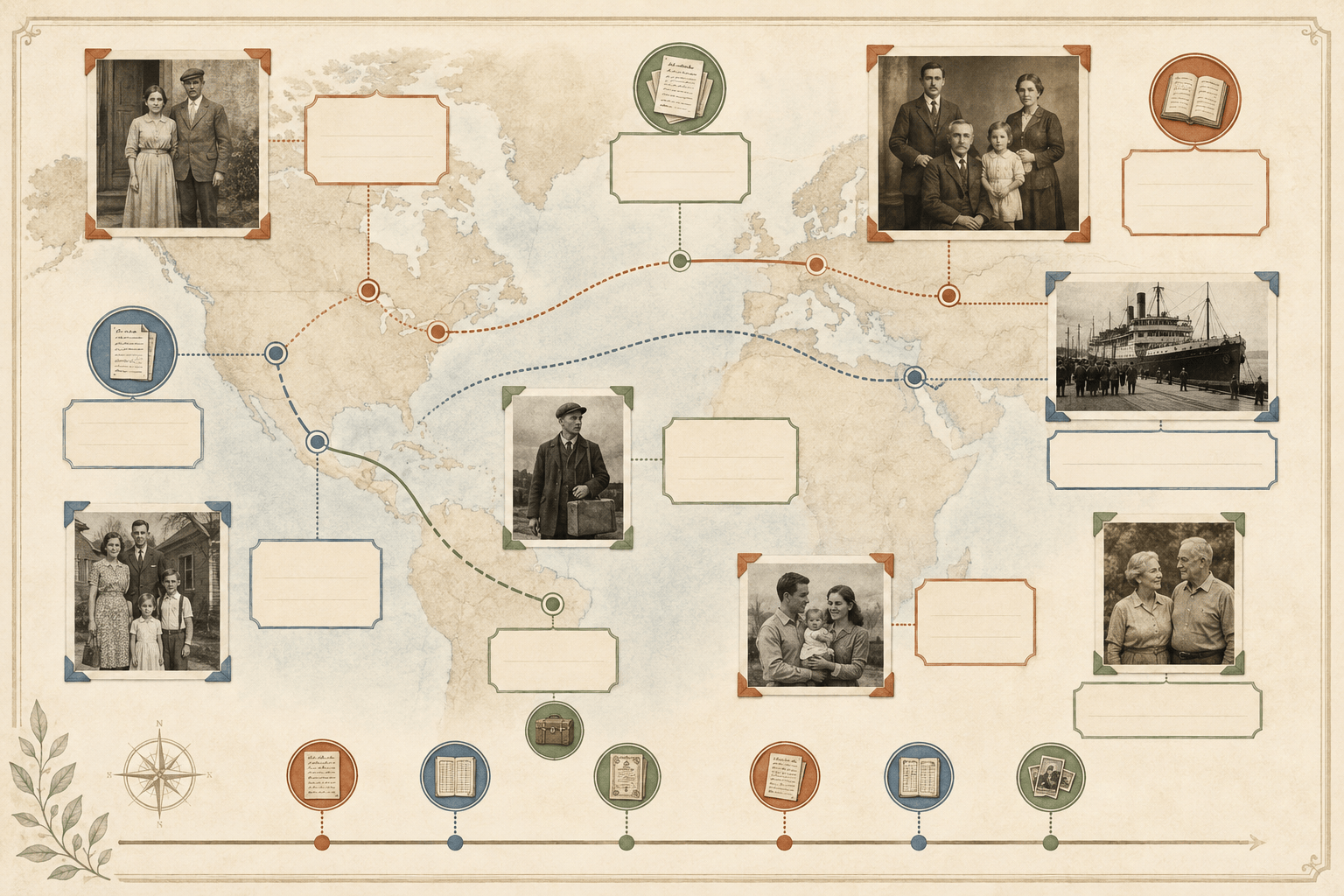
Documented Migration Map: Create a landscape family migration map using only the confirmed birthplaces, years, and routes in @[family_records]. Connect locations chronologically, add concise source references, preserve spelling and diacritics, and mark missing links as unknown. Do not infer identity or ancestry from portraits or surnames.

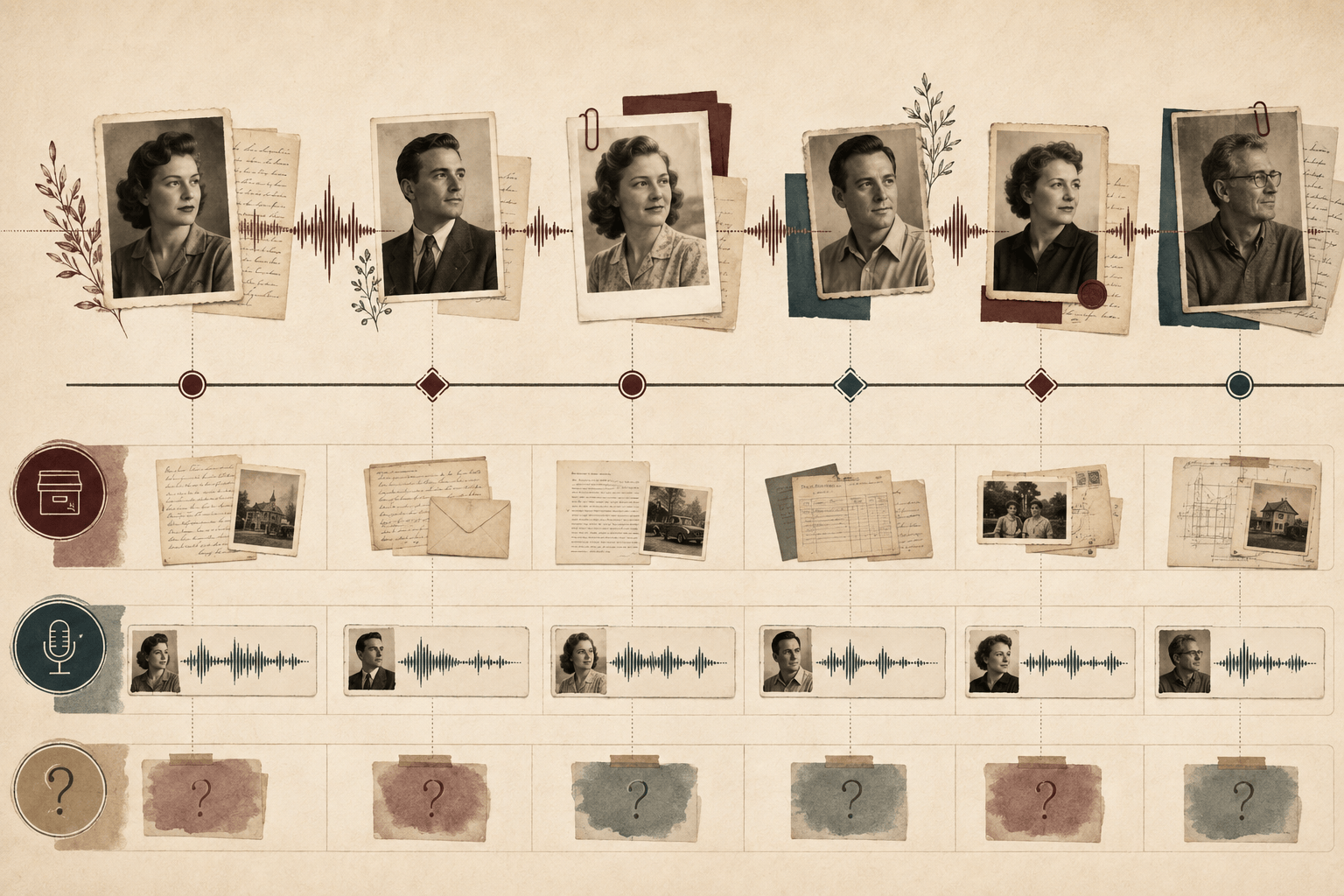
Oral-History Timeline: Turn @[interview_notes] into a warm editorial timeline with separate lanes for verified dates, the relative's own words, and follow-up questions. Include supplied family photos with captions, but do not use appearance as evidence for ethnicity, nationality, or genetic ancestry.

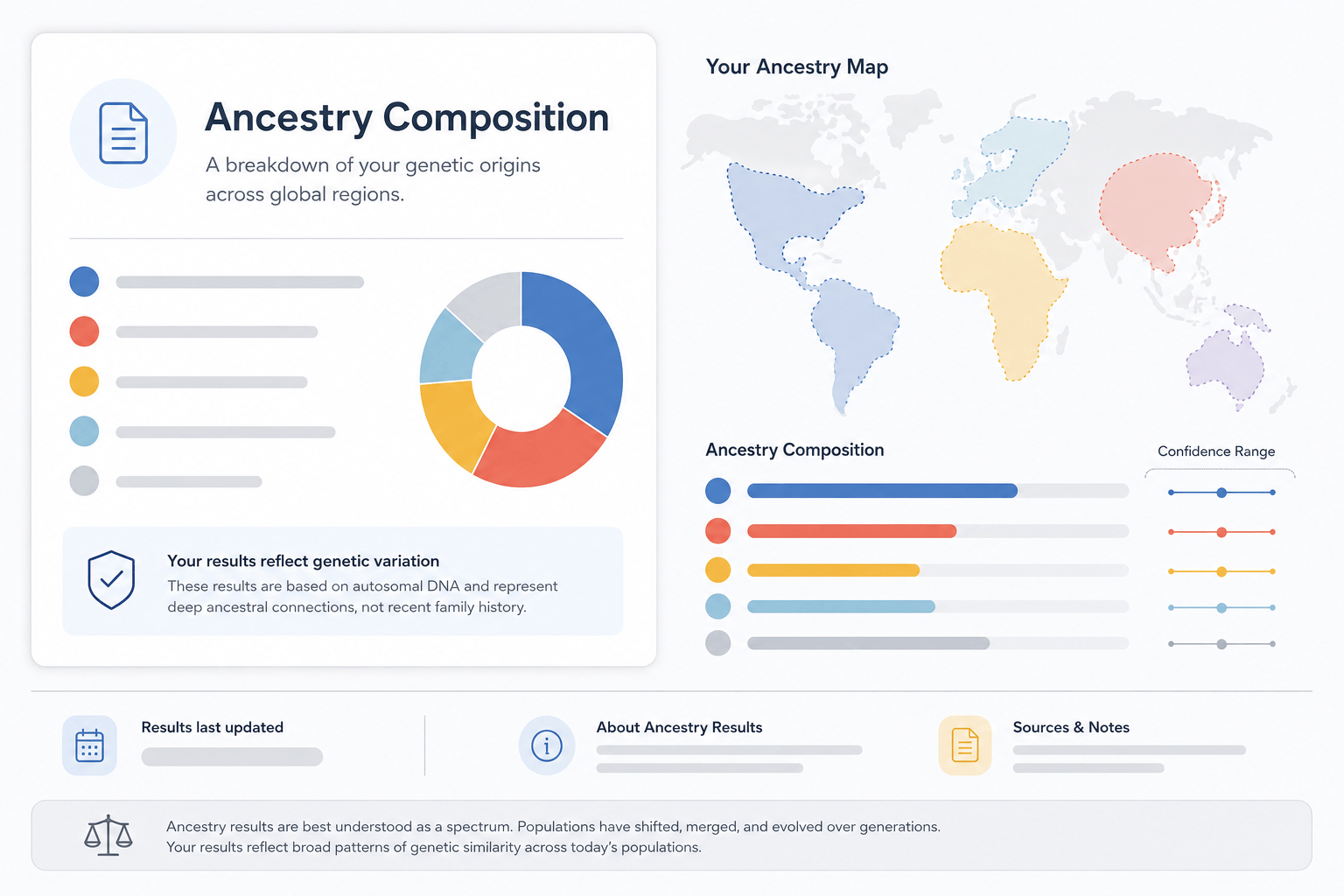
Existing DNA Results Explainer: Summarize @[ancestry_report] as a neutral infographic. Reproduce the provider's region labels, percentages, confidence ranges, and update date exactly; explain that estimates depend on reference populations. Do not add regions, reinterpret identity, or present the report as ethnicity proof.

Family Album Story Board: Arrange @[album_photos] into a chronological family story with the supplied names, relationships, places, and dates. Use elegant archival framing and a clear caption hierarchy. Add no guessed origins, cultural labels, or facial-feature commentary.

Research Question Board: Organize @[family_clues] into three columns: what is documented, what relatives remember, and what to research next. Suggest record types to look for without claiming that a surname, language, location, or portrait proves an ethnic or genetic category.

Classroom Concept Guide: Create a sourced educational visual explaining the differences among ethnicity, race, nationality, genealogical ancestry, and genetic ancestry. Use concise definitions, neutral icons, examples that avoid stereotypes, and a final reminder that a face photo cannot verify any of these identities.


What Is My Ethnicity AI? FAQs

No—not as a verified fact. A model can compare visible patterns with labels in its training data, but it cannot read DNA, cultural membership, family history, nationality, or self-identified ethnicity from a selfie. Treat any photo-based result as an unreliable appearance guess, not an ancestry finding.
Ethnicity usually concerns shared culture, language, customs, heritage, and history. Race is a social classification often linked to perceived appearance and power structures. Genetic ancestry is a statistical comparison of inherited DNA with reference populations. None of these terms is a substitute for the others.
No. A face photo contains pixels, not a biological sample or genotype. Calling a selfie-based ethnicity guess a face DNA test can be misleading. A laboratory ancestry test examines selected genetic variants, and even those results are estimates shaped by the provider's reference data and categories.
Lighting, exposure, camera angle, image quality, hairstyle, makeup, and the model's training data can change what the system detects. Different outputs for the same person are another reason not to treat a face ethnicity analyzer as scientific or identity evidence.
Yes. Upload the report as source material and tell Mew Design to reproduce its labels, percentages, confidence ranges, provider, and date without adding new conclusions. Review the finished design against the original report before sharing it.
Yes, when you own the images or have permission to use them. Treat each portrait as a documentary or decorative asset with a supplied caption. Do not ask the AI to guess ethnicity, race, nationality, health, or genetic relationships from facial appearance.
Label them as oral history, family tradition, hypothesis, or open question. Keep them visually separate from verified records and DNA-provider estimates, and include the source person or document when appropriate.
You can sign up for free AI credits and use them to test a heritage board, family timeline, or sourced infographic. Credit use varies by task and model. Finished designs can be exported without a watermark as PNG, JPG, or PDF files.

Ready to Generate Designs With AI?

Get Started - 50 Free Credits
No credit card required
© 2025 - 2026 Mew Design, MAGOAI LTD.All rights reserved.