Free OnlineAI Joint Photo Maker

How to Combine Two People in One Photo with AI
Upload Two Clear Portraits
Describe the Shared Moment
Generate One Cohesive Photo
Refine and Download

Built for Joint Photos That Feel Like One Moment
One Scene, Not a Side-by-Side Collage
This online AI joint photo maker generates a shared setting around both people. It does more than place two rectangular photos next to each other.
Guide the Result with Two References
Upload separate portraits and tell Mew Design which identity comes from each image. Reference-led models such as Nano Banana Pro and GPT Image 2.5 help turn both inputs into a coherent new photo.
Match Light, Scale, and Perspective
A believable merge depends on more than faces. The AI photo merger also considers relative height, camera angle, color temperature, contact shadows, and depth.
Direct the Pose and Relationship
Describe who stands where, how close they are, where they look, and whether the mood should feel romantic, relaxed, celebratory, or professional.
Fix Details Through Conversation
If the first joint photo feels off, click Chat Edit and request one precise change, such as more natural spacing, a wider crop, or softer evening light.
Try Ideas Before a Photoshoot
Use free AI credits after signup to explore couple, family, friendship, memory, or team concepts. Download watermark-free results when a version feels right.
How to Prompt AI for a Natural Joint Photo
- Assign Each Identity: Name the first and second reference, then say which facial features, hairstyle, age, or outfit details should remain recognizable.
- Set the Pose and Spacing: Explain whether the people are standing, sitting, hugging, holding hands, or posing shoulder to shoulder, including who is nearer the camera.
- Describe the Camera and Light: Add portrait ratio, framing, lens feel, time of day, light direction, and background depth when realism matters.
- State the Invariants: Ask the AI to keep both identities distinct, preserve natural body proportions, render believable hands, and avoid blended facial features.
Joint Photo Prompts for Couples, Family, and Friends
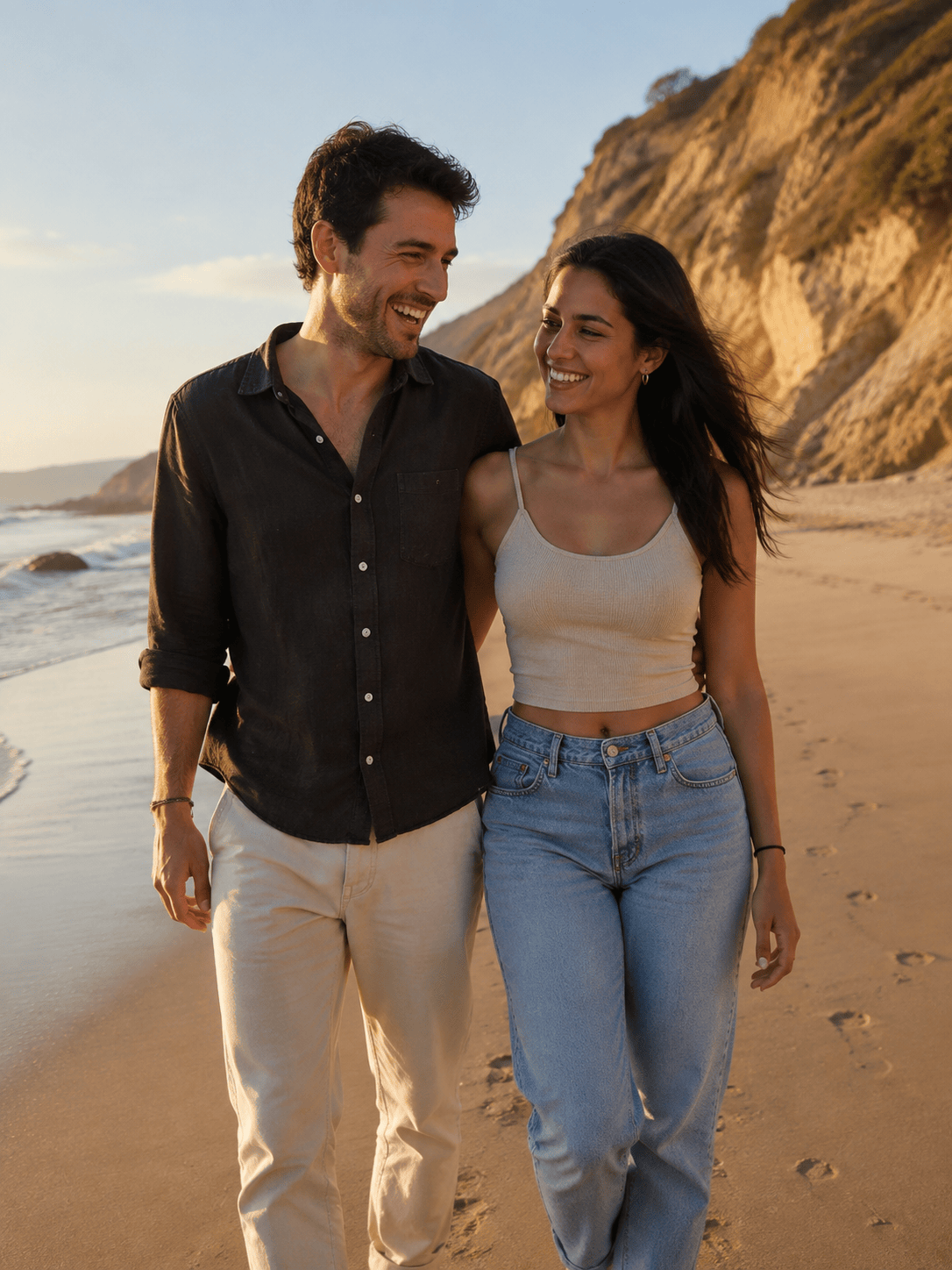
Long-Distance Couple: Use @[person1] and @[person2] to create a realistic couple photo on a quiet beach at sunset. Place them walking close together and smiling naturally, with matched golden light, believable shadows, distinct faces, and candid 3:4 framing.
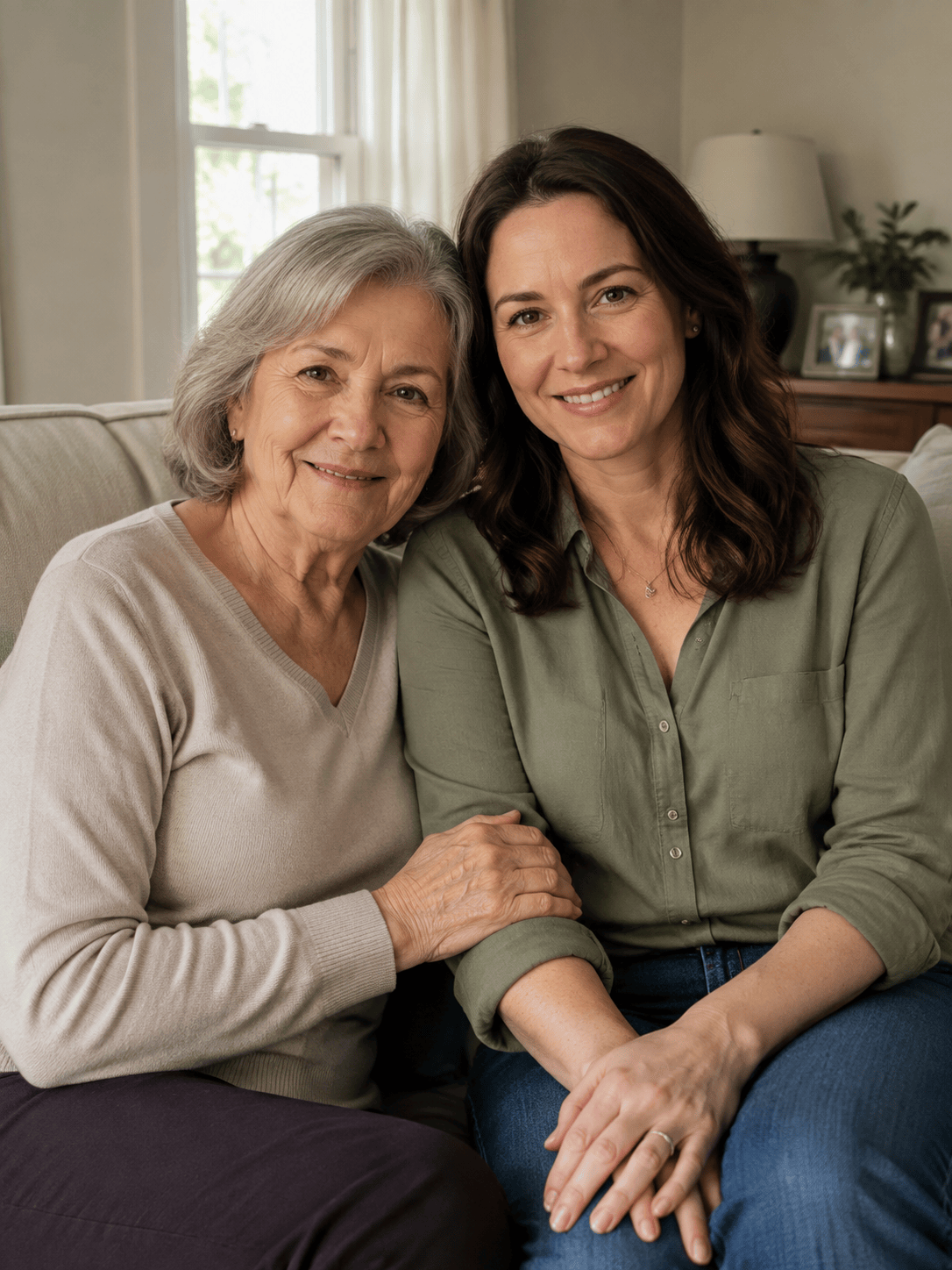
Family Portrait: Combine @[parent] and @[adult_child] into one warm family photo in a bright living room. Seat them beside each other on a sofa, keep their ages and facial features recognizable, match eye level and body scale, and use soft window light.
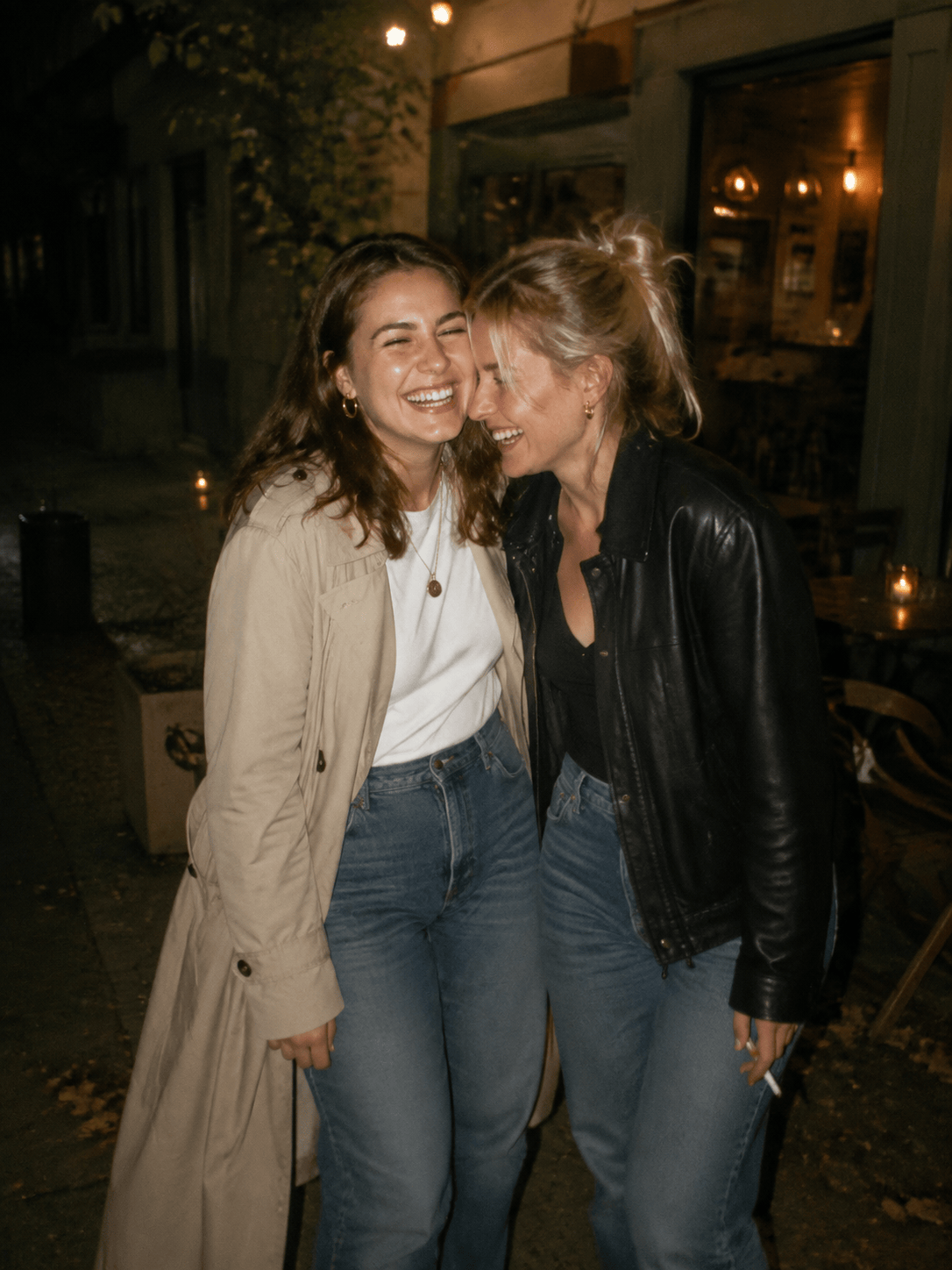
Best Friends Polaroid: Put @[friend1] and @[friend2] together in a spontaneous city-night snapshot. They are laughing with their shoulders touching outside a small café. Use subtle direct flash, realistic skin texture, slight film grain, and an instant-photo mood without a visible border.
Present and Younger Self: Create a thoughtful joint portrait using @[current_self] and @[childhood_self]. Show the adult kneeling beside the child in a sunlit garden, both looking at each other naturally. Preserve the age difference and shared facial traits without blending them into one person.
Wedding-Style Memory: Merge @[person1] and @[person2] into an elegant wedding-style portrait under soft outdoor lights. Keep the clothing from both source images, use a waist-up composition, natural hand placement, shallow depth of field, and balanced skin tones.
Professional Duo: Combine @[cofounder1] and @[cofounder2] into one polished team portrait in a modern daylight studio. Place them standing at equal depth with relaxed posture, accurate proportions, neutral clothing, a clean background, and editorial headshot lighting.





