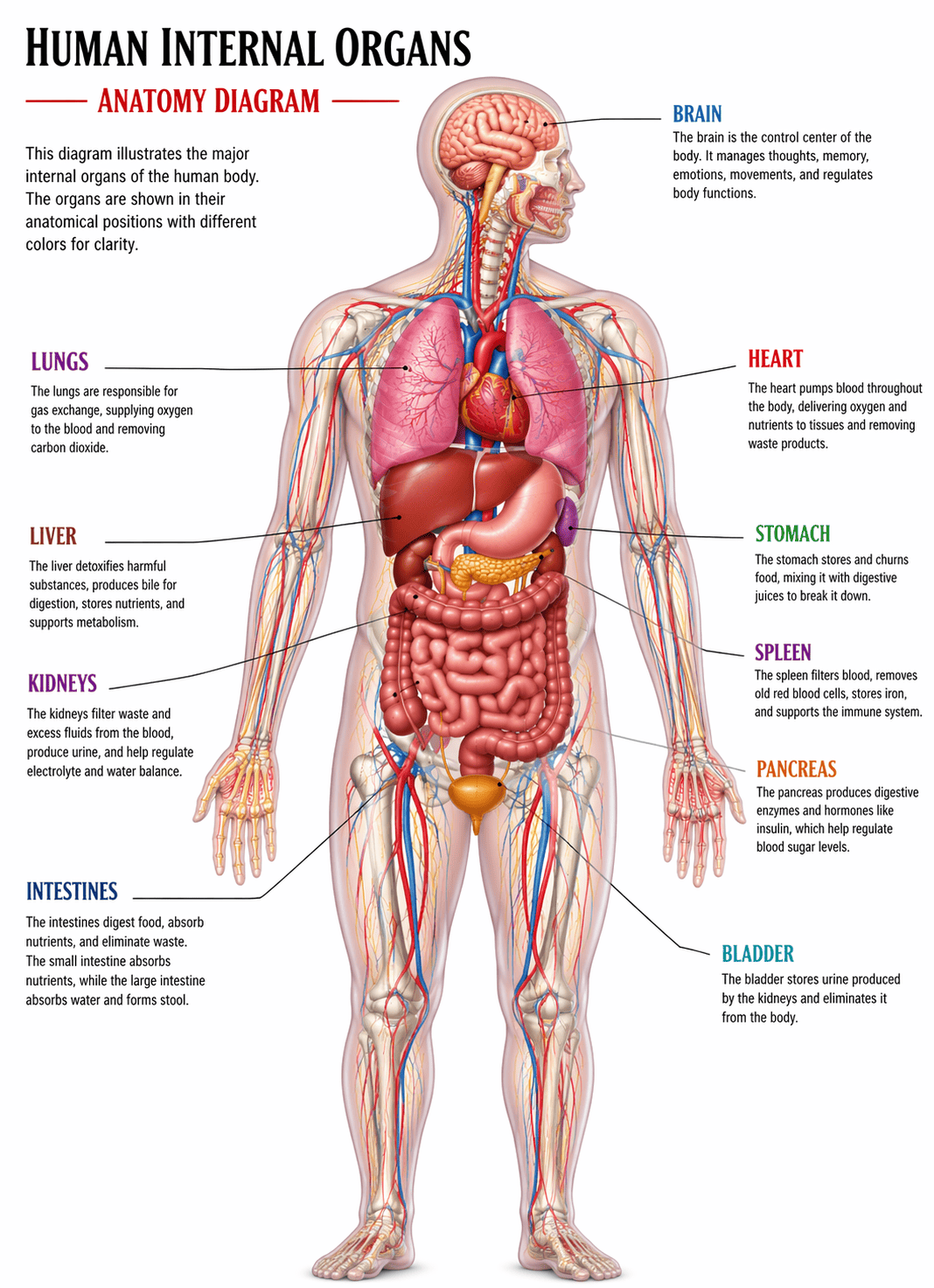
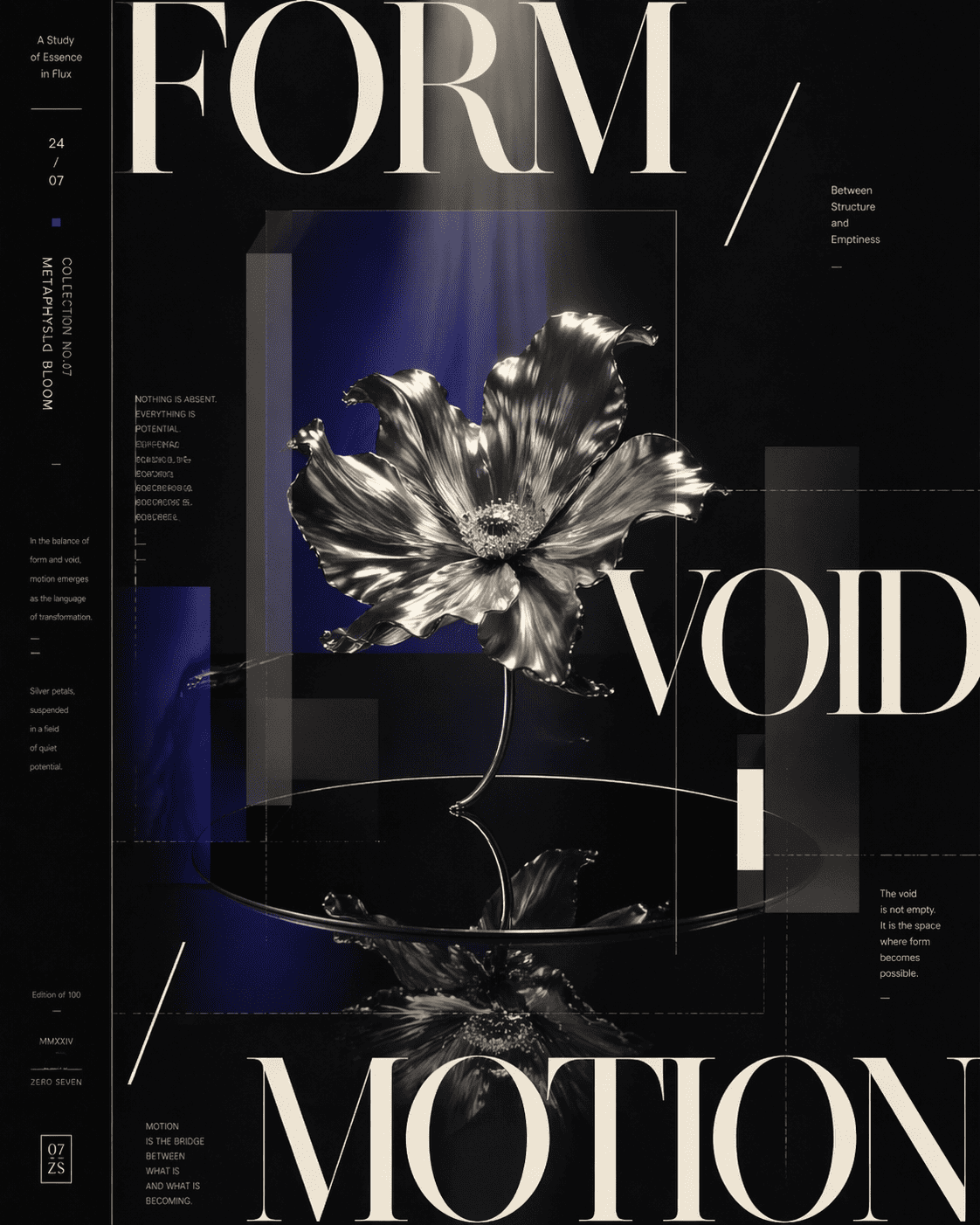
GPT Image 2 AI Image GeneratorNow Live on Mew.Design
GPT Image 2 is the latest breakthrough in AI image generation, delivering near-perfect text rendering, 4K-quality visuals, and advanced prompt understanding. Now you can experience it early on Mew.Design — an AI Design Agent that automatically selects the best design tools and models for your task. (👉 Want to specifically use GPT Image 2? Simply include: “Use gpt-image” in your prompt. 🎁 Limited-time offer: Only 4 credits per image, get 50 free credits on signup.)

How to Use GPT Image 2 Online for Free

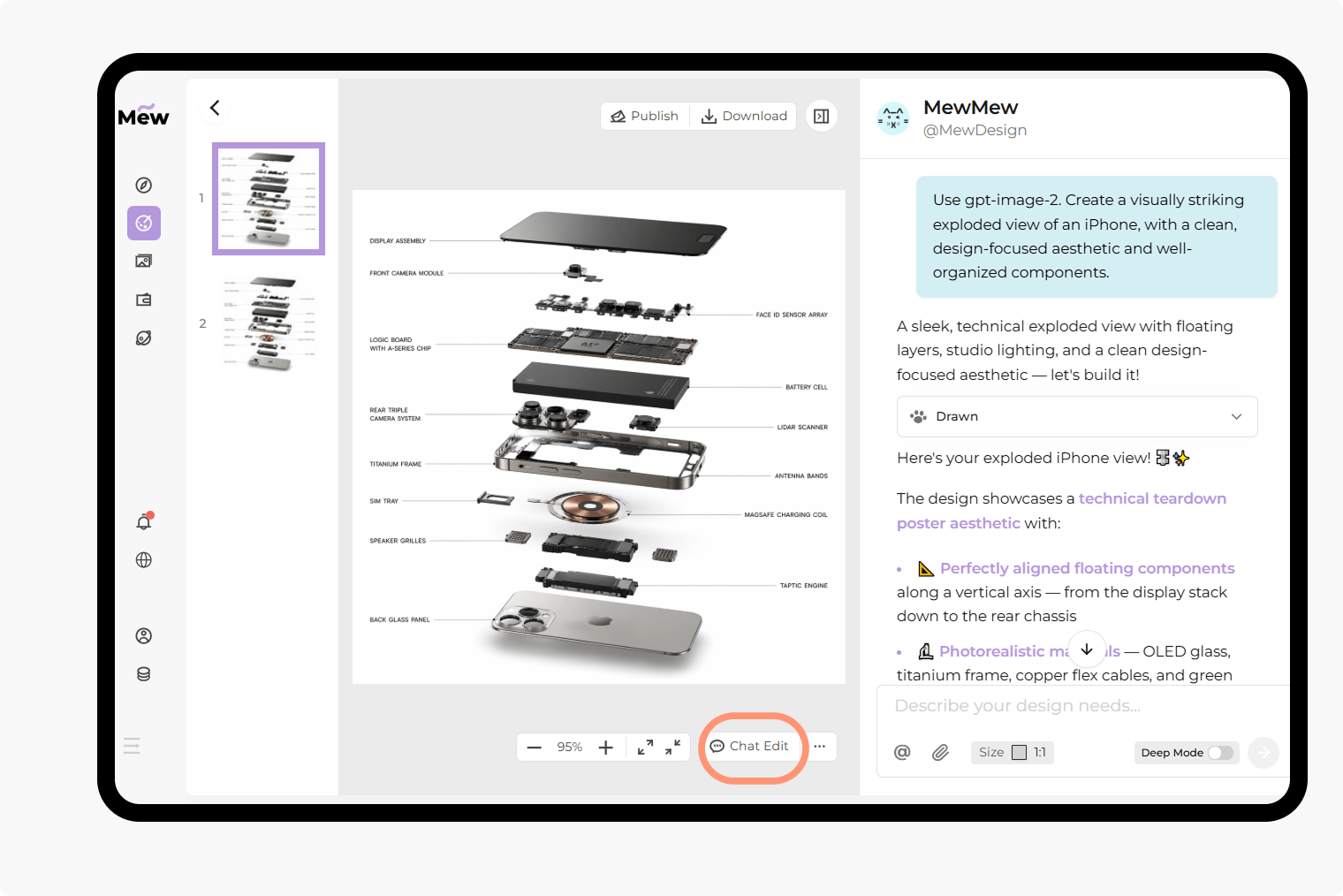
You can explore the latest GPT Image 2 workflow directly on Mew Design. Instead of switching between separate tools for generation, editing, and refinement, you can handle everything in one AI-powered design workspace.

1

Sign Up and Get Free Credits

Create a Mew Design account or log in to your existing one. New users receive 50 free credits, so you can start testing GPT Image 2 right away. During the limited-time offer, each image costs only 4 credits, making it easy to experiment with multiple concepts.

2

Describe Your Idea or Upload a Reference

Type what you want to create in natural language. GPT Image 2 performs especially well when your prompt includes composition, style, lighting, layout, and exact text you want shown inside the image. If you want to explicitly use this model, add “Use gpt-image” to the prompt.

3

Refine, Edit, and Download

Need changes after the first generation? Keep editing inside Mew Design. You can revise text, improve composition, restyle the image, or use an existing image as a reference. Once the result looks right, download it free without watermark.

How to make demo

Key Features of the GPT Image 2 AI Image Generator

Better Text Rendering for Real Design Work

GPT Image 2 is especially useful for visuals that include words, labels, headlines, UI copy, signs, and packaging text. That makes it a strong choice for posters, ads, product images, and presentation-style layouts where text clarity matters.

Cleaner UI Mockups and Interface Concepts

If you need browser windows, mobile app screens, dashboards, onboarding flows, or SaaS hero visuals, GPT Image 2 is well suited to structured, interface-like compositions. It helps produce cleaner layout logic and more believable screen-based imagery.

Stronger Prompt Adherence for Complex Scenes

When a prompt includes multiple objects, layout rules, text blocks, or scene instructions, GPT Image 2 handles the brief with more control. This makes it useful for landing page visuals, infographic concepts, and multi-element marketing assets.

Natural Language Editing

GPT Image 2 is not only for creating images from scratch. It also works well for editing existing visuals. You can ask for background changes, style shifts, object replacement, composition adjustments, or improved text placement using simple conversational instructions.

Great for Brand and Marketing Assets

From launch banners and paid social creatives to email graphics and product cards, GPT Image 2 fits practical business use cases. It is especially effective when you need polished output fast without rebuilding every design manually.

One Workflow Inside Mew Design

On Mew Design, you are not limited to a single model or a rigid image-only flow. The AI Design Agent helps you move from idea to asset faster. You can brainstorm, generate, iterate, and adapt outputs for different design scenarios in one place.

How To Write Effective GPT Image 2 Prompts

Use gpt-image. Create a premium skincare launch poster on a clean cobalt-blue studio background. Place one frosted glass serum bottle on a reflective pedestal. Add crisp, perfectly readable headline text that says “Hydrate Smarter” and a smaller subheadline that says “Barrier Repair Serum”. Luxury beauty campaign, editorial composition, realistic product photography, soft rim light, premium packaging detail.
Writing good GPT Image 2 prompts is less about “magic words” and more about giving clear visual direction. Start by defining the medium, such as product photography, poster design, UI mockup, infographic, or 3D illustration. Then describe the layout, camera angle, lighting, color palette, and any exact text you want included. If you are using Mew Design and want this specific model, add “Use gpt-image” at the beginning of the prompt.
  • Text Quoation: Put any required on-image text in quotation marks.
  • Define the Medium: Name the visual format clearly, such as “landing page hero image” or “mobile app dashboard mockup.
  • Define Style: Specify mood, lighting, and composition.
  • Brand Assets: Mention brand cues or packaging details when relevant.

Explore the Best GPT Image 2 Prompts for AI Image Generation

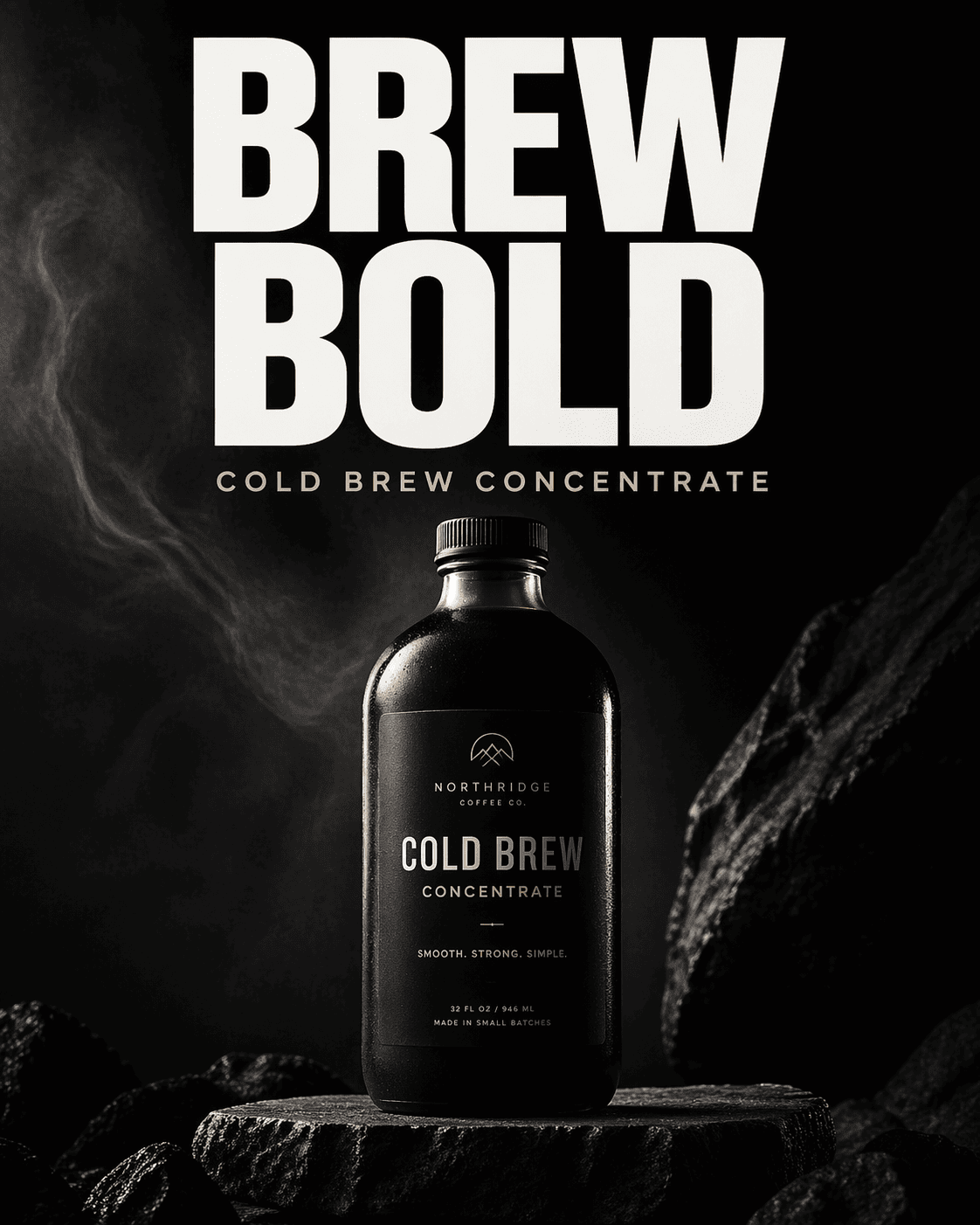
Marketing Poster: Use gpt-image-2. Design a bold product launch poster for a minimalist bottled coffee brand. The bottle stands on a dark stone pedestal with cinematic side lighting. Add clean readable headline text that says “Brew Bold” and smaller text that says “Cold Brew Concentrate”. Premium advertising look, high contrast, modern editorial typography, vertical 4:5.

UI Mockup: Use gpt-image-2. Create a realistic SaaS analytics dashboard displayed on a laptop in a clean office scene. The interface should include readable KPI cards, line charts, sidebar navigation, and a page title that says “Revenue Overview”. Minimal blue and slate palette, realistic reflections, polished startup website style.

E-commerce Product Shot: Use gpt-image-2. Create a high-end e-commerce hero image for wireless earbuds with the case open on a pure white background. Show soft shadows, subtle reflections, metallic details, and small readable feature labels that say “40h Battery” and “Active Noise Canceling”. Clean studio product photography, premium commercial style.

Infographic: Use gpt-image-2.. Design a vertical infographic showing five steps of an online store customer journey. Include readable headings that say “Discover”, “Browse”, “Add to Cart”, “Checkout”, and “Retention”. Use icons, arrows, clean color blocks, modern SaaS visual language, easy-to-scan layout.

Social Ad Creativ: Use gpt-image-2.. Create a social media ad for a language learning app. Show a smartphone screen, friendly study visuals, bright modern colors, and clear promotional text that says “Speak with Confidence” and “7-Day Free Trial”. Clean composition, conversion-focused ad design, polished mobile-first aesthetic.

Presentation-Style Visual: Use gpt-image-2.. Create a presentation slide style visual about AI workflow automation. Use a clean white background, blue accent shapes, three feature cards, simple icons, and a readable heading that says “Faster Creative Operations”. Corporate-modern design, clear hierarchy, crisp typography.


GPT Image 2 AI Image Generator FAQs

What is GPT Image 2?
GPT Image 2 is OpenAI’s latest AI image model, designed to replace earlier systems with higher realism, better text accuracy, and stronger prompt understanding. Unlike traditional diffusion models, GPT Image models generate images natively through a multimodal architecture, enabling more precise control over layout, text, and composition. Key breakthroughs: - 99%+ text rendering accuracy (perfect for posters & UI) - Native 4K image generation - Better multi-object composition - Improved realism (hands, lighting, reflections)
Why Use GPT Image 2 on Mew.Design?
Mew.Design is not just an image generator. It’s an AI Design Agent that: - Understands your intent - Selects the best model automatically - Generates structured, design-ready outputs You can test GPT Image 2 on Mew Design for free and download the AI-generated images without watermark. Just tell the AI Agent “Use gpt-image-2”, it will generate images using GPT Image 2.
Is GPT Image 2 officially released by OpenAI?
Not fully. It’s currently in limited rollout and testing, but available on platforms like Mew.Design.
What is GPT Image 2 best for?
It is especially useful for marketing graphics, UI mockups, product images, posters, social creatives, presentation visuals, and infographic-style compositions that require readable text and stronger layout control.
Can GPT Image 2 generate text inside images?
Yes. One of the biggest reasons people look for GPT Image 2 is improved text rendering inside images. It is a good fit for headlines, labels, buttons, menus, packaging text, and other design elements where spelling and readability matter.
Can I edit images with GPT Image 2 on Mew Design?
Yes. You can create from scratch, refine an existing result, or edit reference images using natural language. This makes it useful for quick iterations, style changes, product updates, and content adaptation across channels.
How do I make sure Mew Design uses GPT Image 2?
Because Mew Design is an AI Design Agent, it automatically chooses the best tools and models for the task. If you want to specifically test GPT Image 2, add “Use gpt-image-2” to your prompt.
Is GPT Image 2 free to try on Mew Design?
Yes, new users receive 50 free credits after sign-up. During the limited-time promotion, GPT Image 2 costs only 4 credits per image, so you can test multiple ideas at no cost.
Can I use GPT Image 2 for professional work?
Yes, it is suitable for many professional design workflows, including ads, landing pages, product visuals, UI concepts, email graphics, and social media creatives. For final commercial usage, always review your current platform terms and project requirements.

Ready to Generate Designs With AI?

Get Started - 50 Free Credits
No credit card required
© 2025 - 2026 Mew Design, MAGOAI LTD.All rights reserved.
Mew Design - Your AI design partner, now with full control. | Product Hunt