Free OnlineBlack Friday Flyer Maker
How to Create a Black Friday Flyer with AI
Set the Offer and Destination
Build the First Sale Layout
Fine-Tune the Promotion
Check Details and Export

Keep Your Black Friday Offer in Focus
Give the Discount a Clear Hierarchy
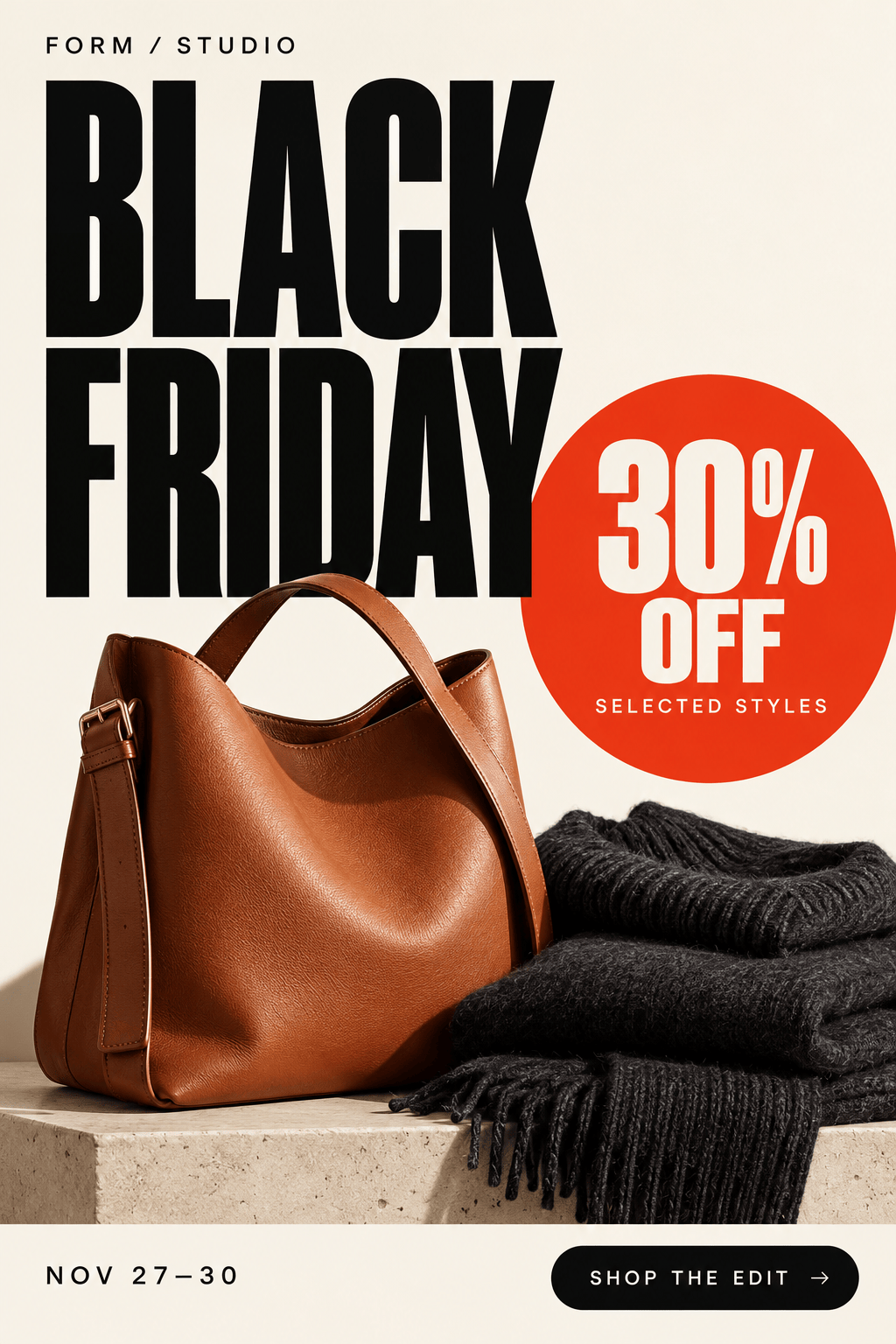
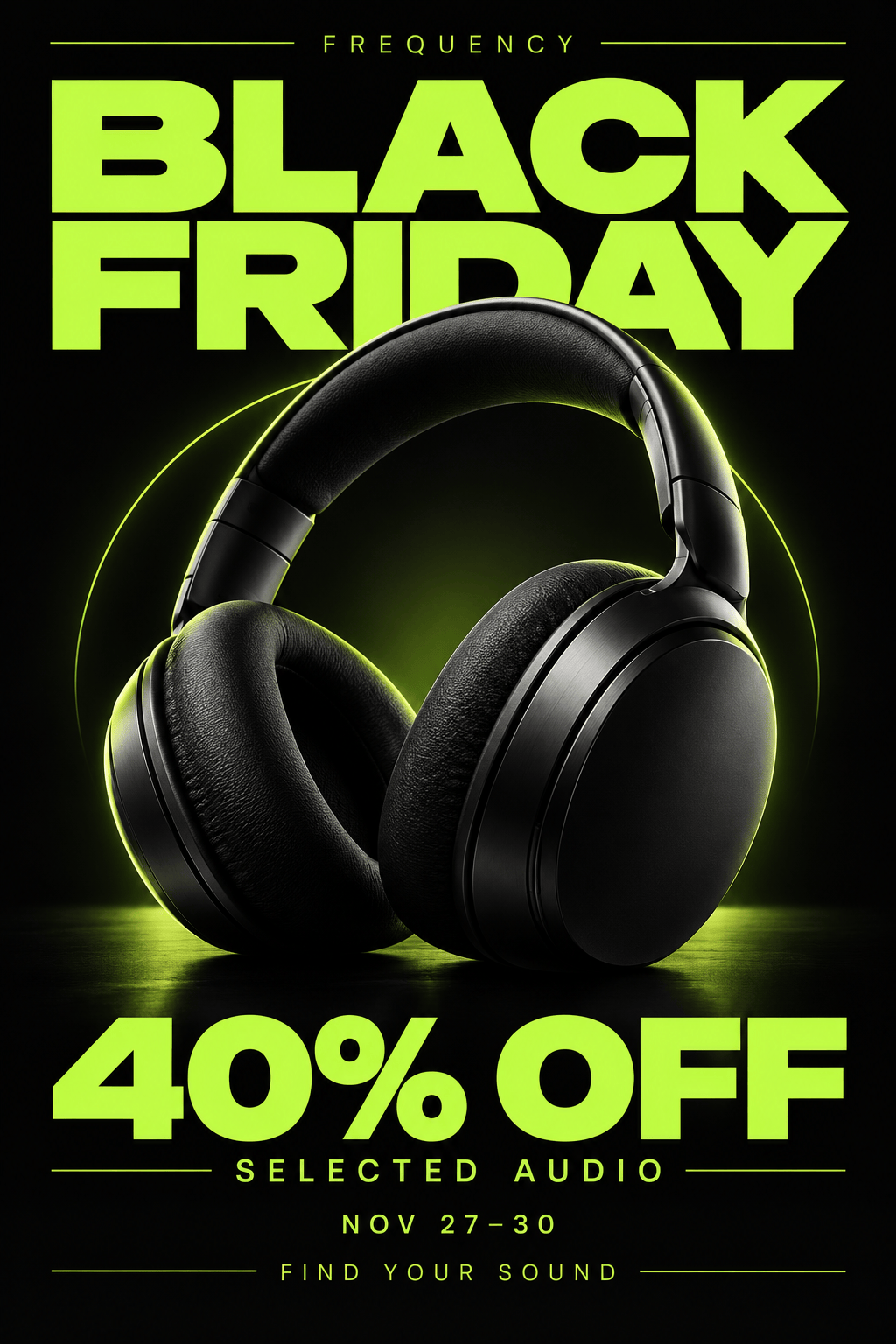
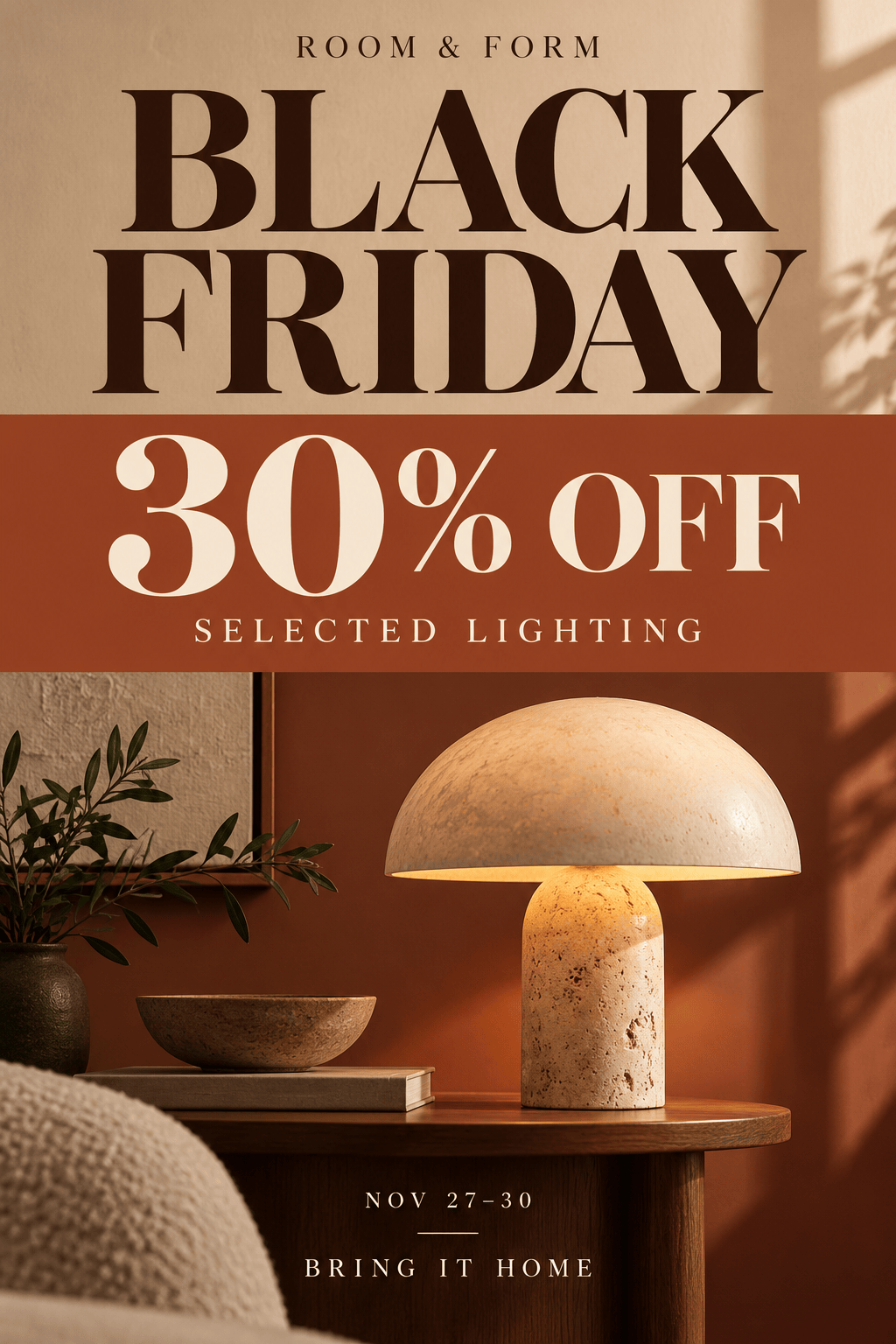
Our AI Black Friday poster generator can organize one headline offer, product imagery, and smaller conditions so the message has a clear reading order.
Put Your Products in the Picture
Use your own product photos and logo, then ask for a background or color palette that fits your shop. Review product details after generation.
Revise Offers Through Chat
Change a coupon code, end date, or selected-product note with Chat Edit. Ask for focused changes and check the updated flyer before sharing.
Connect Printed Flyers to Your Sale
Provide your exact sale-page URL and ask Mew Design to generate and place a QR code. Keep clear space around it and test the exported code before printing.
Adapt the Campaign to Each Placement
Request a printable Black Friday flyer, a window poster, or a social version with the same visual direction. Adjust the layout to each format instead of cropping important details.
Reuse Your Campaign Style
Save your approved colors, typography direction, and offer layout as a Mew Skill. Reuse that design workflow for Cyber Monday or your next sale with less repeated briefing.
What to Include in a Black Friday Sale Flyer
- Name the Real Offer: Distinguish a fixed discount from “up to” savings. Keep exclusions and minimum-spend requirements readable beside the relevant offer.
- Use a Clear Deadline: Supply the start and end dates. For online flash sales, include the end time and time zone instead of a vague countdown.
- Choose One Main Action: Use a store address for local shoppers, a URL for online orders, or a QR code that opens the exact sale page.
- Match the Reading Distance: Keep window posters brief and bold. A handout can carry more detail; a mobile post needs legible text at phone size.
Make Your Sale Design Work Where Shoppers See It
Create a Black Friday retail flyer using my supplied offers. Feature one main deal and up to three supporting products. Keep each price beside the correct product and show the sale dates clearly.
Turn my uploaded product photo into a Black Friday poster. Keep the product prominent, add only my supplied discount and deadline, and use a clean background with room for my logo.
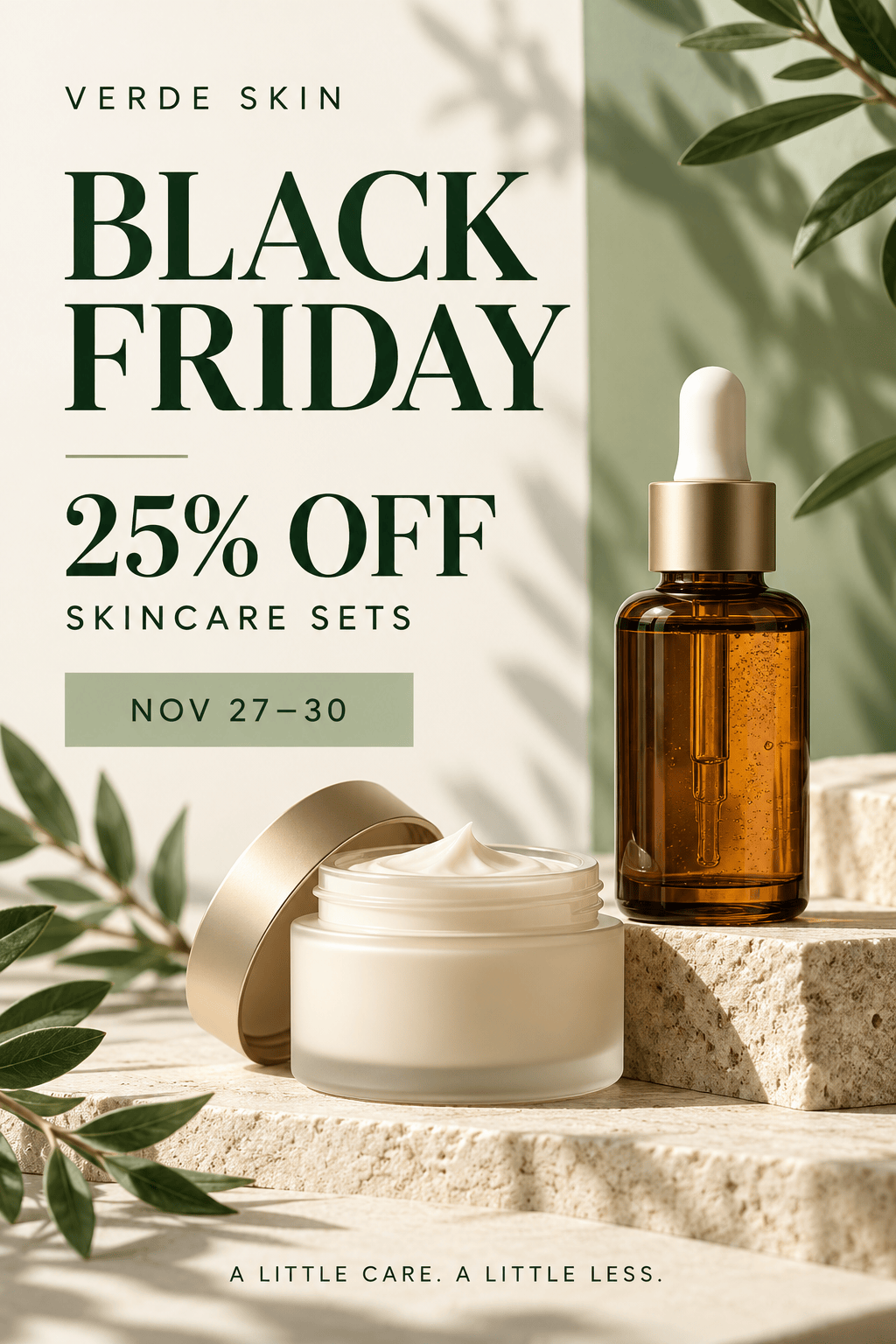
Create a minimalist Black Friday beauty sale flyer using my product photos and approved offer. Use generous spacing and a restrained palette. Keep the discount and any exclusions easy to read.
Adapt my approved Black Friday flyer for an Instagram feed post and Story. Recompose each layout, keep key text away from edges, and retain the exact offer, deadline, and brand colors.
Make an A4 Black Friday window poster from my sale details. Prioritize the discount, date, and store name. Generate a QR code from my supplied sale URL and give it clear space.
Create a matching Cyber Monday version of my approved Black Friday design. Use the new offer, coupon code, and dates I supply. Remove outdated Black Friday wording and preserve the campaign style.





