Free OnlineAI Flyer Generator
How to Create a Flyer with AI
Define the Goal and Essential Details
Set the Size and Add Assets
Generate the Flyer Layout
Refine, Proofread, and Export

Flyers Built Around the Message People Need to See
Start from Text, Ideas, or a URL
Start with a short description, complete campaign copy, or an event webpage. The AI flyer generator turns the source into a headline, supporting details, visual, and clear call to action without locking you into one template.
Protect the Information Hierarchy
Keep the event name, date, time, venue, discount, price, contact, and action visible in the right order. Proofread every detail and correct individual lines before you publish.
Revise without Starting Again
Use Chat Edit to change a headline, date, photo, palette, or layout through conversation, or use click editing when you want direct control over text size and placement.
Adapt Print and Social Sizes
Create an A4 or A5 print flyer, square post, 4:5 feed image, or vertical story version. Reframe the same campaign for print, Instagram, WhatsApp, email, and digital displays.
Use Real Brand and Campaign Assets
Upload a logo, product shot, food photo, performer image, QR code, or visual reference. Tell Mew Design which details must remain unchanged so the flyer reflects the real campaign.
Free to Try and Ready to Export
Sign up for free AI credits and test the online flyer maker. Refine the result and export PNG, JPG, or PDF for the channel you plan to use.
How to Write a Flyer Prompt That Converts
- Name the Campaign Type: State event, discount, restaurant, concert, local service, invitation, or social promotion so the layout supports the right decision.
- Organize Exact Details: Group the headline, date, time, venue, price, offer, contact, and call to action. Mark exact text that must not be rewritten.
- Choose Size and Visual Direction: Name A4, A5, square, 4:5, story, or another size, then specify the visual focal point, logo, photo, palette, and contrast required for that placement.
- Set the Reading Order: Ask for the offer or event name to lead, supporting details to stay scannable, and the call to action to remain visible without crowding the page.
Flyer Prompts for Events, Sales, Restaurants, and Social Media
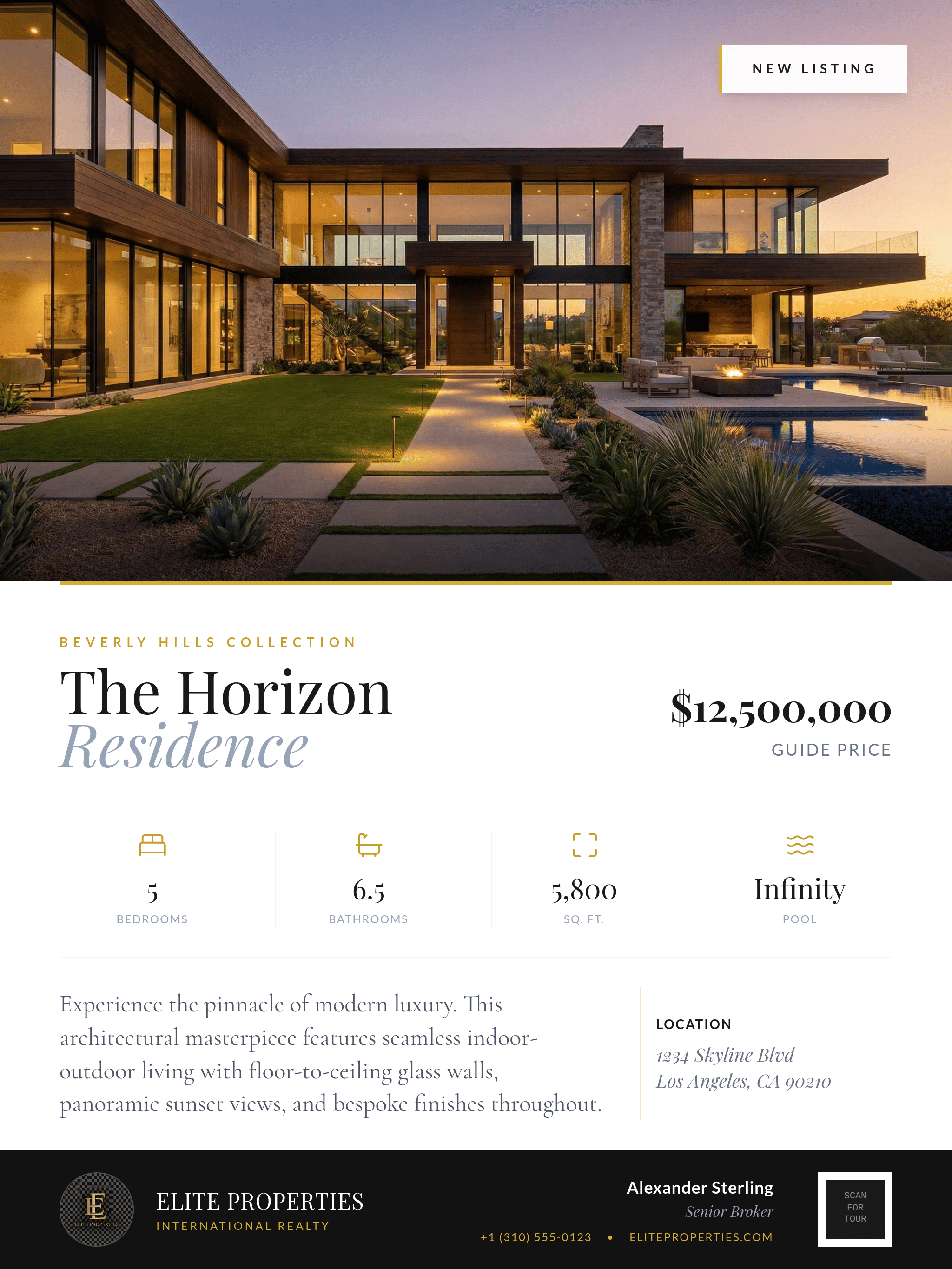
Real Estate: Design an A4 flyer for a luxury home. Use the uploaded property photo as the main visual. Include the exact price, address, four key features, viewing date, agent contact, and uploaded agency logo. Clean editorial style with a clear inquiry call to action.
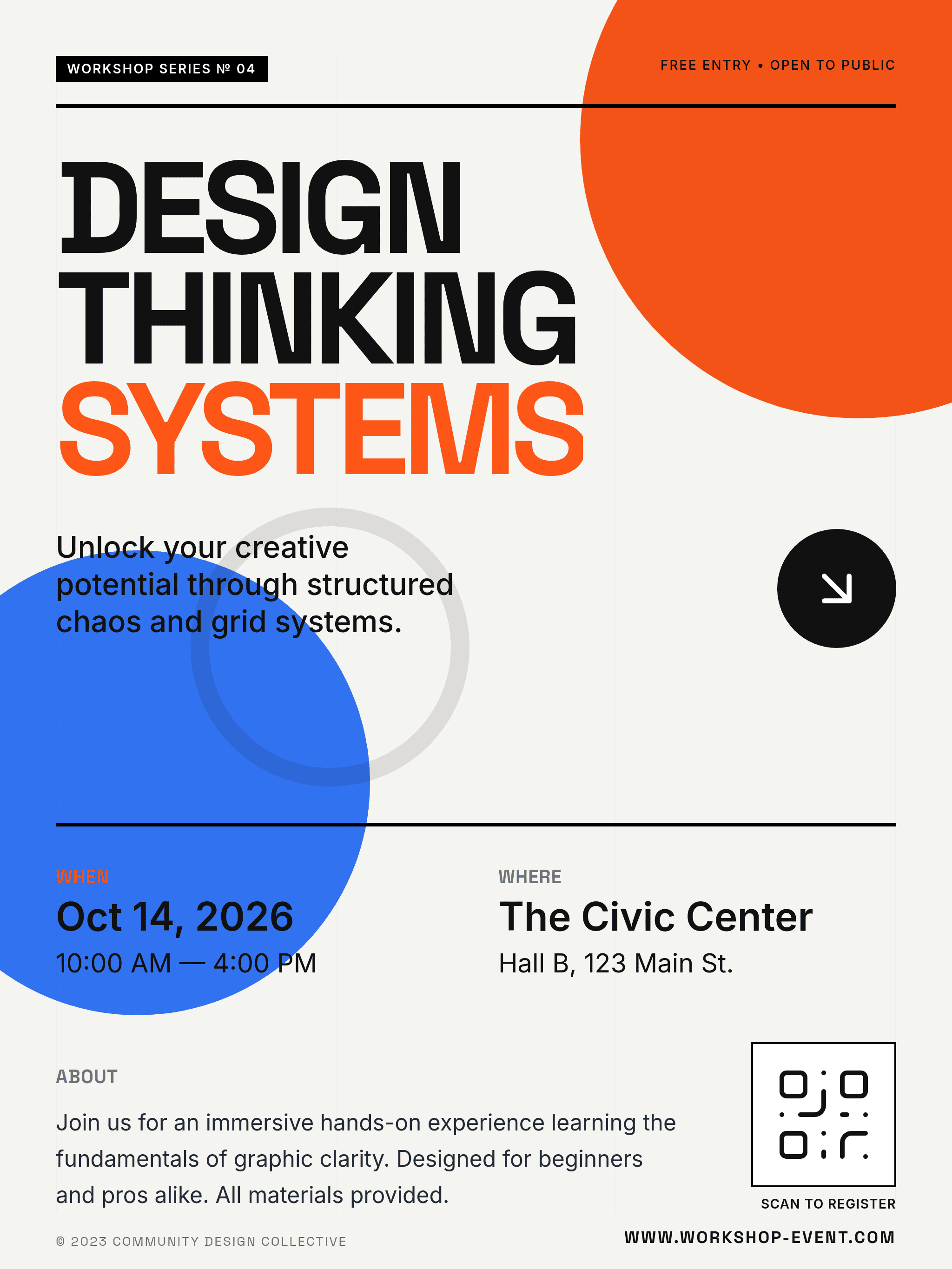
Concert: Create an A5 music flyer plus a 4:5 Instagram version for a summer festival. Include the exact event name, lineup, date, venue, ticket URL, and sponsor logos. Bold condensed type, electric blue and orange, energetic image, and readable details.
Restaurant Offer: Create an A5 flyer and square social post for a restaurant grand opening. Use the uploaded food photo and logo. Headline: 'New Flavors in Town.' Include the opening date, address, 20% launch offer, reservation link, and QR-code placeholder. Warm terracotta and cream palette.
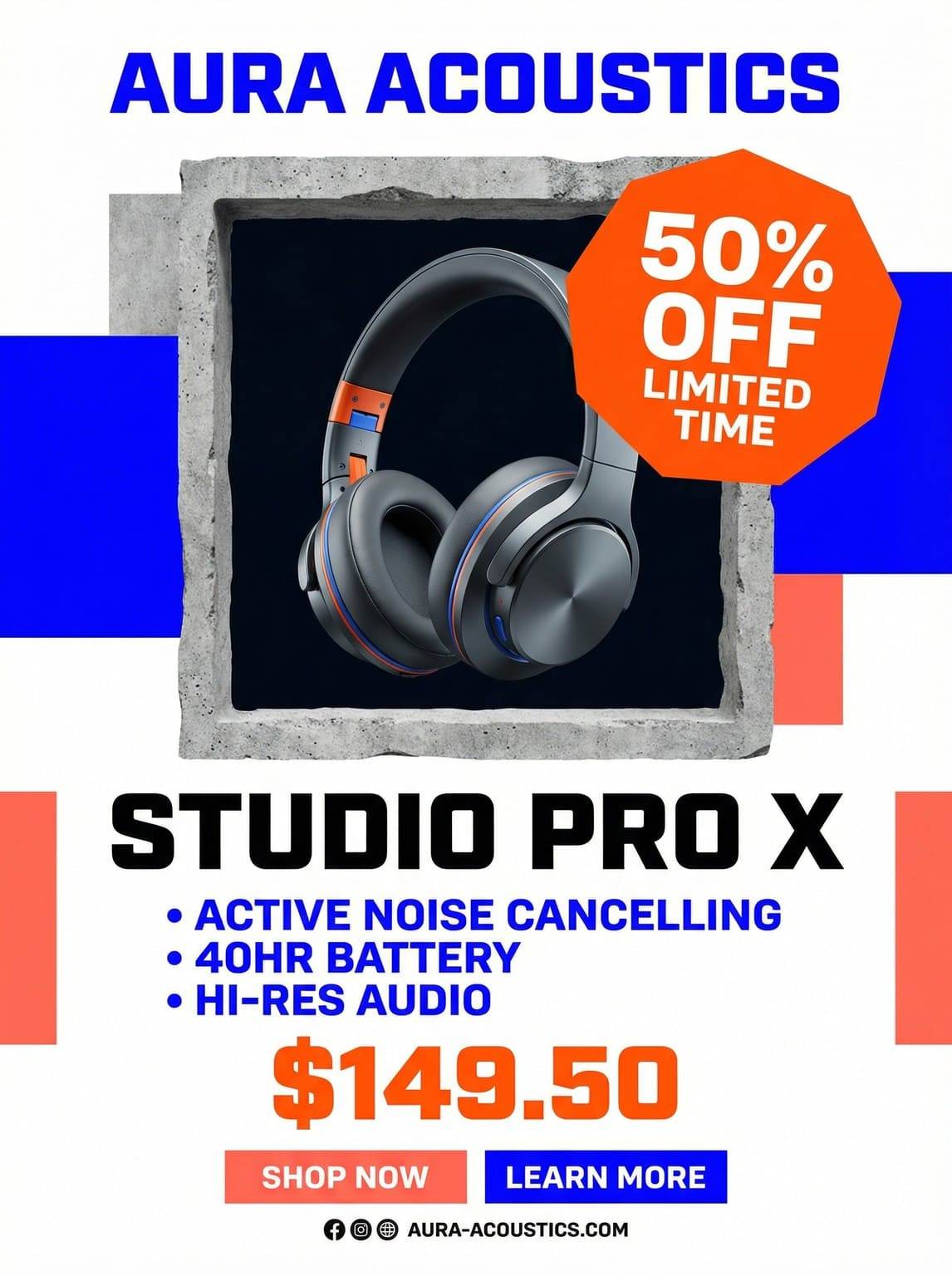
Retail Discount: Make a bright sales flyer for a weekend 30% discount. Put the offer first, then product categories, dates, store address, website, and 'Shop the Sale.' Create an A4 print version and a vertical story version with the same visual identity.
Community Event: Generate a friendly flyer for a neighborhood food drive. Add donation dates, accepted items, drop-off location, contact, and volunteer link. Use a simple grocery-basket illustration, green accents, accessible contrast, and A4 print plus square social formats.
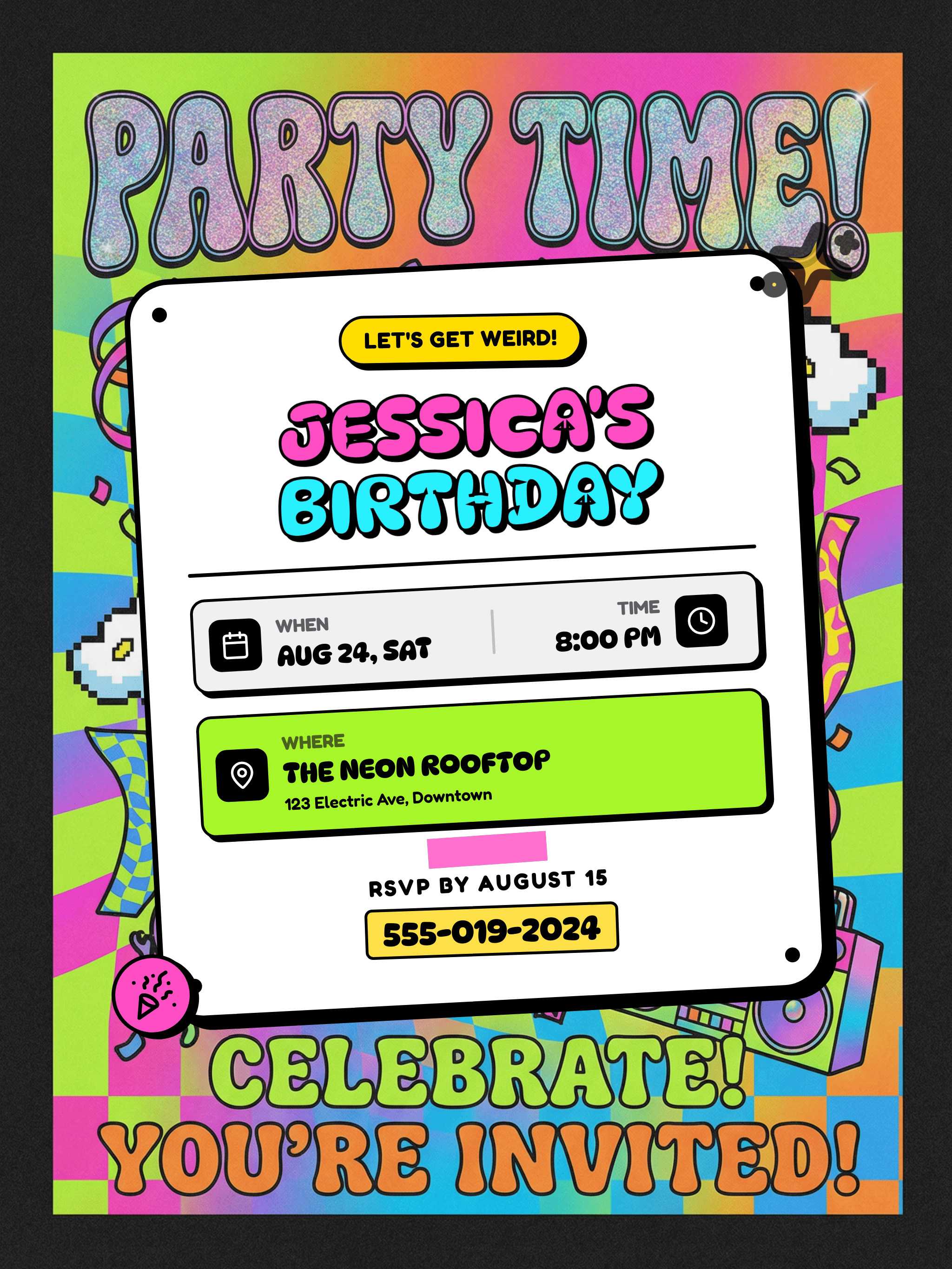
Birthday Invitation: Create a retro 1980s birthday flyer in 4:5 format. Use the uploaded portrait, neon pink and teal, playful bold type, exact party date, venue, dress code, contact, and 'RSVP by Friday.' Keep the portrait recognizable and the details easy to scan.





