Free OnlineAI Underwater World Generator
How to Create an Underwater World with AI
Choose the Depth and Habitat
Populate the Water in Layers
Direct Light Through Water
Review and Export the Scene

From Reef Photography to Impossible Ocean Realms
Depth-Aware Scene Briefs
Control shallow turquoise water, blue mesophotic distance, or near-black abyssal space by naming depth, visibility, suspended particles, and the surface direction.
Habitats with Visual Structure
Combine coral shelves, sandy channels, kelp canopies, rock walls, wreckage, and open water into a readable environment with a foreground route and a distant destination.
Marine Life at Useful Scale
Use a turtle, diver, whale, school of fish, or small submersible as a scale cue. Ask Chat Edit to remove duplicates or rebalance animals without abandoning the world.
Underwater Light You Can Direct
Specify surface beams, rippling caustics, foggy blue falloff, red-light loss, bioluminescent accents, or artificial lamps so the scene feels submerged rather than tinted blue.
Styles for Different Stories
Explore documentary photography, cinematic game art, ink illustration, paper-cut storybooks, retro science posters, or luminous fantasy while retaining the same habitat idea.
Creative Imagery, Clearly Labeled
Use free trial credits and export PNG or JPG without a watermark. Generated scenes are creative images, not proof of species presence, ecological health, archaeological discovery, or scientific reconstruction.
How to Prompt a Convincing Underwater Scene
- Build three depth planes: Use detailed foreground forms, a clear middle-distance subject, and softer blue or dark silhouettes behind it.
- Choose one lighting system: Combine surface light and caustics for shallow water, or bioluminescence and lamps for the deep sea—avoid making every object glow.
- Use scale anchors: A recognizable fish, diver, window, stair, or submersible tells viewers how large the environment is.
- State the accuracy level: Ask for an imaginative fantasy, a documentary look, or a classroom illustration, and independently verify species or science claims before publication.
Underwater Prompts for Five Depths and One Storybook
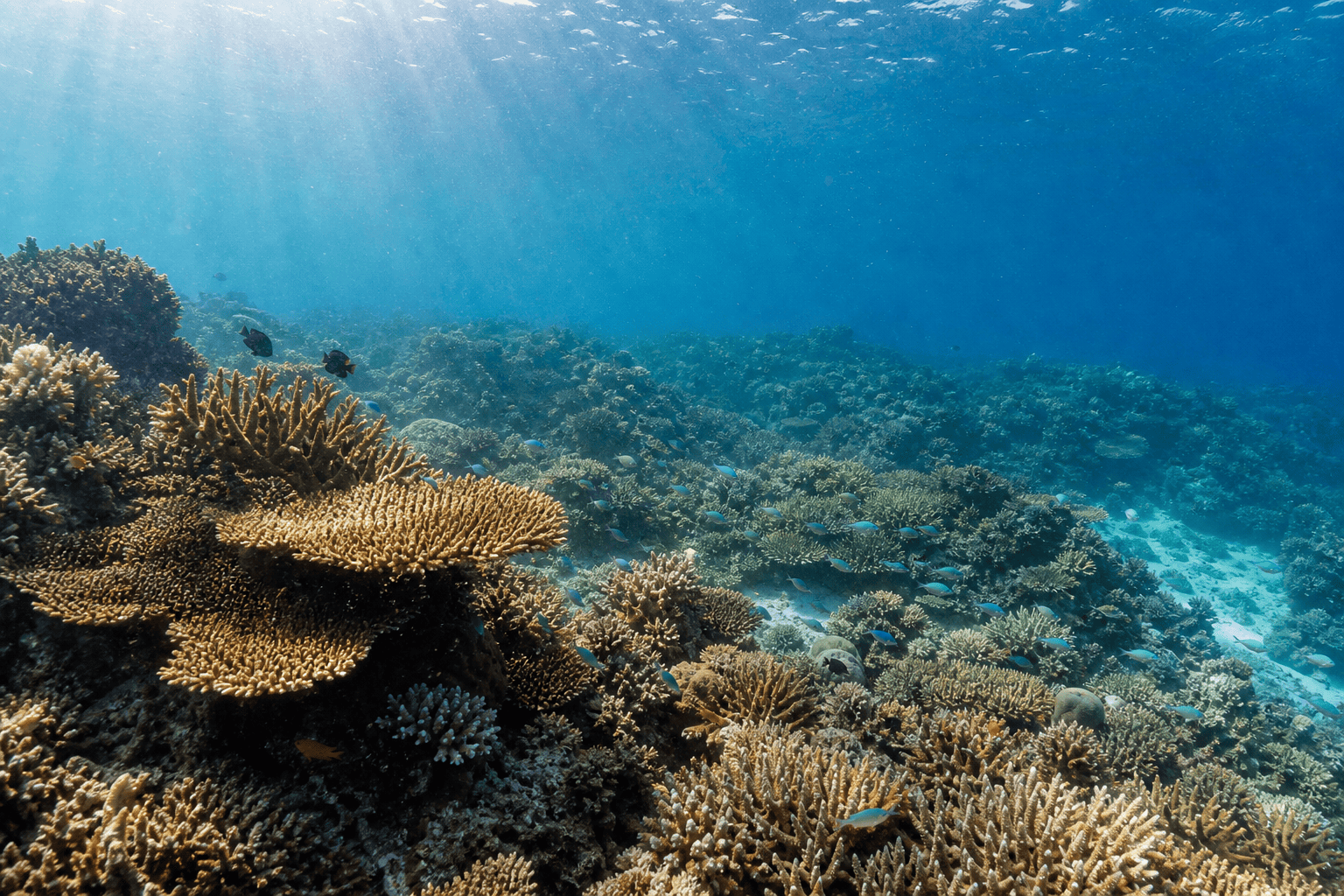
Shallow reef: clear tropical water at 8 meters, coral garden bordering a sandy channel, natural reef fish, diagonal midday sun shafts, subtle caustics, realistic documentary photography and open blue negative space.
Kelp cathedral: cold Pacific kelp forest viewed upward, amber fronds forming tall columns, shafts of green light, sea lions in the distance, drifting particles, cinematic wide-angle photography.
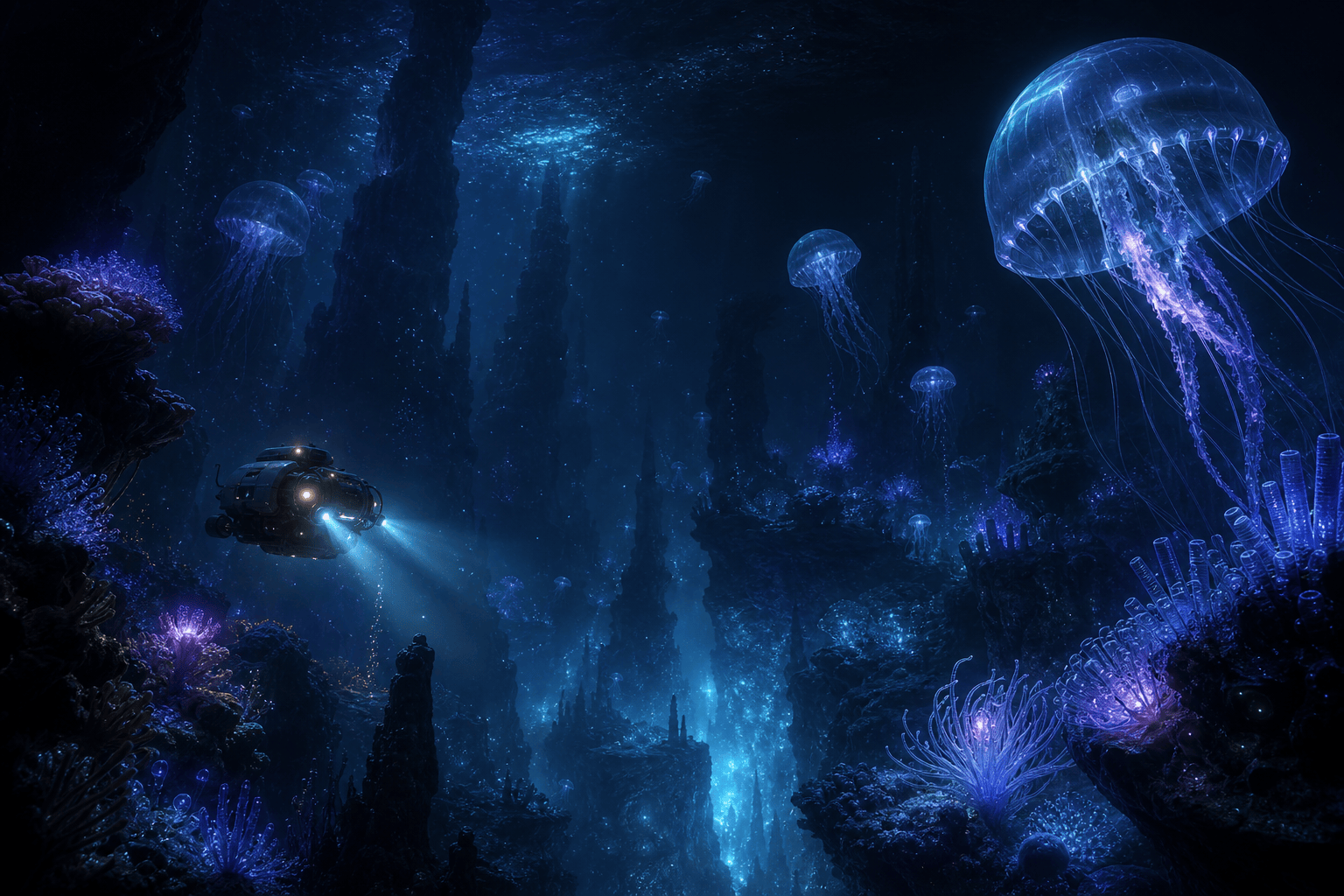
Bioluminescent abyss: black-water trench with translucent jellyfish and small blue-violet organisms, one research submersible for scale, controlled pools of light, vast negative space, dark fantasy realism.
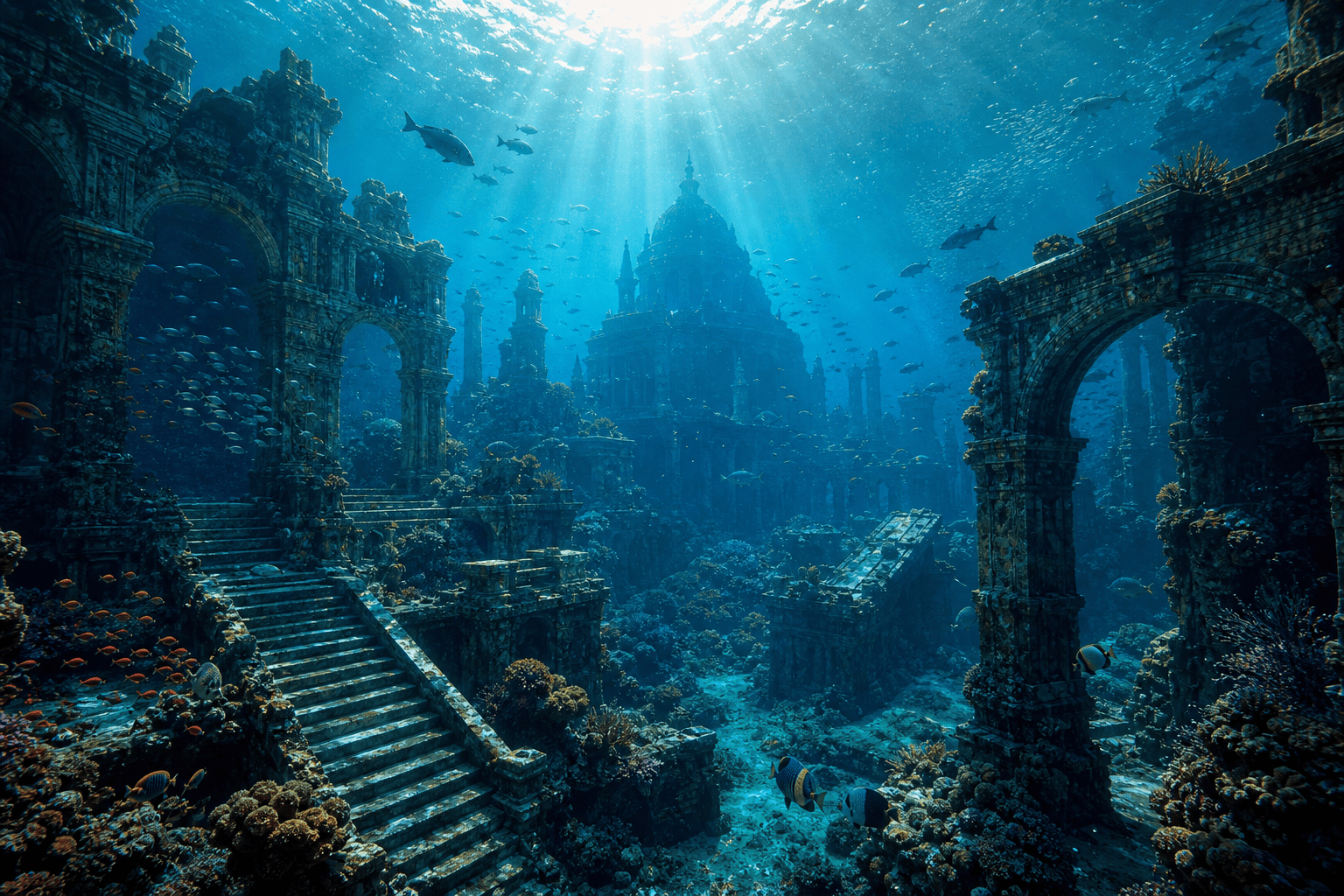
Drowned city: ancient stone arches and stairs covered in coral, fish crossing the ruins, one bright surface opening above, layered turquoise depth, cinematic adventure concept art, no readable inscriptions.
Hydrothermal vents: scientific-illustration style deep-sea field with black smokers, tube worms, pale crabs, mineral plumes and a remotely operated vehicle, restrained color and clear labels area left empty.
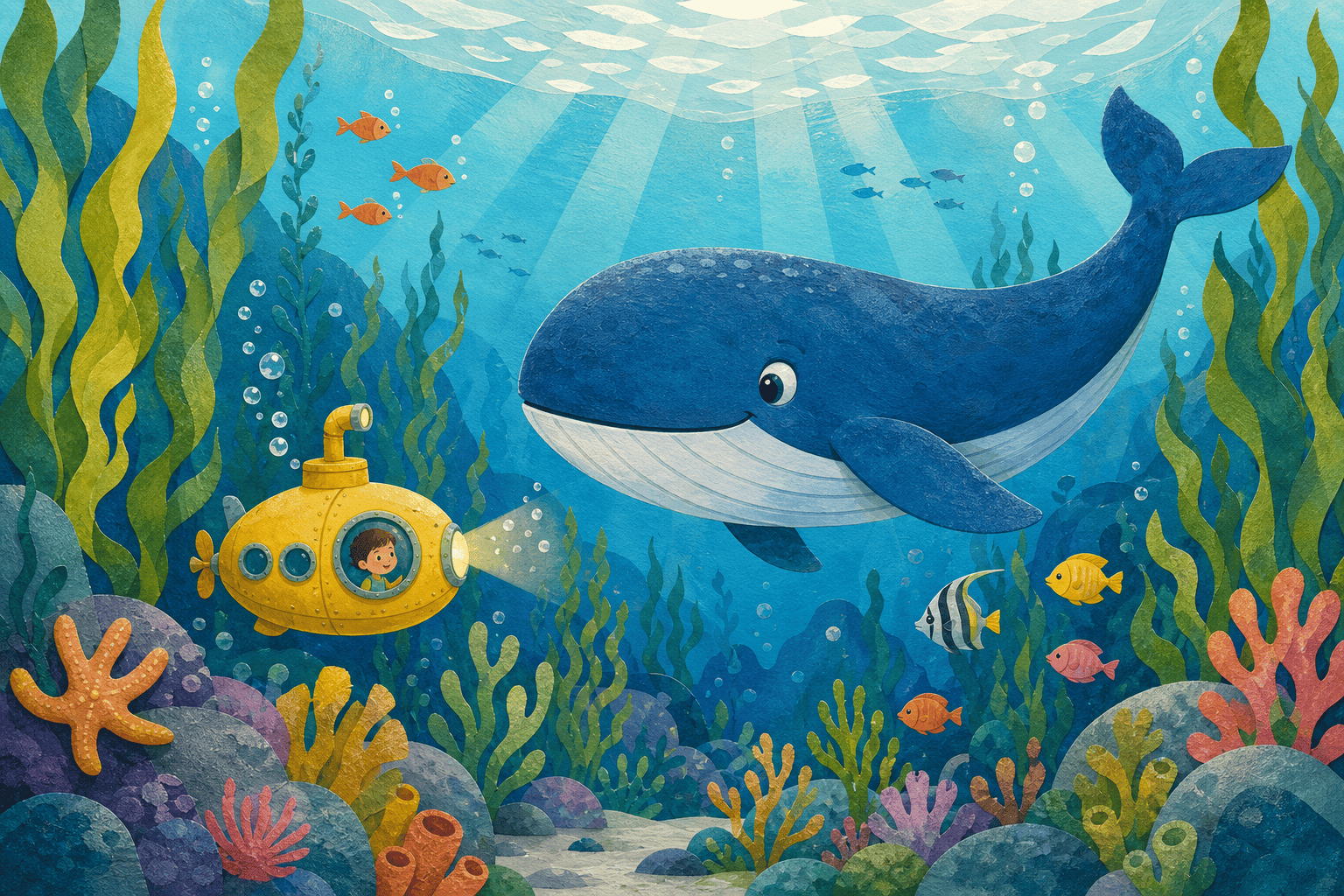
Whale storybook: friendly blue whale and tiny yellow submarine traveling through a bright kelp forest, colorful fish, bubbles, paper-cut gouache texture, joyful uncluttered composition.





