Turn Photos into Cubist Art with anAI Picasso Generator
How to Turn a Photo into Picasso-Inspired Art
Upload a photo or start with text
Choose your Cubist direction
Name the details to preserve
Refine and export

A Picasso Style Generator You Can Direct
Photo or prompt input
Transform your own image or generate a completely original Cubist scene from a written idea.
Recognizable subjects
Tell the AI which identity cues and objects must remain visible as the scene breaks into geometric planes.
Two Cubist directions
Explore moody Analytic Cubism or energetic Synthetic Cubism instead of relying on a generic Picasso filter.
Conversational edits
Ask for fewer facets, stronger symmetry, clearer eyes, brighter collage paper, or a simpler background without restarting.
Useful formats
Develop square portraits, wall-art concepts, editorial images, album-cover visuals, or social graphics for your project.
Original compositions
Create a new Picasso-inspired interpretation without claiming authenticity or copying a named painting.
How to Prompt an AI Cubist Portrait Generator
- Describe structure: Use phrases such as overlapping facets, multiple viewpoints, shallow space, angular planes, or larger cut-paper shapes.
- Control the finish: Name a muted ochre-and-gray painting or a saturated collage with patterned paper, newsprint, and visible texture.
- Prevent confusion: If needed, say ‘transform my subject; do not depict Pablo Picasso’ and avoid requesting an exact replica of a famous work.
- Refine in small passes: Correct likeness and composition first, then tune facets, color, texture, crop, hands, eyes, or background.
AI Picasso Generator Prompt Examples
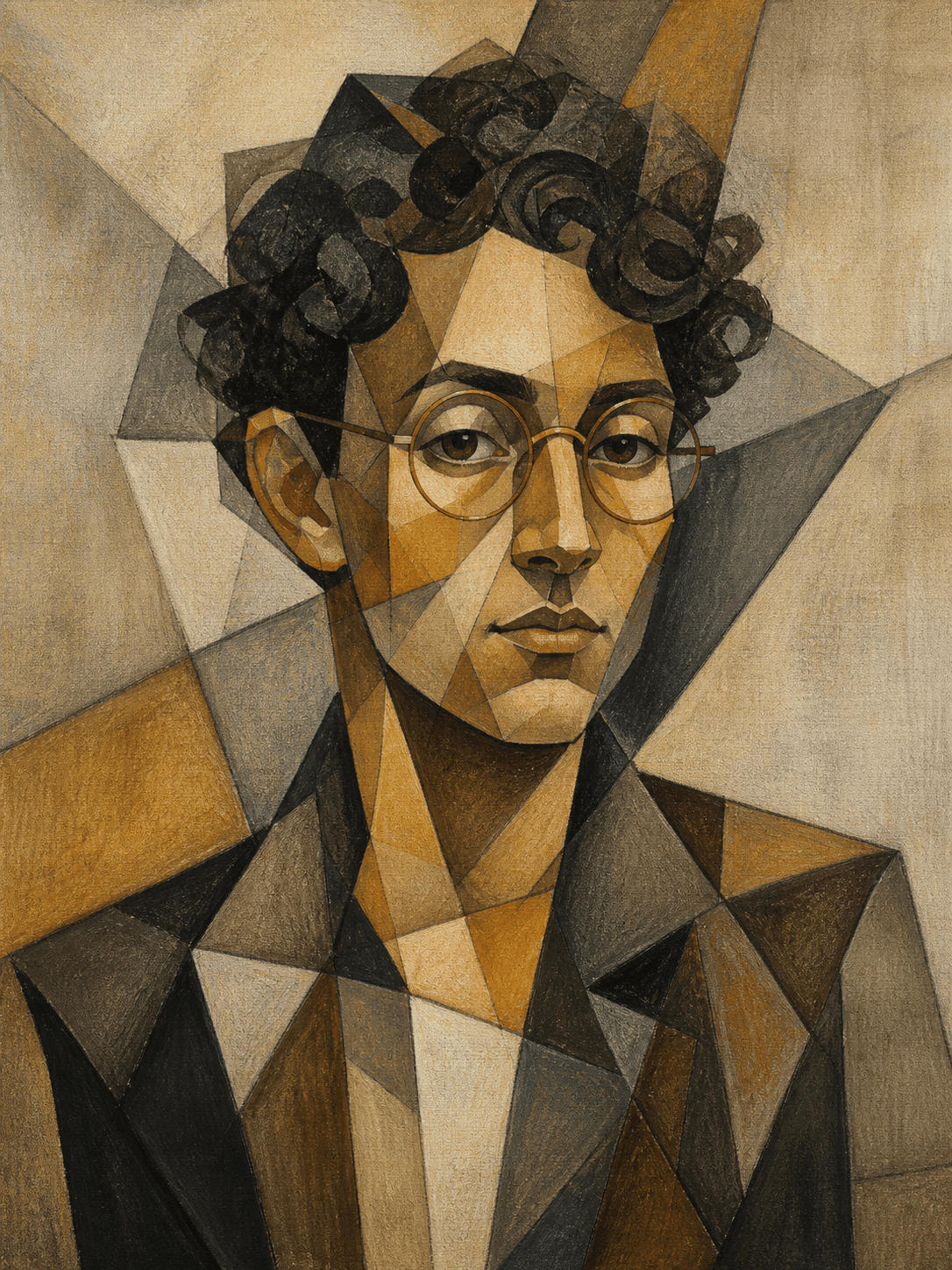
Turn my selfie into an original Analytic Cubist portrait. Preserve my face shape, eyebrow line, copper glasses, and short curls. Combine frontal and side viewpoints through overlapping geometric planes, muted ochre, smoky gray, umber, and charcoal, shallow textured background, museum-poster crop, no text or watermark.
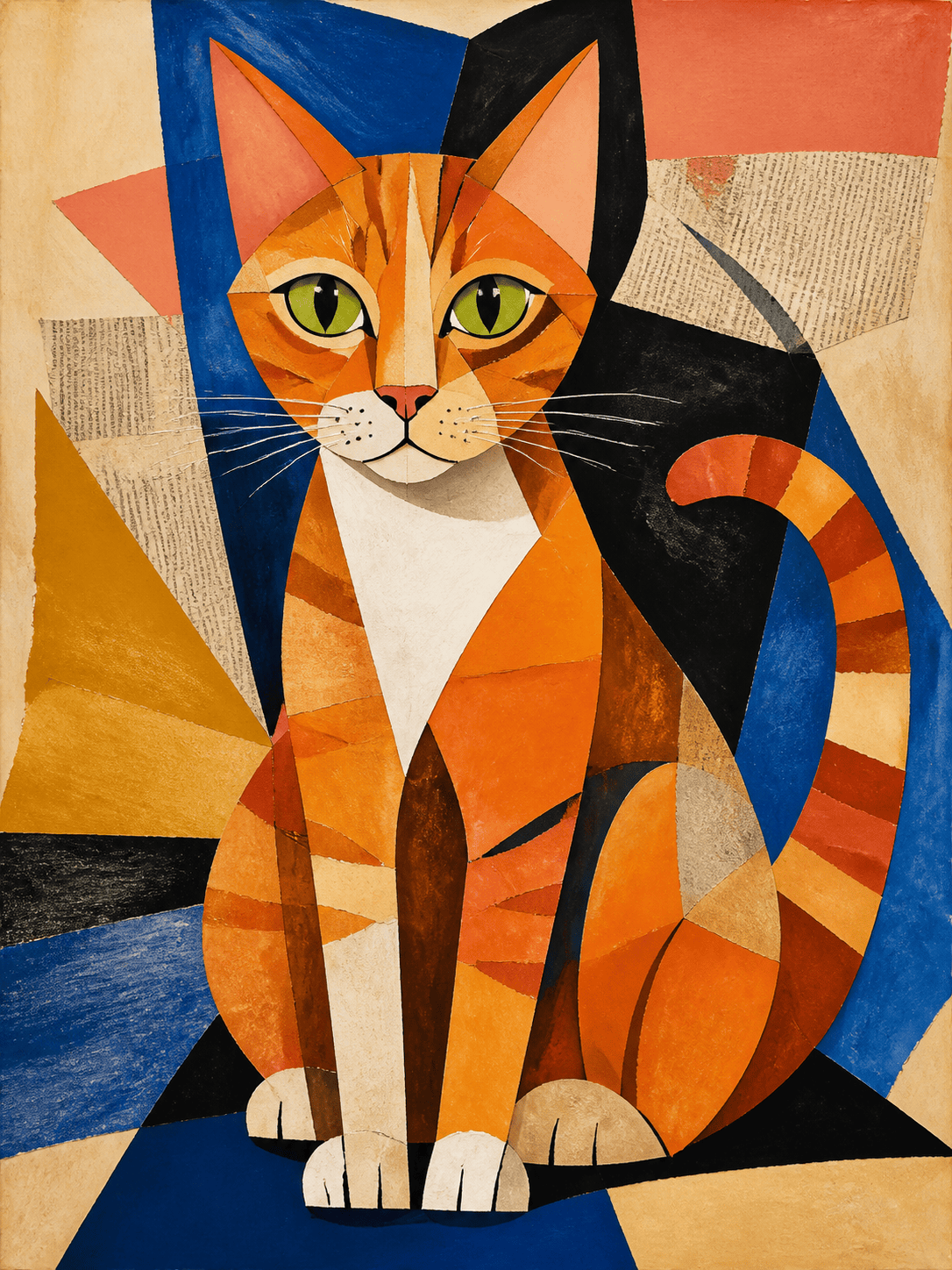
Create a Synthetic Cubist portrait of my orange tabby cat from the uploaded photo. Keep the green eyes, white chest patch, and upright ears recognizable. Use large cobalt, coral, cream, and mustard paper shapes, playful newspaper texture, crisp cut edges, balanced square composition, no words or logos.
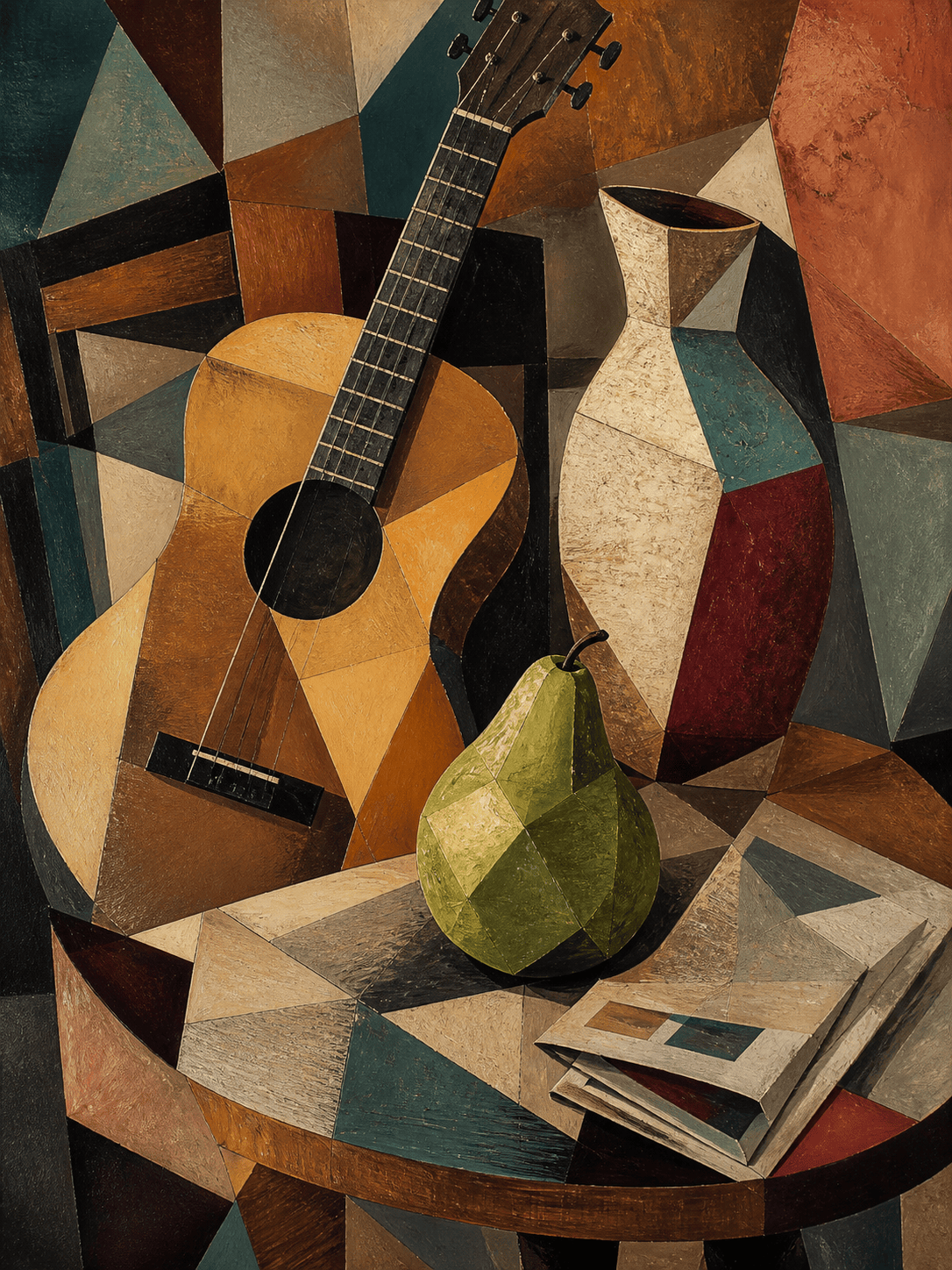
Generate an original Cubist still life with an acoustic guitar, green pear, ceramic vase, and folded newspaper on a café table. Show multiple viewpoints at once, interlocking angular planes, warm terracotta and teal accents, tactile painted paper collage, shallow depth, no readable text.
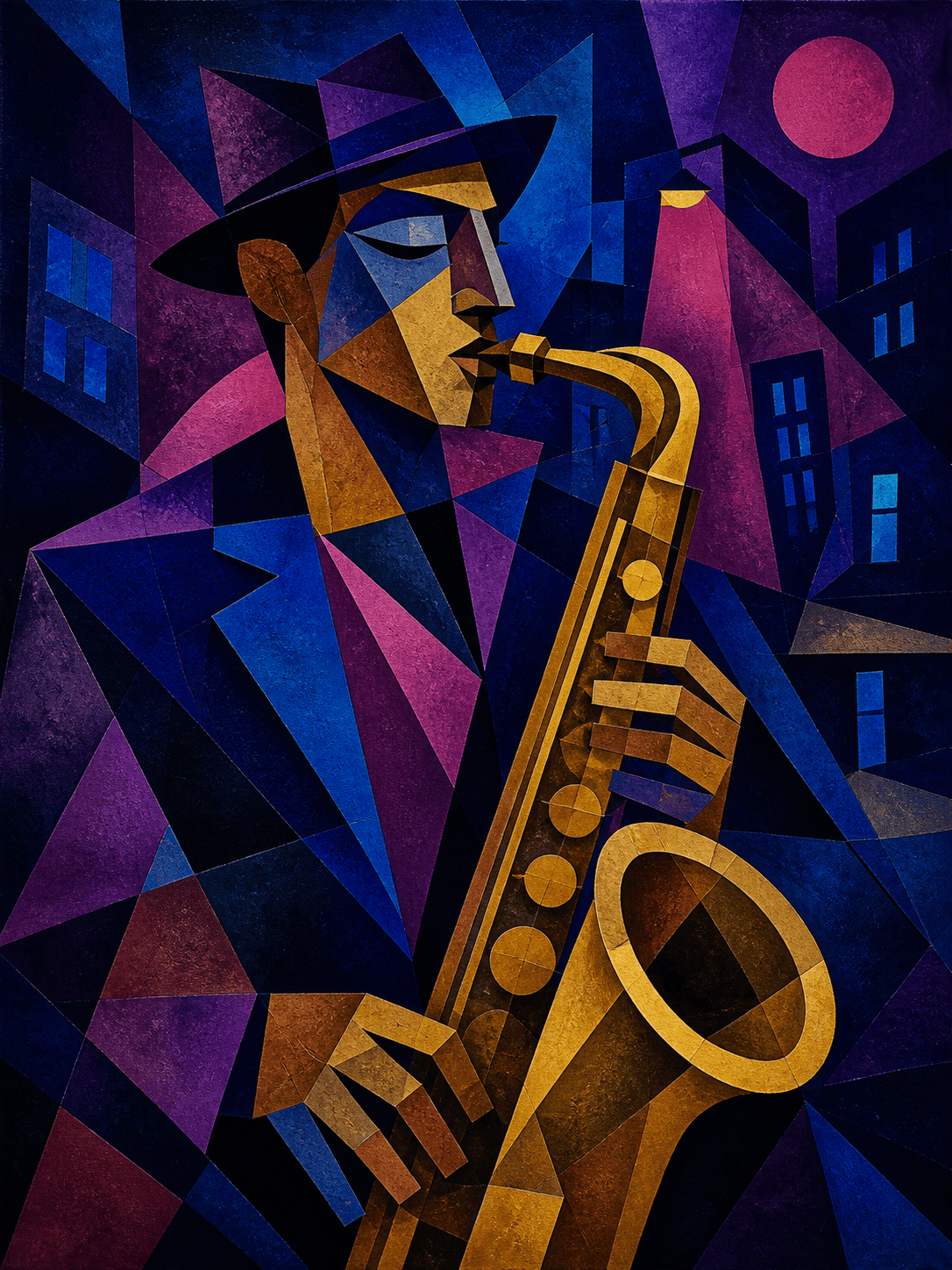
Design a text-free jazz album-cover image of a saxophonist at night in an original Synthetic Cubist composition. Merge the musician with blue city windows, magenta streetlight shapes, brass-gold instrument fragments, rhythmic diagonal planes, bold square crop, no logo or lettering.
Reimagine this street photo as a Cubist cityscape while preserving the clock tower and bridge silhouette. Break the architecture into offset perspectives and crystalline planes, dusk violet, slate blue, sand, and rust palette, subtle canvas grain, no people or signage.
Transform our couple photo into a warm Cubist anniversary portrait. Keep both faces distinct, preserve hairstyles and clothing colors, simplify the bodies into interlocking rounded planes, use rose, burgundy, navy, and cream collage textures, intimate square framing, no text.
Create an editorial Cubist fashion portrait from my reference image. Preserve the red coat, sculptural collar, and model’s profile. Use sharp black contours, cream and ultramarine facets, simultaneous front-and-side viewpoint, clean pale background, premium magazine composition, no typography.
Generate an original Cubist coastal landscape with a white sailboat, cliffs, and sunlit water. Build the scene from layered turquoise, lemon, coral, and indigo shapes, alternating viewpoints and paper-cut textures, energetic but readable composition, no signature or watermark.





