Free OnlineAI Hat Try On
How to Try On a Hat with AI
Upload a Clear Portrait
Describe or Reference the Hat
Generate a Natural Placement
Compare, Review, and Download

Headwear Previews That Respect the Person and the Product
Keep Your Face and Hairstyle Recognizable
Ask Mew Design to change only the headwear while preserving facial features, expression, skin tone, hair length, pose, clothing, and scene. This makes a personal AI hat try on useful for comparing style rather than comparing different portraits.
Try a Product Photo or a Written Idea
Upload a permitted cap photo or store screenshot, or describe a hat from scratch. Image references help the AI cap try on follow the requested silhouette, panel structure, material, color blocking, and trim.
Account for Crown, Brim, and Head Angle
A beanie should wrap the head; a baseball cap needs a seated crown and correctly projected bill; a fedora or bucket hat needs coherent brim perspective. Specific placement instructions reduce floating hats and flat sticker effects.
Compare Styles on One Consistent Portrait
Generate dad cap, snapback, beanie, bucket, beret, or wide-brim versions without changing the camera view. This virtual hat try on online workflow makes differences in face framing, crown height, and outfit balance easier to judge.
Create Headwear Mockups for Ecommerce
Hat brands and sellers can place a permitted product reference on different adult model photos for listings, lookbooks, ads, and social content. Check the result against the real item before publishing, especially logos, patches, stitching, and proportions.
Try It Free and Export Clean Images
New users receive free AI credits after signup. Refine a hat preview online and download a watermark-free PNG or JPG when it is ready for a mood board, shopping comparison, profile update, or campaign concept.
How to Prompt a Realistic Virtual Hat Try On
- Name the Hat Construction: Specify a low-profile dad cap, flat-brim snapback, ribbed cuffed beanie, soft bucket hat, pinched-crown fedora, structured cowboy hat, or wide-brim sun hat.
- Direct How It Sits: Say whether the crown sits fully at the hairline, the brim stays above the brows, the beanie covers the ears, or the hat tilts slightly with the head rather than floating.
- Describe Material and Details: Include washed cotton, ribbed wool, felt, straw, canvas, mesh panels, stitching, band color, brim stiffness, and whether the front should be plain or carry a permitted patch.
- Protect Identity and Inspect the Result: Preserve face, hair, expression, ears, pose, clothes, hands, and background. Review embroidery, logos, lettering, brim edges, hair overlap, and cast shadows because generative edits can change small product details.
Hat Try-On Prompts for Personal Style and Product Mockups
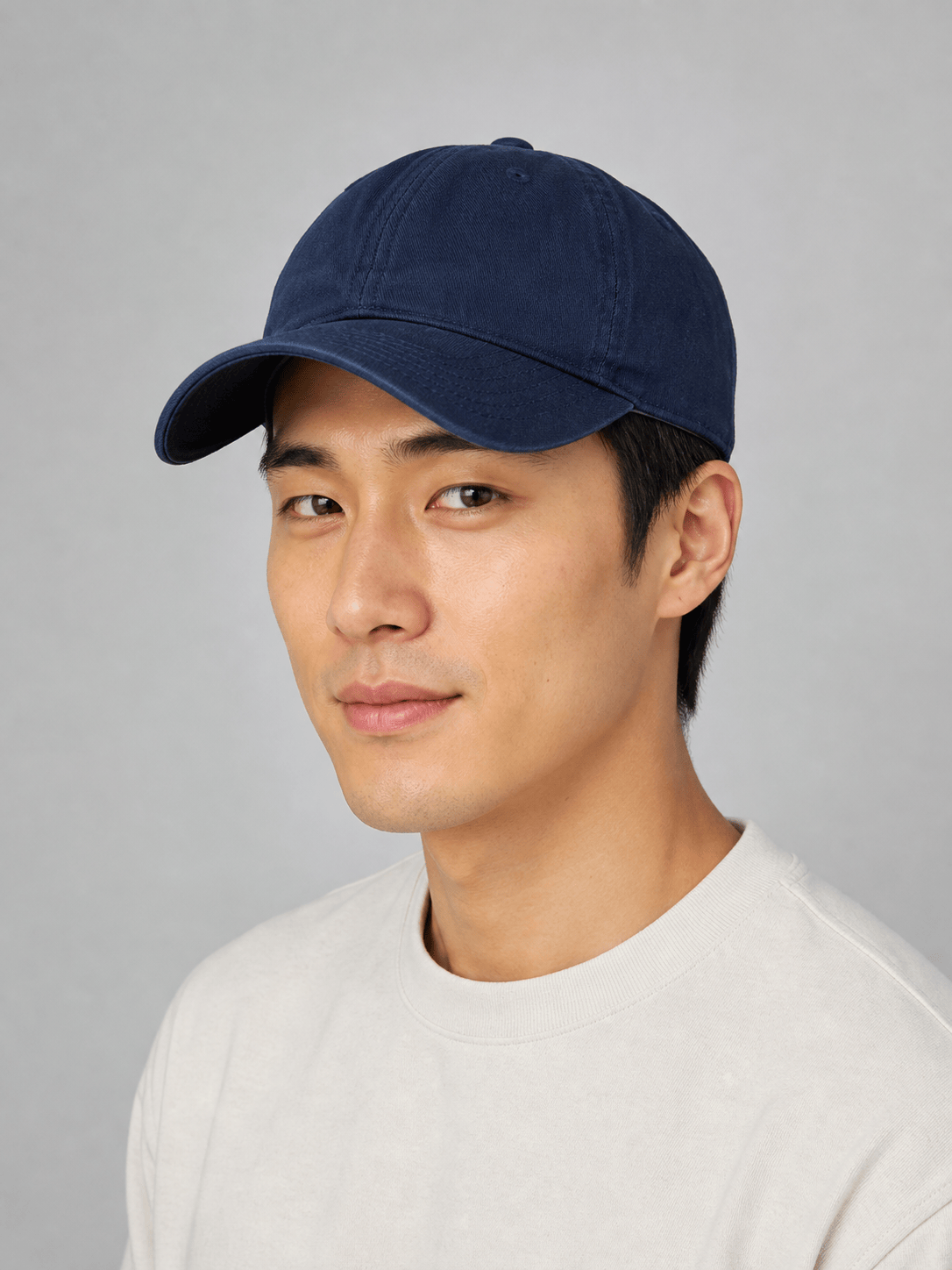
Baseball Cap on My Photo: Add a clean navy dad cap to my three-quarter portrait. Use a low six-panel crown, curved bill above the eyebrows, washed cotton, and no logo. Seat it at the hairline, match the daylight and head angle, and preserve my face, hair, expression, clothes, pose, and background.
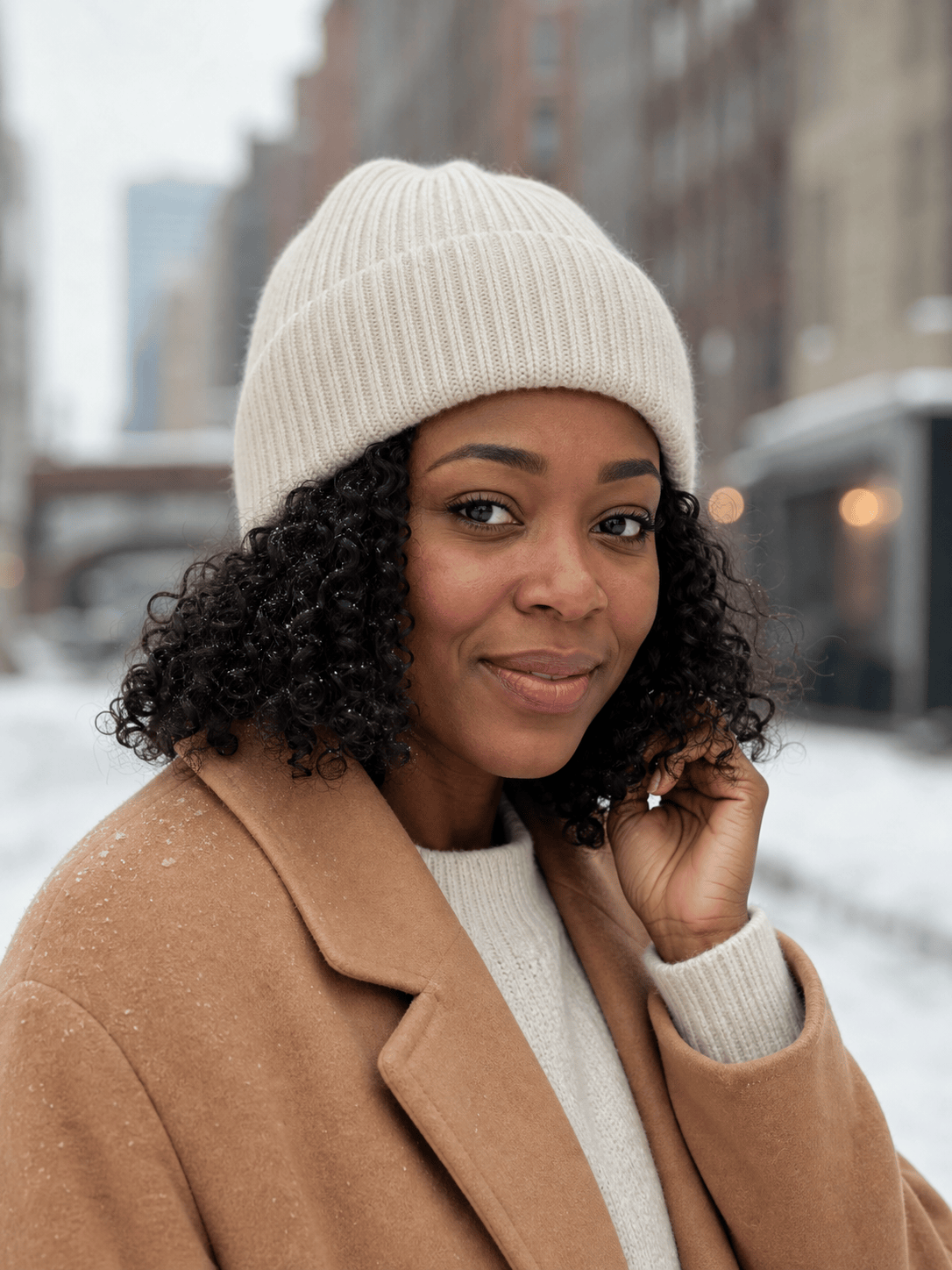
Winter Beanie Try On: Add a cream rib-knit beanie with a folded cuff to my outdoor portrait. Let it fit close to the head, cover the upper ears, and compress the hair naturally without changing the hairstyle or face. Match the cool winter light, wool texture, and soft shadow.
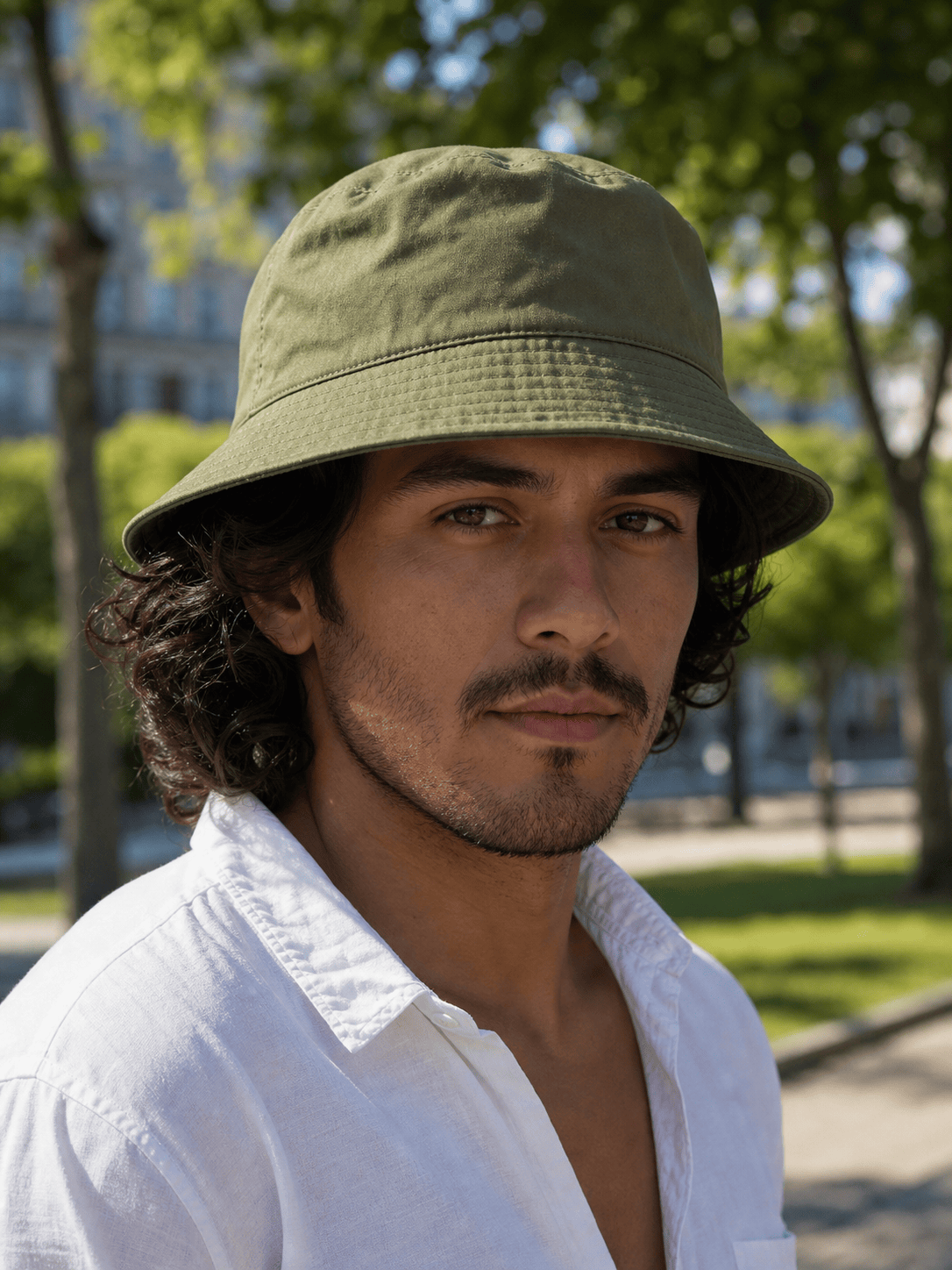
Bucket Hat Style Check: Place an olive cotton bucket hat on my selfie with a medium downward brim and relaxed crown. Keep both eyes visible, follow the head tilt, show realistic stitching and soft fabric folds, and preserve the person, shirt, jewelry, skin tone, and sunny background.
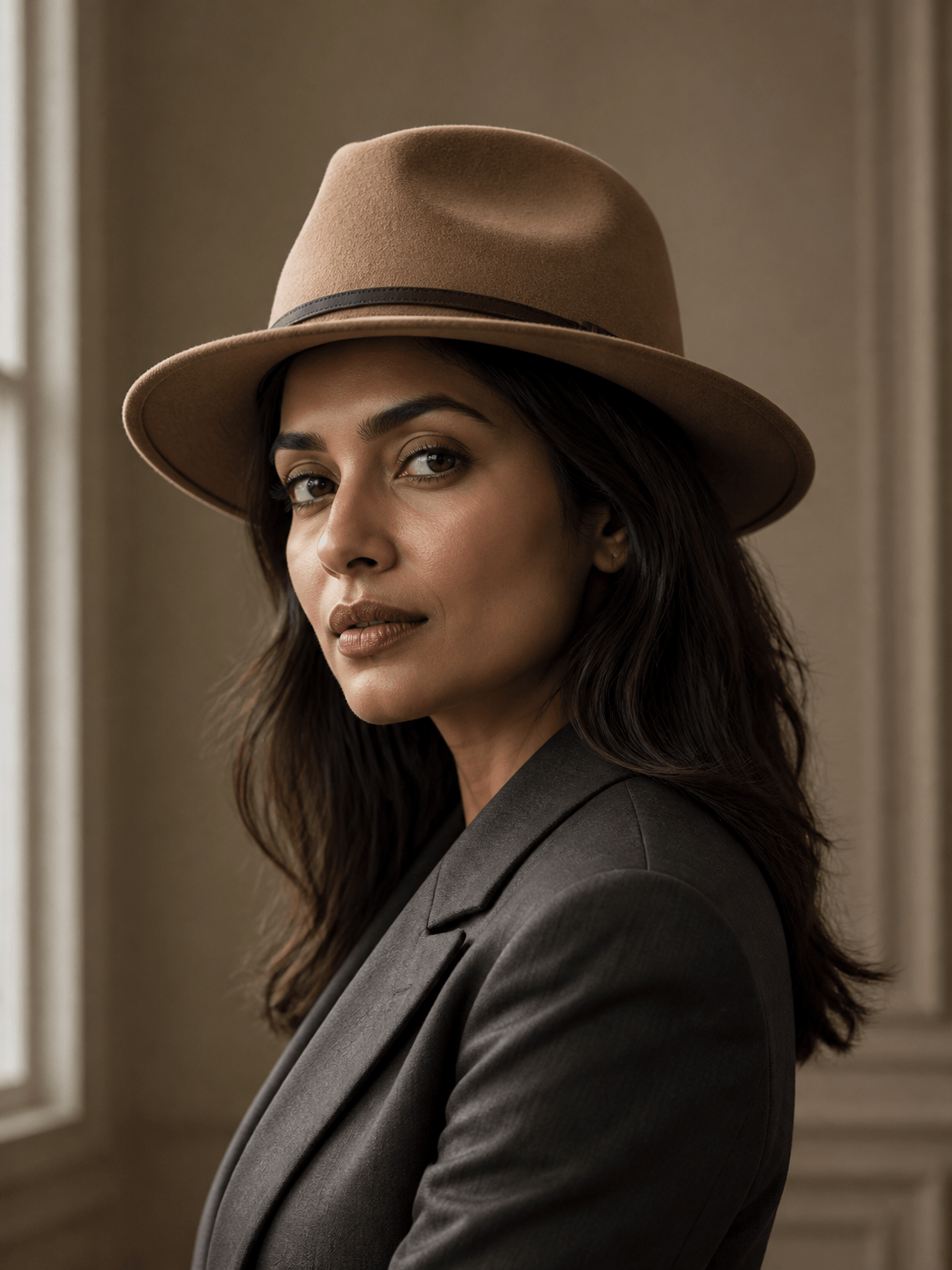
Fedora for a Formal Outfit: Add a camel felt fedora with a pinched crown, narrow dark band, and medium brim to my dressed-up portrait. Tilt it subtly with the head, keep the brim above the eyes, match the indoor light, and leave the face, hair, suit, expression, and setting unchanged.
Try On a Specific Cap Reference: Use my first image as the person and my second permitted image as the cap reference. Transfer the cap's silhouette, charcoal color, mesh back, curved bill, and small blank patch, but preserve my identity, hairstyle, pose, outfit, camera angle, and background. Make the fit and shadow natural.
Ecommerce Hat Model Series: Use the uploaded unbranded burgundy baseball cap as the product reference and create four separate adult model images with varied appearances. Keep the cap color, six-panel construction, curved bill, blank front, and stitching consistent. Use clean studio portraits, realistic hair interaction, and no text or extra accessories.





