Free OnlineAI Study Flash Card Generator
How to Create Study Flashcards with AI
Add Focused Source Material
Define the Recall Task
Generate an Atomic First Draft
Verify, Refine, and Export

Study Cards Built Around Recall, Not Decoration
Ground Cards in Your Own Material
Keep course content in the dedicated file library and call relevant notes into the conversation with @. This helps the AI study card maker work from your chapter, lecture, or revision outline instead of a vague topic alone.
Choose the Right Card Model
Match the format to the learning goal: term-definition for vocabulary, question-answer for concepts, image-label for anatomy, or a missing key phrase for active recall.
Keep One Learning Target per Card
Atomic cards are easier to answer and correct. Ask the generator to split compound questions, remove clues from the front, and keep explanations short enough to scan.
Use Visual Cues with Purpose
Add a simple diagram, object, color code, or timeline only when it supports memory. Mew Design can explore illustrated decks without turning every card into a crowded poster.
Revise the Deck Conversationally
Use Chat Edit to change difficulty, simplify wording, correct a label, enlarge type, or create a coordinated visual version without rebuilding the study cards from scratch.
Export for Screen or Print
Try the free AI flashcard generator from notes with signup credits, then export watermark-free PNG, JPG, or PDF files. Confirm card size, margins, duplex alignment, and printer settings before producing a full deck.
How to Prompt for Useful Study Flashcards
- Limit the Source Scope: Use one chapter, lecture, or concept group at a time so important definitions are not diluted by unrelated material.
- Specify the Recall Format: Request term-definition, question-answer, cloze-style, image-label, or a deliberate mix, and say what should appear on the front and back.
- Set an Answer Budget: Ask for one idea per card and cap answers by words or sentences. Short does not mean incomplete; it means focused enough to assess recall.
- Require Verification: Tell the AI to stay within the supplied material, flag uncertain points, and leave room for you to check dates, equations, spellings, translations, and labels.
AI Flashcard Prompts for Different Subjects
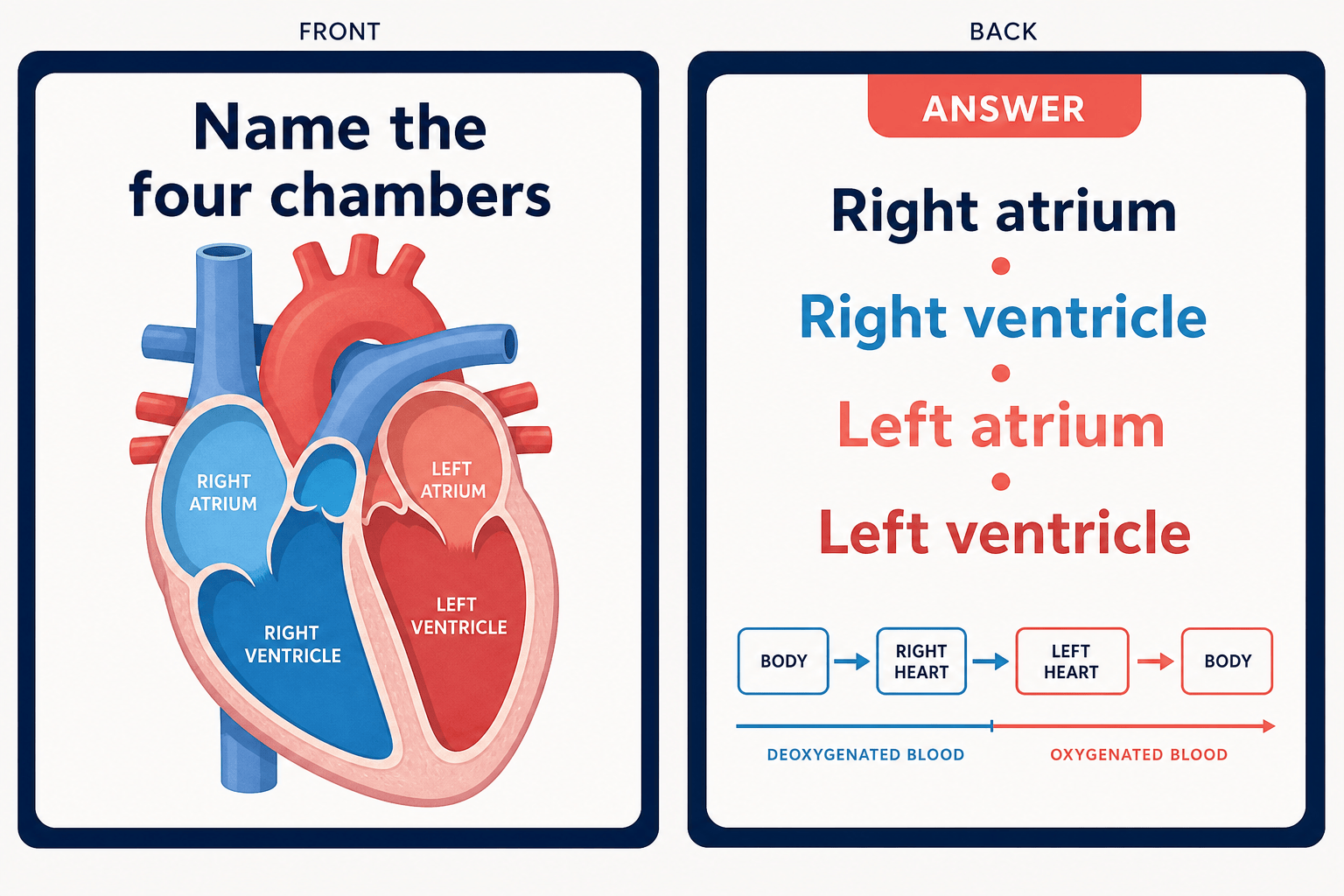
Biology: From my uploaded cell-biology notes, create 15 question-answer cards for an introductory course. Test organelle functions and membrane transport, one concept per card, answers under 20 words, with a small diagram only when necessary. Use a clean teal and cream system and flag unsupported claims.
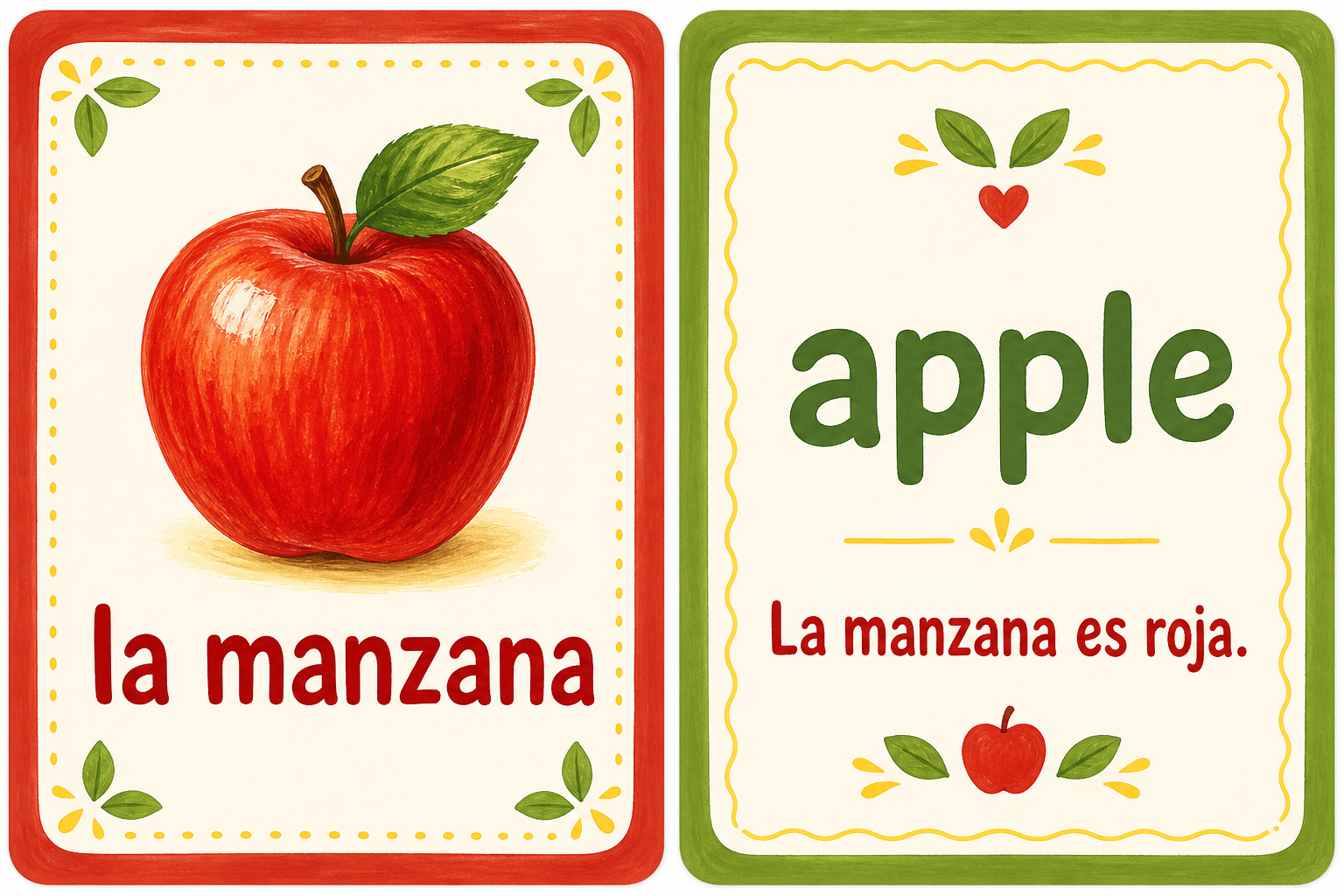
Language Vocabulary: Make 20 beginner Spanish vocabulary cards about food. Put the Spanish word and a simple visual cue on the front; place the English meaning and one short example sentence on the back. Use warm colors, large type, and no phonetic claims unless supplied.
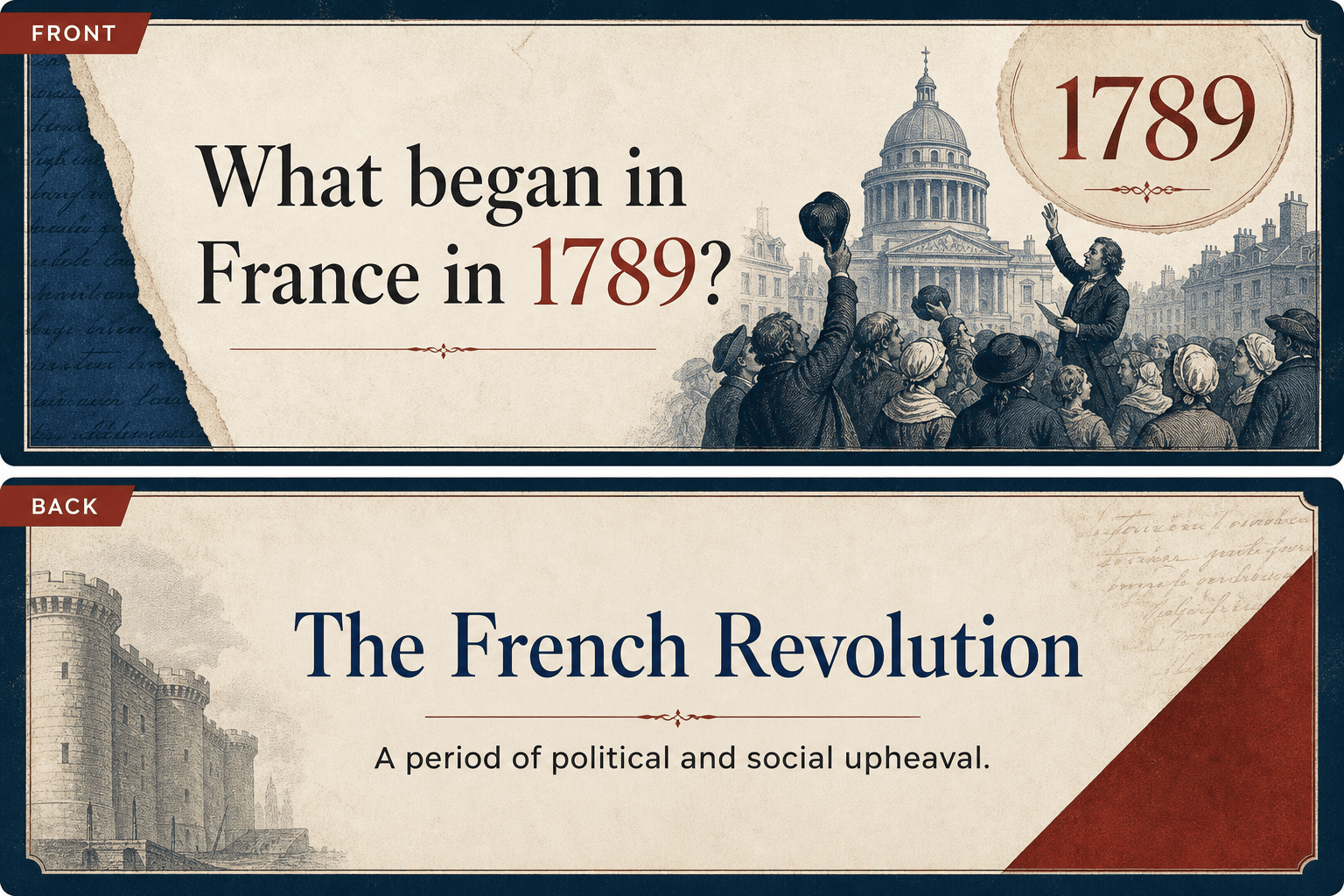
History: Turn my lecture outline on the Industrial Revolution into 12 cards that test causes, inventions, working conditions, and consequences. Use precise questions, concise answers, a muted archival palette, and simple date markers. Preserve uncertainty or differing interpretations from the notes.
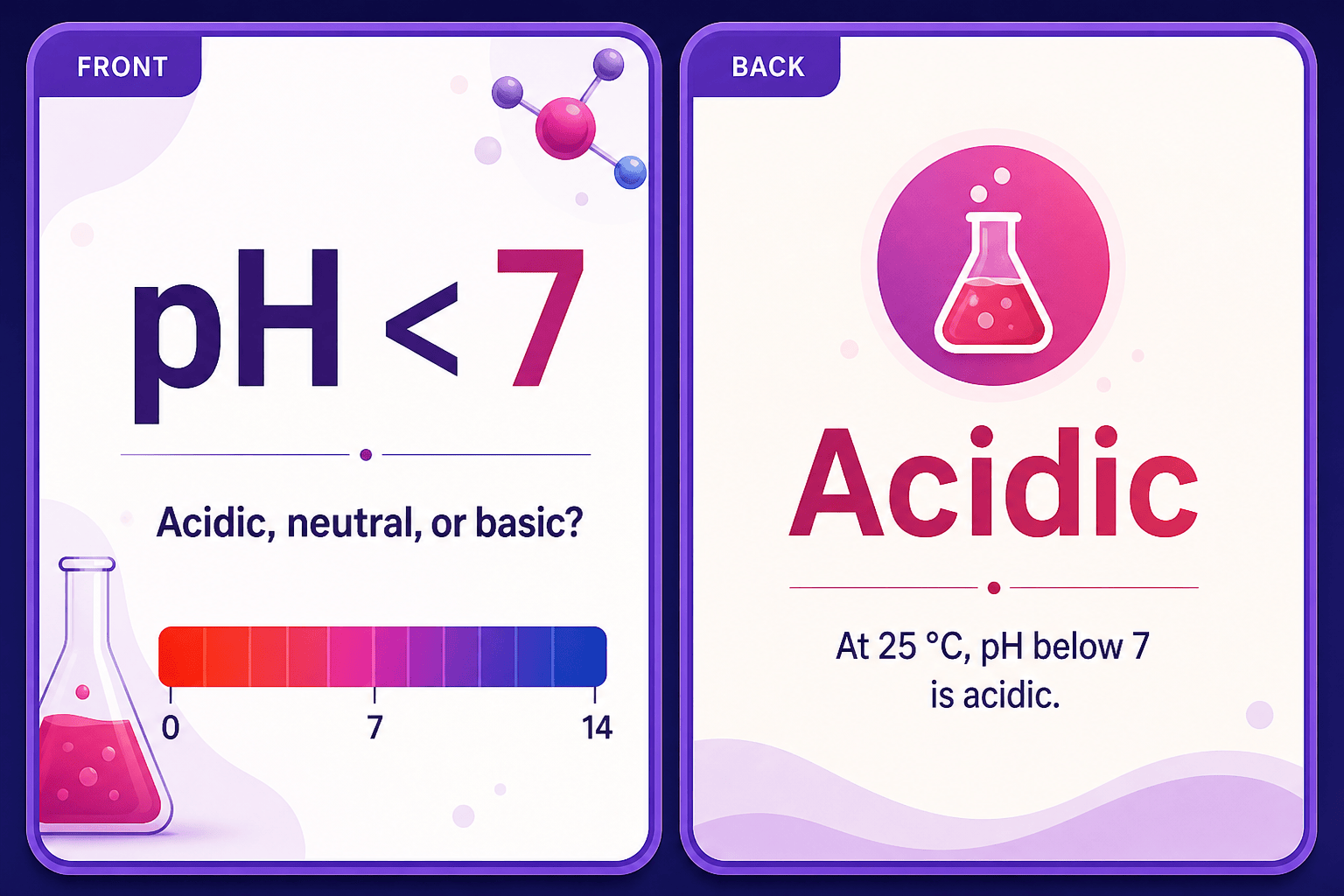
Chemistry: Create 10 landscape cards for common acid-base concepts. Put a formula, graph cue, or question on the front and a short explanation on the back. Use high-contrast purple and white, typeset symbols clearly, and ask me to verify every equation before export.
Literature: Using my supplied chapter notes, design 10 cards on characters, motifs, and turning points. Avoid long quotations; use brief paraphrased prompts, restrained editorial typography, and one visual symbol per theme where helpful.
Exam Review: Convert the three referenced files into a 24-card mixed deck. Allocate eight definition cards, eight application questions, and eight image-label cards. Group them by module color, keep answers under two sentences, and add a small source tag to each card for checking.





