Free OnlineAI Emoji Generator
Mew Design - AI Design Agent works as an online AI emoji generator for turning a prompt, selfie, pet photo, or mascot reference into a custom reaction. Make square emoji art for Discord, Slack, chat stickers, profile icons, and social posts, then refine the expression, colors, and background through conversation.

How to Make Custom Emojis with AI

Start from words or an image, then shape one clear reaction that still reads at chat size.
1

Describe or Upload Your Subject

Tell the AI emoji maker who or what should appear, the emotion, and any signature prop. To make an emoji from a photo, upload a clear selfie, pet, product, or mascot reference.
2

Generate a Square Emoji

Mew Design interprets the expression and builds a focused 1:1 composition with a bold silhouette, close crop, and strong contrast for a readable first draft.
3

Tune the Reaction in Chat

Click Chat Edit and ask for a wider grin, raised eyebrows, simpler colors, a different accessory, or a removed background. Keep refining without rebuilding the idea from scratch.
4

Export and Test at Small Size

Download the finished emoji as PNG or JPG. For a transparent reaction, remove the background before export, then resize or compress the file to match Discord, Slack, Twitch, or your chosen app's current upload rules.
how to make custom emojis with ai

Why Mew Design Fits Custom Emoji Creation

Start with Text, Photos, or References

Use our AI emoji generator from text for an original idea, or upload a selfie, pet, logo, product, or mascot when recognition and brand character matter.

Design for Tiny Reactions

This custom emoji maker can focus the artwork on one expression, a clean silhouette, and high contrast, helping the result stay recognizable in a compact chat or reaction tray.

Create Transparent PNG Reactions

Ask Mew Design to remove the background and prepare a clean cutout. A transparent PNG emoji blends more naturally into light and dark chat themes.

Fix Details Through Conversation

If the face, mood, prop, crop, or palette feels off, use Chat Edit to describe the exact change. You can improve the current result instead of restarting with a new tool.

Build a Consistent Reaction Set

Generate coordinated happy, shocked, laughing, tired, or celebratory versions of the same character. Shared colors and rendering make the pack feel like one system.

Try Ideas Before Committing

New users receive free AI credits after signup, so you can test this free AI emoji maker and export finished designs without a watermark.

What Makes a Strong AI Emoji Prompt

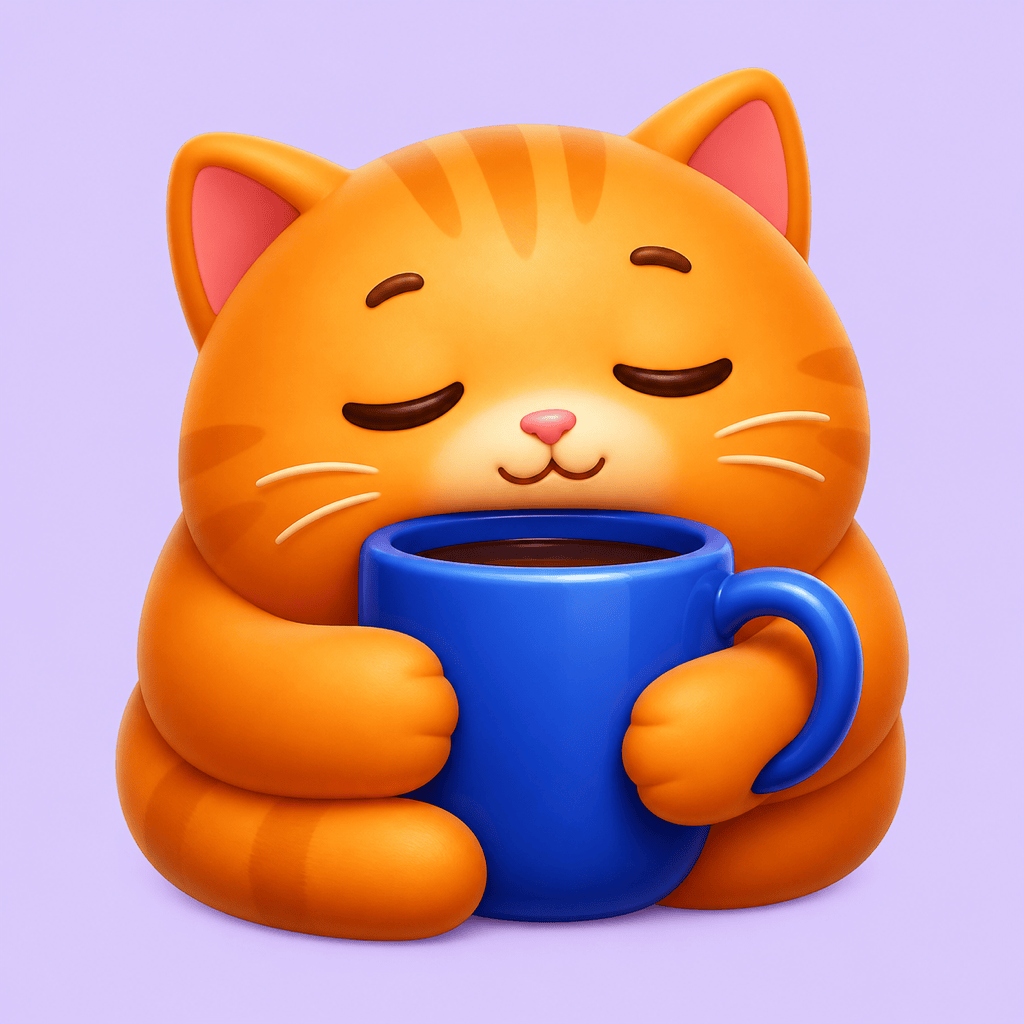
Create a square reaction emoji of a sleepy orange cat hugging a blue coffee mug, half-closed eyes and a tiny relieved smile. Glossy 3D style, warm orange and cobalt palette, close crop, bold silhouette, simple lighting, no text, transparent background, readable at Discord emoji size.
For better results with an AI emoji generator, describe one subject, one unmistakable emotion, the visual style, and where the emoji will be used.
  • Lead with the Reaction: Name the emotion and visible cues, such as happy tears, clenched eyes, raised brows, blushing cheeks, or a confident thumbs-up.
  • Keep the Silhouette Simple: Ask for a close crop, centered subject, bold outline, and minimal props so the design remains clear when reduced.
  • Choose a Visual System: Specify glossy 3D, flat graphic, pixel art, kawaii, anime, or brand-mascot styling plus two or three core colors.
  • State the Output Need: Mention a square canvas, transparent background, no extra text, and the destination such as Discord, Slack, Twitch, or a social post. Upload a reference when identity or brand consistency matters.

Custom Emoji Prompts for Real Reactions

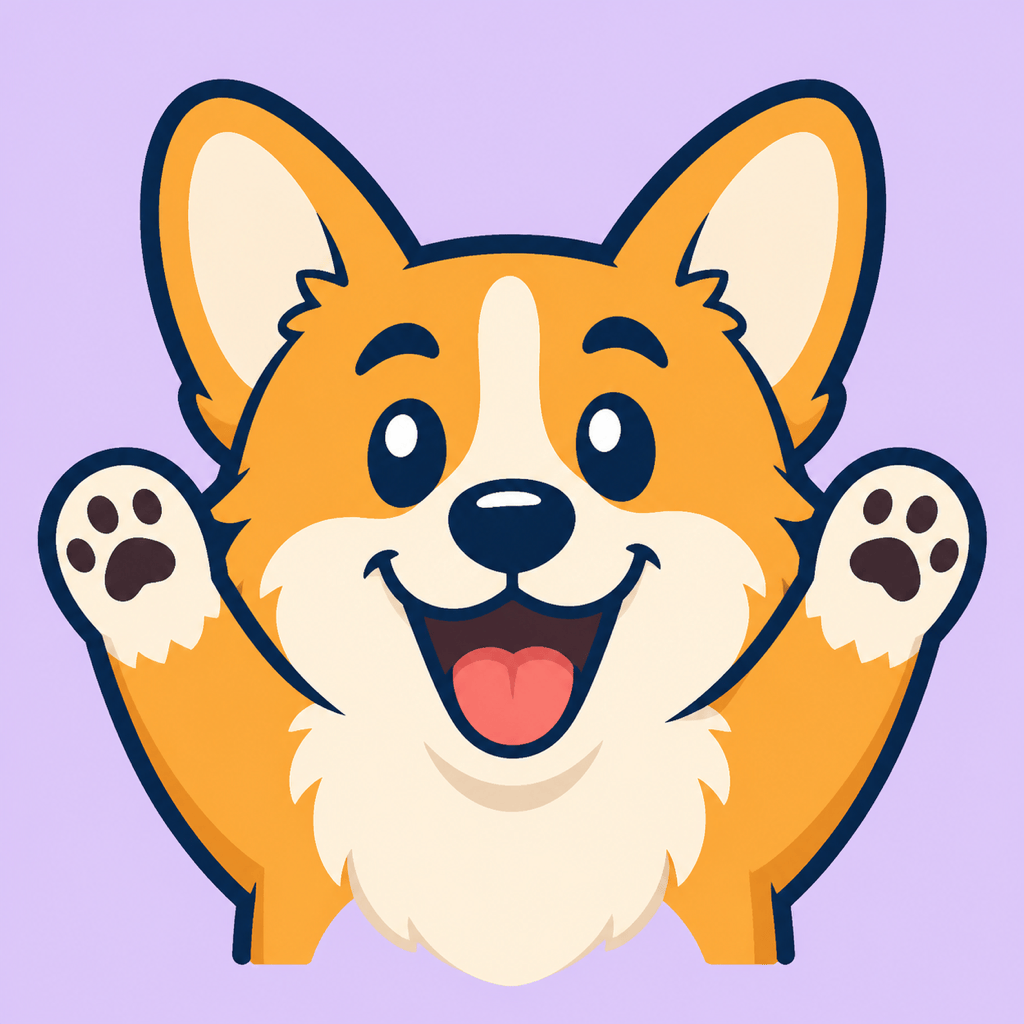
Discord Mascot Hype: Create a square Discord reaction emoji of a corgi mascot cheering with both paws up, bright open-mouth smile, flat graphic style, thick navy outline, orange and cream fur, transparent background, no text, readable at small size.

Emoji from a Selfie: Turn @[uploaded selfie] into a friendly custom emoji with a recognizable hairstyle, glasses, and smile. Use a polished 3D look, head-and-shoulders crop, warm lighting, simple shapes, and a transparent background.

Slack Celebration: Make a cheerful rocket character giving a thumbs-up, surrounded by only three small confetti shapes. Bold flat colors, centered square composition, clean outline, no words, transparent background for a team reaction.

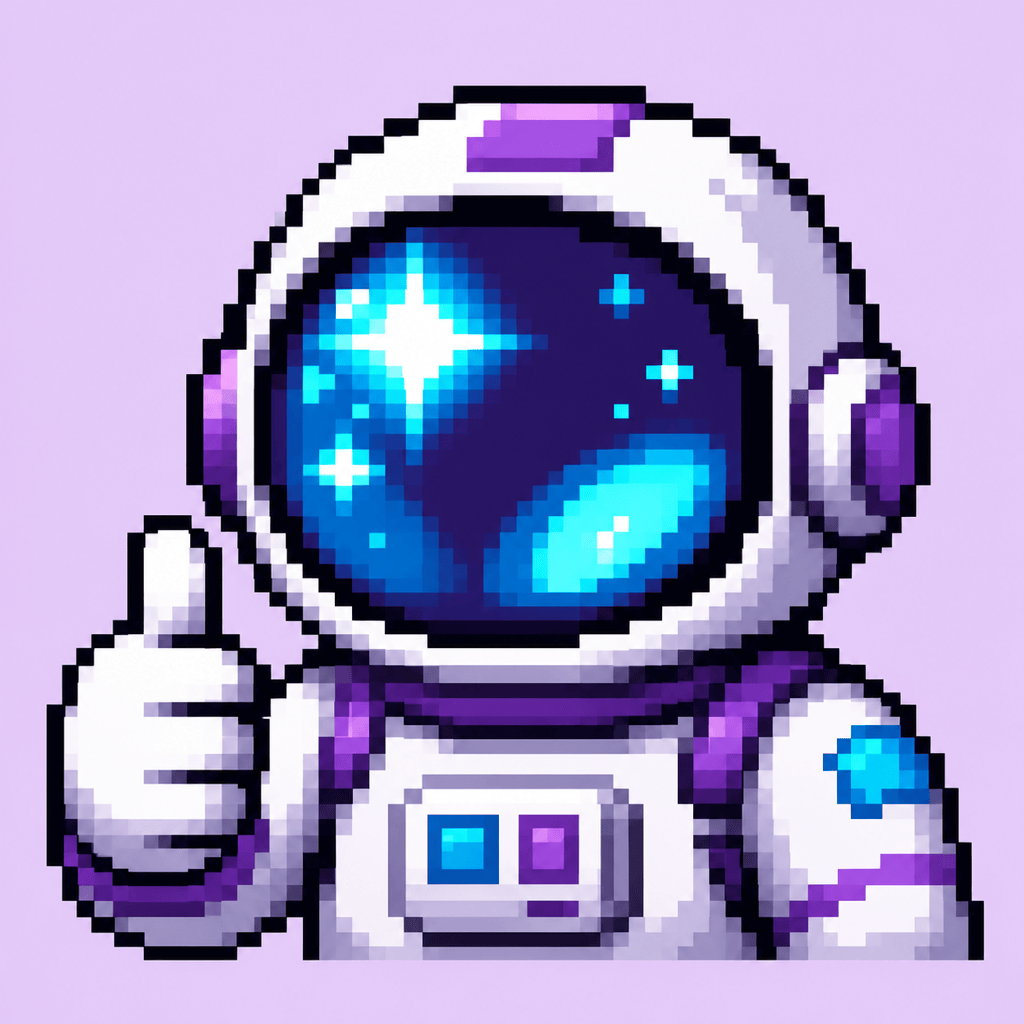
Twitch Gaming Emote: Create a pixel-art astronaut reaction with a surprised visor reflection and one raised glove. Purple, cyan, and black palette, high contrast, close crop, transparent background, readable as a tiny emote.

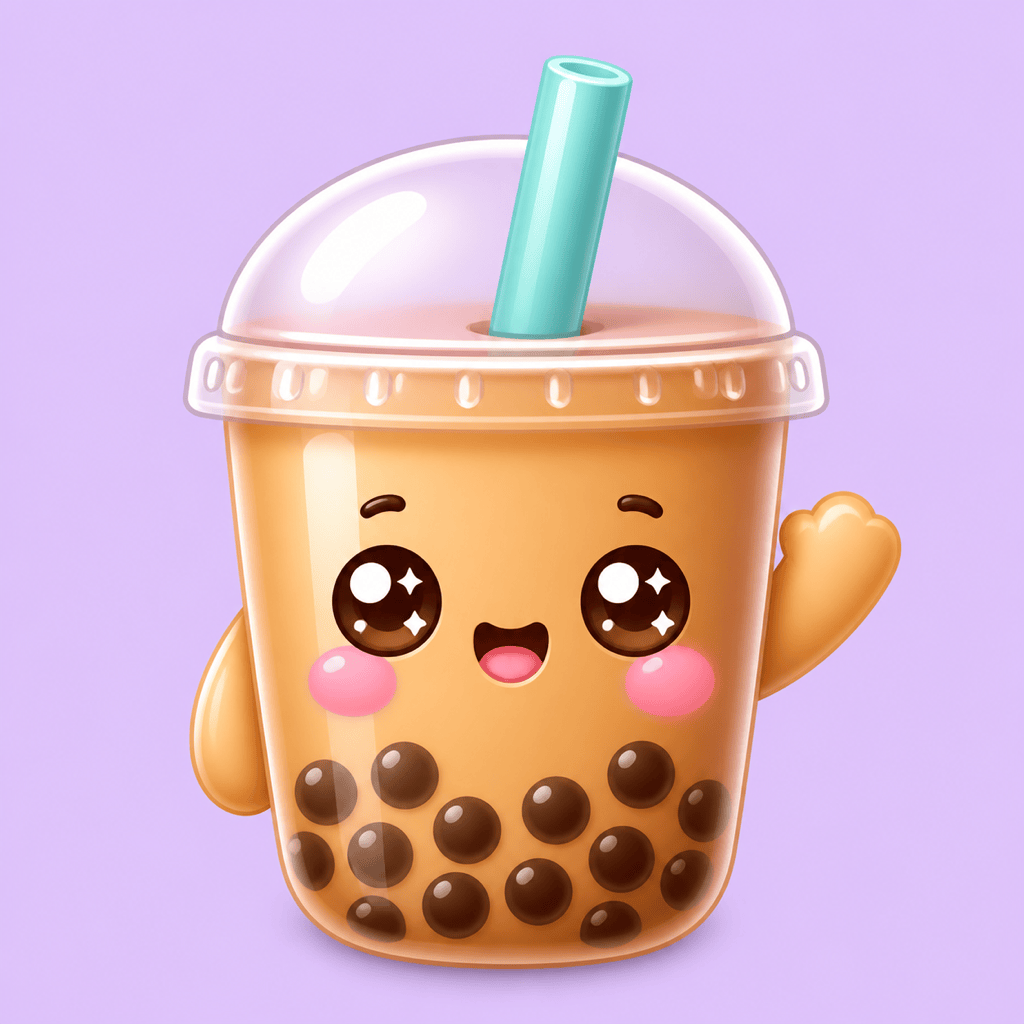
Cute Brand Character: Design a kawaii bubble tea mascot with sparkling eyes, rosy cheeks, and a tiny wave. Match @[brand color reference], use rounded shapes and a glossy finish, square composition, transparent background.

Matching Reaction Pack: Generate six consistent emojis of the same red panda character: laughing, crying, shocked, sleepy, celebrating, and thinking. Keep the face proportions, outline weight, colors, lighting, and square crop consistent across the full set.


FAQs About the AI Emoji Generator

An AI emoji generator creates original emoji-style images from a text description, photo, or visual reference. Unlike a standard keyboard that selects existing Unicode symbols, it produces a downloadable custom image you can refine and reuse.
You can start with free AI credits after signup. Use them to generate and refine emoji ideas, then export completed images without a watermark.
Yes. Upload a clear selfie, pet, product, logo, or mascot image and tell Mew Design which recognizable traits, expression, crop, and style to preserve. You can continue adjusting the result with Chat Edit.
Yes. Ask the AI to remove the background, inspect the cutout edges, and export as PNG. Transparent backgrounds help custom reactions blend into different chat themes.
Yes. Create a square, high-contrast design and preview it at small size. Before uploading, resize or compress the exported file to meet the platform's latest format and file-size requirements.
It can cover a similar creative job from a web browser: describe an original reaction or use a photo reference, generate variations, and download the result. Mew Design creates image files for reuse rather than adding system emoji directly to a device keyboard.
Yes. Ask for several reactions featuring the same character, proportions, outline, palette, and lighting. Review the set together, then use Chat Edit to correct any version that drifts from the shared look.
Choose an emoji for one compact reaction that must read at tiny size. Choose a sticker for a larger illustration, longer phrase, or detailed scene. For sticker sheets and printable assets, try Mew Design's AI Sticker Generator.

Ready to Generate Designs With AI?

Get Started - 50 Free Credits
No credit card required
© 2025 - 2026 Mew Design, MAGOAI LTD.All rights reserved.
Mew Design - Your AI design partner, now with full control. | Product Hunt