Free OnlineAI Android Icon Generator


How to Create an Android App Icon with AI
Define the App Promise
Choose One Recognizable Symbol
Generate and Compare at Small Sizes
Refine, Export, and Package

Why Mew Design Works for Android App Icon Ideation
Start with What Your App Does
Describe a budgeting tool, meditation app, mobile game, scanner, or learning product. The AI Android icon generator translates the app's purpose into a visual metaphor instead of asking you to choose from generic stock symbols.
Design for Instant Recognition
Our AI Android app icon maker can explore one-symbol compositions with clear silhouettes and strong foreground-background contrast, giving you directions that are easier to recognize on a busy home screen.
Explore Distinct Visual Languages
Compare restrained flat icons, dimensional clay renders, luminous gradients, game-style emblems, or friendly illustrations while keeping the same core app idea consistent.
Bring Your Own Visual References
Upload a sketch, approved logo element, UI color sample, or mood board. Mew Design can use your assets as context while creating a fresh icon direction that fits the rest of your product.
Fix Details Through Conversation
If the first draft feels crowded or generic, use Chat Edit to enlarge the focal mark, remove text, flatten an effect, improve contrast, or try a simpler background without rebuilding the icon from scratch.
Test Ideas Before Android Handoff
Create Android app icon concepts online with free AI credits after signup. Compare multiple directions before preparing adaptive layers, density assets, and the separate Google Play icon in your implementation workflow.
What Makes a Strong Android App Icon Prompt
- Choose One Symbol: Use one memorable object, gesture, or metaphor. Too many subjects become noise when the launcher icon is reduced.
- Plan the Layers: Describe the foreground mark and full-bleed background separately, and ask for critical detail to remain near the center for adaptive masks.
- Control Color and Depth: Specify two or three colors, the desired contrast, and whether the icon should feel flat, embossed, glossy, glassy, or illustrated.
- Add Delivery Checks: Request a square composition, no tiny text, clean edges, and a 48-pixel readability check. Verify originality and Android requirements before release.
Android App Icon Prompts for Real Product Ideas
Design an original Android app icon for a personal budgeting tool. Use a single geometric shield formed by two upward bars, teal foreground on a midnight-navy full-bleed background, flat vector-like edges, no currency symbol, no letters, and strong clarity at 48 pixels. Keep the mark centered for circle and squircle launcher masks.
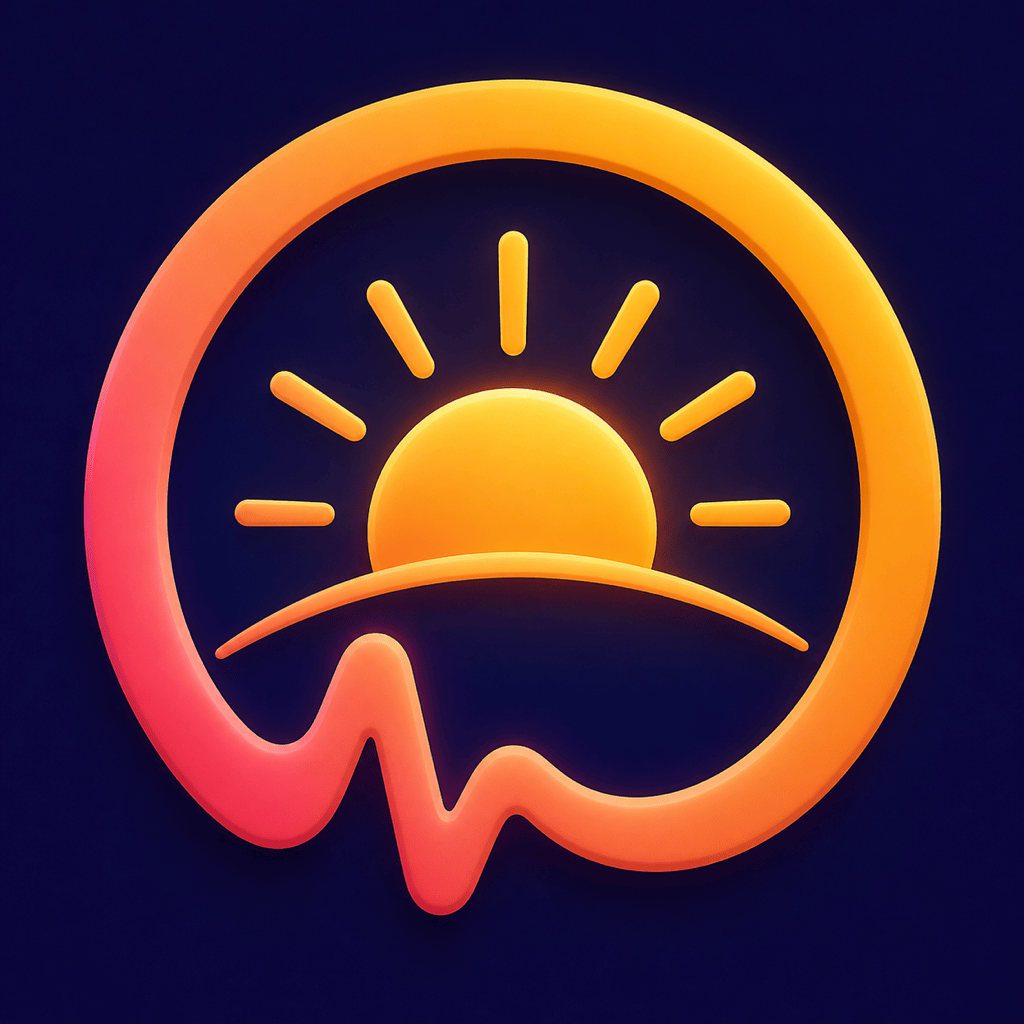
Create a friendly Android fitness and habit tracker icon. Combine a pulse ring with a small rising sun as one unified symbol, coral and warm gold on deep indigo, soft 3D depth, simple silhouette, no text, and no outer rounded-square border. Make the icon energetic without looking like an existing health brand.
Generate a calming Android meditation app icon with one abstract breathing wave folded into a smooth pebble shape. Use sage green, mist blue, and charcoal, minimal flat style, generous negative space, clean foreground-background separation, and a recognizable monochrome silhouette for future themed-icon planning.
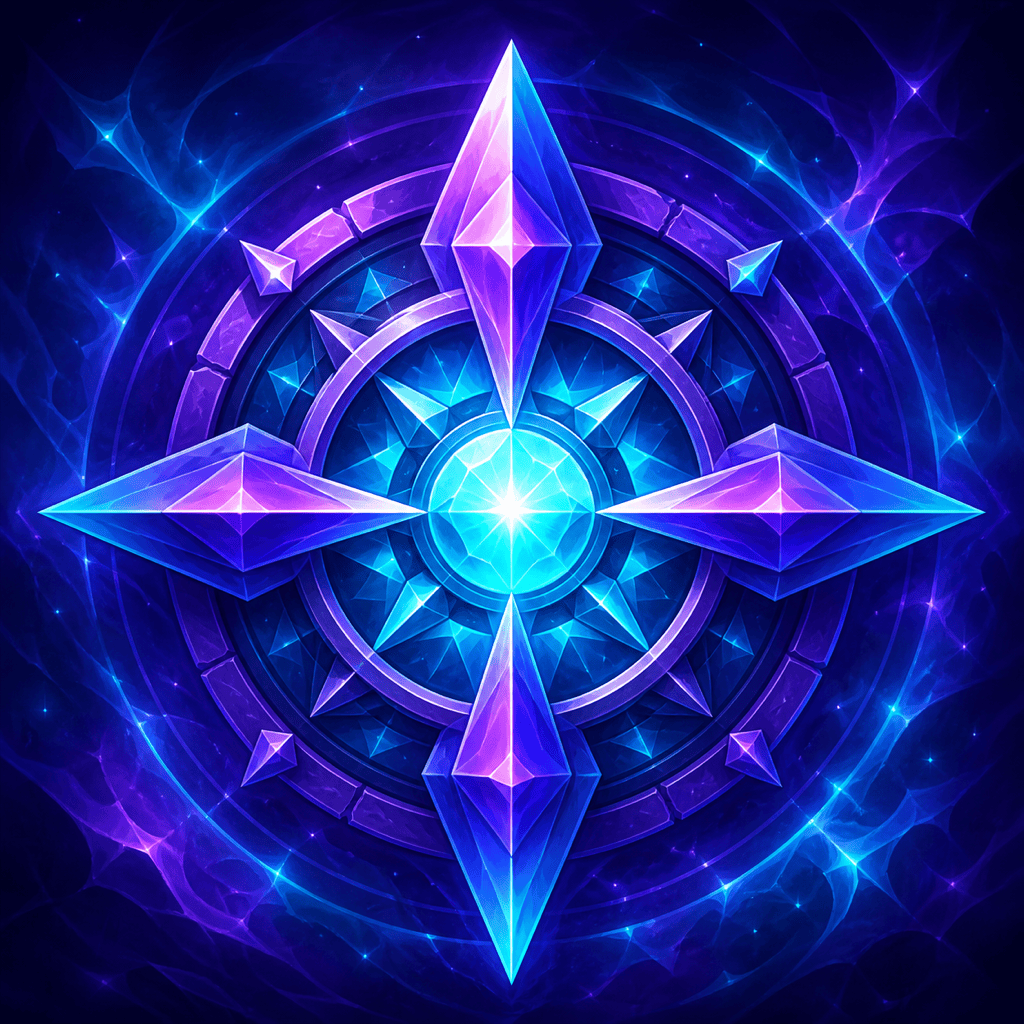
Make a dramatic Android mobile game icon for an original fantasy puzzle game. Feature one faceted crystal compass with a luminous cyan center, deep violet background, bold silhouette, controlled internal lighting, no character franchise references, no title text, and enough central space to survive circular cropping.
Create an Android privacy utility icon using a keyhole merged with three orbiting data nodes. Use cobalt blue and aqua on a near-black background, crisp geometric construction, subtle glass depth, no padlock copied from a known security app, no letters, and clear recognition at small launcher sizes.
Design an Android language-learning app icon around one speech bubble shaped like an open book. Use bright blue, lime, and cream, approachable illustrated style, no alphabet characters or mascot, centered foreground, full-bleed background, and simple forms that remain readable in Google Play search results.





