Free OnlineAI Space Scene Generator
How to Generate a Space Scene with AI
Place the Observer
Define One Visual Event
Control Cosmic Light and Density
Review the Physics and Export

Direct the Shot, Not Just the Galaxy
Viewpoint-First Composition
Anchor the scene in an orbital wide shot, surface panorama, cockpit frame, observation window, or poster layout so planets and vehicles have a clear spatial relationship.
Scale You Can Read
Pair a huge planet or station with a small ship, astronaut, docking arm, crater, or city lights. Deliberate size contrast turns decoration into a scene.
Controlled Cosmic Backgrounds
Create sparse star fields, colored dust lanes, restrained nebulae, eclipses, asteroid belts, or black negative space without letting the background compete with the subject.
Technology with a Role
Describe what a station, ship, observatory, habitat, probe, or suit is doing. Functional context produces stronger design cues than asking for random futuristic detail.
Hard Sci-Fi to Retro Space Art
Compare engineering-inspired realism, modern space opera, pulp illustration, screen-print retrofuturism, anime, minimal editorial art, or dreamlike cosmic abstraction.
Creative Images, Not Astronomy Data
Mew Design creates PNG or JPG imagery using free trial credits and Chat Edit. Results are not telescope observations, star charts, orbital simulations, mission plans, 3D scenes, HDR sky maps, or scientifically verified depictions.
How to Prompt a Cinematic Space Scene
- Choose a scale anchor: Use one small known object—a person, ship, window, crater, or docking port—to explain the size of everything else.
- Name the light source: Set the star direction, eclipse, planet bounce, engine glow, or artificial lamps and ask shadows to follow it.
- Budget the empty space: State where a title, product, or subject will sit and keep that area dark, quiet, and free of bright stars.
- Separate art from evidence: Ask for scientific plausibility when it helps the story, but verify real celestial objects, mission details, scales, and phenomena with authoritative data.
Space Scene Prompts from Quiet Orbit to Space Opera
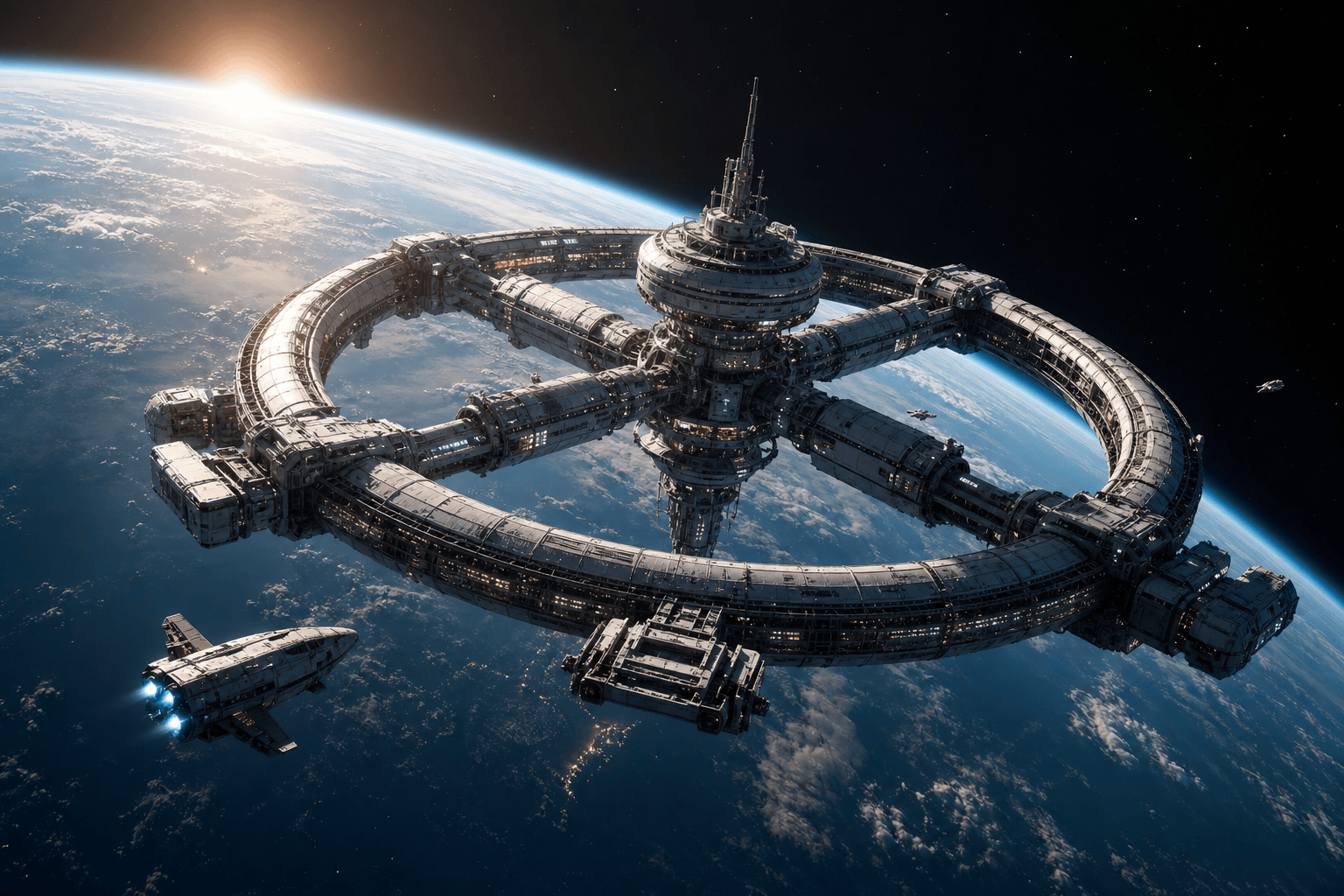
Orbital station: engineering-inspired ring habitat over an Earth-like blue limb, small transport at a docking arm, sunrise rim light, sparse stars, cinematic hard-sci-fi establishing shot.
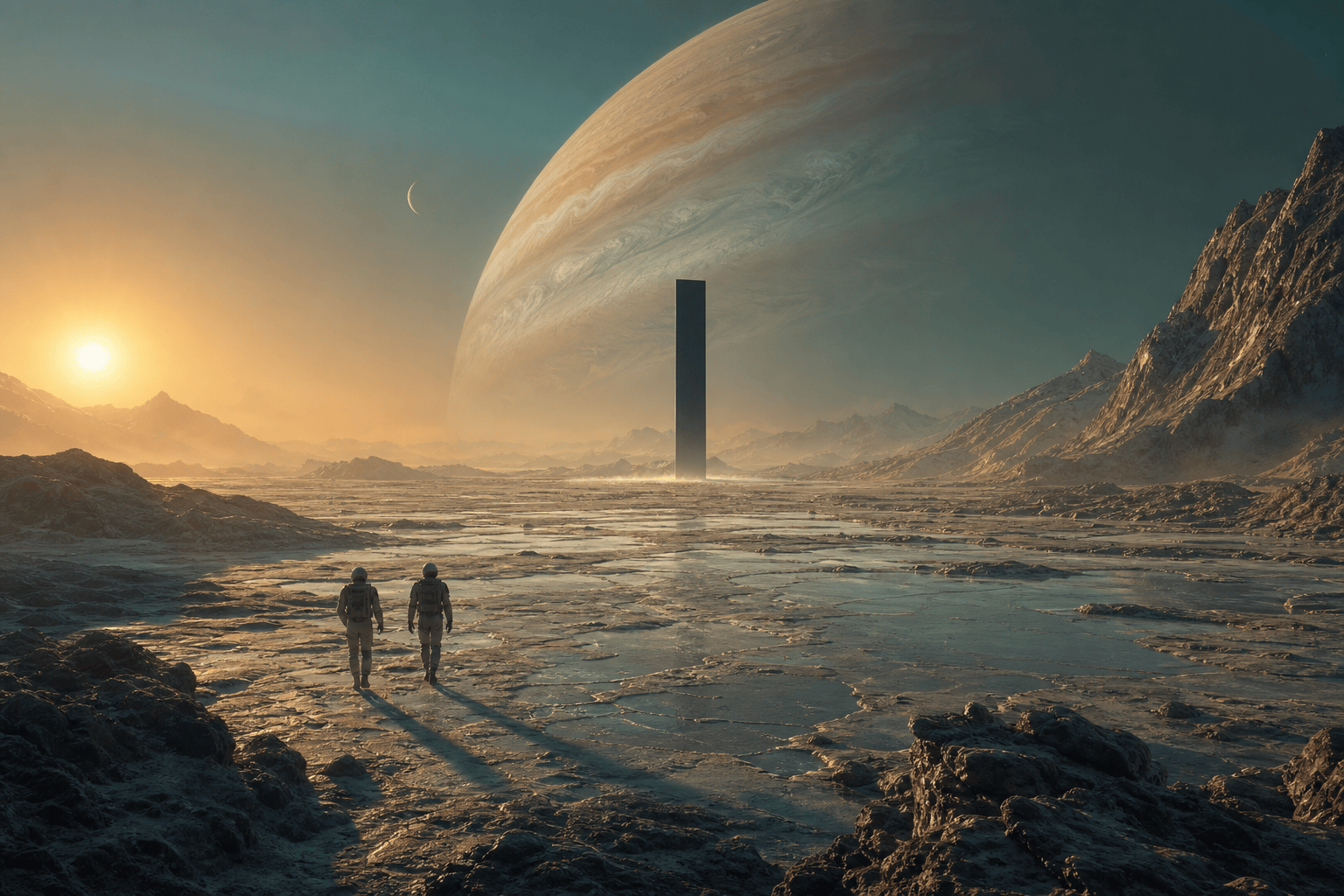
Alien monolith: two tiny astronauts cross a pale mineral plain toward a black structure, huge gas giant low on the horizon, turquoise haze, long amber shadows and immense quiet scale.
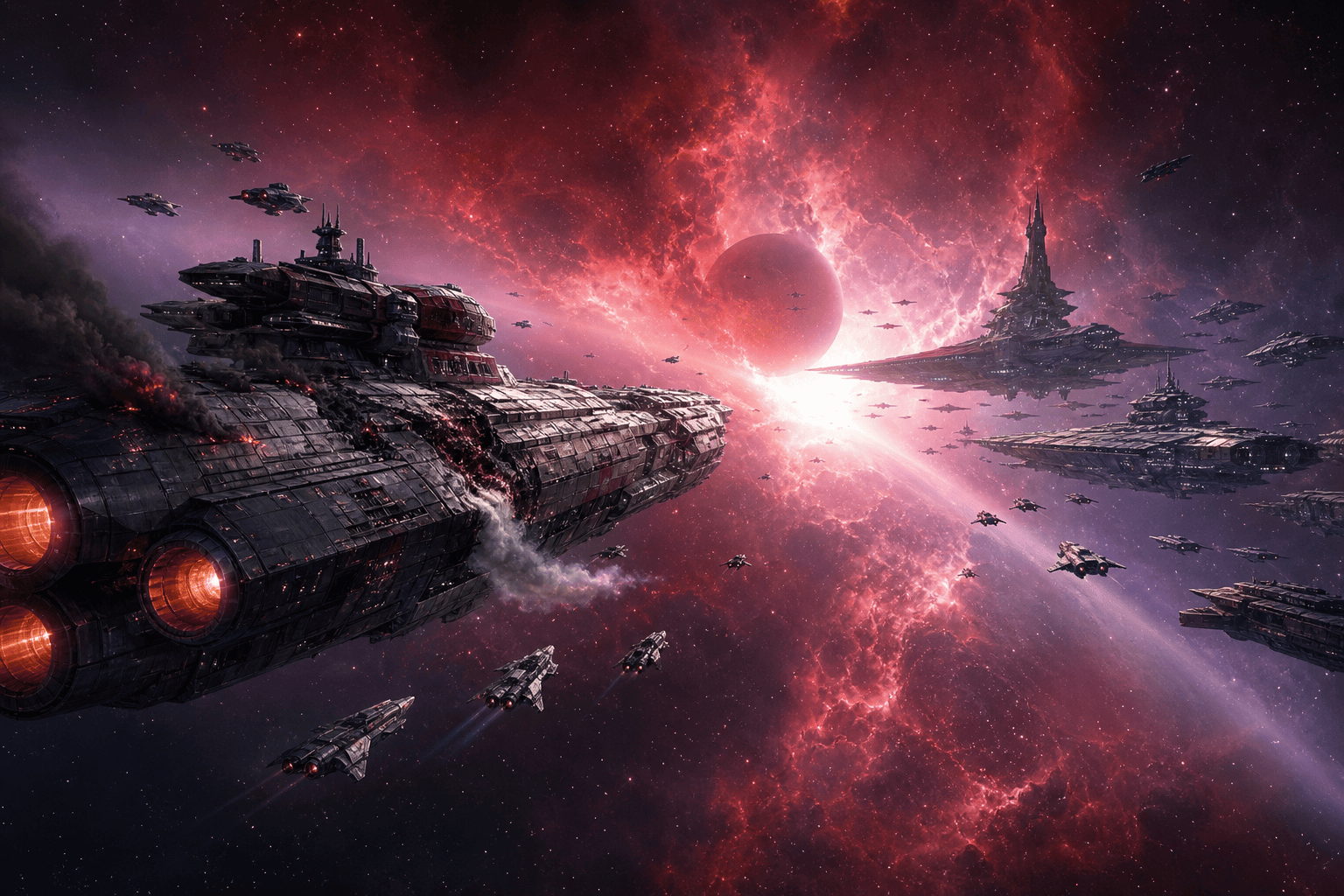
Space-opera standoff: two fleets approach across a red-violet nebula, one damaged cruiser venting atmosphere, fighters as scale cues, clear visual hierarchy, directional light, illustrated cover art.
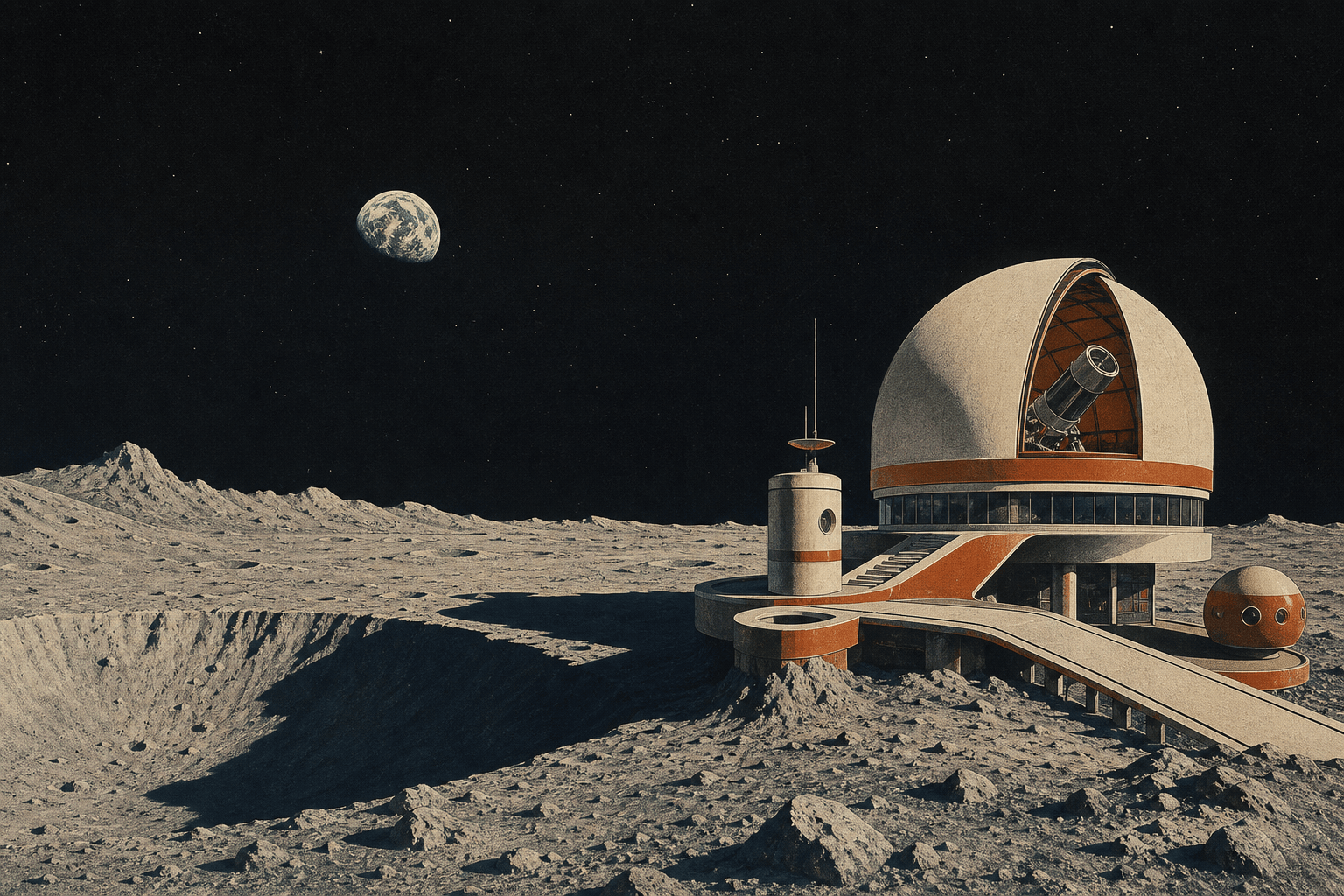
Retro lunar observatory: 1970s-inspired dome on a crater rim, small Earth above the horizon, off-white and burnt-orange architecture, long shadows, screen-print texture and ample black space.
Product space background: preserve the uploaded product exactly, place it against a restrained blue nebula and distant crescent planet, match cool rim light to the object and keep the center uncluttered.
Cosmic meditation: a tiny silver probe crossing deep black space below a soft teal dust cloud, very sparse stars, one distant sun, minimalist editorial digital art with wide negative space.





