Turn Your Photo into SantaAI Santa Yourself
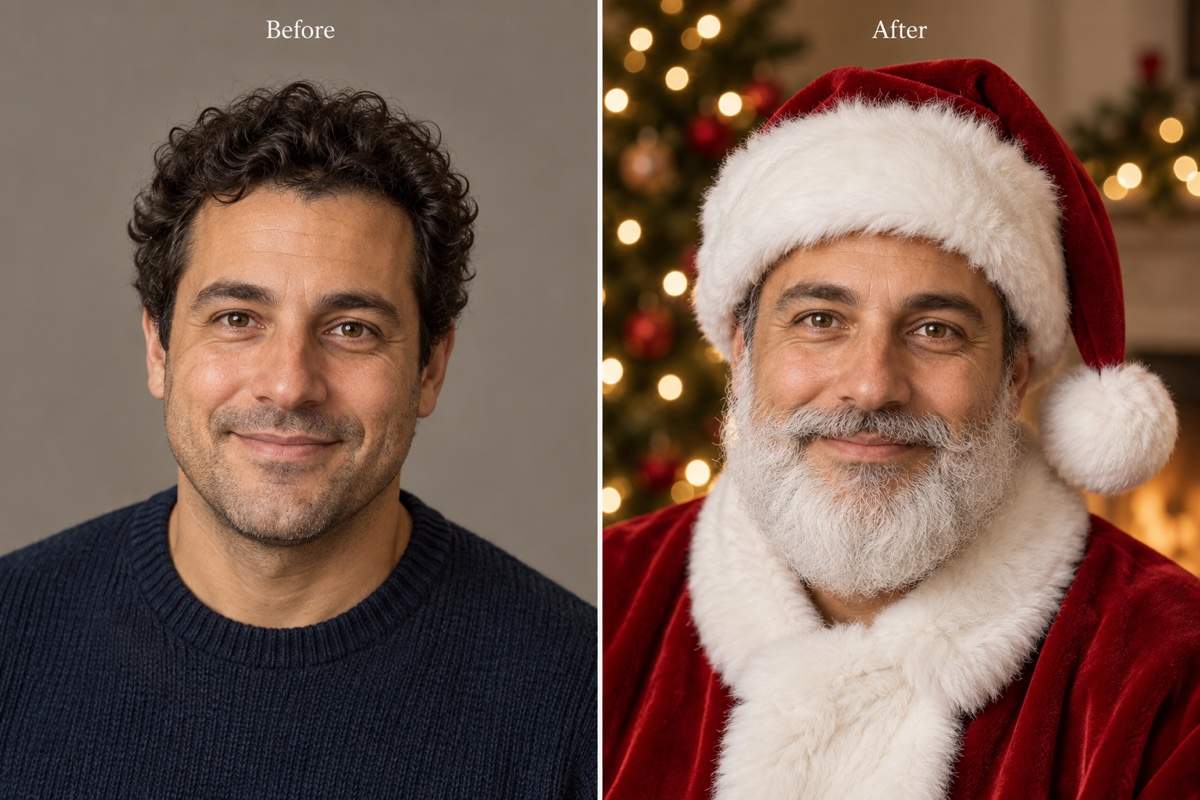
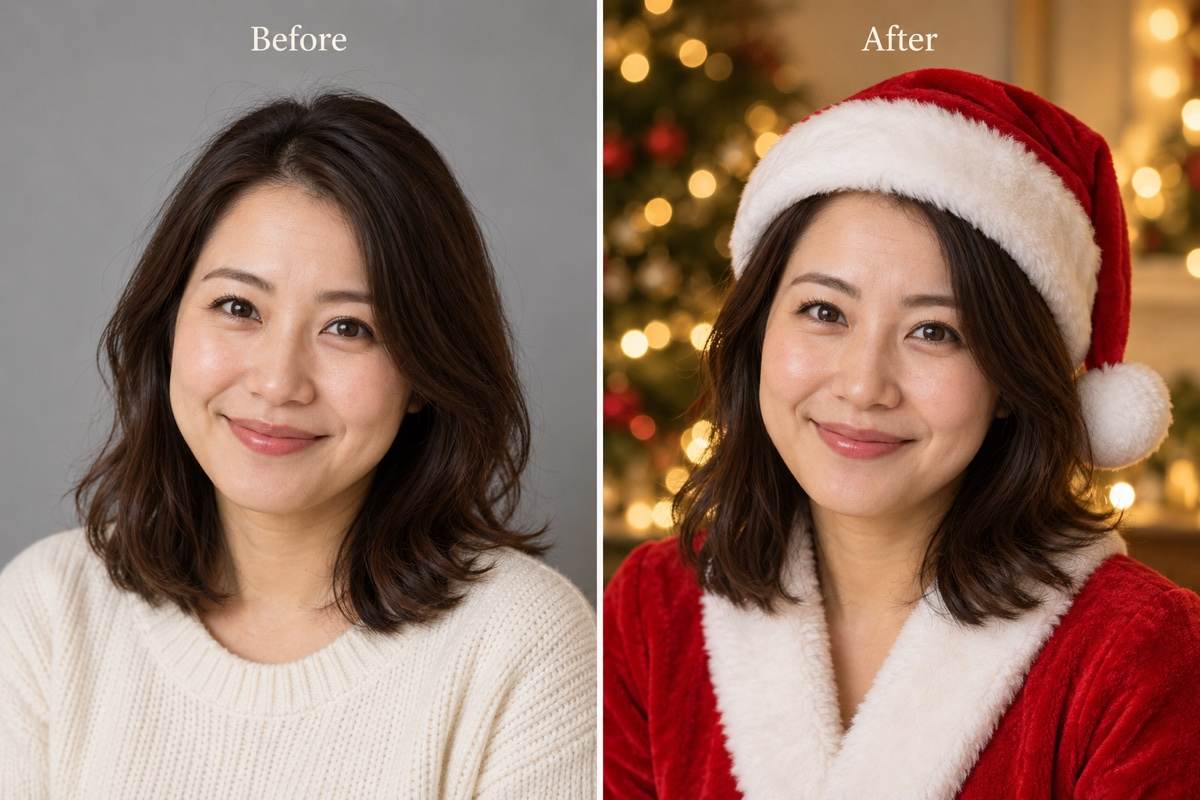
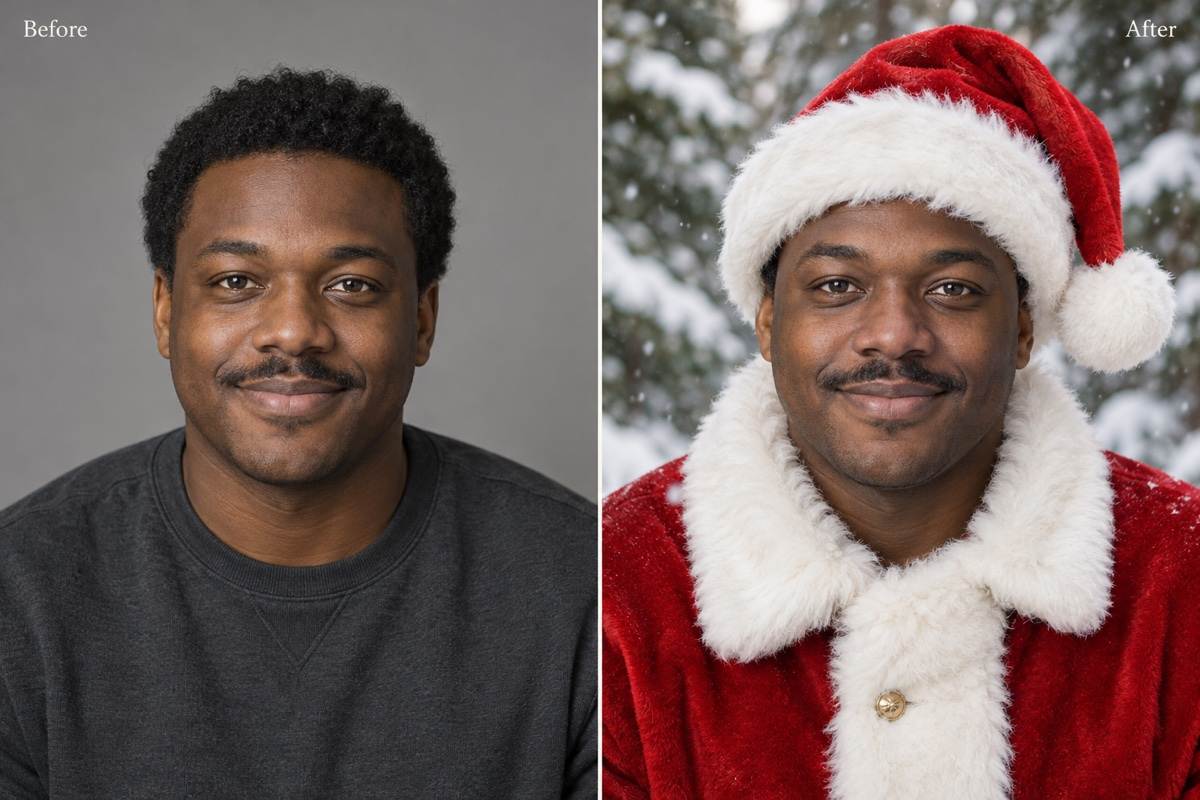
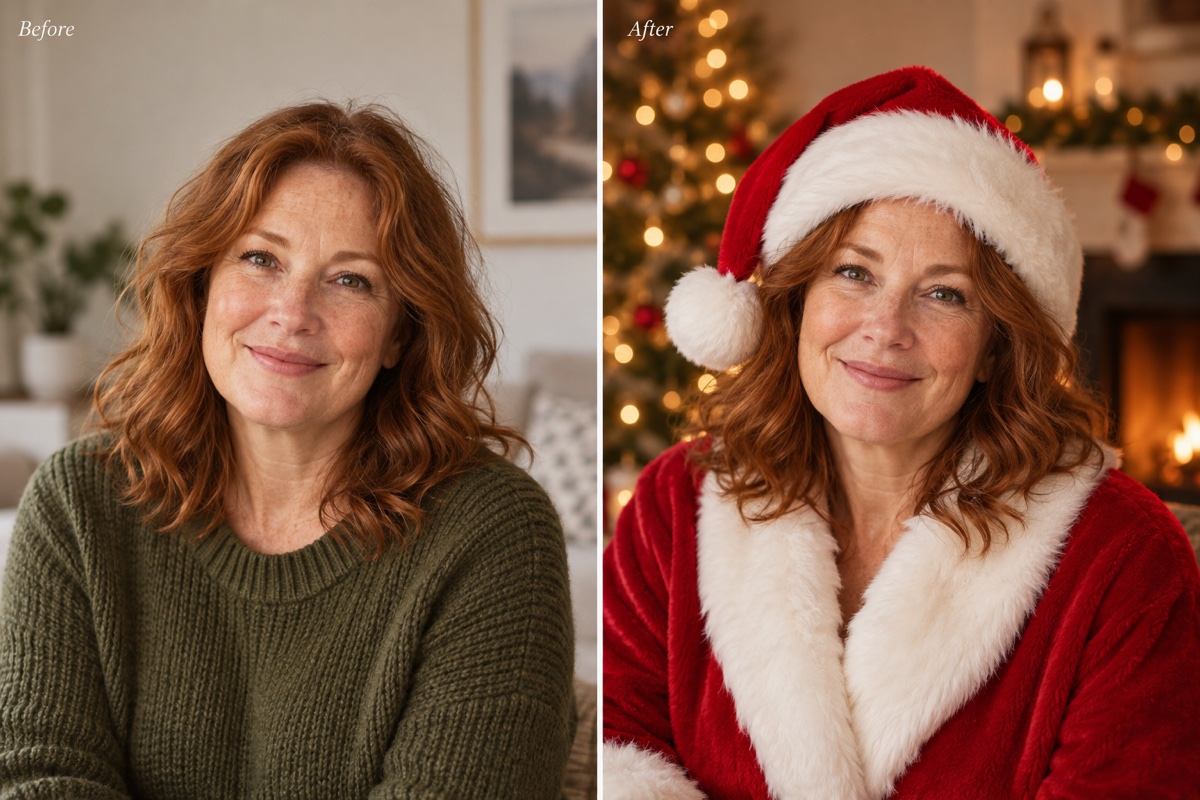
How to Create a Santa Portrait with AI
Upload a Clear Portrait
Build Your Santa Look
Adjust the Festive Details
Save Your Holiday Portrait

Your Santa Look, Down to the Beard
Start with Your Own Face
Use an uploaded portrait as the reference for your Santa makeover. Ask to retain your expression, skin tone and facial features.
Choose How Much Santa to Add
Use this AI Santa filter for a full white beard and velvet suit, or request a lighter look with a red hat and no beard.
Set the Christmas Scene
Keep your original background or ask for warm tree lights, a fireplace or snow. Describe lighting that fits the portrait.
Fix One Detail in Chat
Ask Chat Edit to lower the hat or shorten the beard while keeping the rest of your chosen Santa look.
From Profile Photo to Greeting
Create a square Santa profile picture or leave room for a greeting on a personalized Santa Christmas card.
Try It with Free Credits
Sign up for free AI credits to try your Santa transformation online. Exports are watermark-free; further generation depends on your available credits.
Get a Santa Photo That Still Looks Like You
- Start with One Face: Choose a front-facing or slight three-quarter portrait. Avoid sunglasses, face-covering objects and heavy beauty filters.
- Decide on the Beard: A large beard hides your jaw and smile. Ask for a short beard or no beard when recognizability matters most.
- Compare Key Features: Check the eyes, nose, skin tone and expression against your upload. AI edits can change facial details; exact likeness is not guaranteed.
- Keep the Crop Useful: Leave room above the hat and below the beard. Preview a circle crop before using the image as an avatar.
Small Fixes for a Better Santa Makeover
Use my original uploaded photo to correct the eyes, nose and expression in this Santa portrait. Keep the current outfit and background.
Remove the added white beard from my Santa photo. Keep my original facial hair, face, red hat and coat.
Adjust the Santa hat so it sits naturally on my head without covering my eyebrows or eyes. Keep the face and background.
Replace only my clothing with a red velvet Santa coat with white trim. Preserve my face, pose and original setting.
Keep my current Santa portrait and add soft Christmas lights in the background. Match their warm light on the coat without changing my face.
Make a square Santa profile picture from this portrait. Center my face and leave enough space around the hat and beard for a circular crop.





