Free OnlineAI Retro Couple Photo Generator
How to Create a Retro Couple Photo with AI
Upload One Photo or Two Portraits
Choose the Era and Interaction
Generate the Vintage Portrait
Fine-Tune and Download

A Retro Couple Photo Maker Built for Two Identities
Start Together or Apart
Restyle one existing couple picture or use two separate portraits as references. The online AI retro couple photo maker can build a shared scene without manual cutouts or layered photo editing.
Keep Each Person Recognizable
Tell the agent which image belongs to each person and what must not change. Clear references plus identity-aware instructions help preserve distinct faces, skin tones, hair, and expressions instead of blending the couple into look-alikes.
Build a Decade, Not Just a Filter
Mew Design can use image models such as Nano Banana Pro and GPT Image 2.5 when relevant. Specify period clothing, lighting, lens character, film grain, and set details for a more authentic result than a flat sepia wash.
Direct the Pose and Styling
Ask for a candid laugh, shoulder embrace, shared gaze, formal studio pose, or cinematic walk. You can also change clothes, hair, makeup, props, and the backdrop while keeping the creative direction focused.
Explore a Matching Photo Set
Generate several coordinated portraits for an anniversary carousel, mood board, or vintage photo booth strip. Keep the era and film treatment consistent while varying framing and interaction.
Try It Free and Export Cleanly
Sign up for free AI credits, test a look in your browser, and keep refining through chat. Download watermark-free image files when the portrait is ready to share or print.
How to Prompt AI for an Authentic Retro Couple Photo
- Lock the identities: Name each uploaded image and ask to preserve face shape, skin tone, hair, and distinguishing features. If using two selfies, say that they are separate identity references for one shared scene.
- Pick one decade: Choose 1950s diner, 1970s disco, 1980s studio cinema, or 1990s consumer film. Avoid mixing clothes, hair, props, and color grades from unrelated eras.
- Describe the film process: Try 35mm grain, soft flash, warm halation, faded color, lifted blacks, slight motion blur, a Polaroid border, or high-contrast monochrome instead of requesting a generic vintage filter.
- Stage the connection: Add framing, eye direction, hand placement, and mood—a gentle embrace and shared gaze create a different portrait from a playful dance-floor candid or formal studio pose.
Retro Couple Photo Prompts for Every Decade
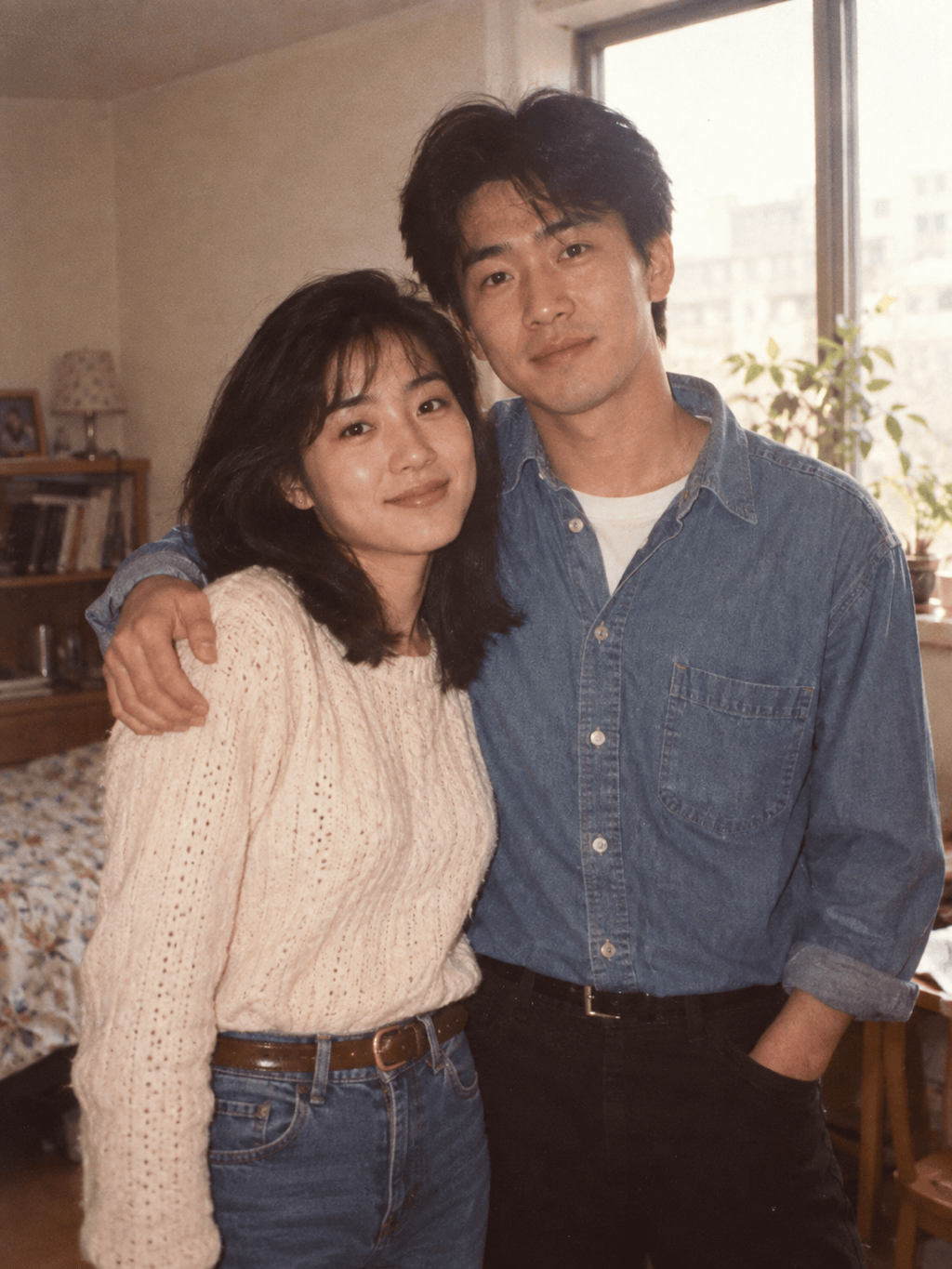
90s Film Portrait from One Photo: Use @[couple_photo] as the identity reference. Create a natural 1990s couple portrait beside a cream studio wall, waist-up, relaxed shoulder embrace, soft direct flash, fine 35mm grain, slightly faded peach and amber tones, lifted shadows, realistic skin texture. Keep both faces and expressions recognizable; no modern logos, no extra people, vertical 3:4.
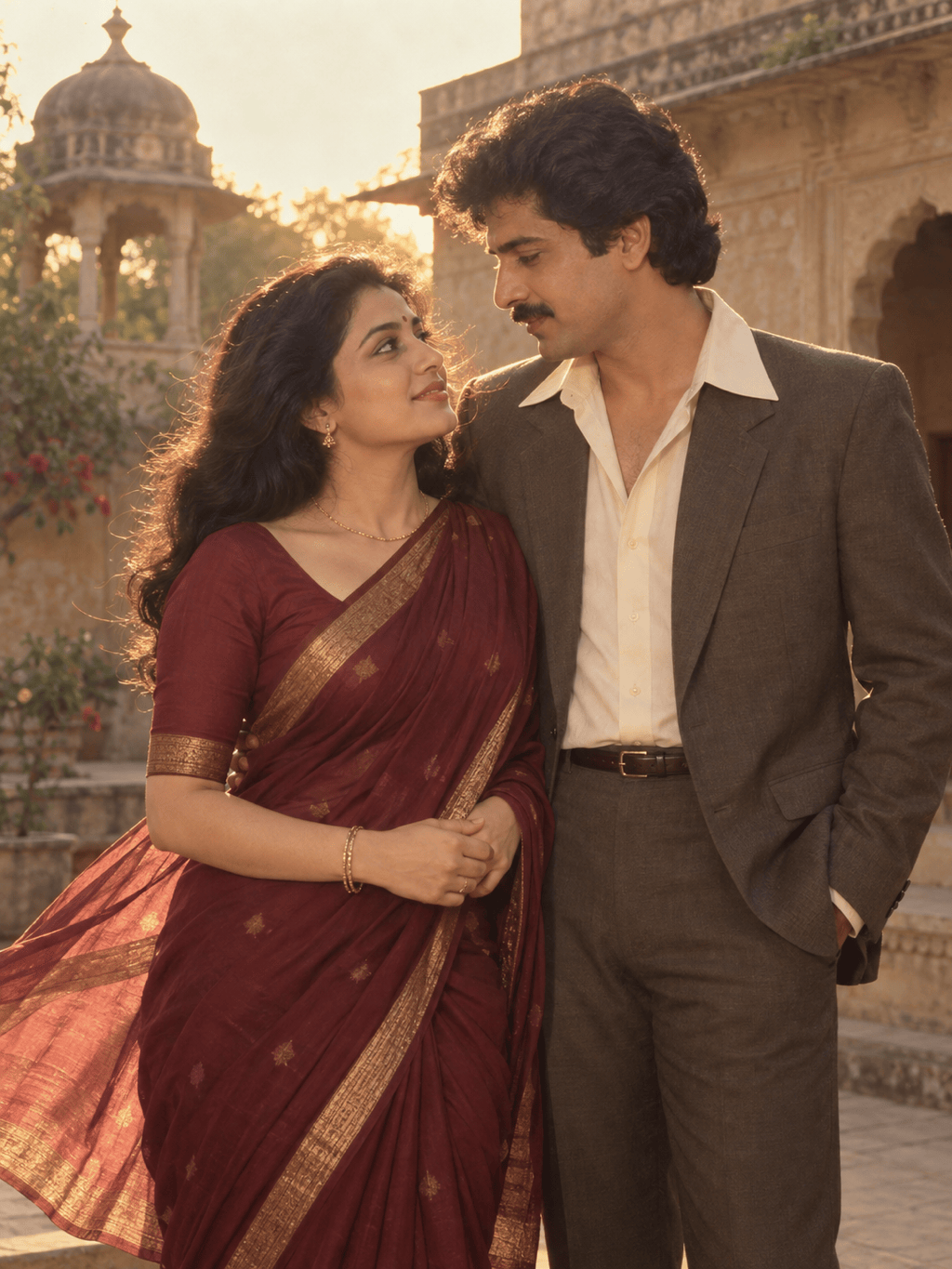
80s Indian Cinema from Two Selfies: Use @[person_1] and @[person_2] as separate identity references for one adult couple. Place them in an elegant 1980s Indian romantic cinema portrait at golden hour, with period-appropriate formal clothing, wind-swept fabric, dramatic rim light, warm film color, and restrained grain. Keep each face distinct and natural; no text or poster title, vertical 3:4.
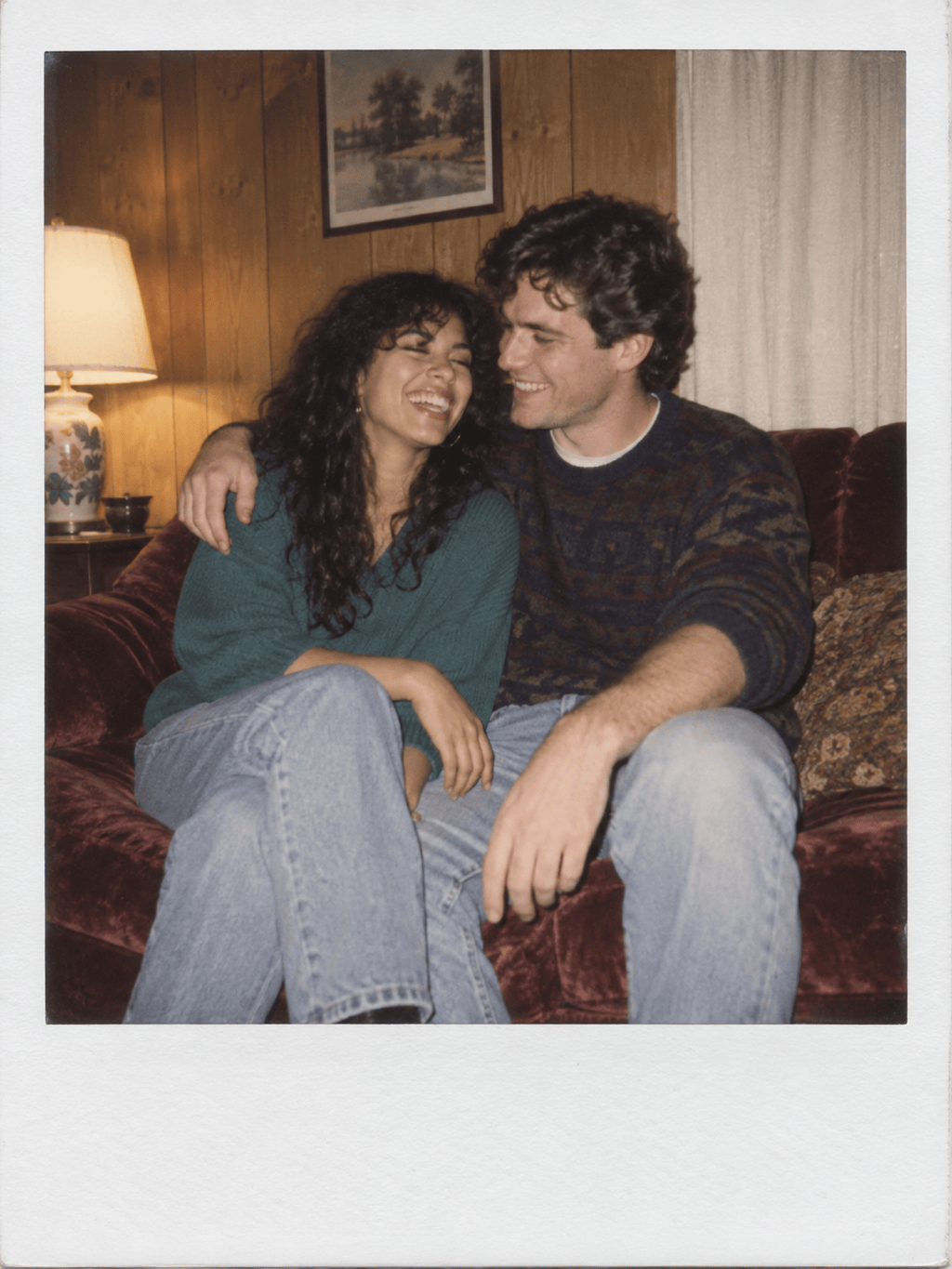
Vintage Polaroid Couple Photo: Restyle @[couple_photo] as an intimate instant-film snapshot taken in a wood-paneled living room. The couple sits close on a worn velvet sofa, sharing a candid laugh. Use soft flash falloff, slightly overexposed highlights, muted red and cream tones, subtle blur, fine grain, and a clean white instant-photo border. Preserve both identities; no text.
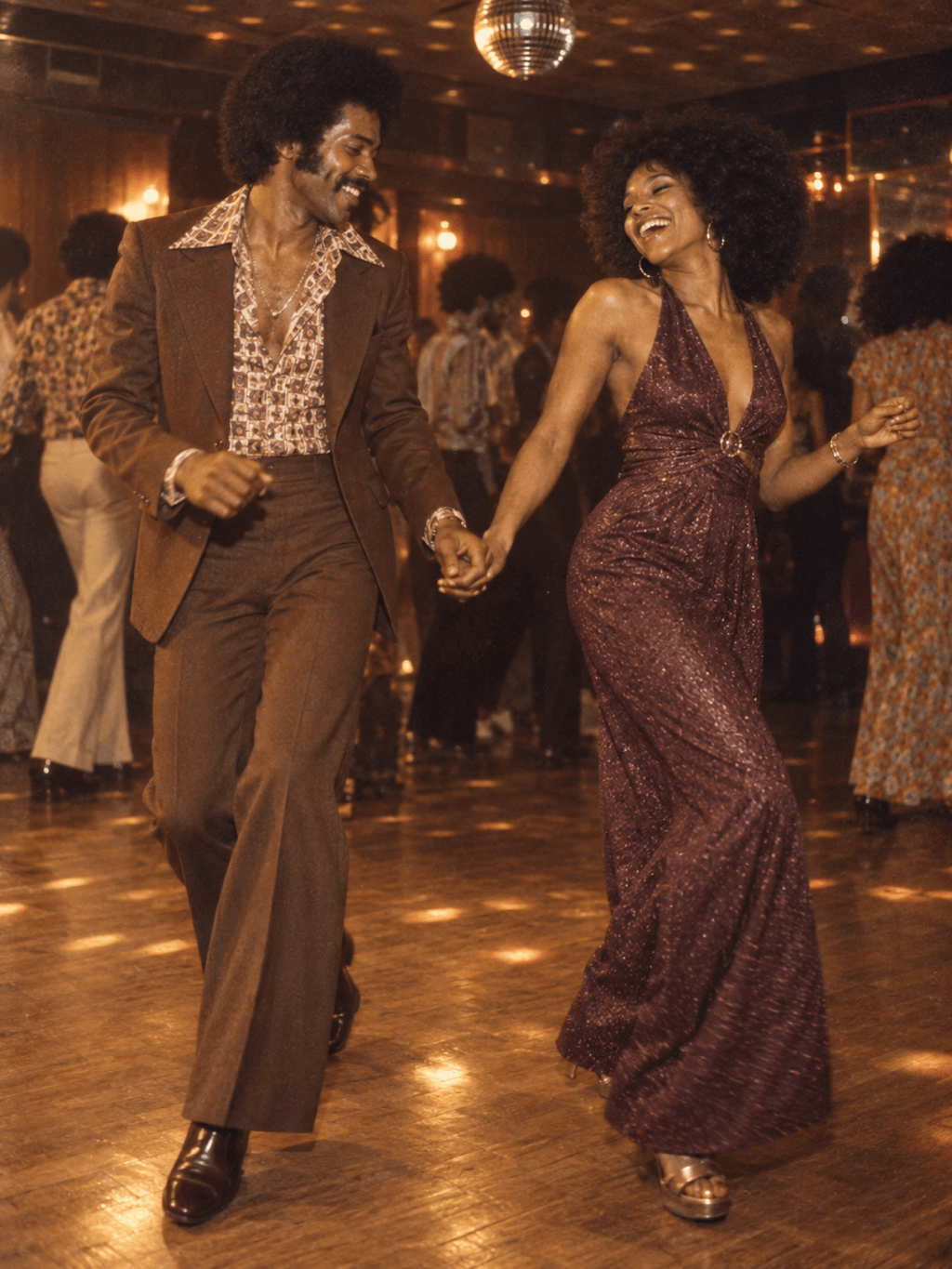
70s Disco Date: Create a photorealistic 1970s dance-floor candid of the adult couple in @[couple_photo]. Use coordinated era-accurate evening outfits, warm tungsten light, mirror-ball reflections, rich brown and gold color, natural motion blur, and visible analog grain. Keep both people recognizable and hands anatomically natural; full-body vertical portrait.
1950s Diner Romance: Use @[person_1] and @[person_2] as separate references. Create a playful 1950s diner couple photo at a red vinyl booth with a chrome table and shared milkshake, period-correct clothing and hair, pastel teal and cherry-red palette, soft magazine flash, and Kodachrome-like color. Keep both faces distinct; remove brands and readable signs, vertical 3:4.
Classic Black-and-White Anniversary Portrait: Turn @[couple_photo] into a timeless monochrome studio portrait with formal vintage evening wear, a close three-quarter pose, sculpted key light, soft rim light, deep but detailed shadows, subtle large-format film grain, and elegant natural expressions. Preserve facial identity and age details; no text, logos, or glamour retouching.





