LetAI Remove Shadows From Photos
How to Remove Shadows From a Photo with AI
Bring In the Shadowed Photo
Name the Shadow, Not Just the Subject
Generate a Balanced First Edit
Inspect, Fine-Tune, and Download

Shadow Cleanup That Listens to the Photograph
Target One Shadow Precisely
Instead of raising brightness across the entire frame, tell our AI shadow remover exactly which dark band, cast shape, or shaded area should change—and what must remain untouched.
Keep Depth Where It Belongs
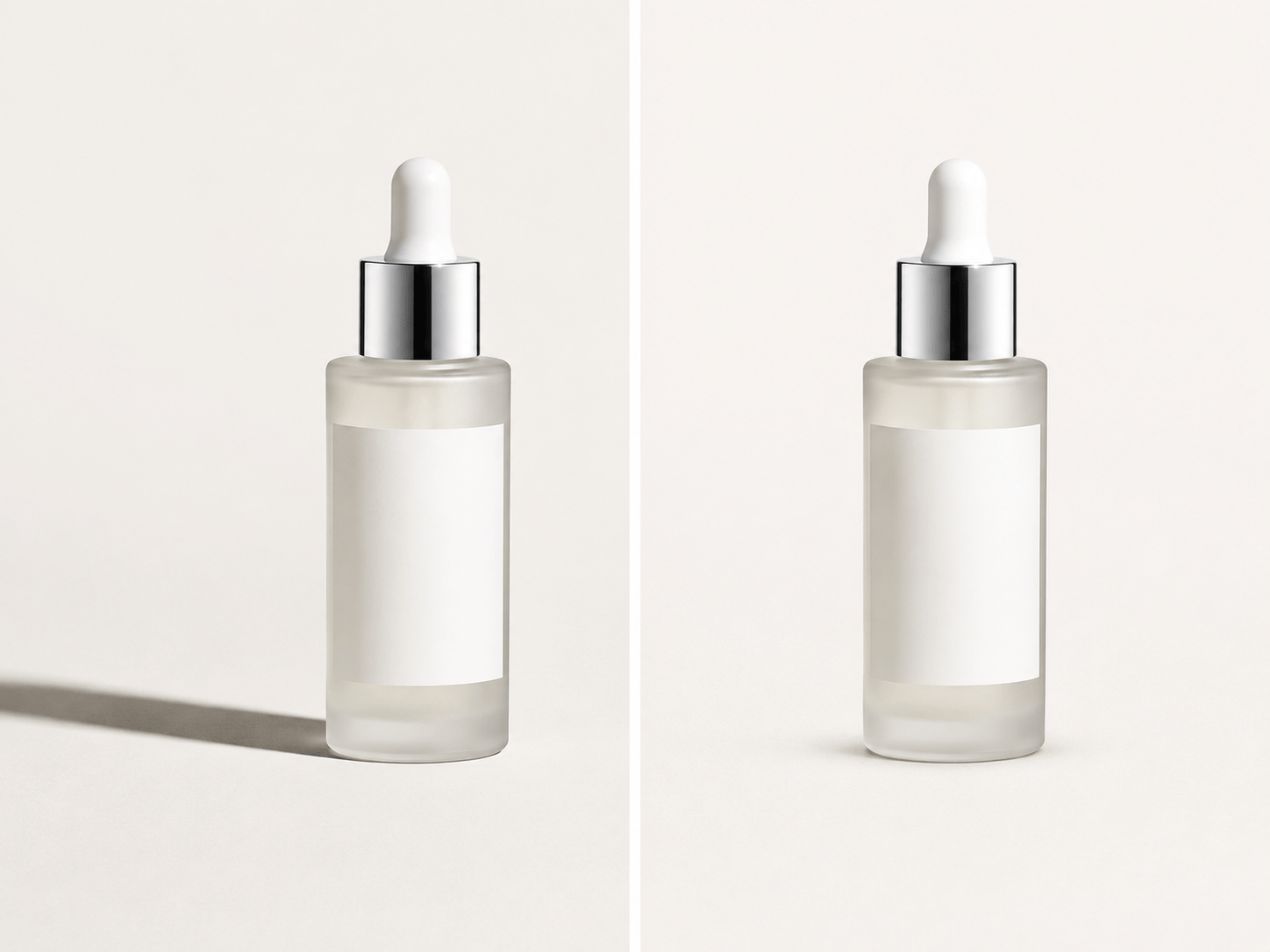
A product floating without any grounding shadow can look fake. Specify that the hard background shadow should disappear while a soft contact shadow stays beneath the object.
Protect Faces and Personal Details
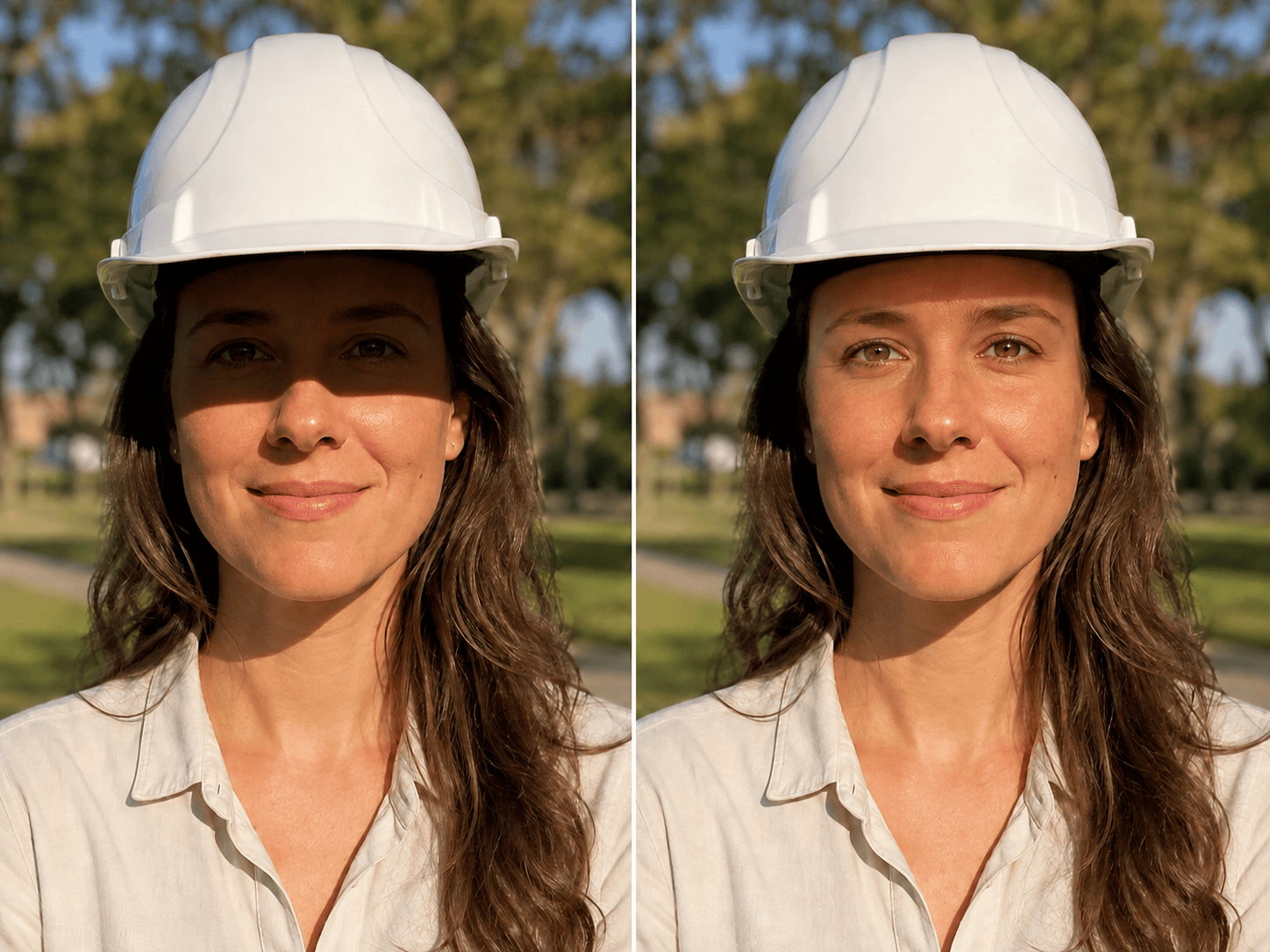
When removing a shadow from a face photo, ask Mew Design to preserve facial features, skin texture, hair, expression, and the surrounding scene. You set the invariants in everyday language.
Clean Up Photos Without a Reshoot
Turn uneven product lighting, phone shadows on paper, or window-grid marks into cleaner assets for listings, portfolios, property pages, and social posts.
Choose the Right Editing Direction
Mew Design can work with advanced image models such as Nano Banana Pro and GPT Image 2.5, giving the agent strong options for natural-language image editing.
Revise the Light by Chat
If the first result looks washed out, do not start over. Ask for less brightening, warmer skin, restored paper contrast, or a softer edge, then download a watermark-free result.
Direct the Light: A Better Shadow-Removal Prompt
- Locate It: Say whether the shadow crosses a cheek, product label, tabletop, wall, or page—and mention its direction or shape.
- Protect the Subject: List details that cannot drift, such as identity, expression, logo, packaging color, printed text, furniture, or composition.
- Keep Useful Depth: For products and interiors, say whether soft contact shadows and realistic depth should remain after the harsh cast shadow is removed.
- Set the Finish: Request neutral daylight, even studio lighting, readable paper, or another believable target instead of vague maximum brightening.
Six Shadow-Fix Prompts for Real Photos
Portrait outdoors: Remove the hard hat-brim shadow covering the eyes and upper cheeks. Keep the person’s identity, expression, skin texture, hair, clothing, background, and warm late-afternoon color unchanged. Blend the corrected area with the natural light on the lower face.
Ecommerce product: Remove the long dark cast shadow to the left of this skincare bottle and clean the white background. Preserve the bottle shape, crisp label text, cap reflections, exact packaging color, and a subtle contact shadow directly underneath so it does not look cut out.
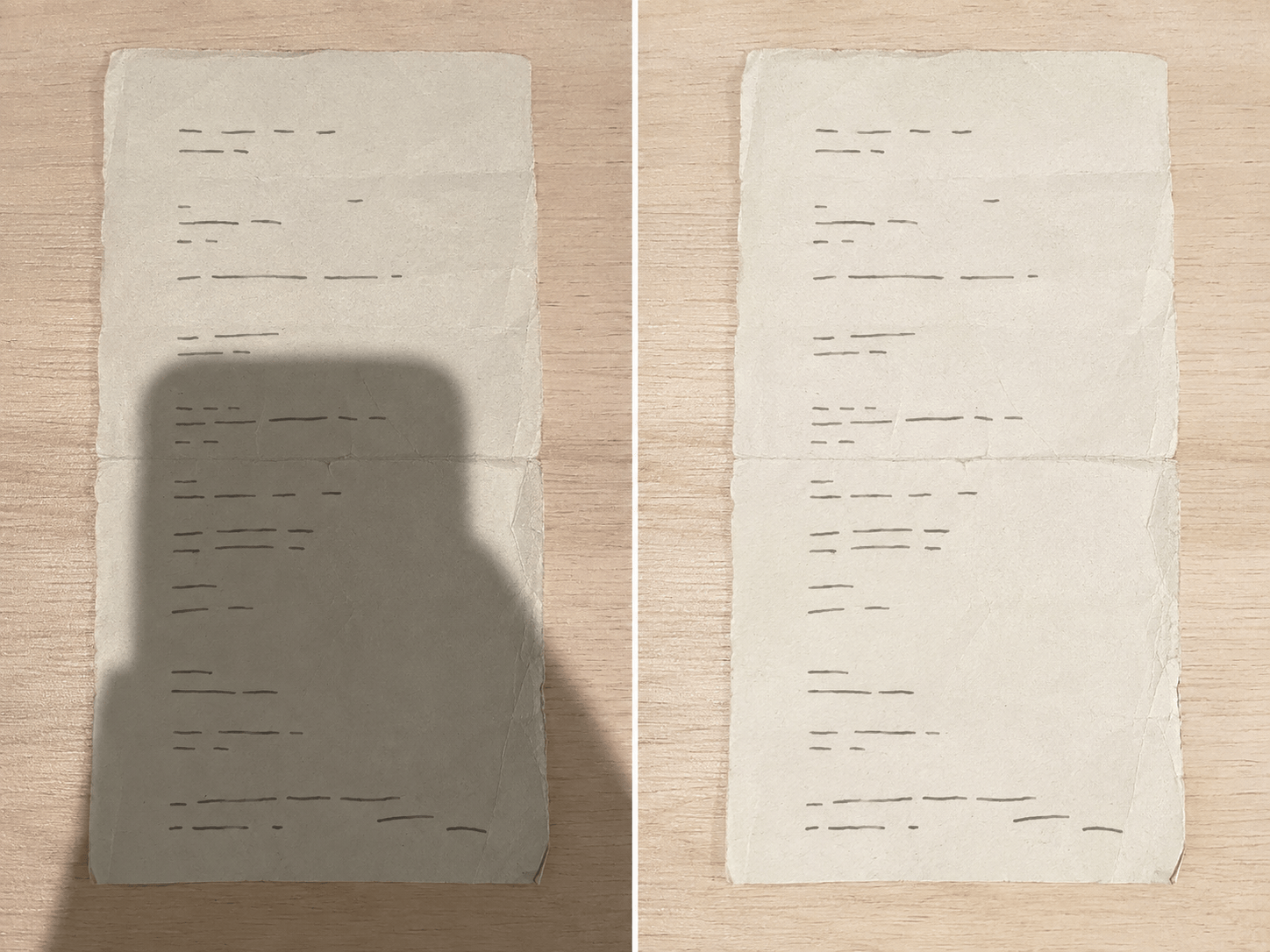
Photographed document: Remove the phone-and-hand shadow across this receipt. Keep all words, prices, dates, line spacing, folds, and page edges exactly as they are. Make the paper evenly lit and readable without whitening the ink or smoothing away texture.
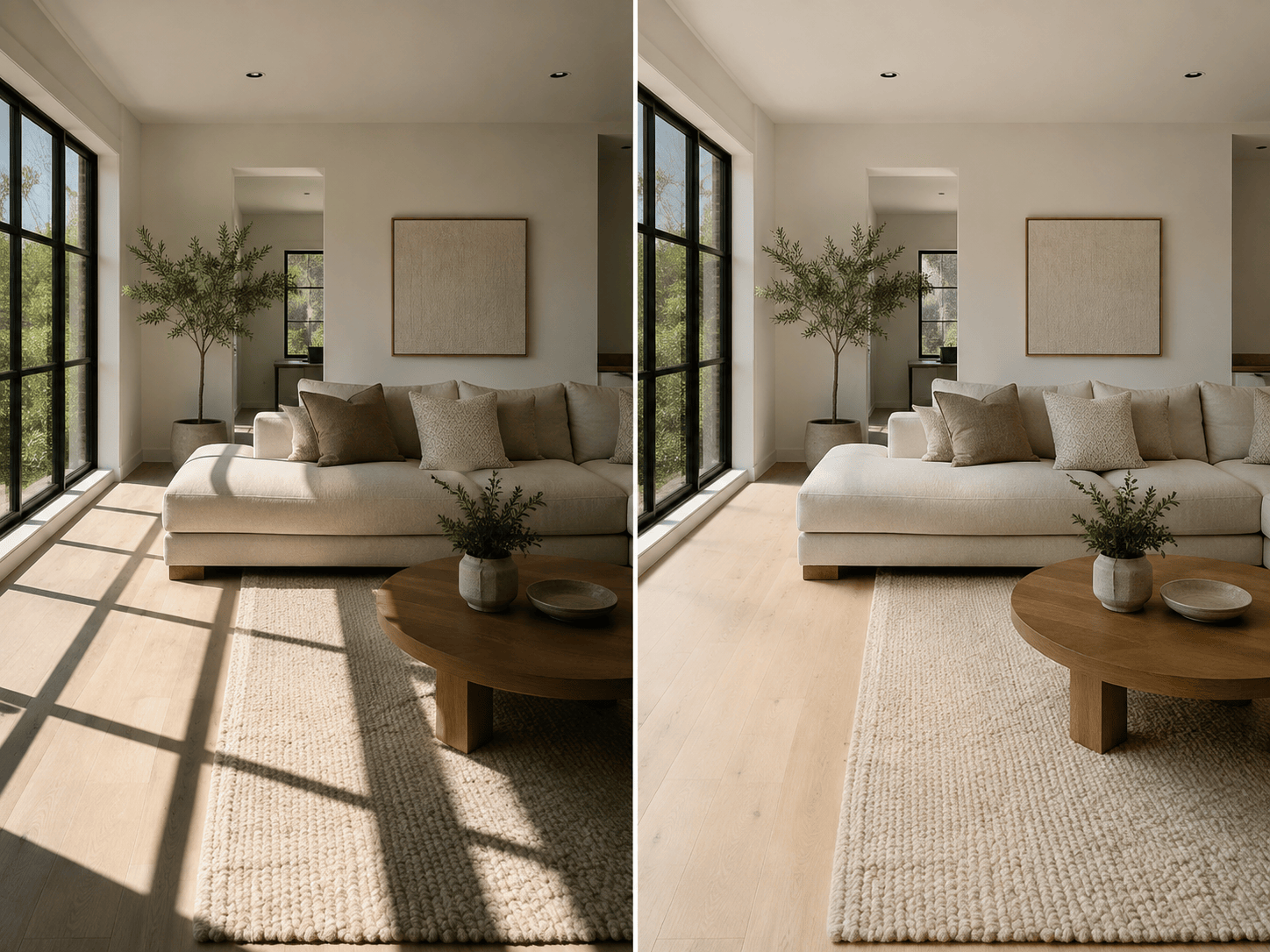
Real estate interior: Soften and remove the heavy window-frame shadows across the sofa and floor. Keep the room layout, furniture, outdoor view, wall colors, and material textures unchanged. Match the existing daylight and retain gentle corner shading for depth.
Food photo: Remove the harsh overhead shadow covering the right side of the plate. Preserve the shape and color of every ingredient, the ceramic glaze, table texture, framing, and natural highlights. Make the lighting soft and appetizing, not flat.
Group photo: Remove only the diagonal shadow crossing the second person’s face. Keep every face, pose, expression, outfit, and background detail unchanged. Match that person’s corrected skin tone and light direction to the others without retouching anyone else.





