Free OnlineAI Postcard Generator
How to Create a Postcard with AI
Choose the Purpose, Size, and Sides
Supply the Image and Exact Message
Generate a Front-and-Back Concept
Refine, Preflight, and Export

A Postcard Workflow That Respects Both Sides
Turn a Photo into the Main Story
Upload a permitted destination, couple, property, product, artwork, or venue photo and ask the AI postcard generator from photo to build the typography around its strongest focal point. Request a new crop, color treatment, border, or illustration direction without losing the original purpose.
Coordinate the Front and Reverse
Ask for a visually expressive front and a quieter reverse that shares the same palette, type choices, and brand cues. The reverse can reserve distinct areas for a personal note or offer, recipient address, return details, and stamp placement without pretending that one universal layout meets every postal rule.
Fit a Message onto a Small Canvas
A postcard has little room for competing ideas. This online postcard maker can prioritize a place name, save-the-date, property status, discount, event title, or thank-you line, then move supporting facts into a readable secondary block instead of shrinking everything.
Build Personal and Campaign Variants
Generate related versions for different destinations, event dates, property milestones, neighborhoods, customer offers, or seasonal messages while keeping one visual system. For a larger promotional canvas with more copy, use the AI Flyer Generator.
Revise Details Through Conversation
Use Chat Edit to replace a photo, correct exact wording, strengthen the call to action, simplify the reverse, enlarge the address area, or remove a decorative element. Review all names, dates, prices, offers, addresses, and image rights before the postcard leaves the design stage.
Export Without Claiming Mailing Automation
Try the free AI postcard maker with signup credits and export selected reviewed static designs without a watermark as PNG, JPG, or PDF. Mew Design does not print, mail, calculate postage, validate addresses, merge recipient lists, schedule campaigns, or track delivery.
How to Brief AI for a Postcard People Can Read
- Define the Physical Format: Specify 4×6, 5×7, A6, or the exact dimensions supplied by your printer, plus horizontal or vertical orientation. Say whether you need a front only, a coordinated front and reverse, or a digital postcard that will not be mailed.
- Lock the Required Copy: Quote the exact place name, announcement, property status, event date, discount, redemption terms, or call to action. Explicitly tell the AI not to invent addresses, prices, contact details, postage marks, legal text, or offer conditions.
- Assign Each Side a Job: Use the front for one image and one dominant message. Describe the reverse as a separate composition with a note or offer area, divider, address block, return details when needed, and an unoccupied stamp area based on your provider's specification.
- Name the Production Checks: Ask for generous trim and safe-area allowances, but verify the actual bleed, resolution, color profile, paper, address zone, indicia or stamp zone, and file settings with the printer and postal operator before production.
AI Postcard Prompts for Photos, Events, and Direct Mail
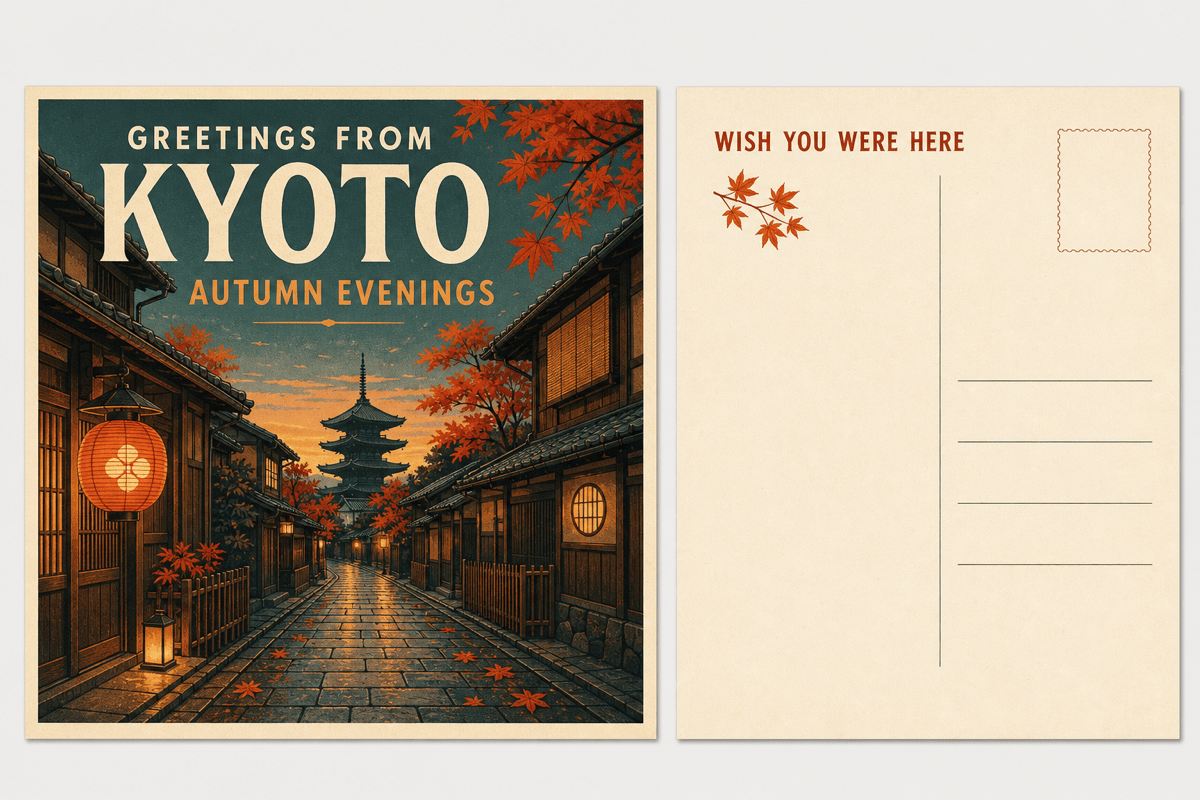
Travel Photo Postcard: Turn my uploaded Kyoto street photo into a 4×6 horizontal travel postcard. Front text: 'GREETINGS FROM KYOTO' and 'AUTUMN EVENINGS'. Use a restrained mid-century travel-poster treatment without changing recognizable architecture. Reverse: a small maple motif, blank note area, divider, four address lines, and empty stamp box. Do not invent a date, address, postage, or travel company.
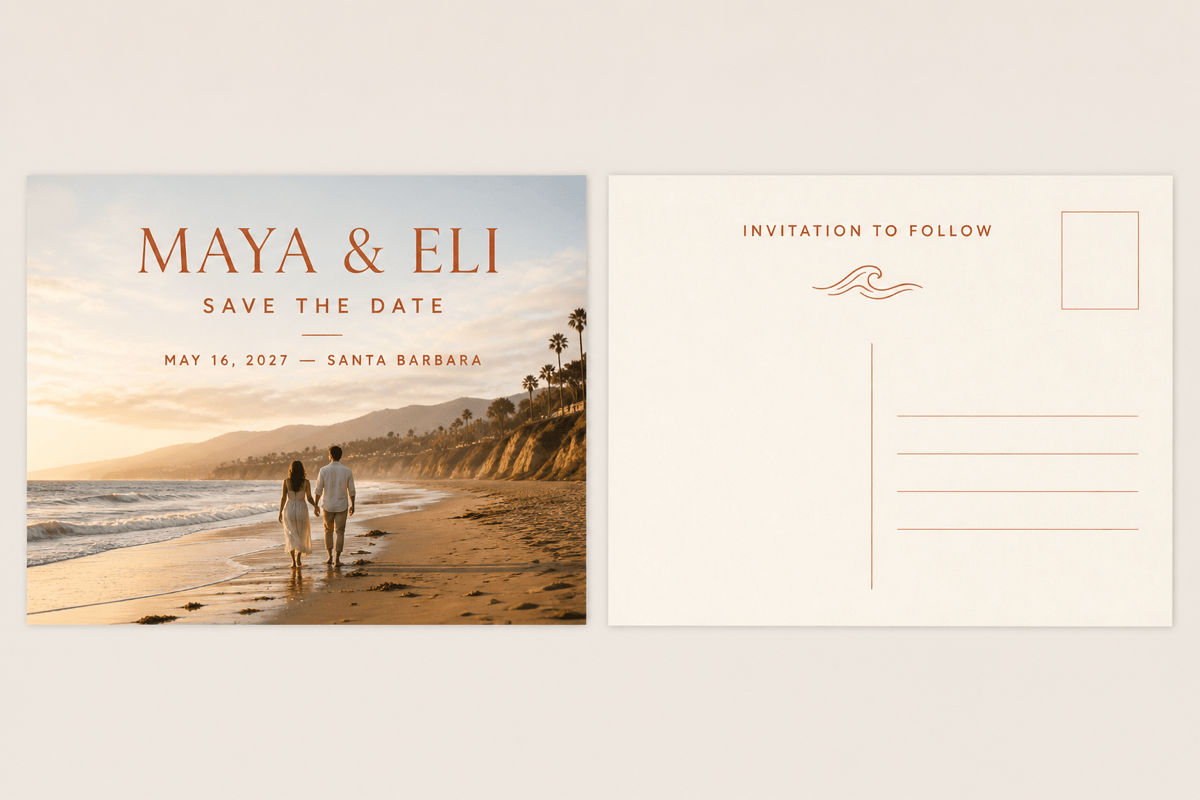
Photo Save-the-Date: Create a 5×7 horizontal front and reverse using the uploaded fictional couple portrait. Exact front text: 'MAYA & ELI' and 'MAY 16, 2027 — SANTA BARBARA'. Keep the photograph natural, use warm ivory and terracotta, and leave the reverse mostly open with 'INVITATION TO FOLLOW', a divider, blank address lines, and stamp placeholder. Do not add a venue or registry.
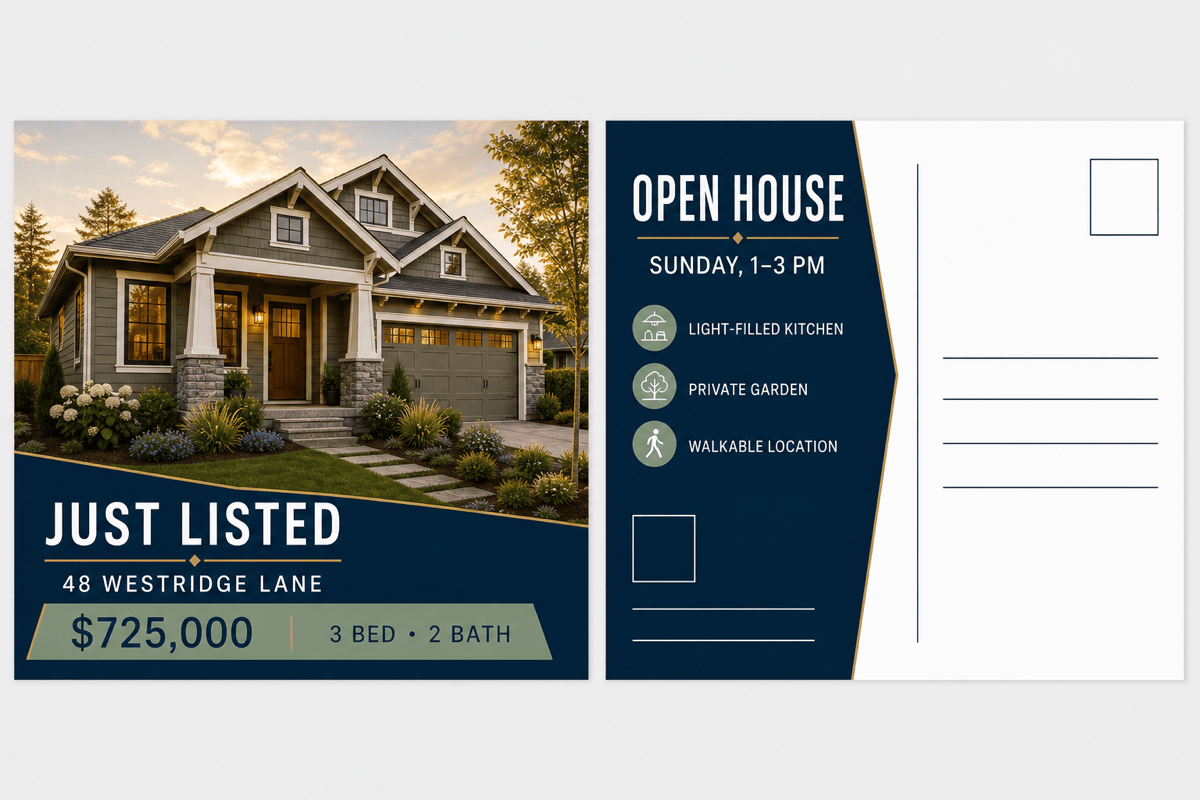
Real Estate Just-Listed Mailer: Design a 6×4 horizontal postcard for the fictional agency 'NORTHLINE REALTY'. Front: use the uploaded house photo with exact text 'JUST LISTED', '48 WESTRIDGE LANE', '$725,000', '3 BED • 2 BATH'. Reverse: exact headline 'OPEN HOUSE — SUNDAY, 1–3 PM', three supplied property highlights, a logo placeholder, blank contact fields, and a clear address zone. Do not invent an agent, license, phone, URL, or mailing permit.
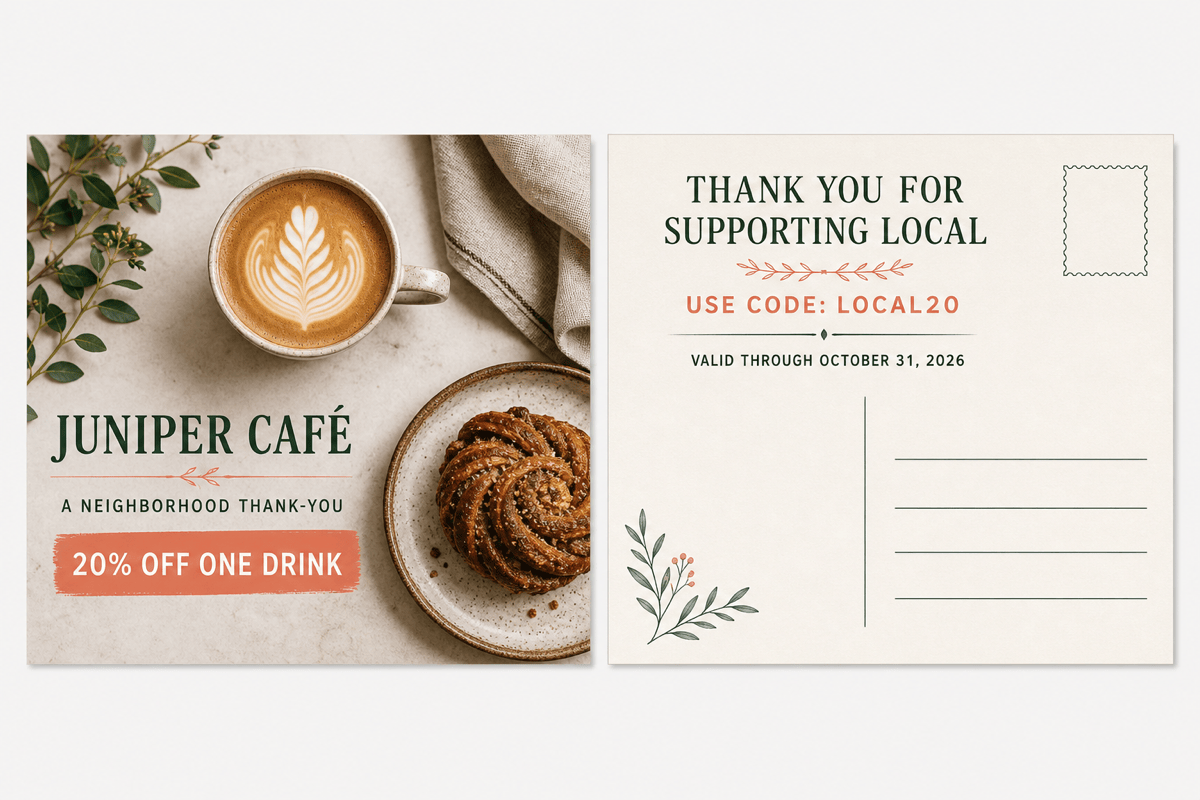
Local Café Thank-You Offer: Create a 6×4 direct-mail postcard for the fictional 'JUNIPER CAFÉ'. Front text: 'A NEIGHBORHOOD THANK-YOU' and '20% OFF ONE DRINK'. Use the uploaded latte photo, cream and forest green, and a bold but friendly offer. Reverse: exact code 'LOCAL20', exact expiry 'OCTOBER 31, 2026', short thank-you note, blank address lines, and stamp cue. Do not add exclusions, prices, or contact details.
Museum Exhibition Reminder: Make an A6 horizontal postcard for the fictional 'HARBOR LIGHT MUSEUM'. Front: one supplied seascape, exact title 'TIDELINES', dates 'JUNE 8 — SEPTEMBER 14', quiet navy and sand palette. Reverse: a two-sentence supplied exhibition note, blank venue and URL fields, address zone, and stamp cue. Keep the artwork dominant and do not invent ticket prices or opening hours.
Nonprofit Donor Thank-You: Generate a 6×4 postcard for the fictional 'CITY GARDEN PROJECT'. Front text: 'YOU HELPED 200 SEEDLINGS TAKE ROOT'. Use the uploaded community-garden photo with cheerful green and sunflower accents. Reverse: place the supplied thank-you message on the left and leave recipient address and stamp areas blank on the right. Do not add donation amounts, tax language, or another call to action.





