Free OnlineAI Pizza Generator
How to Create Pizza Images with AI
Choose the Pizza and View
Generate Your Pizza Image
Refine the Crust and Toppings
Download and Use Your Image

Make Pizza Images That Fit Your Idea
Specify Every Topping
Describe thin crust, deep-dish, mozzarella, basil, or pepperoni in everyday language. Our AI pizza maker turns the combination into a visual concept you can refine.
Explore Realistic or Cartoon Styles
Generate realistic pizza images with browned crust and soft light, or request bold cartoon shapes for playful posts and illustrations.
Choose How You Generate
Select a preferred image model or let Mew Auto choose for your food-photo or illustration brief. Access the latest leading image models, with new releases added promptly.
Start from a Food Reference
Upload a pizza photo to guide the appearance or setting. Ask for specific edits and compare the result with the original when the exact dish matters.
Fix Details Through Chat
Use Chat Edit to reduce excessive cheese strings, remove extra toppings, or change the background. Revise the image without rewriting the entire brief.
Create a Related Image Series
Request matching pizza images for menu concepts or social posts using the same angle, plate, and background. Review each variation for consistent styling.
How to Get More Realistic Pizza Images
- Name the IngredientsSpecify the sauce, cheese, and toppings you want. For a vegan pizza image, describe vegetables and plant-based cheese rather than relying on the label alone.
- Match the Angle to the PizzaUse an overhead view to show topping placement. Choose a low side view for deep-dish layers or a close-up for a single slice.
- Keep Texture BelievableAsk for uneven browning, small crust blisters, and natural cheese melt. If the result looks plastic, request softer highlights and less uniform surfaces.
- Leave Room for the Final CropKeep the full crust inside the frame for menu images. For a promotional background, request empty space beside the pizza and add text in a separate design step.
Pizza Image Ideas You Can Generate
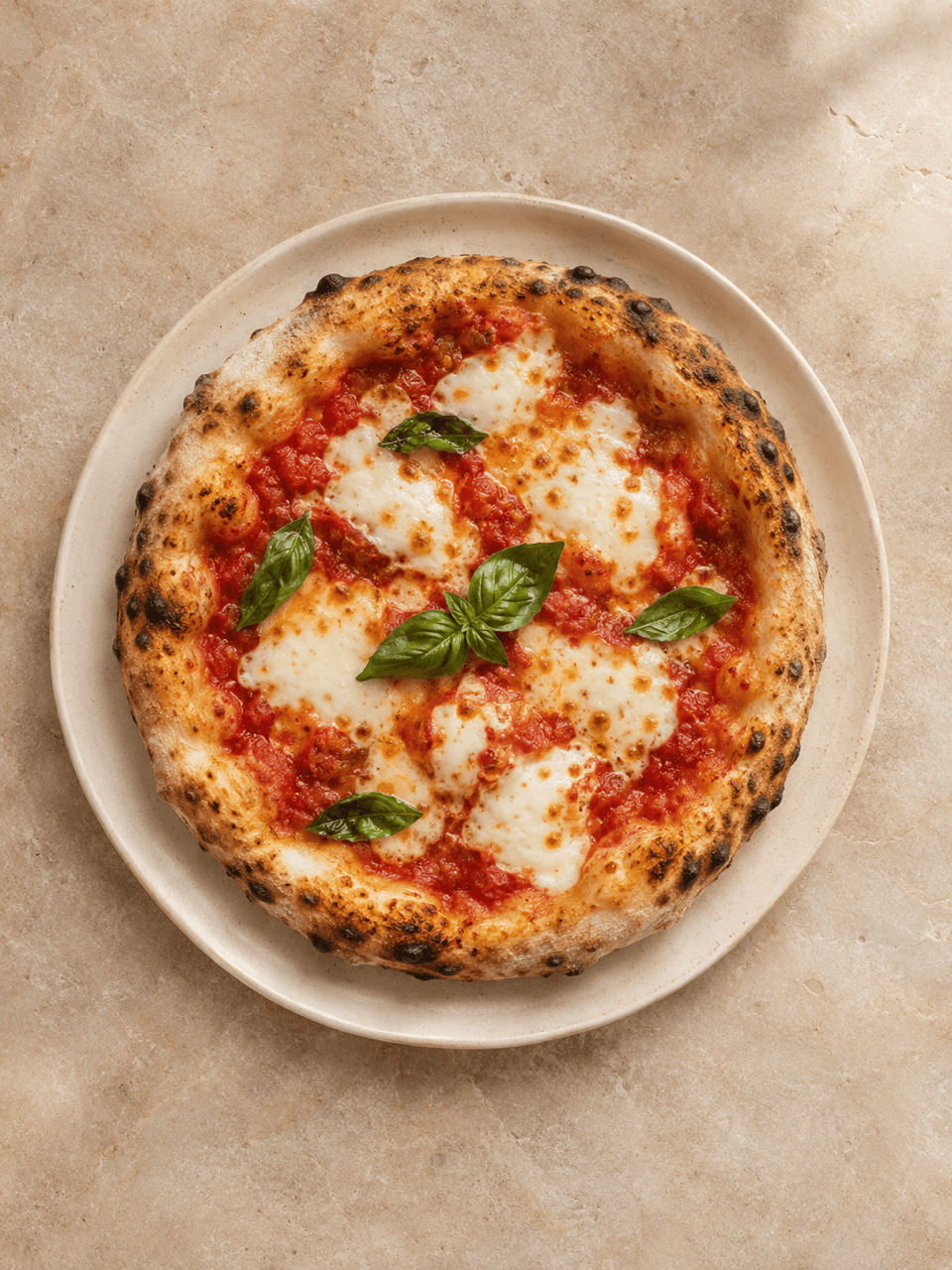
Generate a realistic Margherita pizza image for a menu concept: tomato, mozzarella, basil, blistered crust, overhead view, cream plate, pale stone background, soft daylight, full pizza visible, no text.
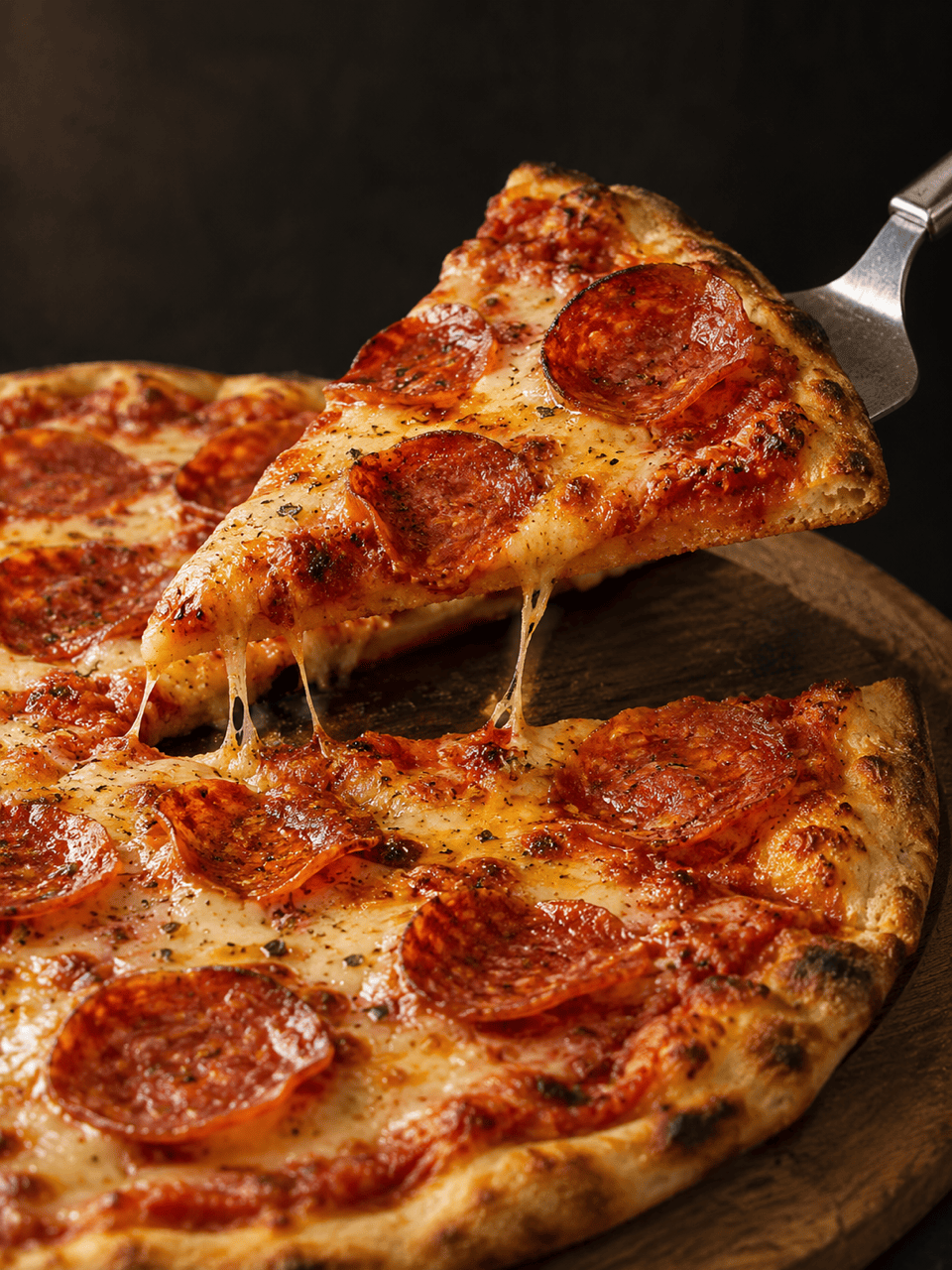
Create a close-up pepperoni pizza slice lifted on a metal server, with a few natural cheese strands connecting it to the pizza. Use a low angle, crisp browned crust, a dark background, and no hands or text.
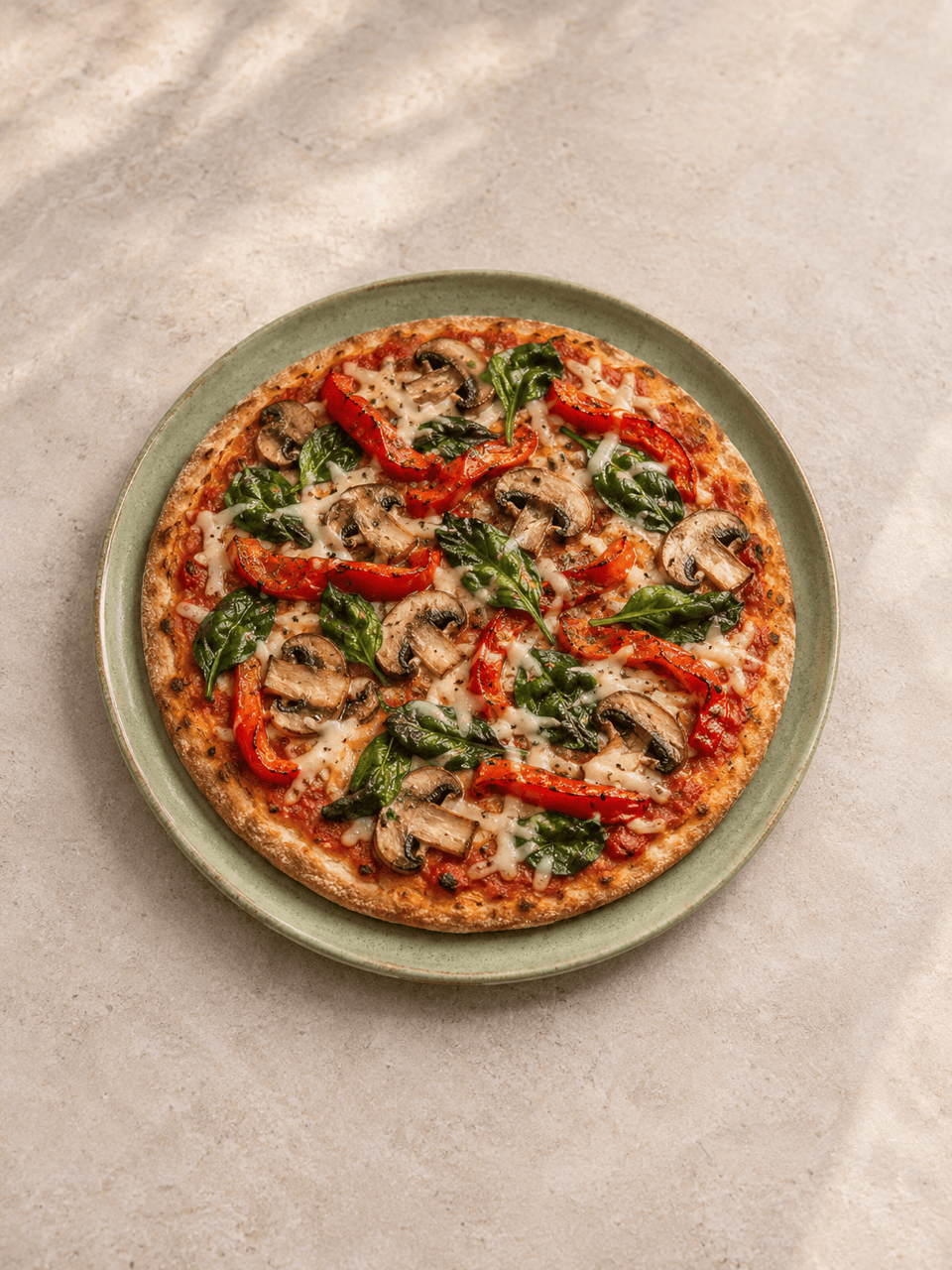
Create a vegan pizza image with mushrooms, red peppers, spinach, and plant-based cheese. Show the whole thin-crust pizza from above on a neutral table. Use natural light and no meat or dairy cheese.
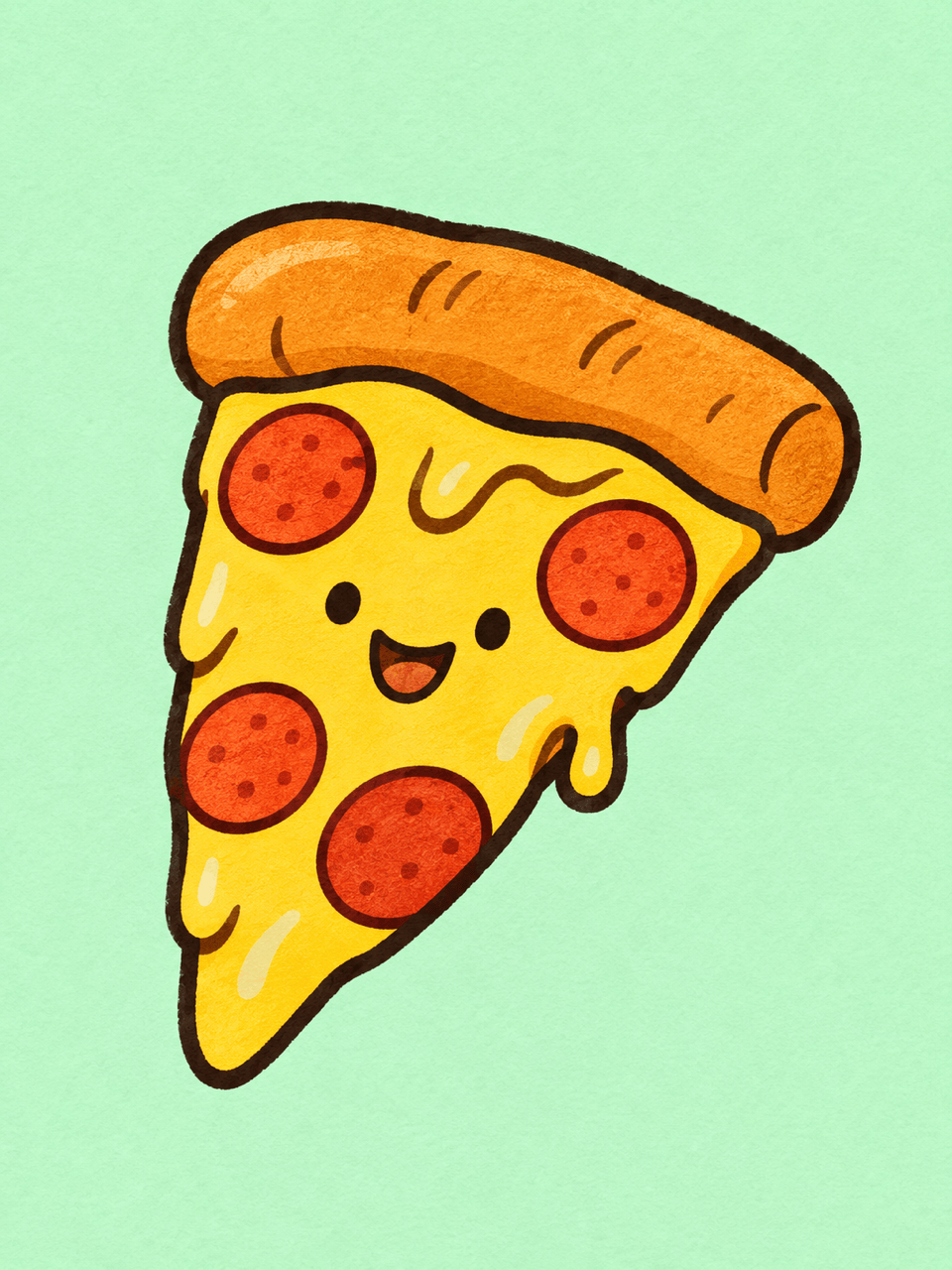
Draw a cheerful cartoon pizza slice with a smiling face, bold outlines, golden cheese, and red pepperoni circles on a plain mint background. Keep the silhouette simple and include no lettering.
Generate a Chicago-style deep-dish pizza image with one wedge removed to reveal thick cheese beneath chunky tomato sauce. Use a low three-quarter view, a black pan, warm side lighting, and no text.
Create a wide pizza image for a food blog header. Place a mushroom and basil pizza on the right of a rustic wooden table, leaving clear space on the left for a headline. Use warm daylight and do not add text.





