Free OnlineAI Menu Generator

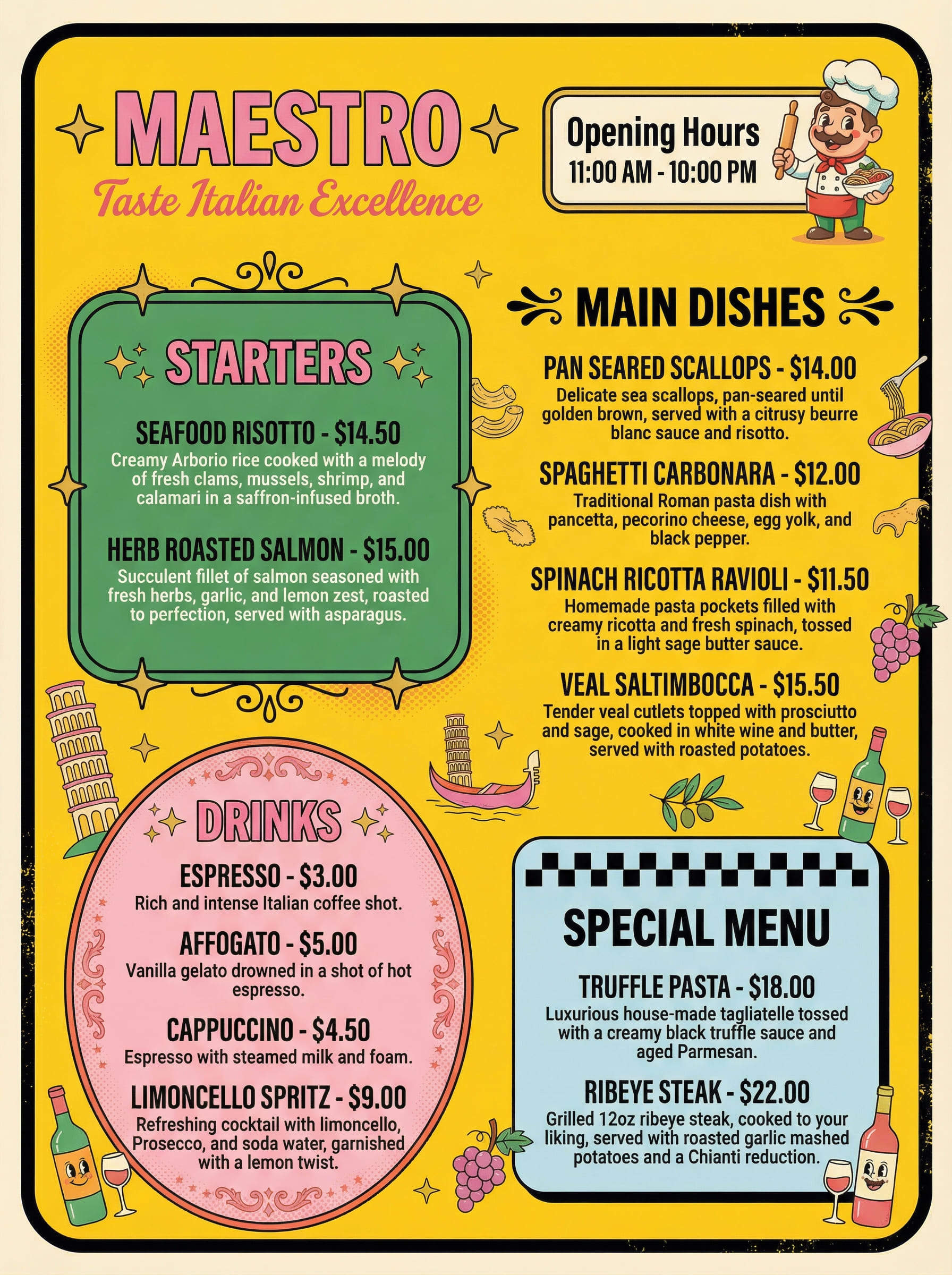
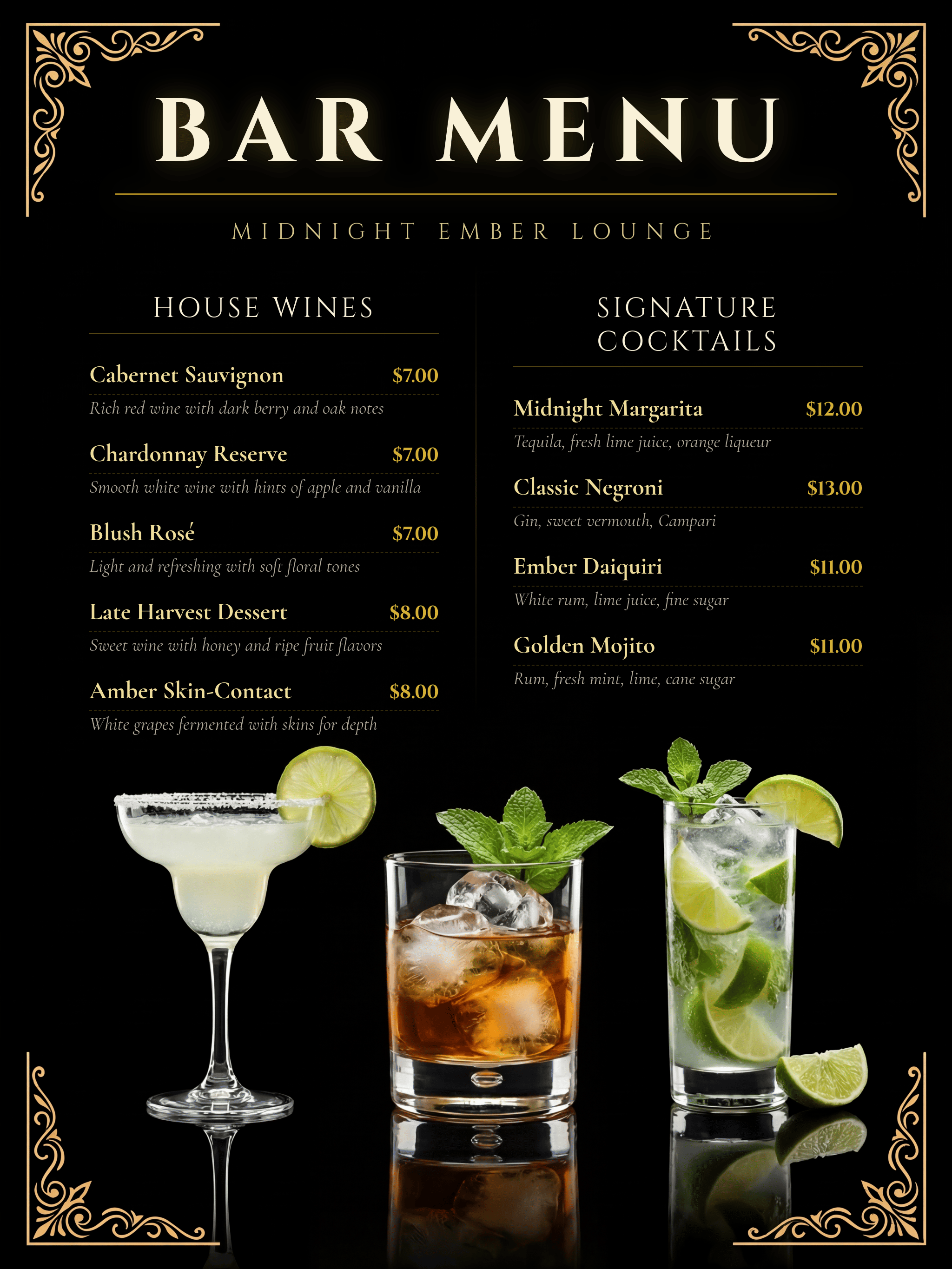
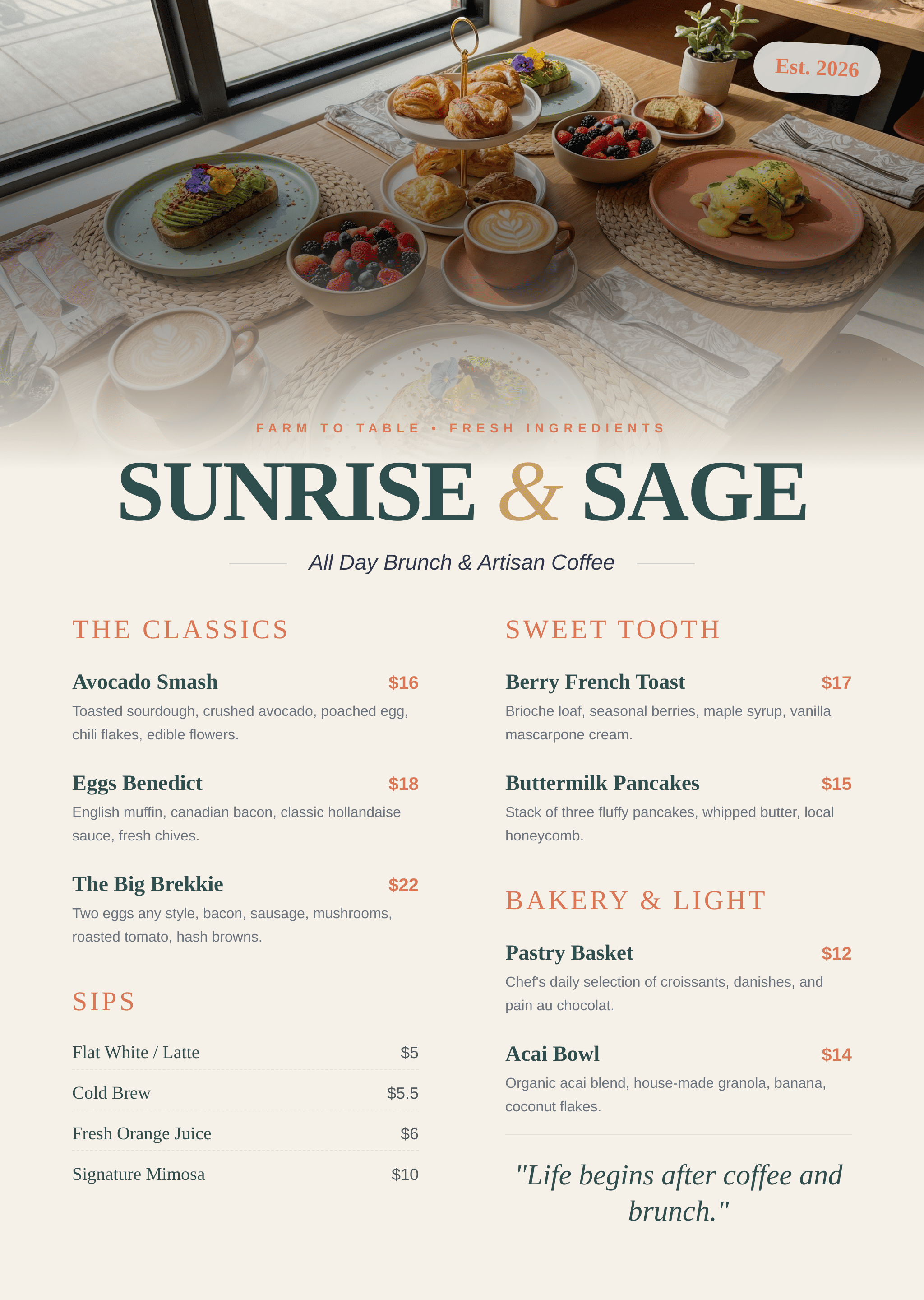
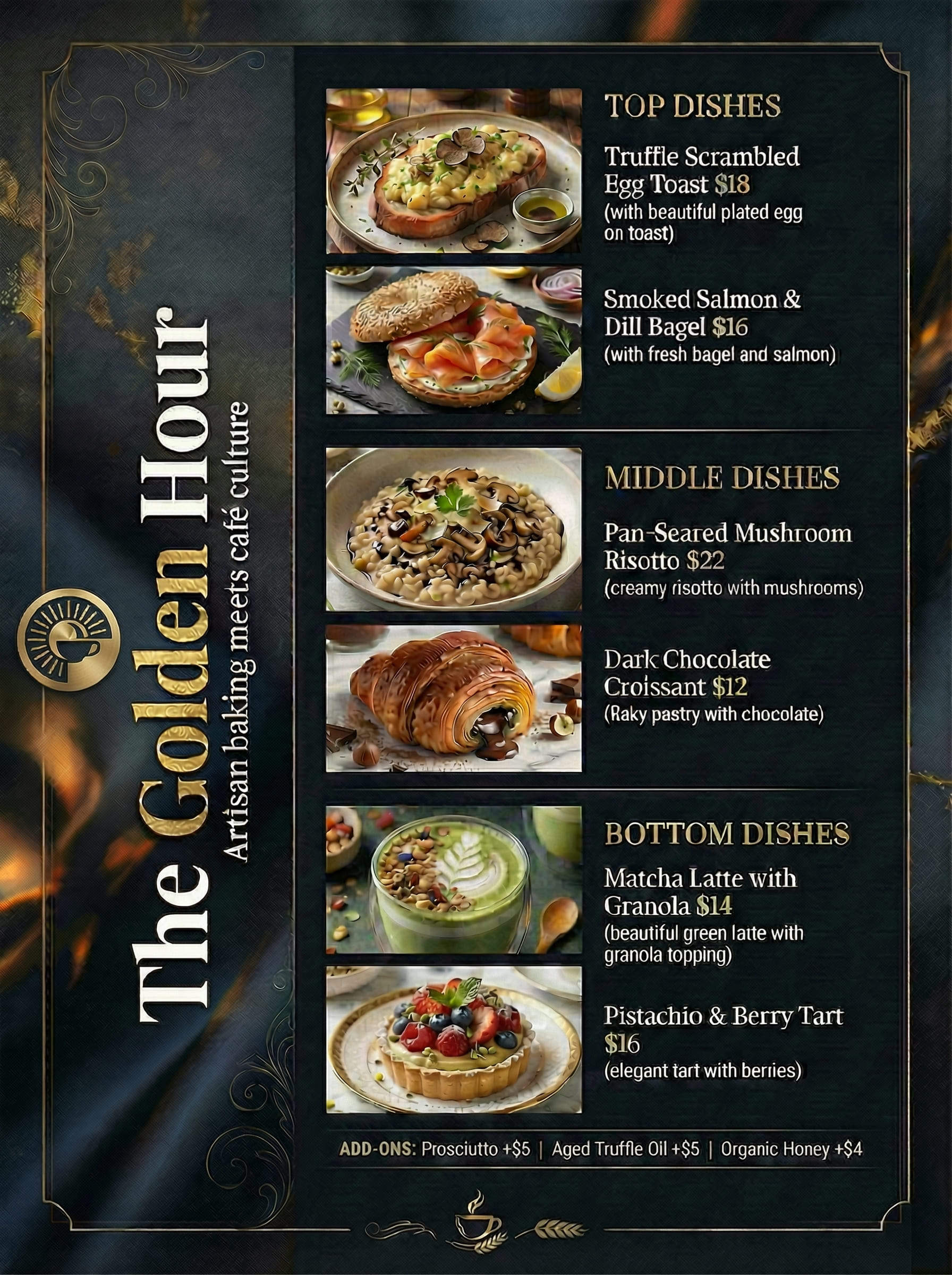
Refresh your restaurant’s look in seconds with our AI menu maker. Whether you need a sophisticated dinner menu or a casual food list, Mew Design generates professional layouts via natural language. Unlike standard tools, we ensure 100% accurate text for dish names, descriptions, and pricing. Simply describe your vision, and see it turn into a complete menu design with structured sections, clear typography and accurate text.

How to Create a Menu with AI

Use our AI menu generator from your browser to prepare menus for restaurants, cafés, bars and events, and update them whenever your offerings change. (Pro-tips: The AI design agent automatically decides whether to use image generation, text layout, or other tools to complete your design. If you have a specific priority, you can guide its focus. For example, start your prompt with “Use the aiImageTool to generate …” for a more artistic, image-driven result.)

1

Sign Up and Receive Free Credits

Register your Mew Design account to receive free credits and start designing your first menu at no cost.

2

Input Your Dishes and Theme

Type your list of items, descriptions, and prices while describing your preferred restaurant aesthetic.

3

Automated Design Generation

Mew Design's AI agent analyzes your content to construct a professional typographic layout and hierarchy.

4

Review and Edit the Generated Menu

Use the Refine chat for conversational updates or the manual editor for layer-based adjustments.

5

Export and Print

Download your high-resolution menu, optimized for professional printing or digital display on your website.

How to make demo

AI Menu Generator Built for Real Restaurants

From Texts to Custom Menu Designs

Start with your own words instead of fixed templates. Describe your restaurant, structure and mood, and our free AI menu maker turns that brief into a unique layout shaped around your concept.

Precise Text and Pricing Accuracy

Legibility is vital for a positive guest experience. Mew Design reduces the text distortions common in other AI tools, providing crisp, readable names and prices for your AI restaurant menu.

Logical Content Hierarchy

Instead of reacting only to isolated keywords, the AI reads your full prompt to understand the type of menu you need. A formal tasting menu, a casual dinner list and a playful kids’ menu each suggest different structures and tones.

Dual-Mode Editing for Total Control

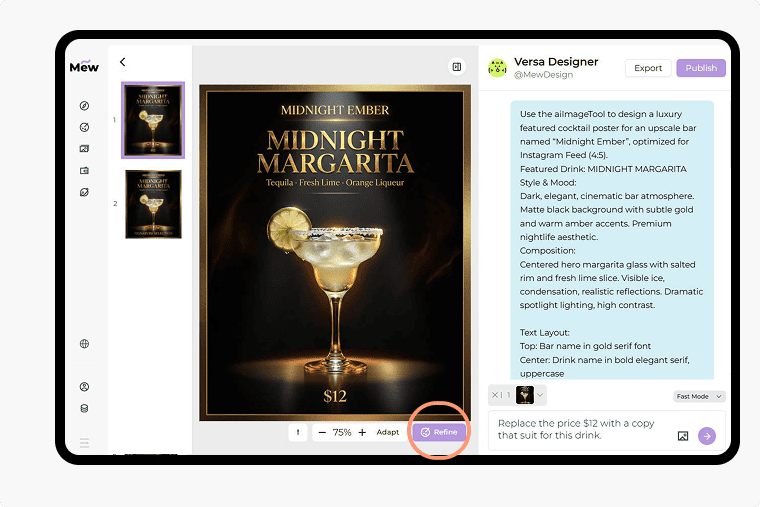
The first draft not perfect? No worries. Click "Refine" to modify your design through conversational AI, or click the "Edit" icon to manually adjust individual layers (for images created with the codeDesign tool).

Professional Brand Integration

Easily incorporate your restaurant's logo, high-quality food photography, or digital QR codes. The AI blends these assets into the design to maintain a polished, professional look.

Global Culinary Inspiration

Explore our community gallery to see diverse AI generated food menu examples. Discover new typographic styles and color palettes to find the perfect match for your venue.

How to Write Effective Prompts for AI Menus

Create a dinner menu for an upscale Italian bistro. Use a cream-colored background with elegant dark green typography. Sections: Antipasti, Primi, and Secondi [provide your dishes name, description, and pricing]. Include a placeholder for my logo at the top.
To get the best results, treat the AI as your professional graphic designer. Be specific about the "mood" of your restaurant and clearly list your menu sections. A well-structured prompt ensures the AI places your most profitable items in the most visible spots. Key Points for a successful AI menu prompt:
  • Define the Aesthetic: Use descriptive styles such as Industrial Modern, Classic Bistro, or Elegant Fine Dining.
  • Organize Your Content: Group dishes into categories like Appetizers, Mains, and Drinks for better layout structure.
  • Suggest a Palette: Mention colors that fit your interior, such as Warm Wood Tones, Slate and Copper, or Monochrome Minimalist.
  • Direct the Agent: If you have a specific vision, ask the AI to emphasize certain headers or use specific font styles.

Sample AI Menu Prompts You Can Adapt

For an Upscale Bistro: Create a sophisticated dinner menu. [Upload Restaurant Logo] for the header. Use a cream and forest green palette. Sections: [List Sections, e.g., Antipasti, Primi, Secondi]. Item List: [Insert Dish Names and Prices]. Style: Elegant serif typography with generous white space.

For a Craft Cocktail Bar: Generate a moody bar menu with a dark aesthetic. Background: Charcoal gray with gold accents. List these signature drinks: [Insert Cocktail Names, Ingredients, and Prices]. Style: Modern Art Deco with thin gold dividers between items.

For a Cafe: Generate a vibrant cafe menu for a brunch spot. Integrate my uploaded [Food Photo] as the main visual. Sections: [Insert Sections, e.g., All-Day Breakfast, Pastries]. Items: [Insert Menu Items and Prices]. Style: Bright, airy, and modern.

For a Traditional Steakhouse: Design a classic restaurant menu on a parchment texture. Focus on a large 'Signature Cuts' section. Items: [Insert Steaks and Prices]. [Upload Brand Logo] to be placed at the bottom. Style: Traditional, bold serif fonts with clear price alignments.

For a Special Event or Wedding: Create a minimalist wedding gala menu. Header: 'The Celebration of [Names]'. Layout: Centered three-course list. Courses: [Insert Menu Details for Each Course]. Style: Ultra-clean, sophisticated typography, and a pale blush background."

For a Casual Food Truck:: Use the aiImageTool to generate a food menu for a street taco stand. [Upload Food Truck Logo]. Use a rustic wood background effect with chalkboard-style writing. Item List: [Insert Tacos, Sides, and Prices]. Style: High-contrast, playful, and bold.

FAQs about the AI Menu Generator

Is Mew Design’s AI menu generator free?
Yes. After signing up, you receive 50 free AI credits with no card required. Depending on menu complexity, you can generate about 3–5 designs and export them without watermarks.
Can I edit my menu after it is generated?
Yes. You can click the Refine button to make changes through conversation or use the manual editor to move and resize layers for pixel-perfect accuracy.
Can I upload my own food photography?
Yes. You can upload your own images, and the AI agent will frame and integrate them into your dinner menu, ensuring your dishes look as good as they taste.
Will the AI change my dishes or invent content?
Mew Design follows the dish names, descriptions and prices you provide. You stay in full control of the final content and can review and edit everything before exporting for print or digital use.
What kinds of menus can I create?
You can create almost any type of menus with our AI menu maker: dinner menus, lunch menus, brunch menus, bar and cocktail menus, café menus, hotel menus, food truck menus, seasonal specials and more.
Can I reuse menu designs for future updates?
Yes. You can find all your designs on the Projects section. When your dishes, prices or seasonal items change, simply open the project, click Refine, and update the text or prompt and export a new version in minutes.
Are the files high enough quality for printing?
Yes. Every AI-generated menu can be exported in high-resolution formats suitable for professional printing or digital displays.

Ready to Generate Designs With AI?

Get Started - 50 Free Credits
No credit card required
© 2025 Mew Design. All rights reserved.️
Mew Design - Your AI design partner, now with full control. | Product Hunt