Free OnlineAI Photo Editor
How to Edit Photos with AI
Upload the Photo You Want to Edit
Say What Should Change
Compare and Refine
Download Your Finished Photo

Photo Edits You Can Direct in Your Own Words
Start with the Photo You Have
This AI image editor works with uploaded photos, so your portrait, product, or travel shot can be the starting point. Describe the edit without rebuilding the whole scene from scratch.
Give Products a Better Setting
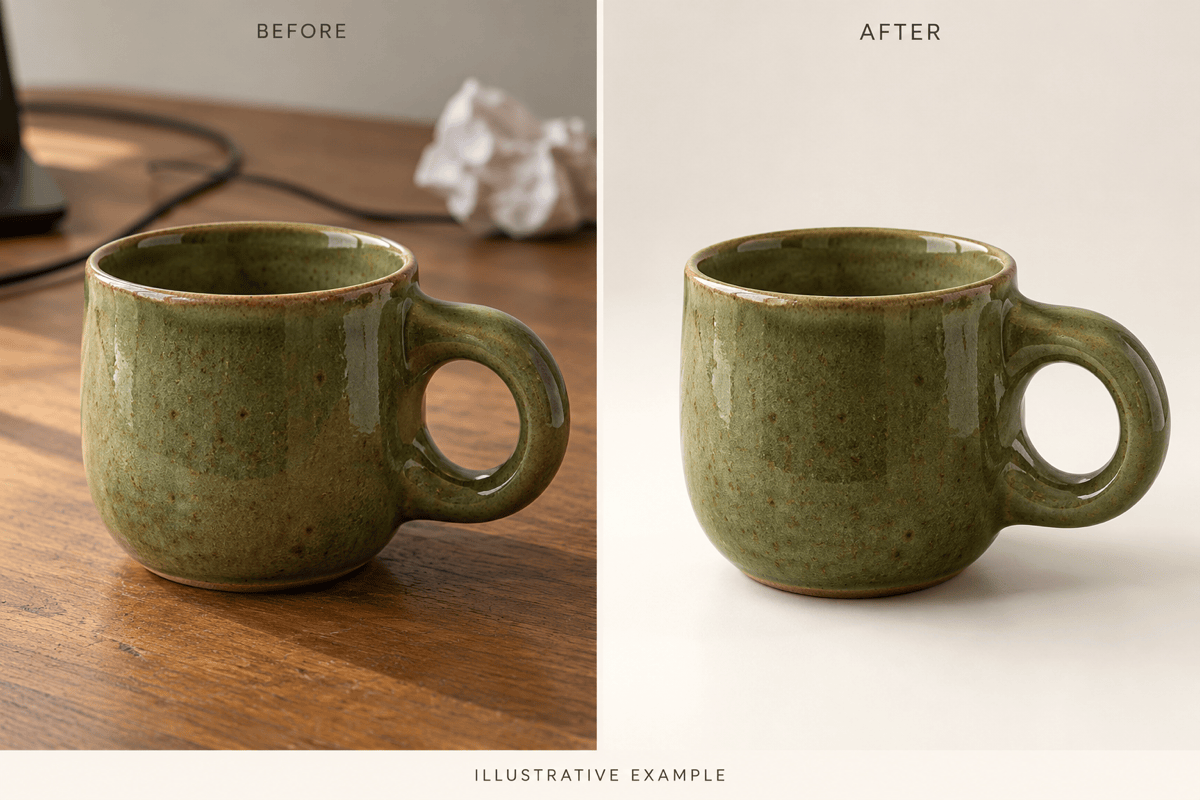
Ask for a clean white background or a styled scene for your shop. AI product photo editing helps you explore presentation options; compare labels, colors, and proportions with the original.
Clear Away Visual Distractions
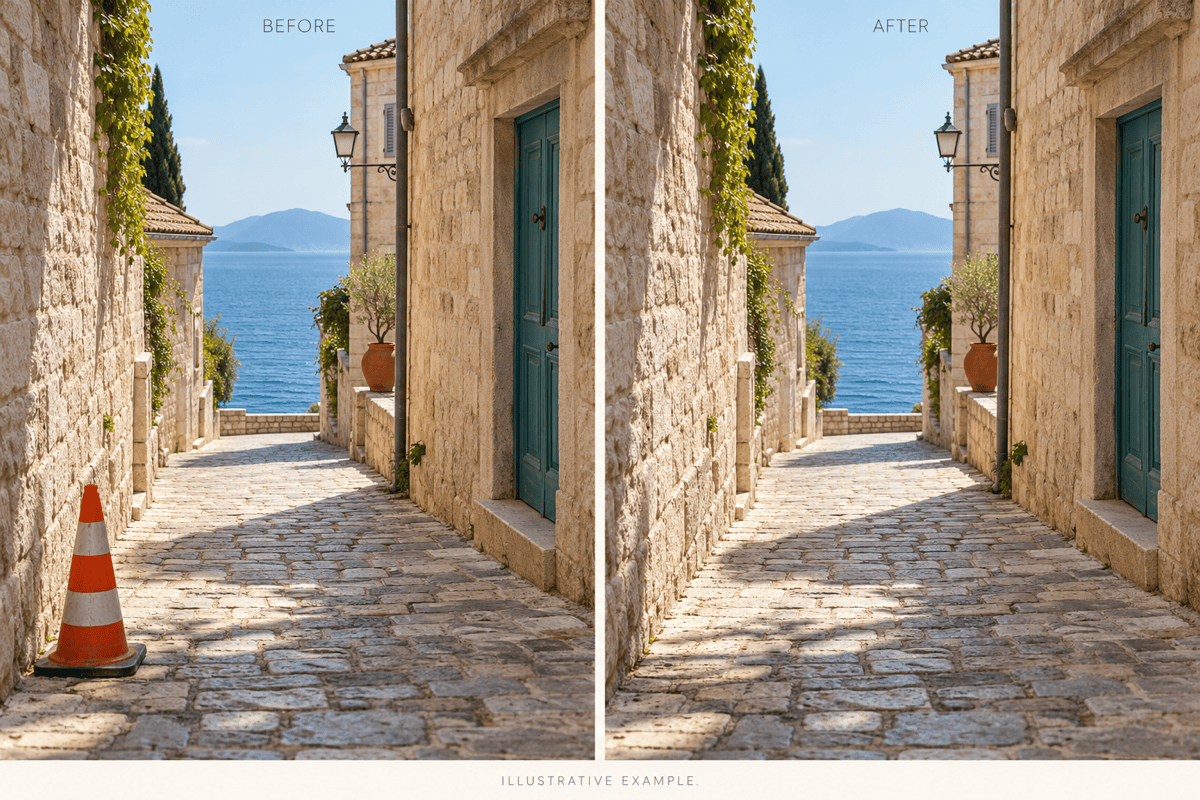
Remove unwanted objects from photos by naming the item and its location. Ask for the surrounding surface to blend naturally, then inspect repeating textures and edges.
Fine-Tune the Light and Mood
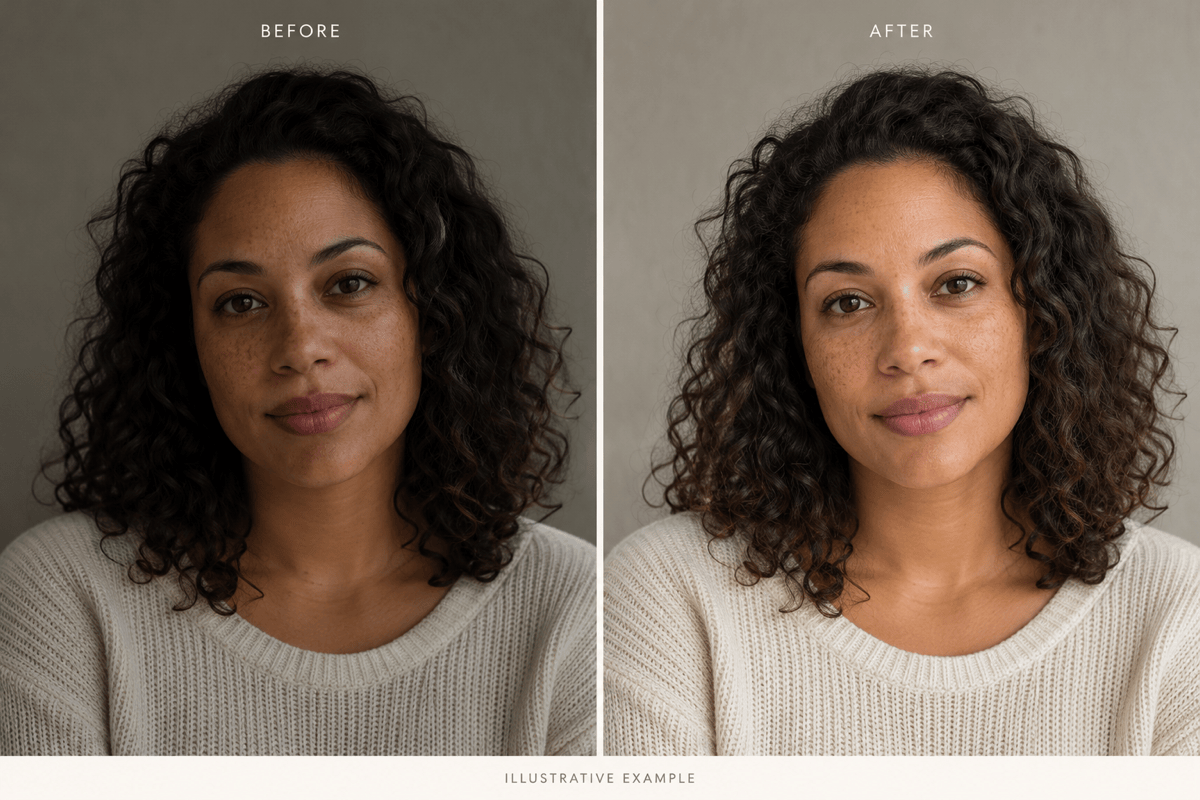
Ask for softer portrait lighting, a more neutral color balance, or a warmer atmosphere. Use a reference image to communicate the look you want, then refine it with Chat Edit.
Reuse a Look for Your Next Shoot
Turn a successful editing approach into a reusable Mew Skill. Carry your preferred backgrounds, lighting direction, and output conventions into future product or social photos with less repeated briefing.
Put Edited Photos to Work
Download watermark-free PNG or JPG images, or use the result in a promotional flyer. Keep editing the visual through conversation as your campaign develops.
Keep the Details That Make the Photo Yours
- Start with a Clear Source: Upload the original rather than a small screenshot when possible. A sharper source gives you more detail to compare after editing.
- Name the Subject to Preserve: For portraits, specify facial features, expression, and skin texture. For products, name the shape, material, label, and color that must remain accurate.
- Make One Focused Change: Replace the background before adjusting lighting or adding a style. Smaller requests make it easier to spot which edit caused an unwanted change.
- Check the Result Up Close: Inspect hair, hands, product text, reflections, and shadows. Preservation instructions guide the edit but do not guarantee identical details; return to the original if the subject drifts.
Six Practical Fixes for Everyday Photos
Use my uploaded product photo. Replace the busy background with plain white and add a subtle contact shadow. Preserve the item’s proportions, color, label, and camera angle. Do not add props.
Improve the lighting in my uploaded portrait with soft, natural-looking light. Keep my facial features, expression, hairstyle, and skin texture. Avoid heavy smoothing or changes to face shape.
Remove the bright orange traffic cone on the left of my travel photo. Rebuild the paving to match the surrounding stones. Keep the buildings, people, framing, and lighting unchanged.
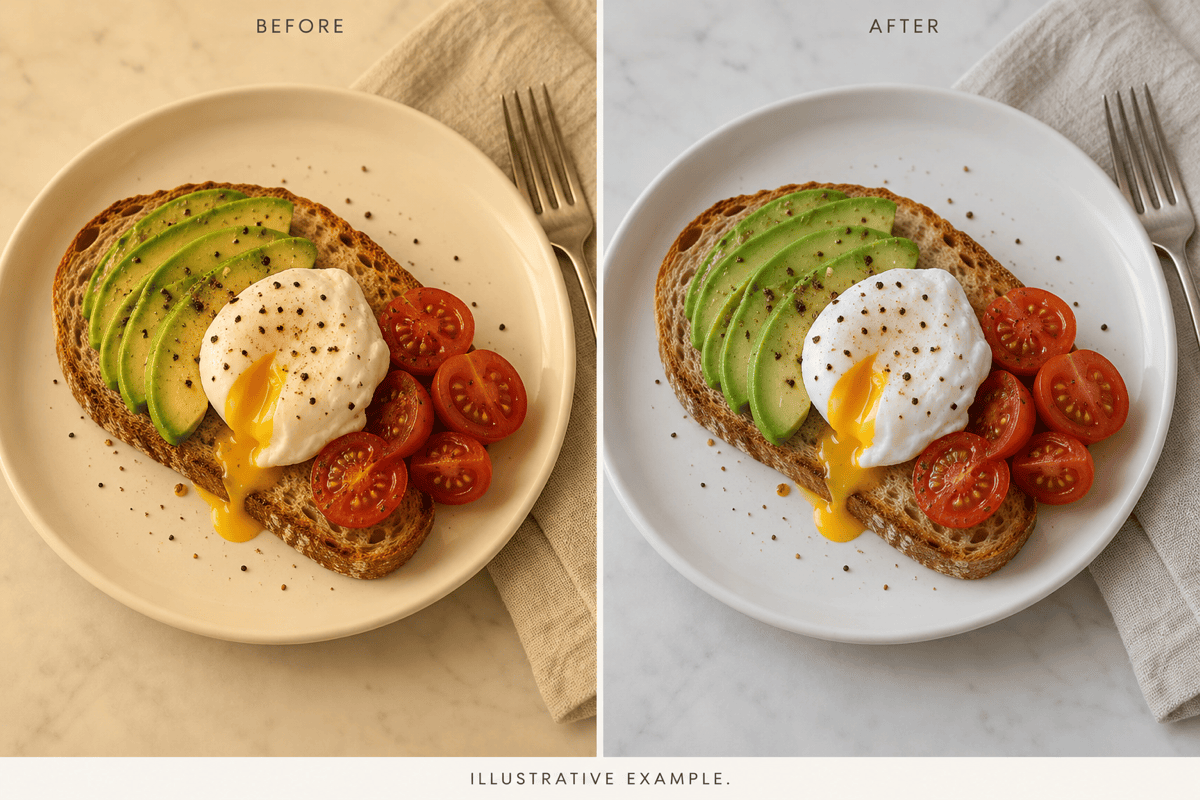
Correct the yellow cast in my uploaded food photo. Make the plate look neutral white and the food colors natural. Preserve the ingredients, portion size, table texture, and original composition.
Remove the background from my uploaded bag photo and create a transparent-background PNG. Preserve the handles, stitching, shape, and color. Clean up the edges without adding a white border.
Use my uploaded reference image as a guide for a warm, muted color treatment on this lifestyle photo. Keep the original subject and composition. Match the mood without copying objects from the reference.





