Free to Try OnlineAI Mask Generator
How to Create a Mask Design with AI
Choose the Mask and Mood
Generate Your First Concept
Refine the Details
Download Your Design

Explore the Mask Before Making the Costume
Start with an Idea, Not a Drawing
This AI mask design generator turns everyday descriptions into visual concepts, from a delicate lace eye mask to an angular fantasy face covering.
Build Around Your Costume
Upload a sketch, fabric photo, or outfit reference to guide the palette and motifs. Give your custom mask design a clear connection to the rest of the look.
Compare Materials and Finishes
Explore porcelain, aged metal, leather, or feathers on related concepts. Use our AI mask maker to compare the mood of each finish before choosing a direction.
Adjust the Shape in Chat
Ask for wider eye openings, a shorter beak, or fewer ornaments. Chat Edit lets you revise the design without learning a drawing interface.
Reuse the Artwork Beyond the Costume
Ask to remove the background for a transparent PNG. Use the mask as a graphic in an invitation, mood board, or event poster.
Try a Concept Before Committing
Sign up for free AI credits to explore your first ideas. Download watermark-free results; further generations depend on your available credits.
Give Your Mask a Clear Design Direction
- Define the Coverage: Specify an eye mask, one-sided half mask, or full-face concept. Name the parts of the face that should remain visible.
- Separate Material from Motif: Choose a base such as matte leather, then add a motif such as silver leaves. This is clearer than a list of conflicting styles.
- Choose the View: Ask for an isolated front view to study the shape. For a photo edit, upload a clear portrait and describe what should stay unchanged.
- Check the Openings: Review eye holes, the nose bridge, edges, and intended symmetry. Treat the image as a visual concept; a physical mask still needs measurements and a test fit.
Mask Design Ideas to Try
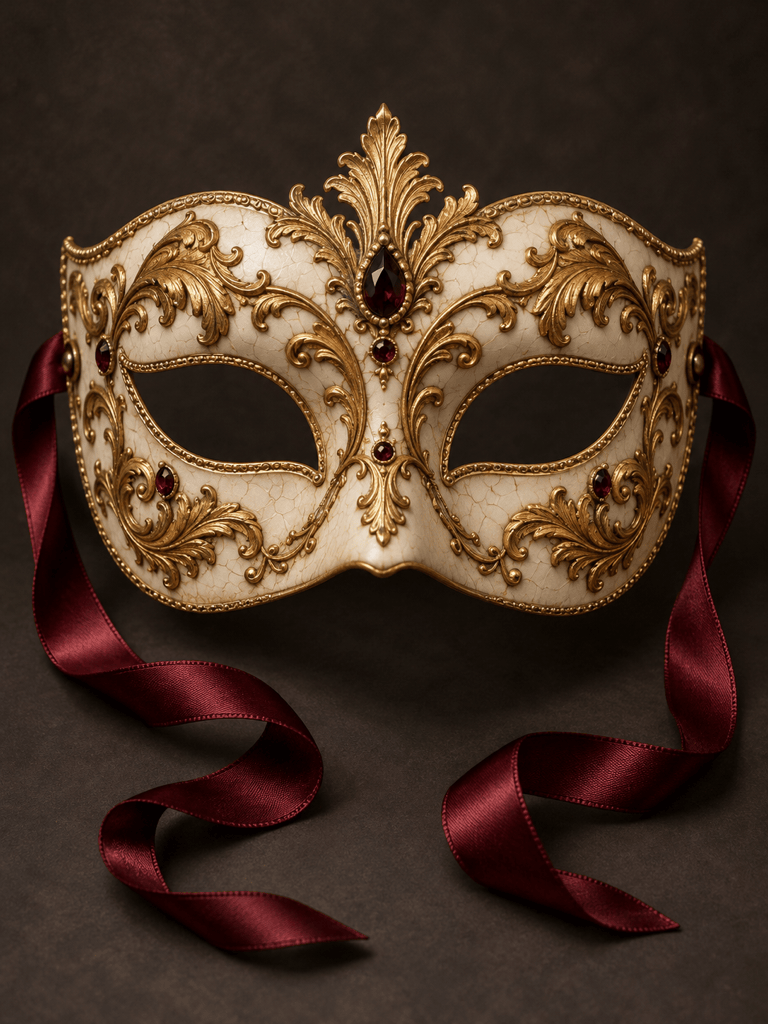
Create a masquerade mask design with black lace over an emerald base, delicate gold edging, and ribbon ties. Show a half mask on a plain background, with the lace pattern clear around both eye openings.
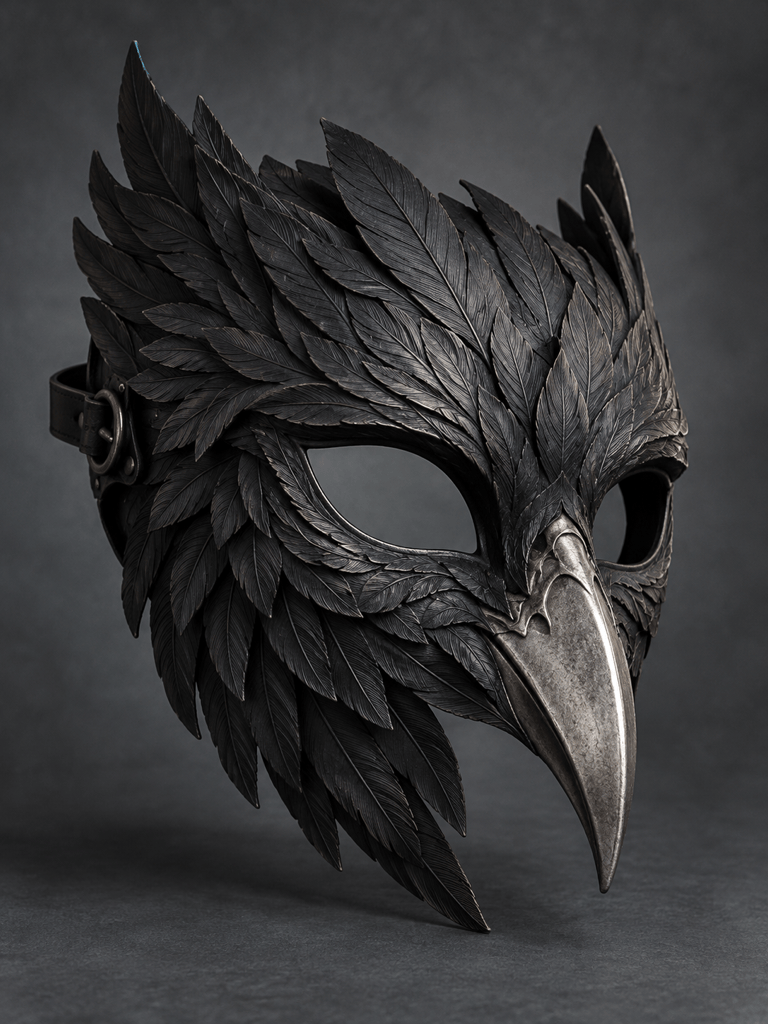
Design a Halloween raven mask in matte charcoal with an aged silver beak and carved feather details. Show the full object in a dramatic studio view. Keep it eerie without blood or gore.
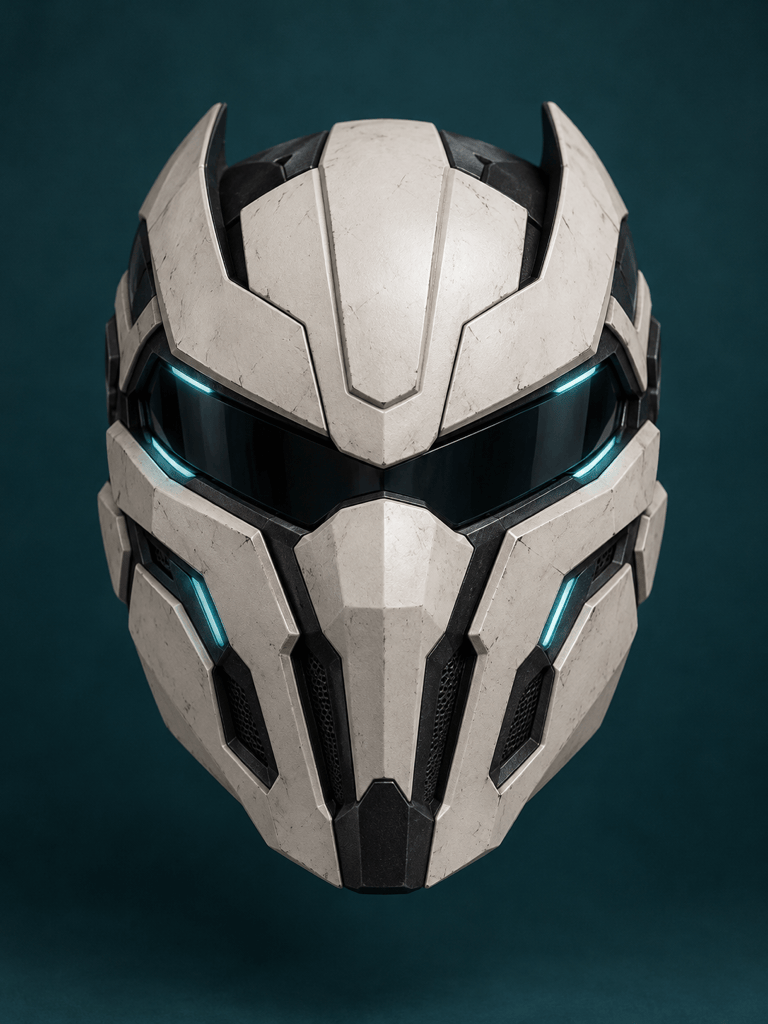
Create an original futuristic cosplay mask with angular white armor panels, a dark visor, and restrained cyan accents. Show a front view with clear panel boundaries and no existing character logos.
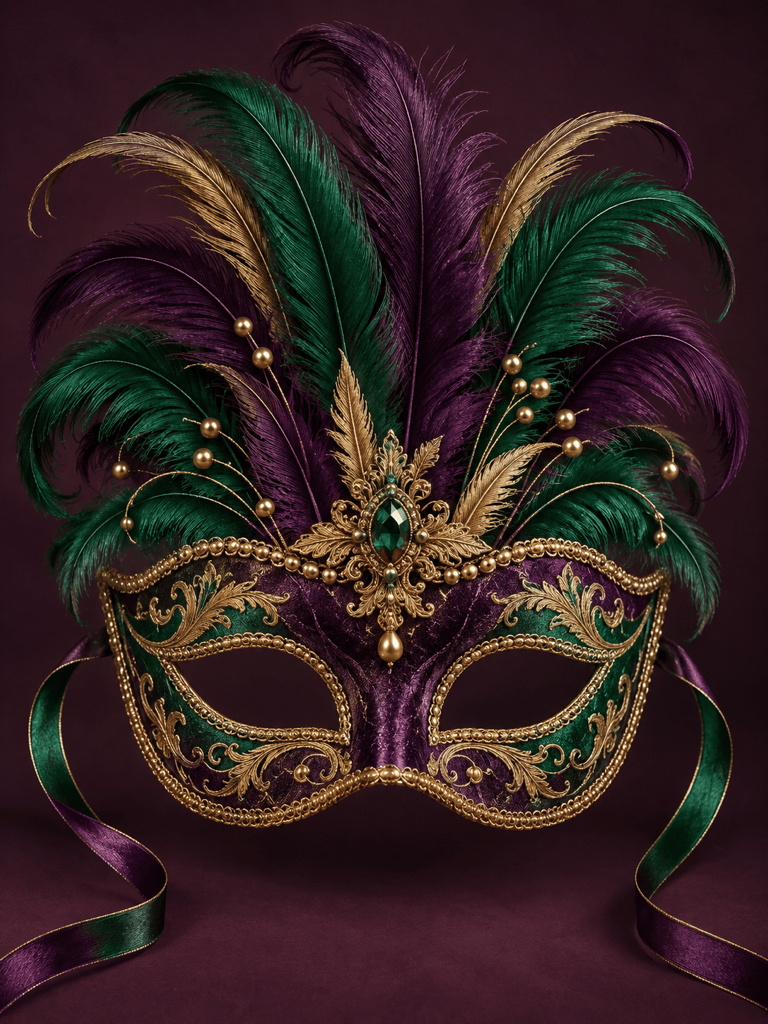
Design a carnival eye mask in purple, green, and gold with a fan of feathers and small bead details. Keep the eye openings clear and the full feather silhouette inside the image.
Create a printable fox mask design as a flat paper craft concept. Use bold orange and cream shapes, clear eye openings, and a simple outline on white. Leave out shadows and decorative background elements.
Add a silver masquerade half mask to my uploaded portrait. Match its angle and shadows to the face. Keep the hair, clothing, and background as close to the original as possible, with both eyes visible.





