Free OnlineAI Lego Filter
How to Turn a Photo into a Brick Character with AI
Choose a Brick-Readable Photo
Set the Transformation Scope
Generate the Brick Version
Correct Details and Export

More Control Than a One-Click Lego Photo Filter
Protect the Details People Notice
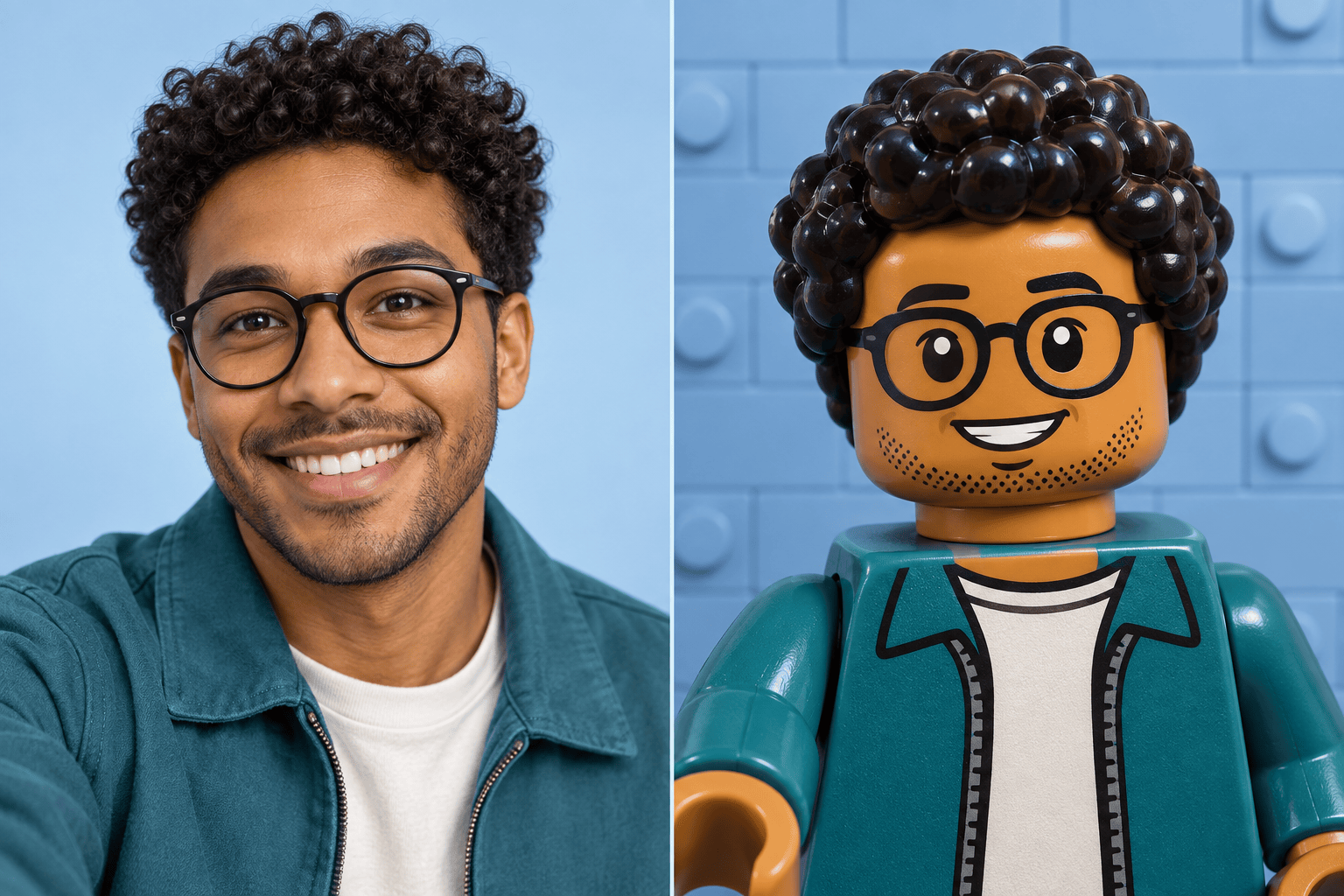
Start from your own photo and state which cues should survive the style change. Hair shape, glasses, facial hair, skin tone, expression, outfit colors, and pet markings can guide a more recognizable brick-style result.
Choose a Character or a Whole World
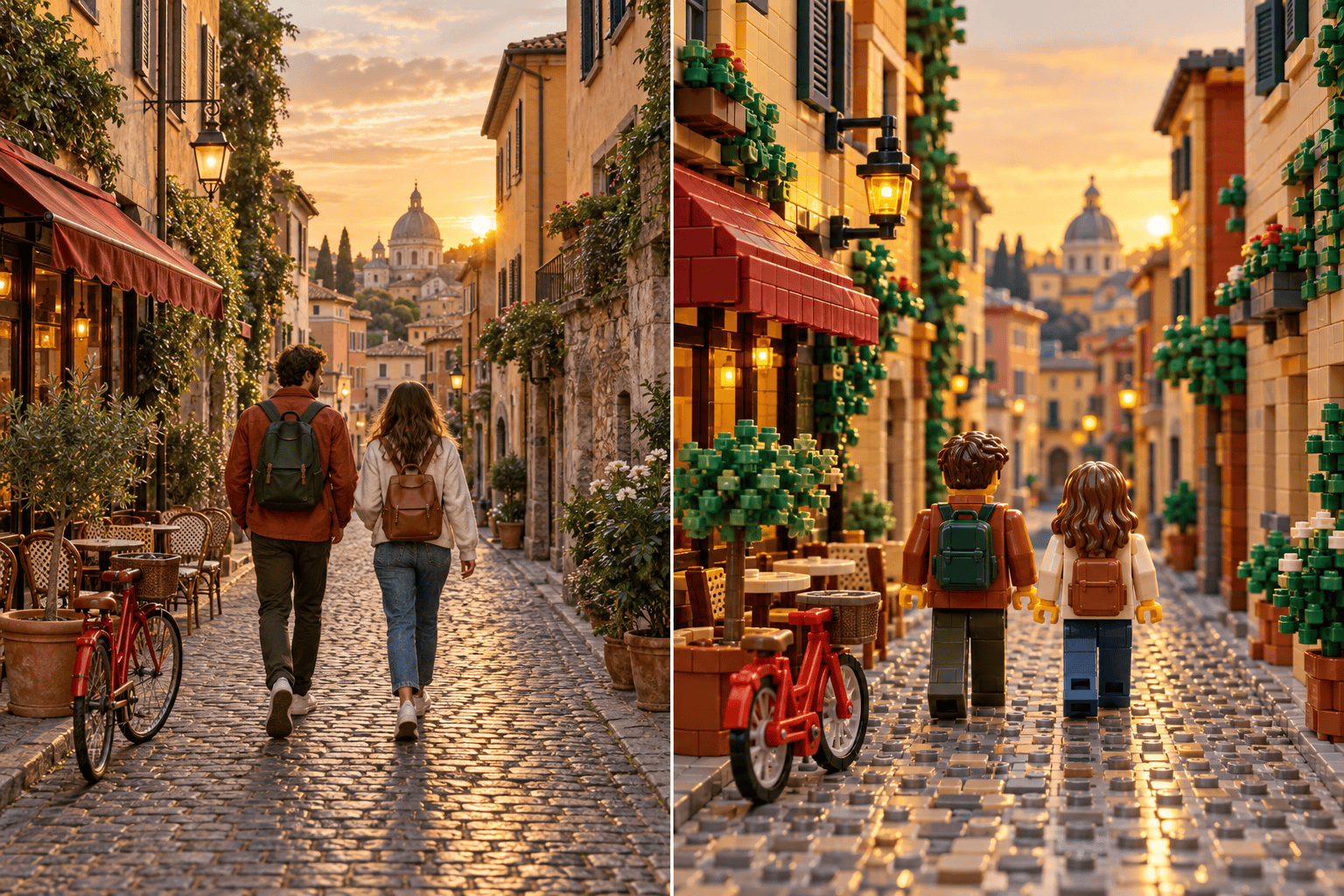
Create a clean AI Lego avatar with a simple background, or ask the online brick scene generator to rebuild rooms, streets, plants, vehicles, and props as one coherent miniature set.
Keep Groups and Composition Intact
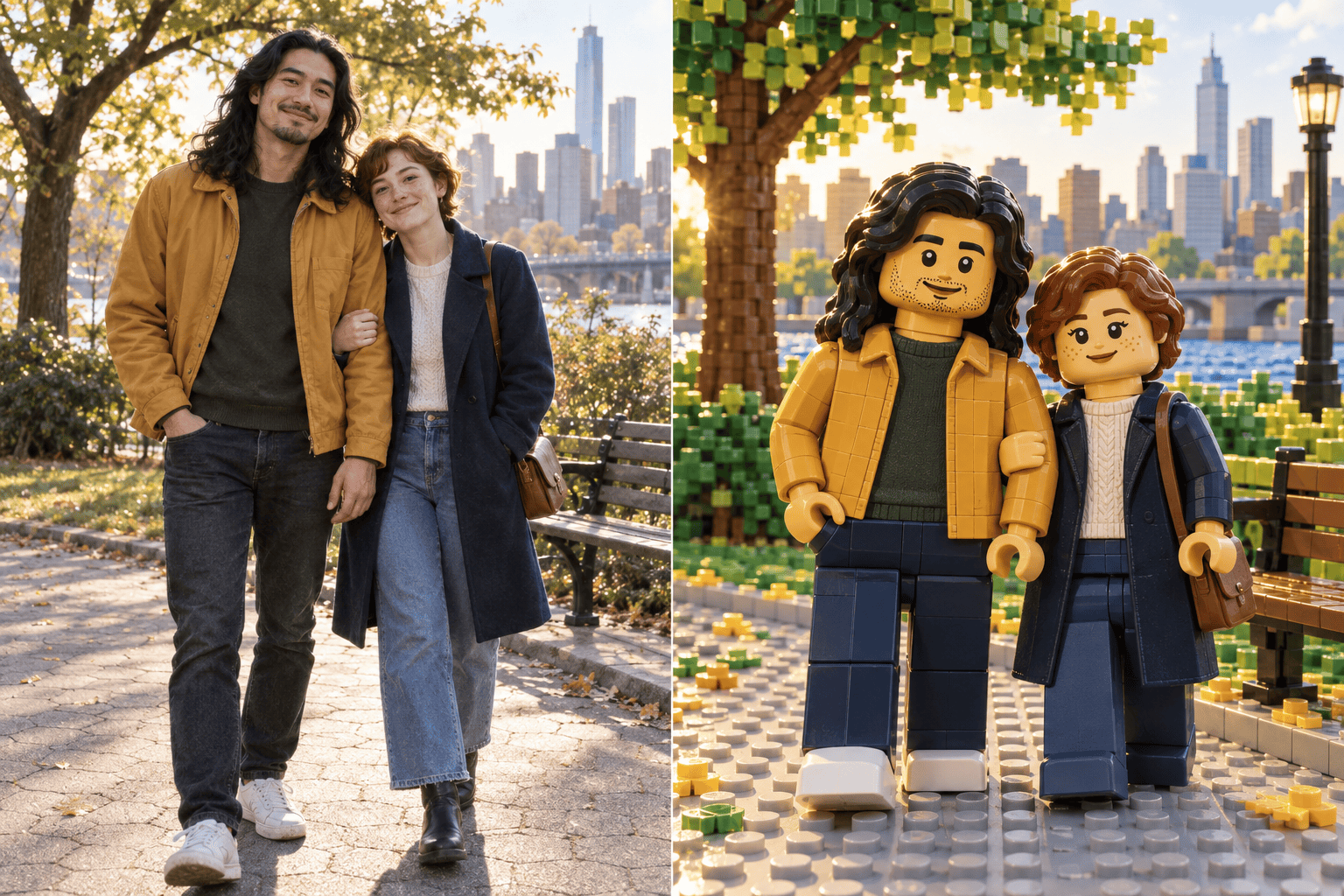
For couples and family photos, identify each person and preserve their order, relative height, pose, and clothing palette. The generator can keep the original framing instead of inventing a different group.
Direct the Plastic and Brick Finish
Ask for visible studs, glossy molded plastic, rounded toy hands, compact block proportions, a denser brick diorama, or a simpler icon-ready figure. Reference images can guide color and material direction when needed.
Repair One Problem Through Chat
If the first draft changes a face, drops a pet, or leaves a realistic background, request one targeted correction in Chat Edit. You can also start with the AI Selfie Generator when the source portrait needs a cleaner crop.
Create Shareable Formats Online
Try the AI Lego filter online with free credits after signup, compare variations, and export without a watermark. Make a square profile image, vertical social portrait, landscape group scene, or gift-ready digital artwork.
What Makes a Photo Work for a Brick Transformation
- Start With Clear Separation: Use a sharp image with readable faces or subjects. In group photos, choose a frame where people do not heavily overlap.
- Lock the Recognizable Cues: Name hair, glasses, expression, skin tone, clothing colors, pet markings, pose, and subject count when they matter.
- Define the Brick Boundary: Say whether only the subject changes, the background becomes a complete brick diorama, or the result should look like a clean collectible-style product image.
- Choose the Final Crop: Request square avatar, vertical portrait, landscape group, or wide scene framing so the generated image is useful at its destination.
Photo-to-Brick Instructions for Popular Use Cases
Selfie Avatar: Transform my uploaded selfie into an original toy-brick avatar. Preserve my face shape, skin tone, hairstyle, glasses, smile, and hoodie colors. Use glossy molded-plastic materials, compact block-figure proportions, a clean blue brick backdrop, and a square circular-safe crop. No logo, text, packaging, or extra character.
Couple Portrait: Rebuild our uploaded couple photo as two distinct brick-style figures. Keep both faces recognizable, preserve our relative height, pose, hair, clothing colors, and hand placement, and recreate the park as a simple interlocking-brick scene. Use warm daylight and a landscape composition; do not add people.
Family Group: Turn this family photo into a complete toy-brick diorama. Preserve the exact number and order of people, approximate ages, hairstyles, skin tones, expressions, outfit colors, and seated or standing positions. Rebuild the living room in bricks while keeping the original camera angle and uncluttered composition.
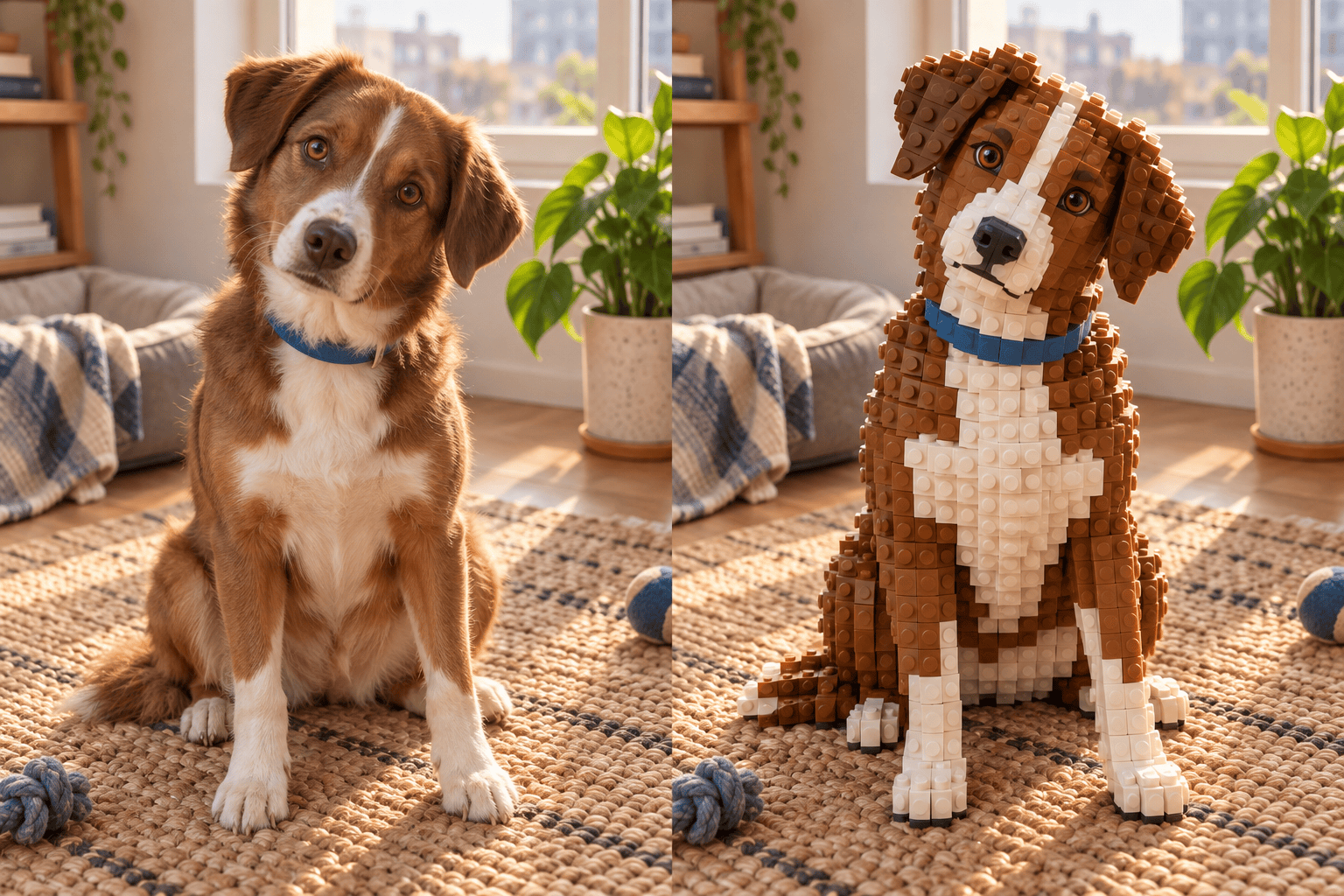
Pet Portrait: Convert my uploaded dog photo into an original brick-built pet portrait. Keep the white chest patch, brown ears, blue collar, eye color, head tilt, and sitting pose recognizable. Rebuild the rug and window corner with visible studs, soft morning light, and a vertical gift-print crop.
Travel Scene: Reinterpret the entire uploaded street photo as a miniature brick-built world. Preserve the two travelers, their positions, jacket colors, camera angle, storefront shapes, bicycle, and golden-hour palette. Use realistic plastic reflections and dense environmental brick detail without logos or readable shop names.
Collectible Presentation: Turn my portrait into an original toy-brick figure displayed on a neutral studio base with three small brick accessories related to my work. Preserve my hairstyle, glasses, outfit palette, and expression. Use premium product photography, no branded box, no official logo, no copied character, and no text.





