Free OnlineAI Avatar Generator

How to Create an Avatar with AI
Choose the avatar use
Describe framing and style
Generate the profile image
Refine for the platform

Why Mew Design Works for Avatar Creation
Designed for small profile spaces
The AI avatar maker can prioritize clear face framing, strong silhouette, and simple backgrounds so the avatar remains readable as an icon.
Personal and professional styles
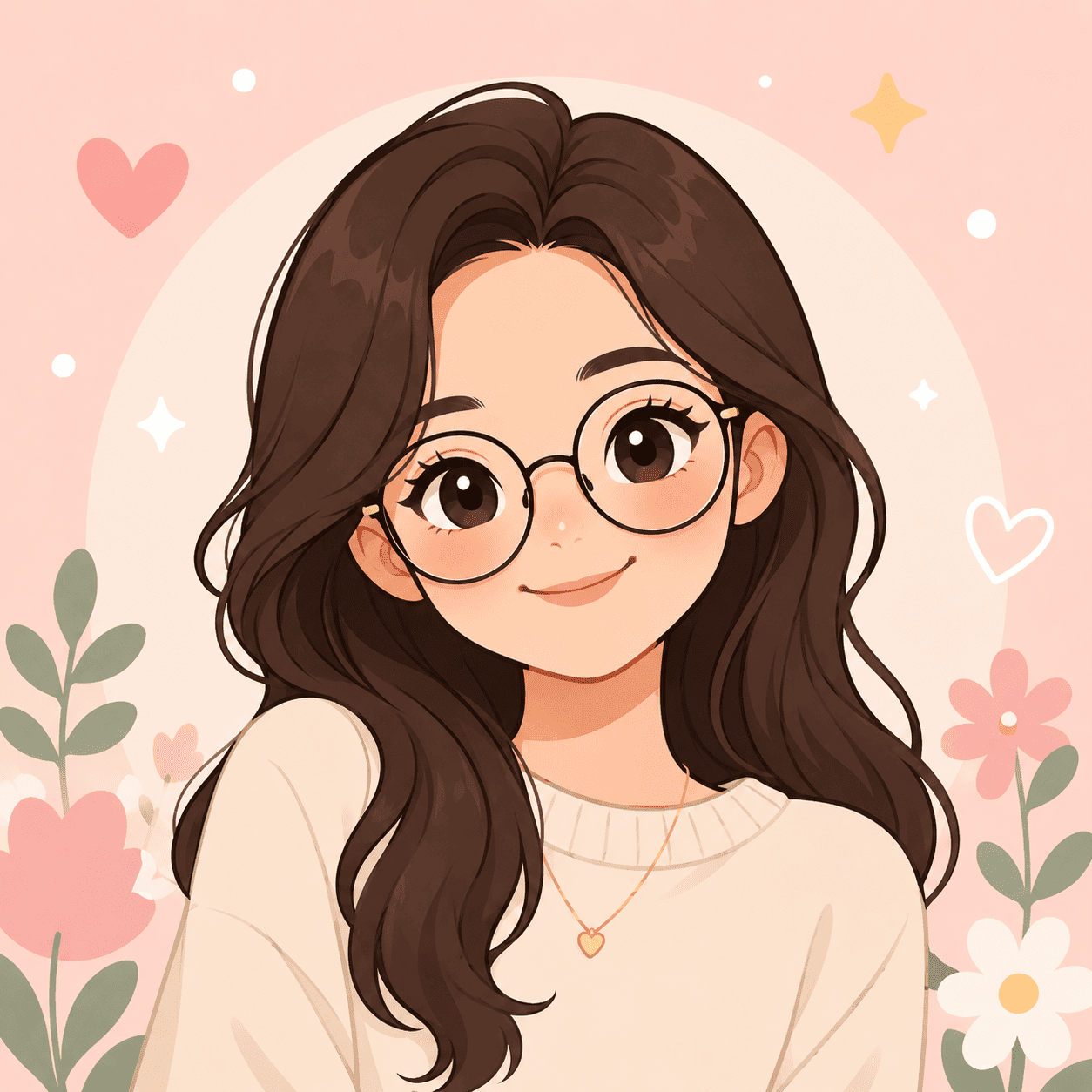
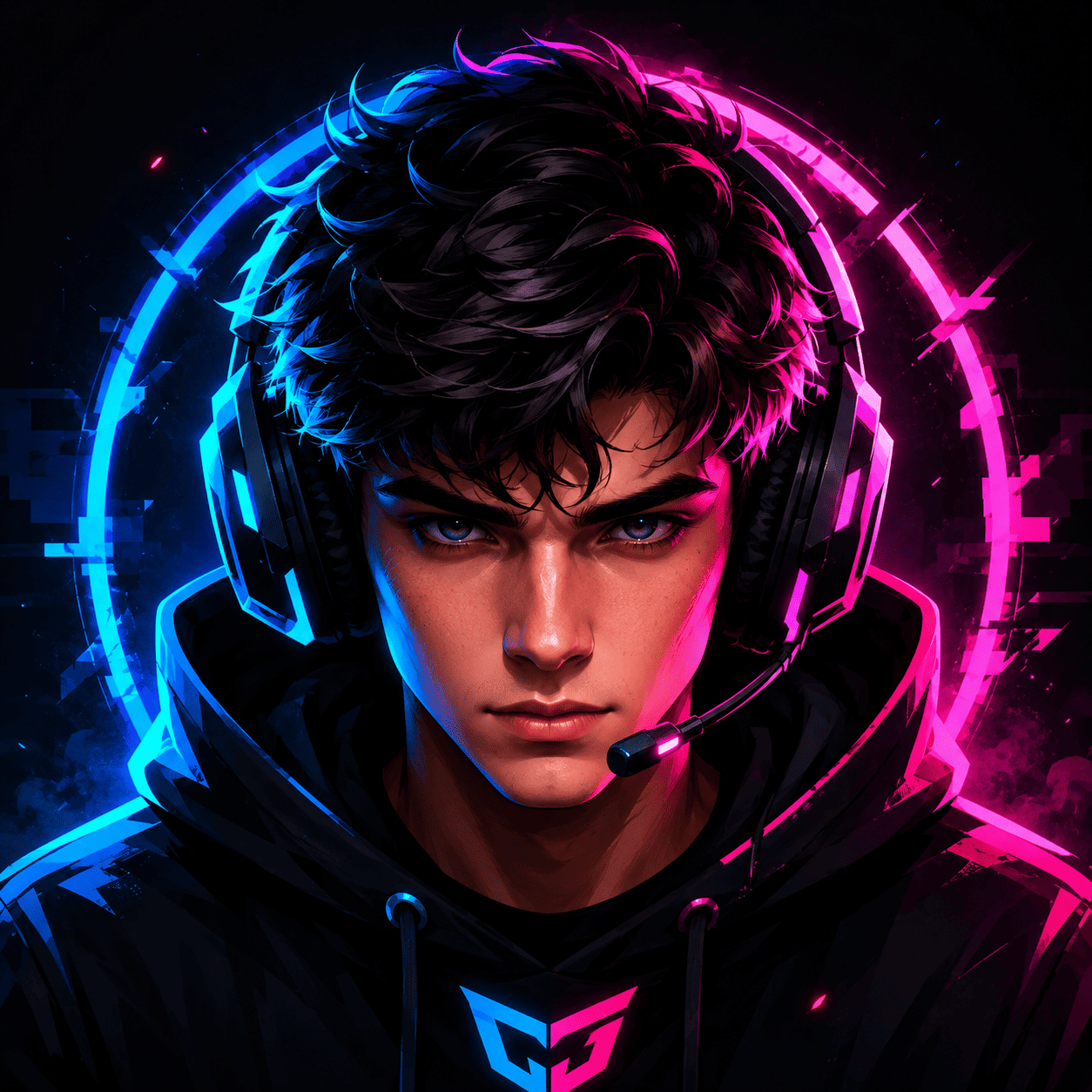
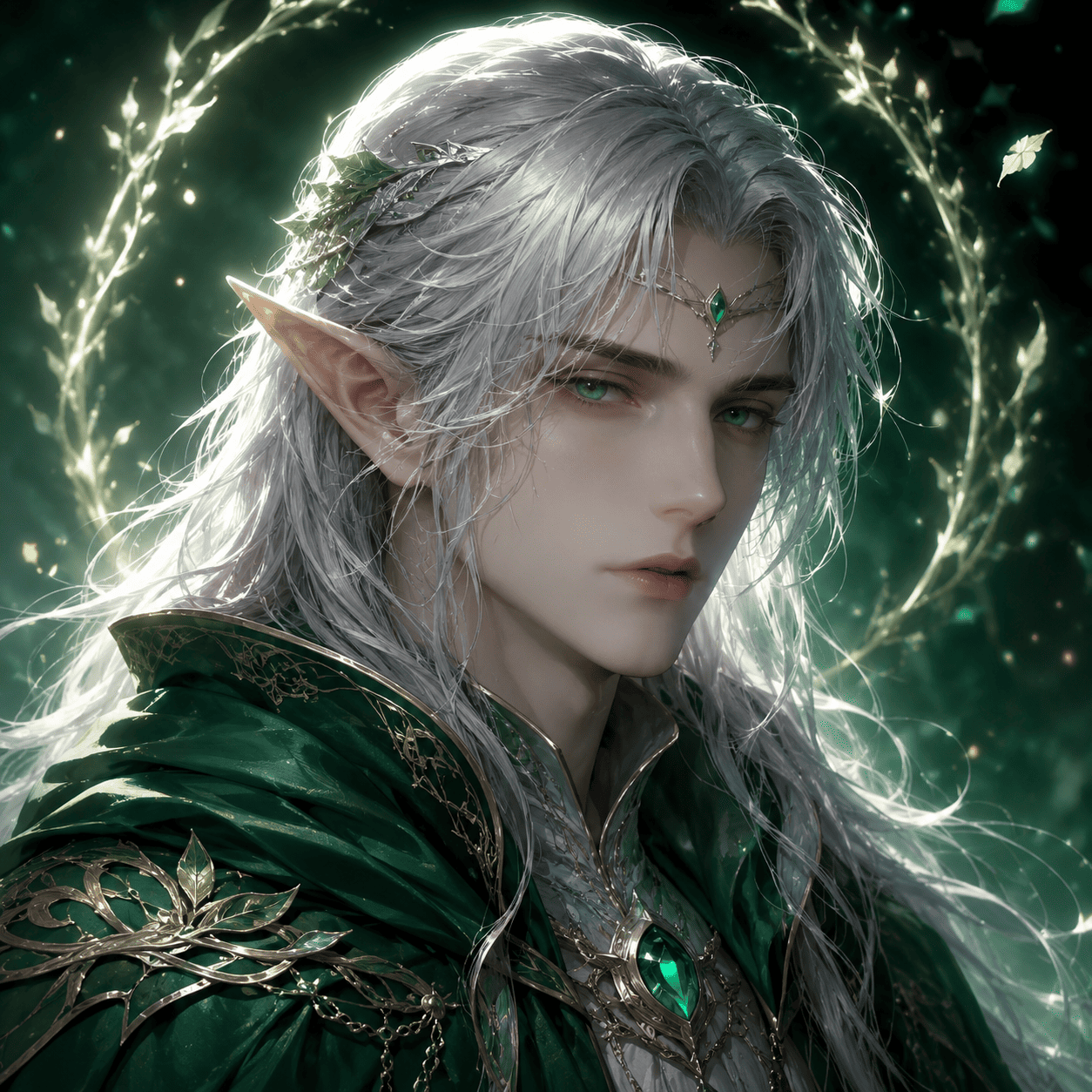
Create business avatars, gaming avatars, cartoon profile pictures, fantasy identities, community icons, or social media headshots.
Brand color support
Mention brand colors, logo style, or community palette when the avatar needs to match a channel or team identity.
Upload references when needed
Use a photo, outfit reference, mood board, or previous avatar to guide style and composition.
Fast expression edits
Ask for warmer, more confident, more serious, more playful, or more approachable expressions through chat.
Multiple platform versions
Create square profile art, circular-safe compositions, banner-matching avatars, or simplified versions for small app icons.
How to Prompt AI for Avatar Design
- Platform: Mention LinkedIn, Discord, YouTube, Twitch, gaming profile, company team page, or community server.
- Framing: Ask for square crop, head-and-shoulders, circular-safe composition, or icon-style portrait.
- Style and mood: Choose professional, friendly, cartoon, 3D, anime, fantasy, minimal, cyberpunk, or clean studio style.
- Identity cues: Include colors, outfit, expression, background, logo reference, or personality traits.
AI Avatar Generator Prompt Examples
Design a gaming avatar with neon purple background, confident expression, headset, cyberpunk jacket, and clear circular profile crop.
Create a cartoon avatar for a food blogger with warm smile, apron, soft kitchen background, and pastel color palette.
Make a professional business avatar for LinkedIn with clean blazer, subtle gradient background, approachable expression, and polished studio lighting.
Generate a fantasy elf avatar with silver hair, forest-green cloak, soft magical glow, and square profile composition.
Create a community server icon avatar using a friendly robot mascot, blue brand colors, simple background, and readable silhouette.
Design a 3D-style creator avatar with round glasses, orange hoodie, soft shadows, and clean social media profile framing.





