Free OnlineAI Image Outpainting
How to Expand an Image with AI
Upload and Set the Direction
Generate the Extended Scene
Check the Join and Subject
Export for Your Layout

More Room for the Picture You Already Have
Reframe a Tight Crop
Use our online AI image expander to request a wider or taller composition. Add surrounding scenery instead of stretching the subject to fit.
Guide What Appears Outside the Frame
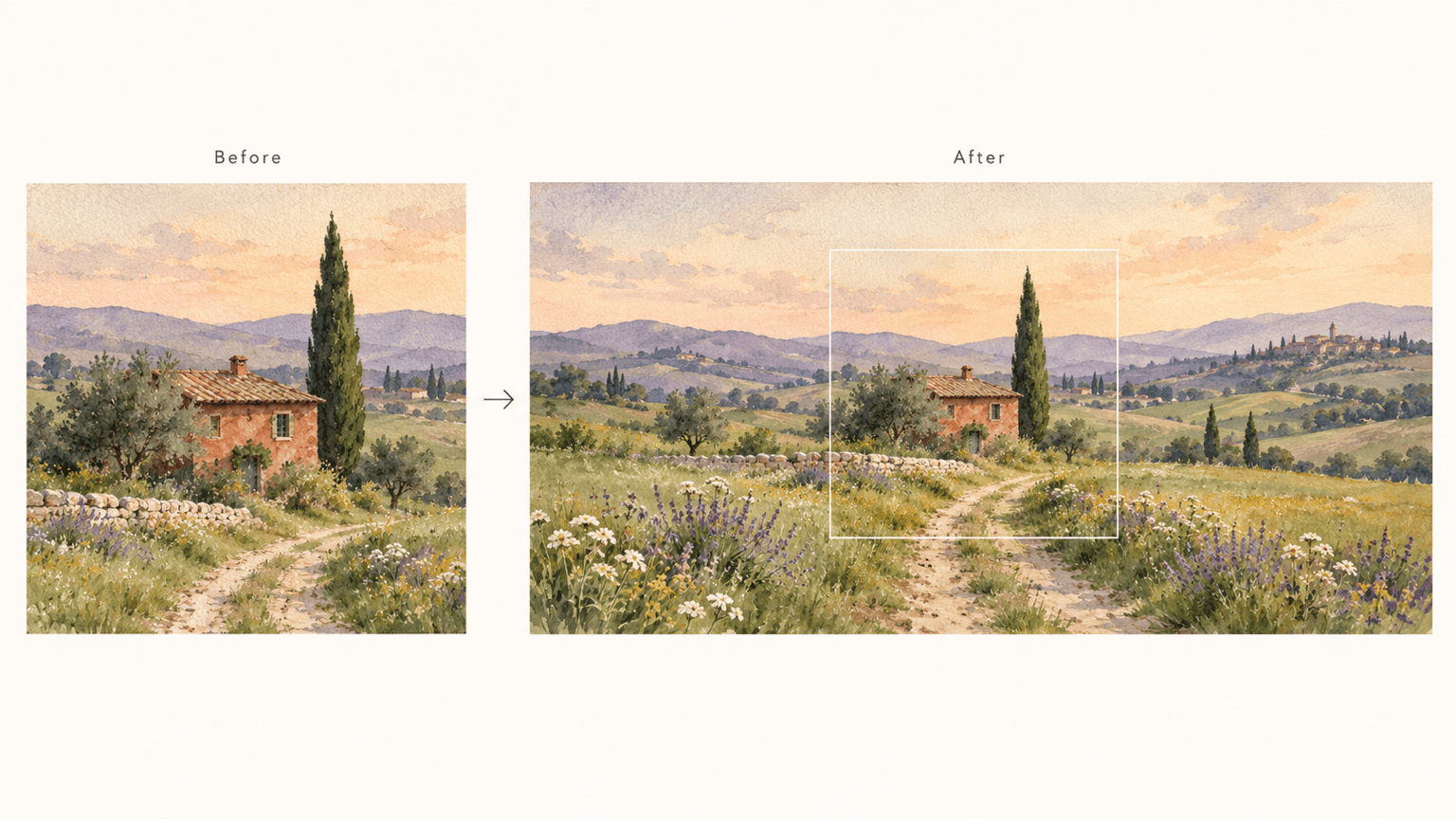
Continue a quiet sky, a studio backdrop, or a painted landscape. Describe the new area and the details you want to retain in the original.
Make Space for Product Copy
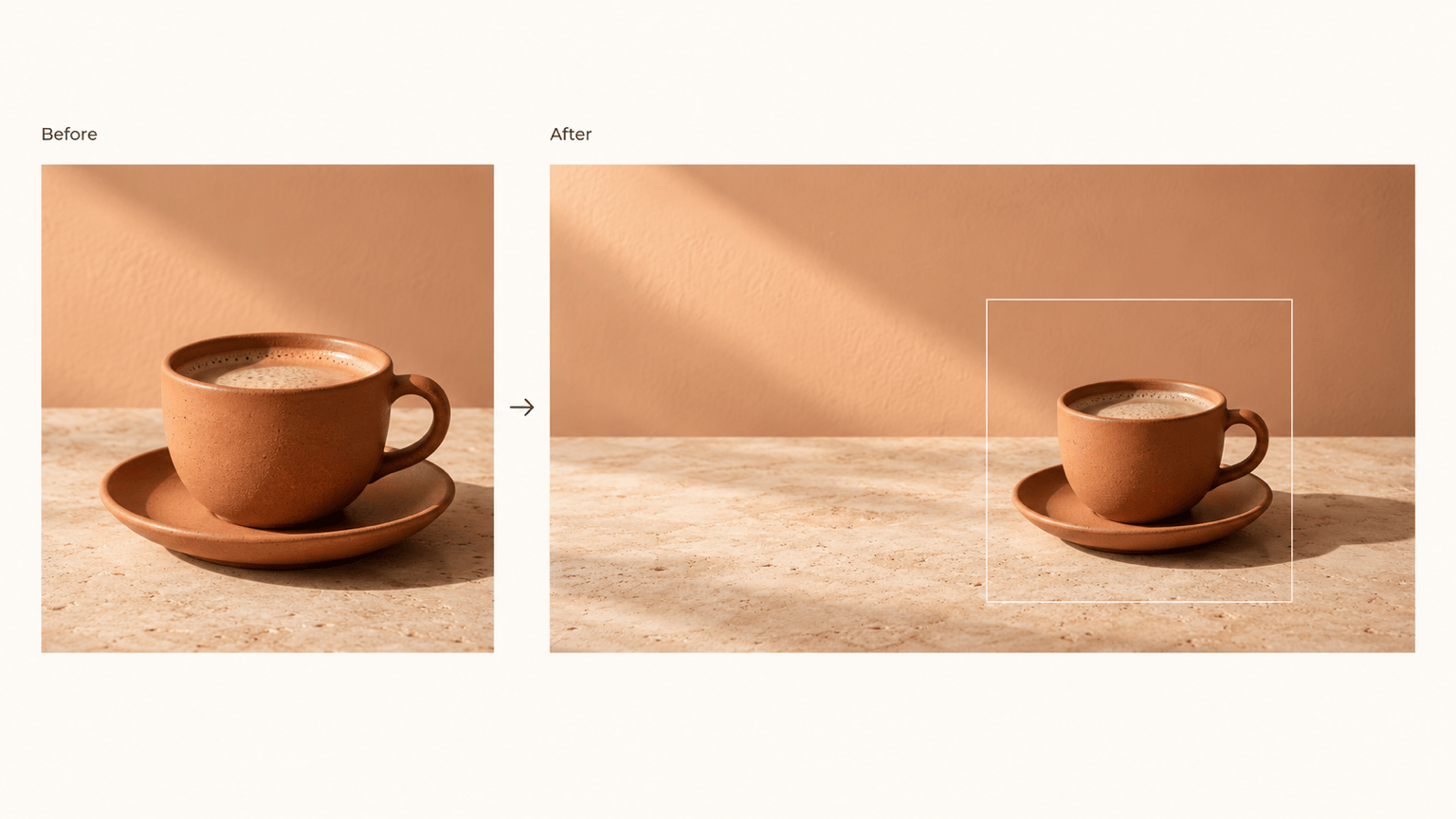
Extend a product photo background to leave room for a headline or offer. Ask for a simple surface and matching shadows, then check product edges and labels.
Correct the Edges Through Chat
A visible seam or repeated object does not have to end the edit. Use Chat Edit to request a focused correction and compare the next version.
Carry the Image Into a Design
Use the expanded picture in a YouTube banner or poster. Ask Mew Design to add your text and arrange it around the subject.
Try an Edit Before Going Further
Start with free AI credits after signup and export without watermarks. Your available credits determine how much you can generate and revise.
Get a More Natural Background Extension
- Start with the Best Source: Upload the least-cropped, clearest version you have. A blurred edge gives less detail to continue.
- Name What Must Stay: Identify the face, product shape, logo, or lettering you want retained. This guides the edit but does not guarantee identical pixels.
- Expand in Smaller Steps: For a large change in ratio, try a smaller extension first. Simple skies, walls, and surfaces are easier to continue than dense architecture.
- Inspect the Transition: Look for bent lines, repeated objects, mismatched grain, and changing shadows. Request one focused correction at a time.
Useful Outpainting Edits and Fixes
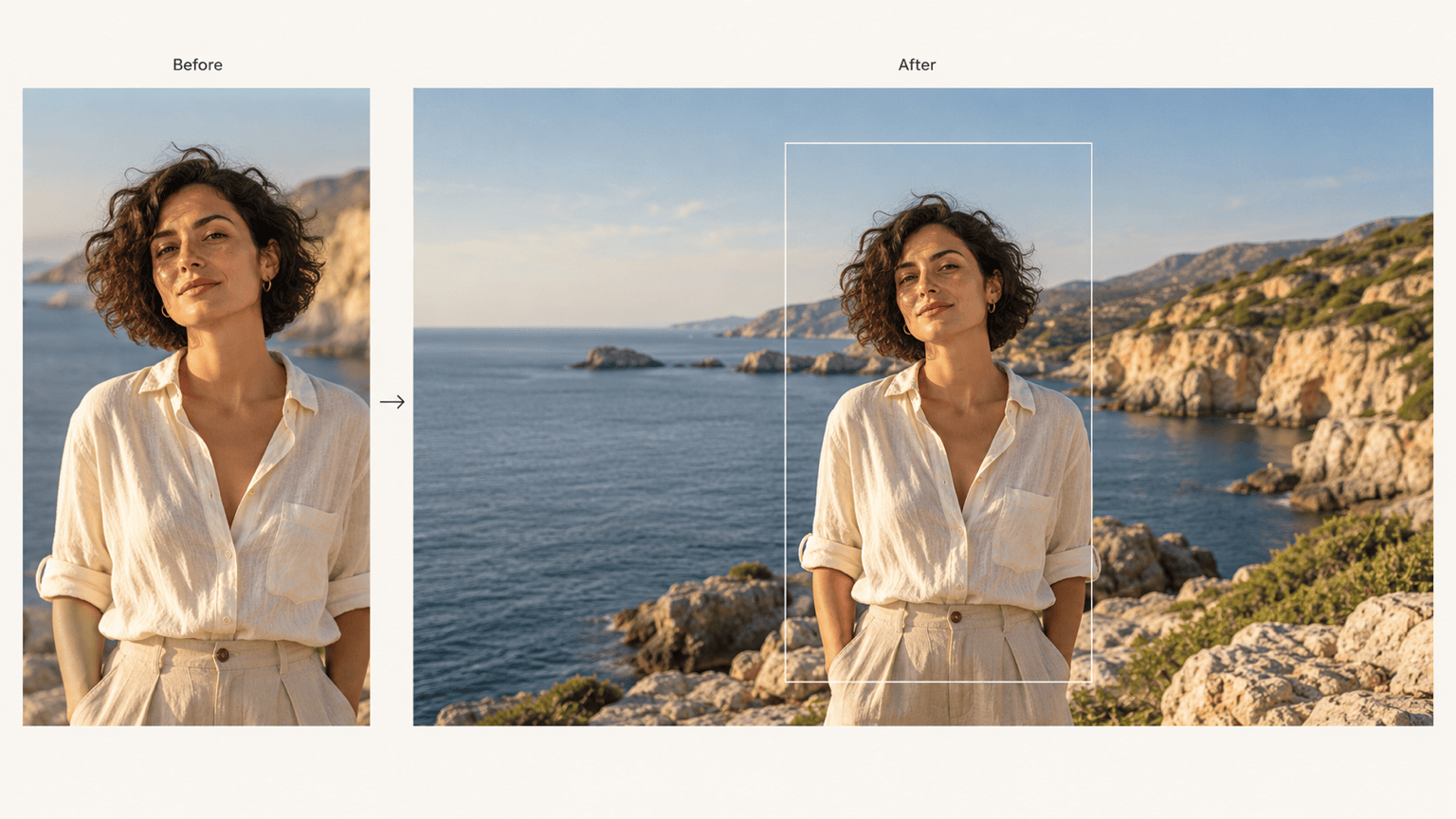
Turn my uploaded portrait photo into a 16:9 landscape image by extending the background on both sides. Keep the person’s appearance and proportions consistent; do not add extra people.
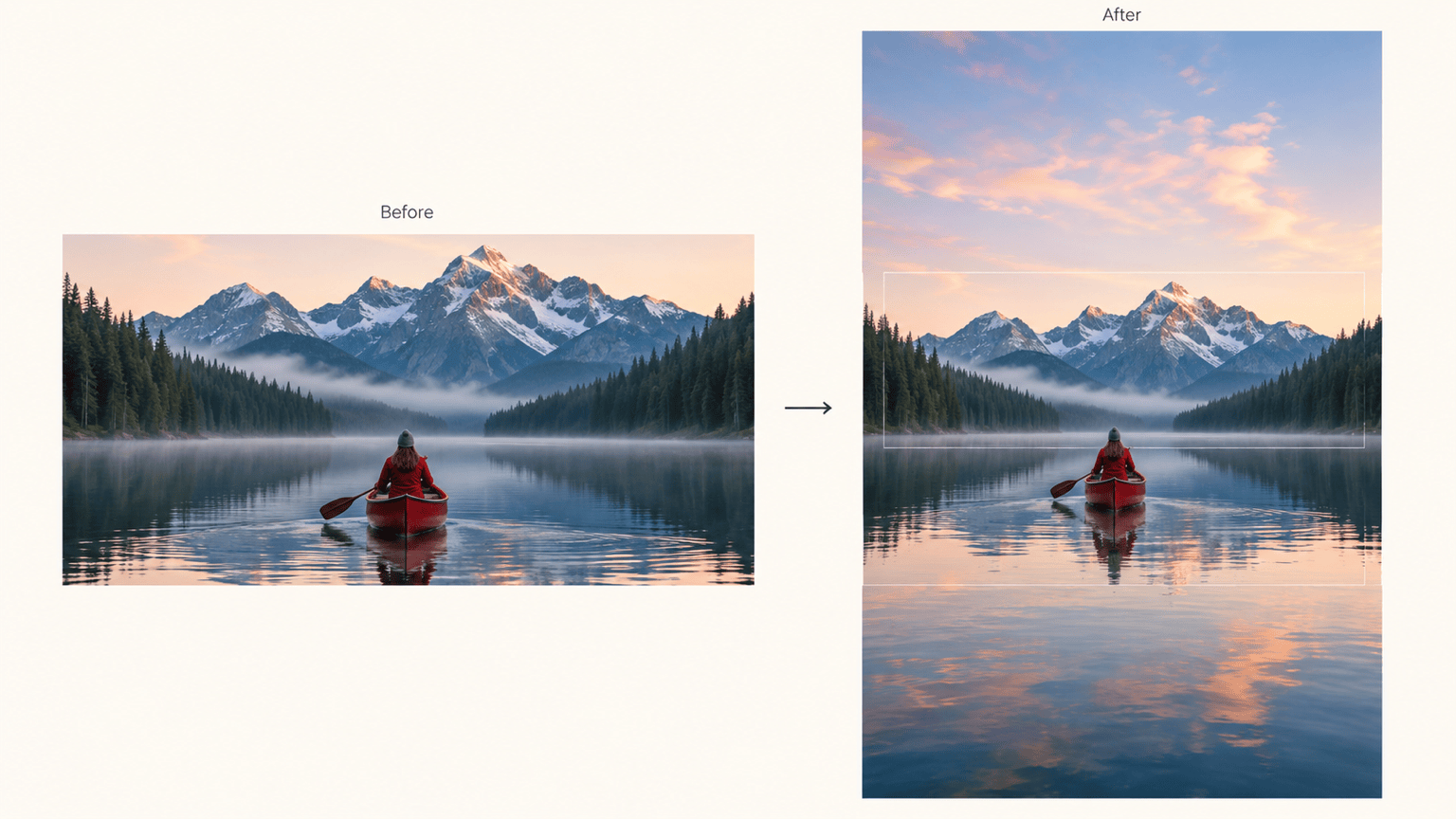
Expand my uploaded landscape image to 9:16 for a vertical story. Add sky above and matching foreground below. Keep the horizon level and leave the subject fully visible.
Extend the background to the left of my product photo for a wide ad. Leave that area uncluttered for copy I will add later. Match the surface and shadows; retain the product shape and label.
Extend this uploaded watercolor artwork into a wide wallpaper. Continue the landscape, muted colors, paper texture, and brushwork. Avoid repeating the central motif.
Fix the visible join in this expanded image. Continue lines across the old edge, match the texture and light, and remove duplicated objects from the new area. Retain the current composition.
Compare this expanded version with my uploaded original. Restore the subject’s appearance and proportions, and limit the requested changes to the surrounding background.





