Free OnlineAI YouTube Banner Generator

How to Create a YouTube Banner with AI
Describe Your Channel
AI Builds the Banner Layout
Edit and Refine
Download and Upload
Why Choose Mew Design as Your AI YouTube Banner Generator
Built Specifically for YouTube Banner Layout Rules
YouTube banners require strict safe-area control across devices. Mew Design automatically applies YouTube layout standards, ensuring your text and visuals always stay visible and centered.
Designed Around Channel Positioning, Not Just Visuals
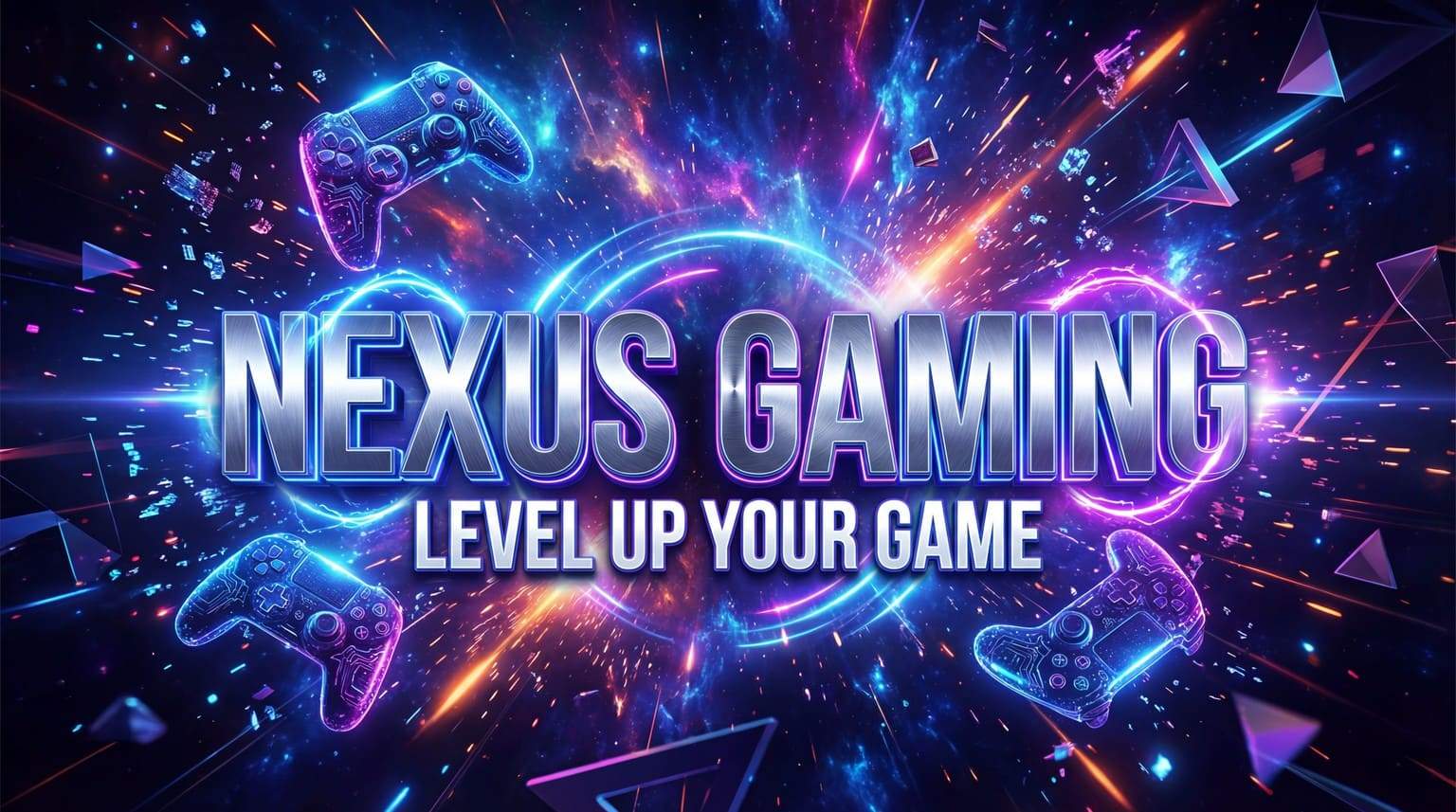
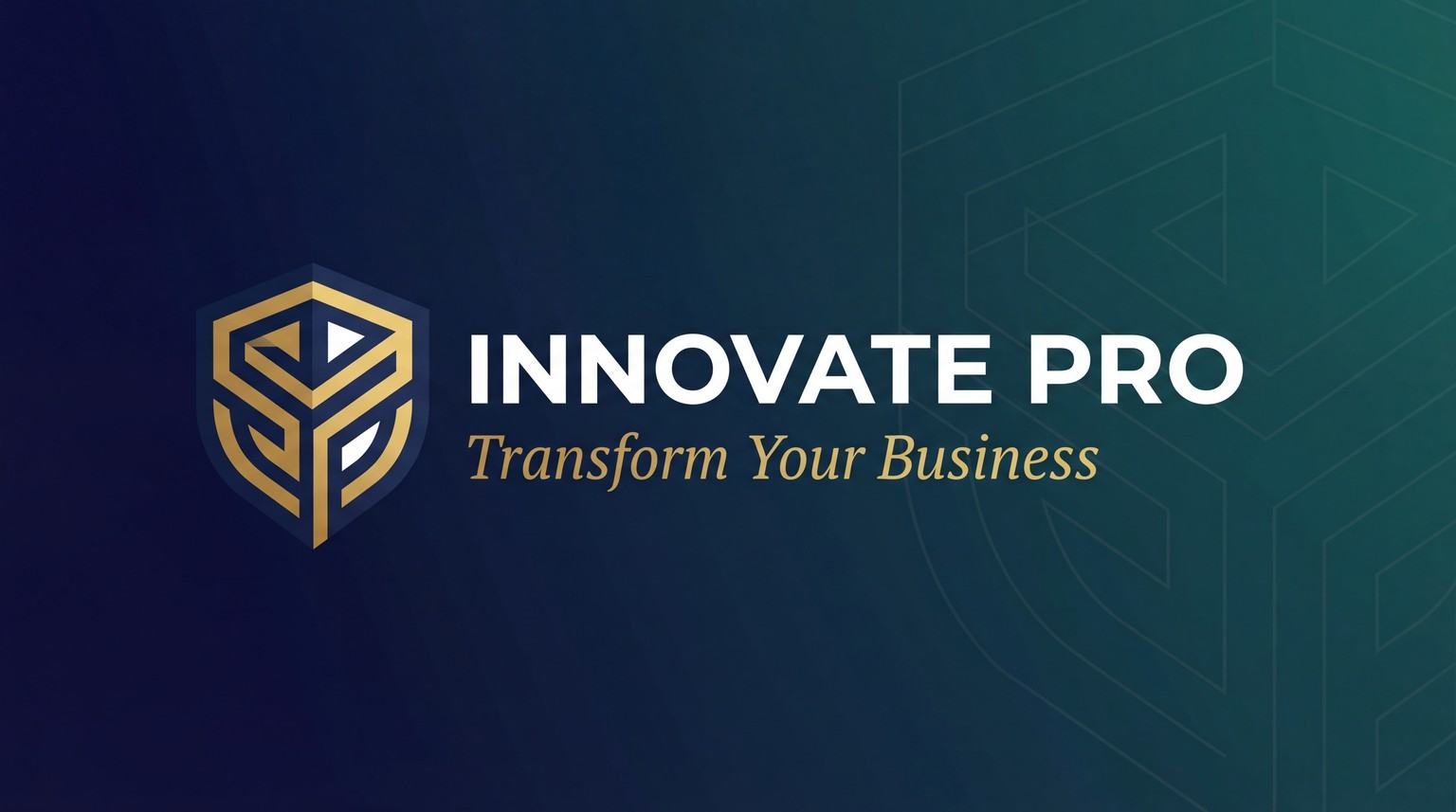
Whether you run a gaming, lifestyle, education, or business channel, Our AI YouTube banner maker understands channel identity and adapts layout, typography, and visuals accordingly.
Full Creative Control with Flexible Editing
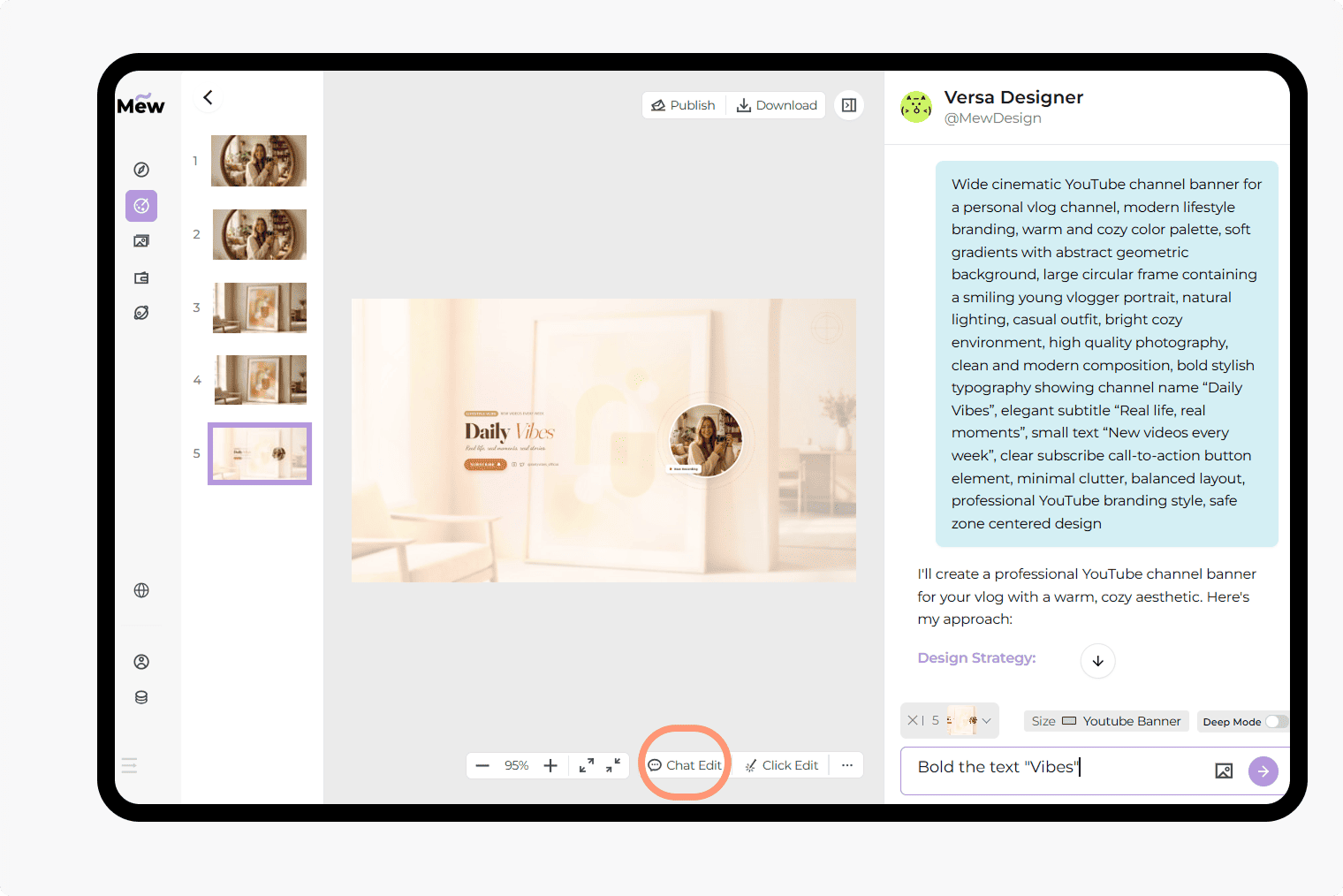
You can "Refine" your banner by talking to the AI—asking it to "change the background to a neon cityscape"—or use the manual editor to move, resize, and recolor texts for a unique finish.
Clear Typography with Zero Text Distortion
Channel names, slogans, and upload schedules remain crisp, aligned, and readable—without stretched text or visual clutter.
Upload Logos, Photos, and Reference Banners
Add brand logos, profile photos, or sample YouTube channel art. You can even upload a banner you like and recreate its style and structure.
Deep Mode for Channel Consistency
Brand recognition depends on consistency. Use Deep Mode to generate a matching set of assets, including your banner, profile picture, and video thumbnails, ensuring a synchronized aesthetic across your entire YouTube channel.
How to Write an Effective AI YouTube Banner Prompt
- Identify Your Niche: Start with terms like Gaming Channel, Travel Vlog, Tech Review, or ASMR/Relaxation.
- Specify the Focal Point: Tell the AI to "center my name" or "place my upload schedule on the right side."
- Define the Mood: Use descriptive terms like Cinematic, Retro-futuristic, Clean Minimalist, or High-Energy Neon.
- Mention Your Assets: If you are uploading a photo, ask the AI to "place my headshot [@uploaded photo] on the left with a glow effect."
Sample Prompts to Help You Create Your YouTube Channel Art with AI
For Gaming Creators (Visual Impact): Design a high-energy gaming banner for a channel titled '[Channel Name]'. Visual: Cyberpunk city background with neon purple and teal accents. Style: Aggressive and modern. Include the text 'New Videos Every Tuesday'.
For Lifestyle and Vlogs: Create a bright, aesthetic YouTube banner for a lifestyle vlog titled '[Name]’s World'. Visual: Soft watercolor sunset and palm trees. Style: Clean and airy. Use a handwritten-style font for the title. @[Upload Headshot] to be placed on the left.
For Professional Tech/Business: Generate a professional tech banner for a channel called '[Title]'. Style: Corporate minimalist with slate gray and silver tones. Layout: Bold sans-serif typography centered. Include a placeholder for a 'Subscribe' button icon.
For Educational/Tutorial Channels: Design a clean educational banner for a coding channel. Visual: A blurred dark-mode IDE background with code snippets. Text: '[Name] - Code Simplified'. Style: Organized and authoritative. Use a monospaced font for the subtitle.
For Fitness and Motivation: Create a high-contrast fitness banner. Style: Gritty black and white with bold yellow accents. Visual: A blurred gym interior with high-intensity lighting. Message: 'Train Like a Pro'. Include: '[Social Handles]'.
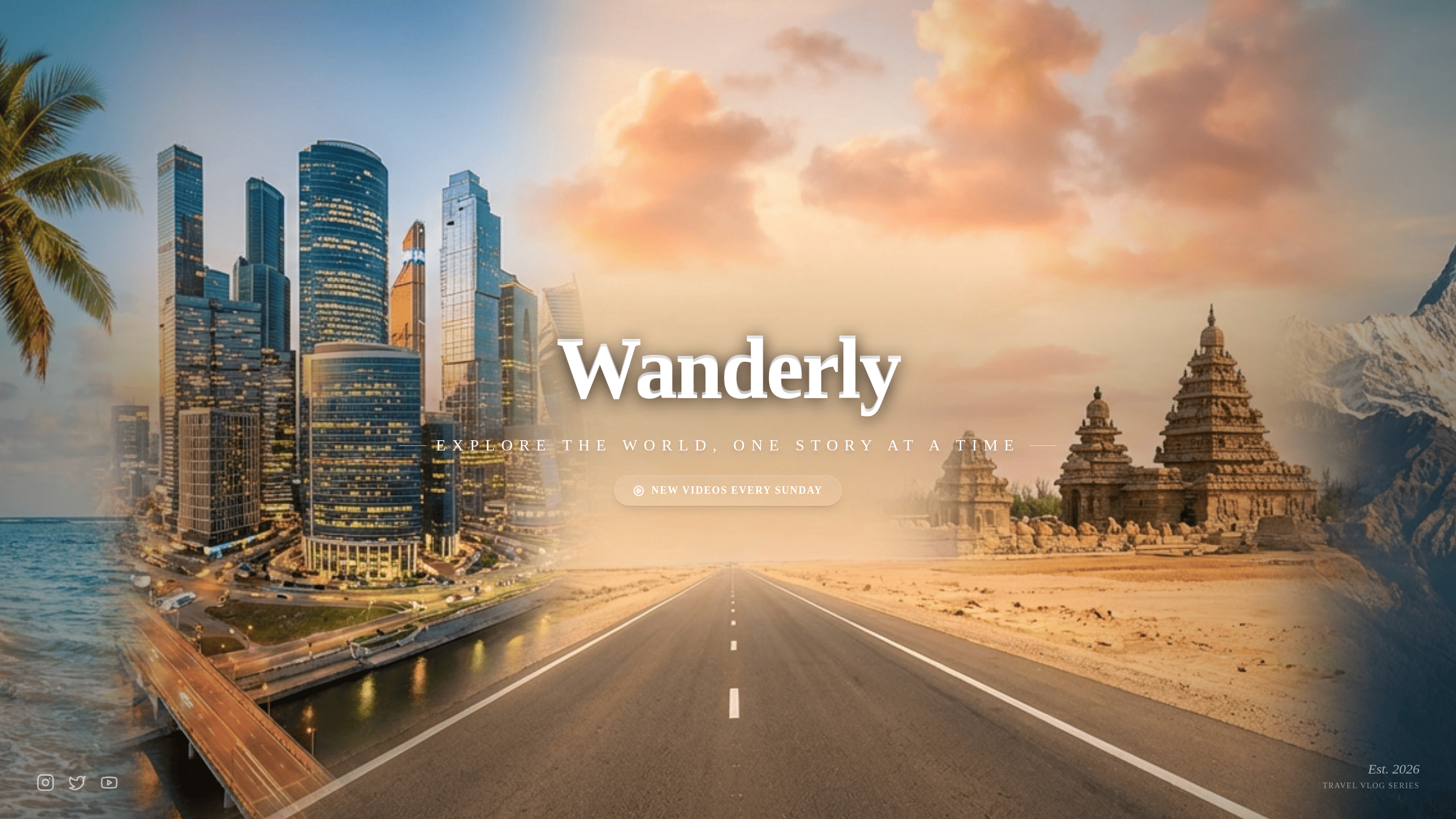
For Travel and Adventure: Design an adventure-themed banner for a travel channel. Visual: A panoramic mountain range at sunrise. [Upload Reference Image] for the color palette. Style: Inviting and vast. Center the title '[Channel Name]' in a bold serif font.





