Try Online for FreeAI Image Inpainting
How to Edit Part of a Photo with AI
Upload the Photo You Want to Edit
Describe the Local Change
Check Edges and Refine
Download the Reviewed Image

Make a Focused Edit Without Starting Over
Start from Your Own Image
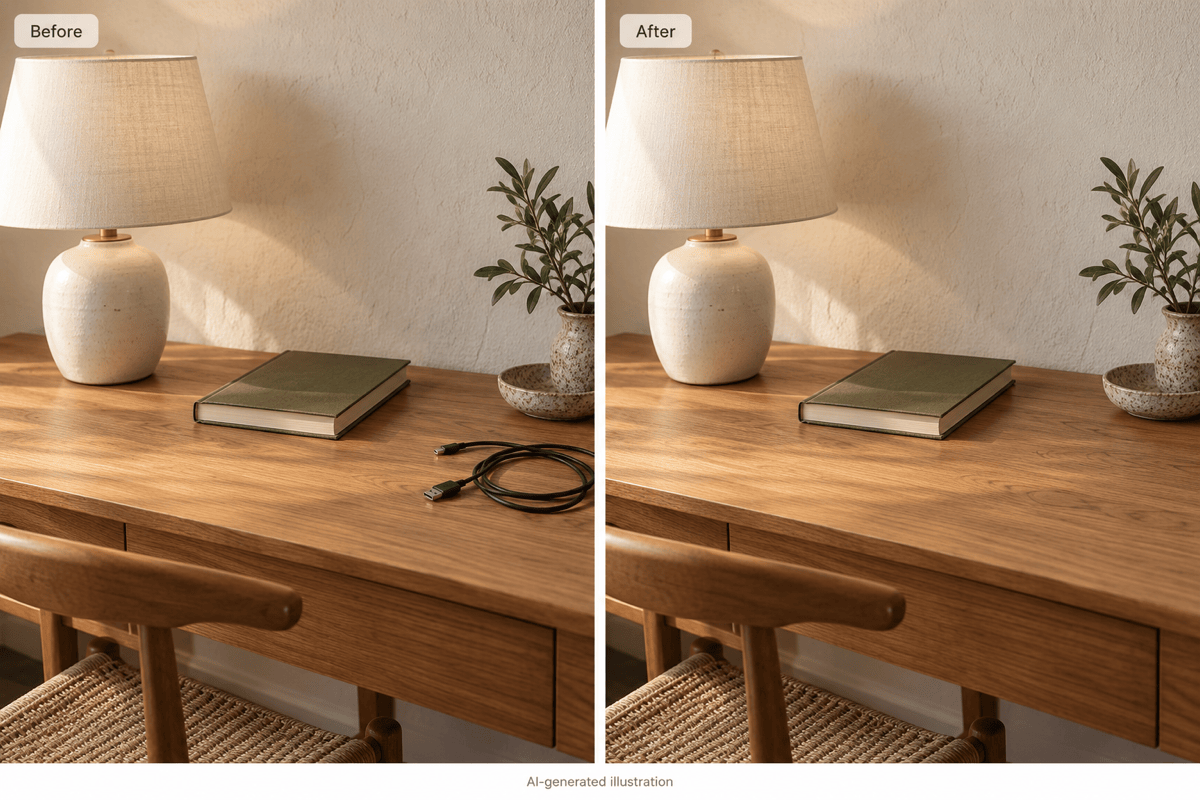
Use AI photo inpainting to work on an uploaded photo or illustration. Describe the detail that needs attention instead of recreating the whole scene.
Direct the Edit in Plain Language
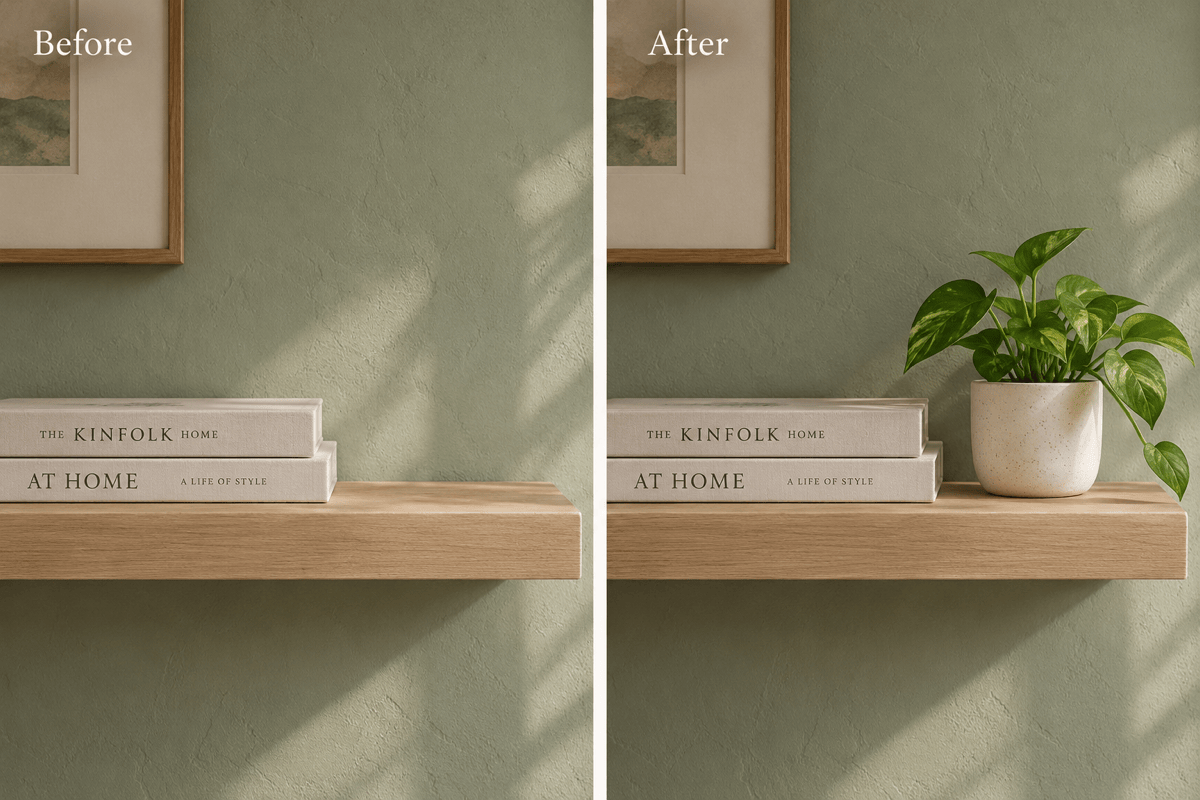
Tell the AI inpainting tool which object to change and what should appear in its place. No model setup or technical prompt syntax is required.
Guide Replacements with References
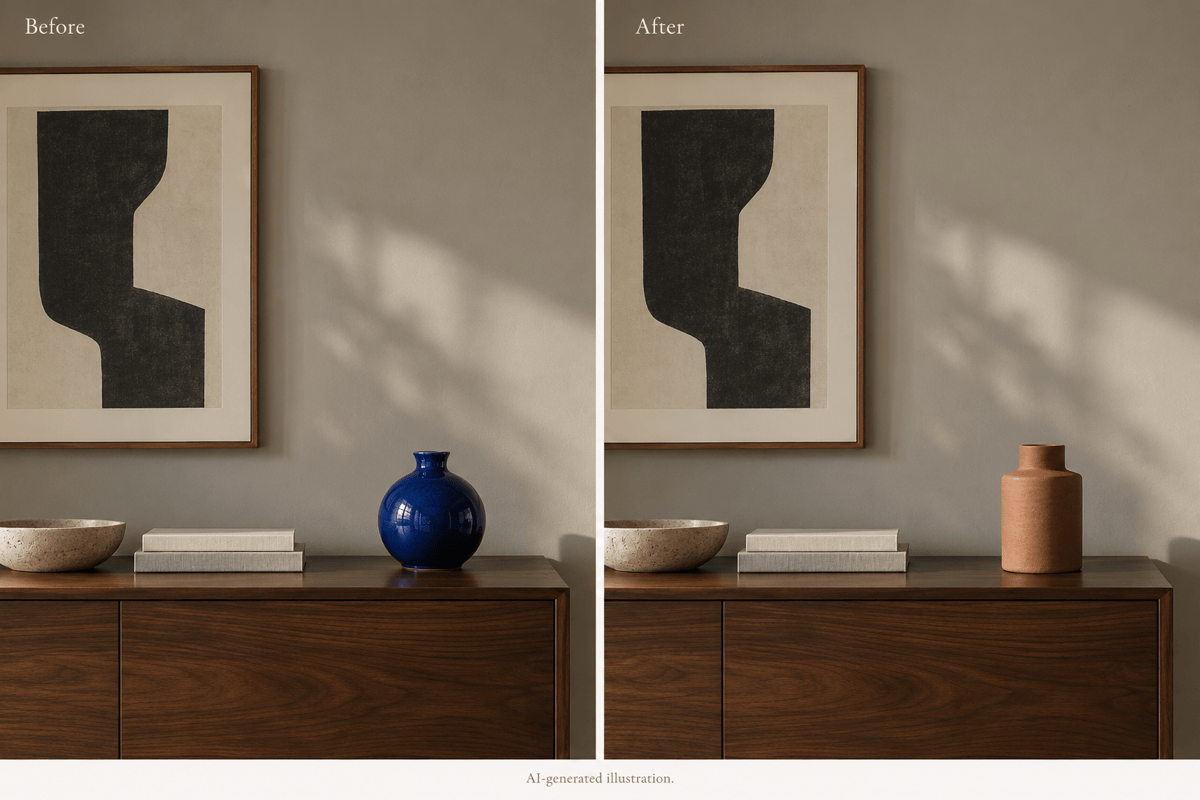
Upload a reference for a new vase, accessory, or decorative detail. Ask for its style and material to fit the perspective and light of your source image.
Correct the Details in Chat
Use Chat Edit to request a softer shadow or a cleaner transition. Keep the original nearby to catch changes outside the intended area.
Carry Edited Photos into Designs
Use a cleaned photo in a poster or brochure. Review product shapes and labels before using it in marketing.
Try an Edit with Free Credits
Test AI image inpainting online with free signup credits. Generation and revisions consume credits; you can export results without watermarks.
Keep Local Edits Close to the Original
- Name One TargetUse location and appearance to identify the object. Avoid broad requests such as “improve everything.”
- Include Shadows and ReflectionsWhen removing an object, mention its shadow or reflection so the edit does not leave a visible trace.
- Match Nearby TextureDescribe the surface that should fill the gap, such as wood grain, fabric, or grass. Check lines and repeating patterns at the boundary.
- Verify What Should StayAsk to retain faces, text, logos, and framing. AI edits can still alter nearby details; compare both images before export.
Fix Common Inpainting Problems
Remove the faint shadow left by the deleted object in my uploaded image. Continue the surrounding surface texture without adding a replacement object.
Blend the visible edge around the edited area in my uploaded photo. Match nearby color, grain, and sharpness without changing the subject.
Adjust the replacement object in my uploaded image to fit the original perspective and scale. Match the light direction and add a subtle contact shadow.
Repair the interrupted tile lines in my uploaded image where an object was removed. Continue the existing spacing and perspective without changing the rest of the floor.
Use my original photo as the reference and redo only the requested background edit. Retain the person’s face, hair, pose, and clothing.
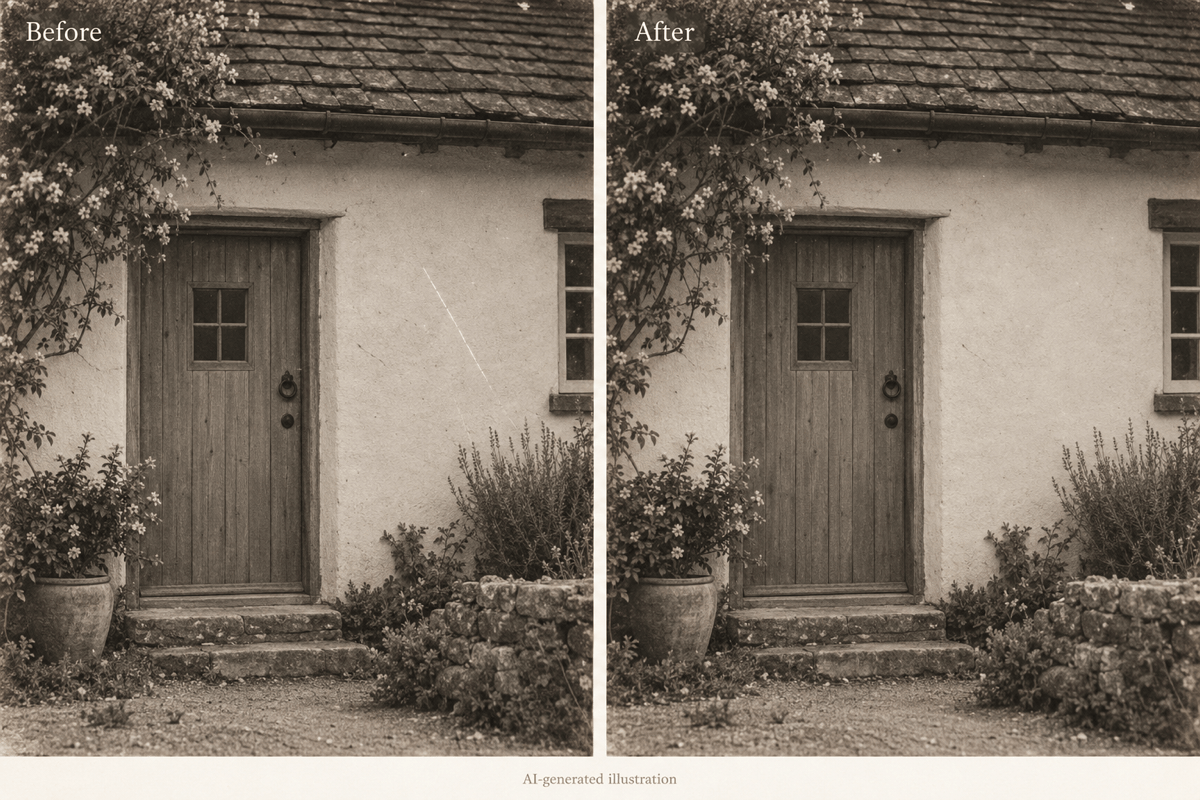
Repair the small scratch in the wall area of my uploaded photo. Match the surrounding texture and keep the original grain; do not invent new scene details.





