Free OnlineAI Brochure Generator
How to Create a Brochure with AI
Choose the Goal and Format
Add Copy and Source Material
Generate the Brochure Layout
Refine, Check, and Export

A Brochure Maker Built around Your Real Content
Turn Documents into Design Briefs
Use more than a short prompt. Upload a PDF, DOCX, PPTX, CSV, or another common document to the file library, reference it with @, and ask Mew Design to organize the relevant content into a brochure.
Plan Content for Every Panel
A brochure needs more than a pretty cover. Our AI brochure generator can structure the promise, supporting details, proof, contact information, and call to action around your requested fold or page sequence.
Keep Dense Copy Easy to Scan
The online AI brochure maker balances headings, short sections, facts, and visuals so company profiles, service brochures, and guides have a clear reading path.
Work with Your Brand Assets
Upload logos, product photos, property images, diagrams, or visual references. Explain where each asset belongs so the generated brochure follows your brand direction instead of relying on generic placeholders.
Revise the Design in Conversation
If the first draft is too crowded or the hierarchy feels wrong, open Chat Edit and request a shorter paragraph, a stronger cover, a different image, or a new palette without rewriting the whole brief.
Prepare Print and Digital Versions
Create an AI-generated brochure for handouts, sales meetings, email, or web sharing. Export PNG or JPG for image-based use, or PDF for review and print preparation.
How to Prompt AI for a Better Brochure
- Set the Format: Specify tri-fold, bi-fold, Z-fold, one-page, or multi-page, plus A4 or US Letter when the size matters.
- Map the Message: List the headline, sections, proof points, contact details, and exact call to action. Say which information must not be rewritten.
- Reference Your Files: Upload source documents to the file library and reference them with @. Add logos, photos, or style references separately so content and visual direction are both clear.
- Name the Destination: Explain whether the brochure will be printed, emailed as a PDF, shared online, or adapted into image panels so the layout suits its real use.
AI Prompts for Tri-Folds, Bi-Folds, Menus, and Catalogs
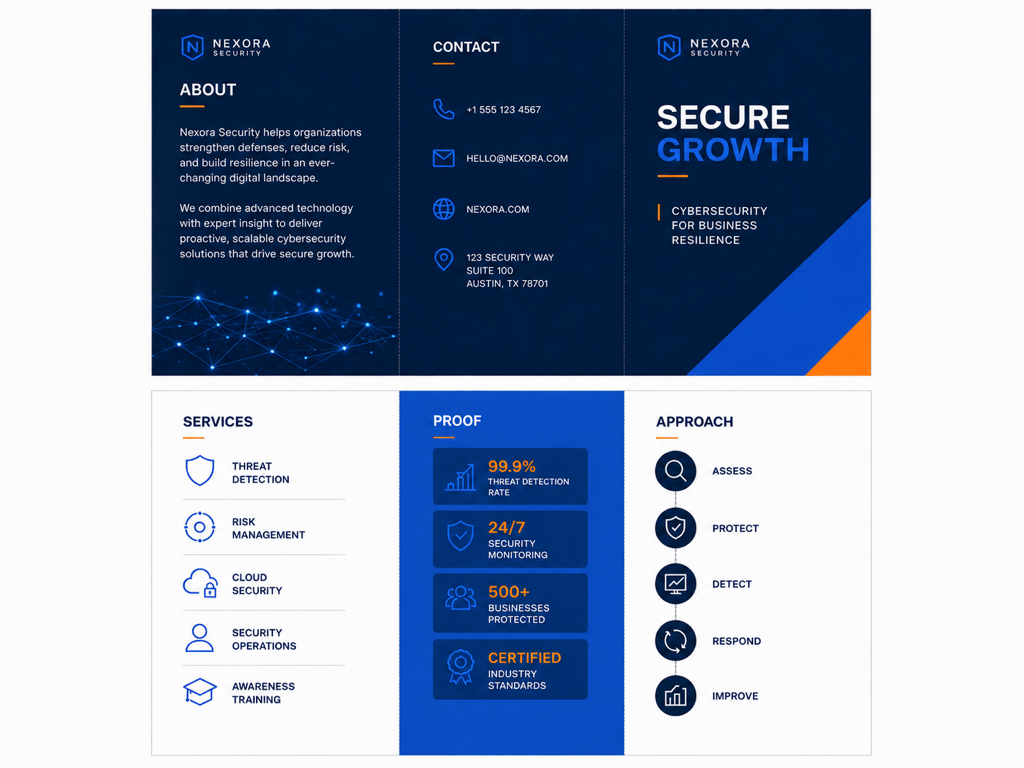
Create a tri-fold company brochure for a renewable-energy consultancy. Audience: facility managers. Cover: 'A Practical Path to Lower Energy Costs.' Inside panels: audit process, three services, two outcome metrics, and a short client quote. Back panel: contact details and 'Schedule an Assessment.' Use the uploaded logo and brand colors. Keep the tone credible and concise.
Design a bi-fold product brochure for a compact electric cargo bike. Use the uploaded product photos. The inside spread should compare range, load capacity, charging time, and warranty, with one large lifestyle image and a 'Book a Test Ride' call to action. Style: premium urban mobility, charcoal, white, and electric lime accents.
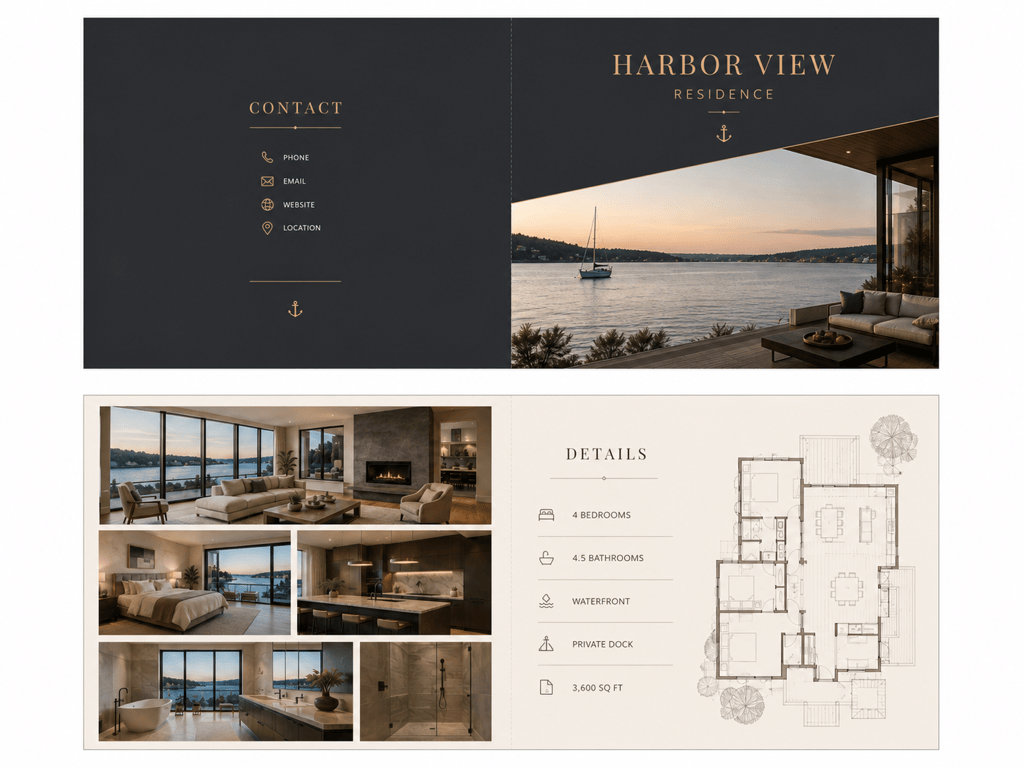
Turn the property details in @HarborViewListing.pdf into a luxury real estate brochure. Use a bi-fold layout with a full-bleed exterior photo, an interior gallery, key specifications, neighborhood highlights, agent contact information, and a QR-code placeholder. Do not change the address, price, room count, or measurements.
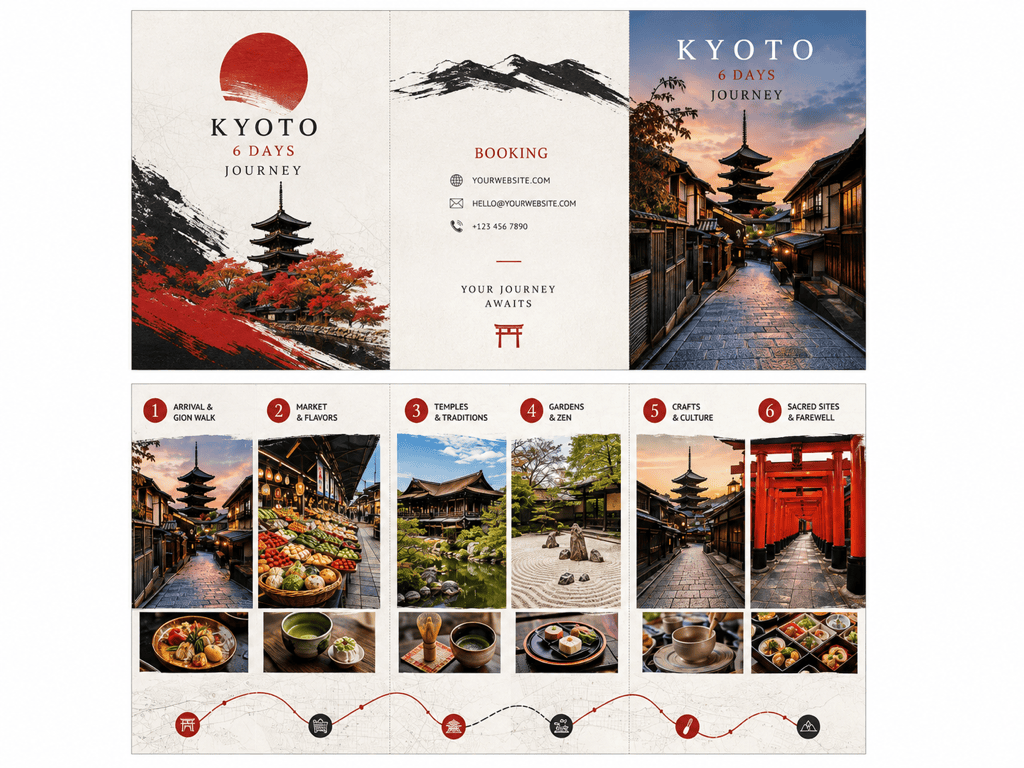
Create a Z-fold travel brochure for a six-day Kyoto food and culture tour. Organize the inside as a day-by-day route, with inclusions, departure dates, booking details, and a map placeholder. Use warm editorial photography, vermilion accents, and clean modern typography. Make the sequence easy to follow as the brochure unfolds.
Create an A4 tri-fold menu for a Mediterranean restaurant. Cover: restaurant name and hours. Inside: starters, mains, and desserts. Back: reservations and QR-code placeholder. Keep dish names, allergens, and prices exactly as provided. Use readable type with an olive and cream palette.
Design a multi-page sponsorship brochure for a nonprofit arts festival using @FestivalBrief.docx and the uploaded event logo. Include the mission, audience profile, event highlights, three sponsorship tiers, benefits table, past-event photos, and a final contact page. Keep tier names and prices exactly as provided. Style: energetic editorial collage with consistent typography.





