Free OnlineAI Image Combiner
How to Combine Two Images with AI
Upload Two Clear References
Assign Each Image a Role
Generate One Unified Scene
Review, Refine, and Export

Why Mew Design Works for AI Image Merging
Give Every Reference a Clear Role
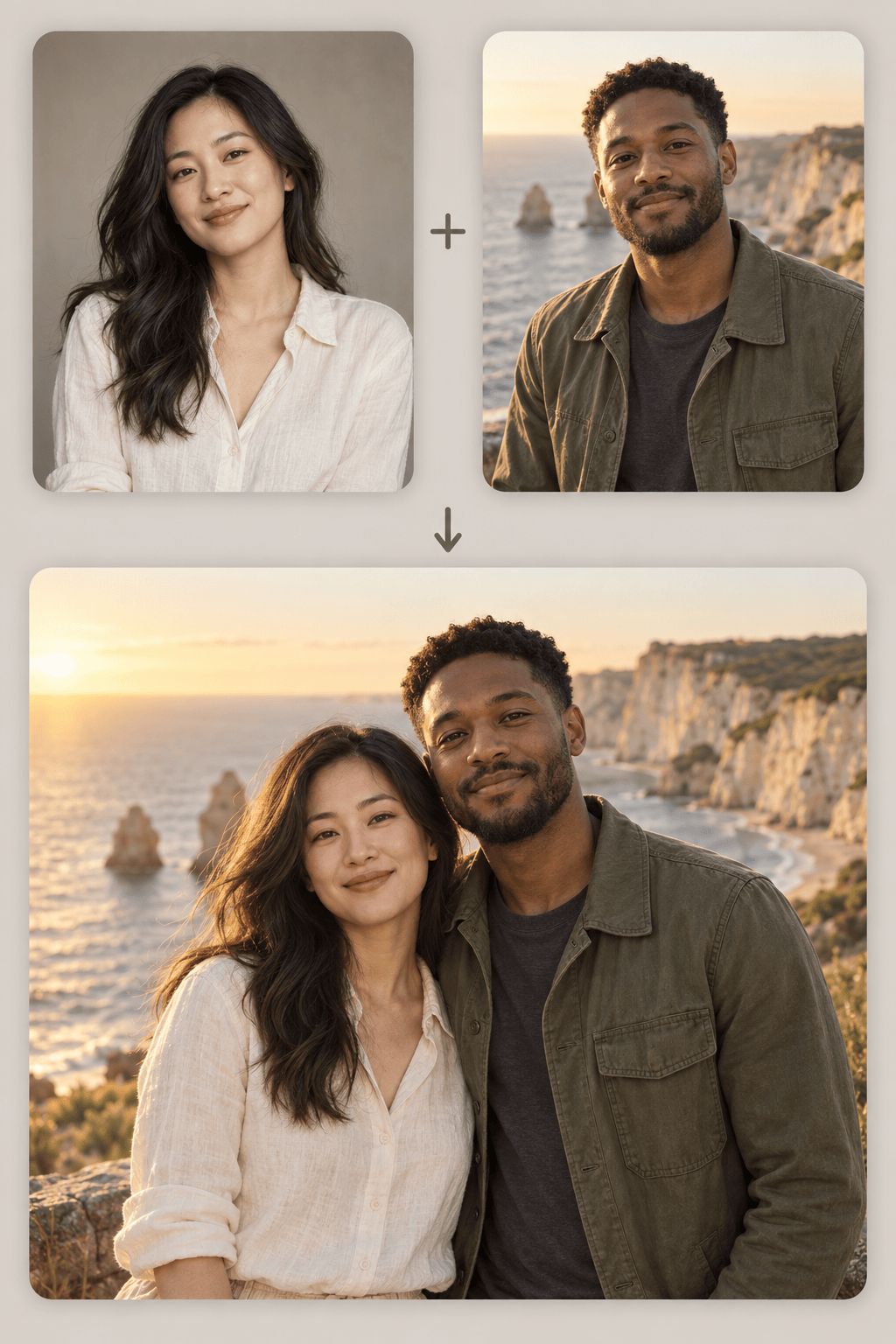
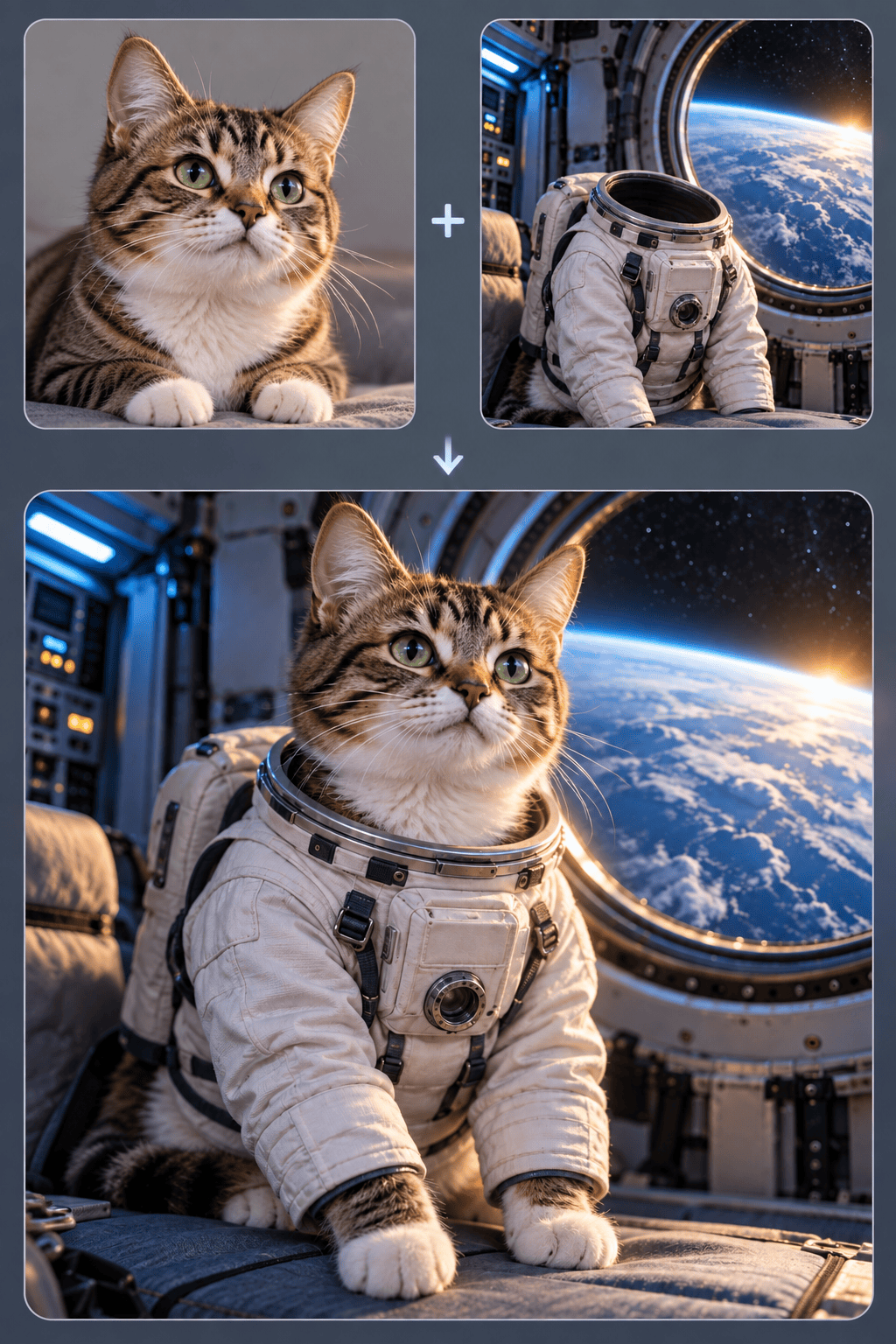
Tell the AI image combiner which upload anchors the subject and which supplies the scene, clothing, object, palette, or texture. This role-based direction gives you more control than a vague request to mix photos.
Match the Whole Scene
A convincing AI image merge depends on more than soft edges. Mew Design rebuilds the composition around compatible light direction, depth, color, scale, and contact shadows so the result feels intentional.
Prioritize Recognizable Details
Explain which face, hairstyle, pet markings, product silhouette, or garment details matter most. The agent uses your images as references and lets you request targeted corrections when a first generation changes too much.
Move Beyond Simple Portrait Merges
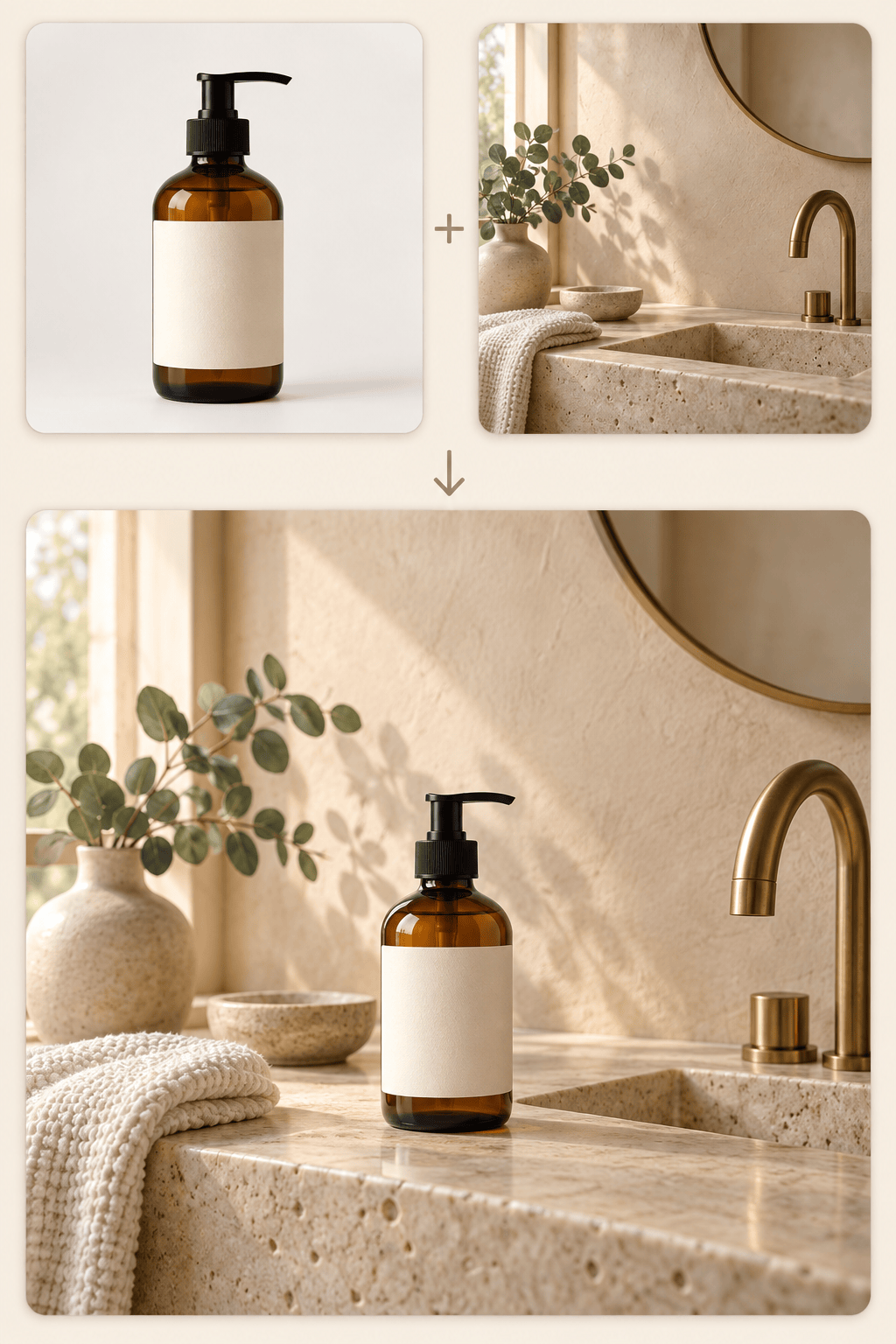
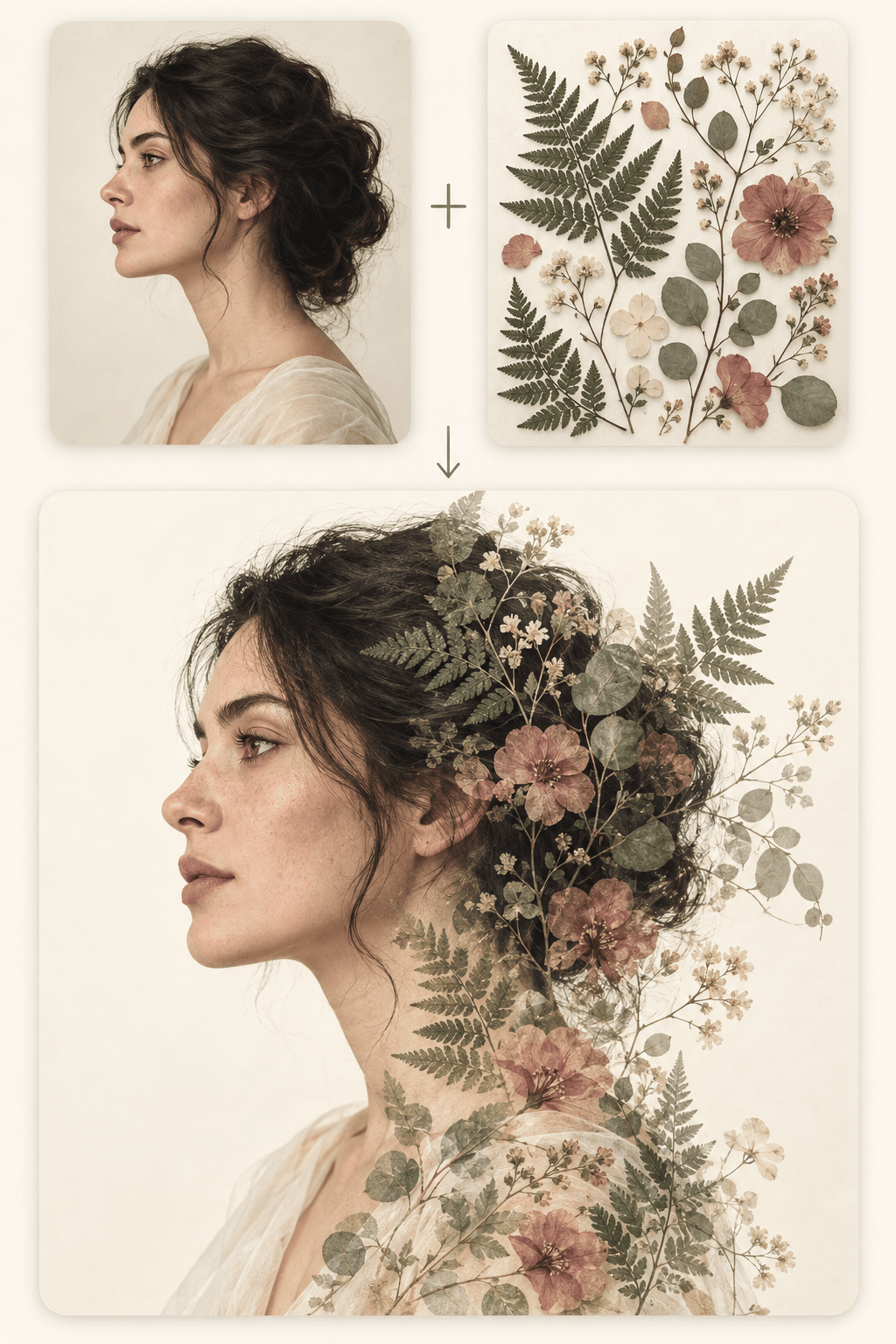
Use this online AI photo combiner for couple and family scenes, ecommerce product staging, new backgrounds, style transfer, and double exposure. Mew Design also gives you access to image workflows powered by models such as Nano Banana Pro and GPT Image 2.5.
Refine the Composite Through Chat
You do not need to rebuild the edit from scratch. Use Chat Edit to move a subject, simplify a background, soften a shadow, change the crop, or ask for a more natural interaction.
Try Ideas and Export Without Watermarks
Start with free AI credits after signup, test different ways to merge two photos with AI, and export finished images without a watermark in practical PNG or JPG formats.
How to Prompt AI to Combine Two Images
- Protect the Anchor: Name the face, pet markings, product shape, or other details that must stay recognizable.
- Define the Relationship: Say where the subjects belong, how they interact, and which image controls the background or style.
- Match the Shot: Specify framing, camera angle, scale, perspective, lighting, shadows, and aspect ratio when they matter.
- Keep It Focused: Use one clear composition goal, state exact subject counts, and make one correction at a time with Chat Edit.
How to Fix Common AI Image Merge Problems
Face Changed: Use @[image1] as the identity anchor. Preserve the same facial proportions, hairstyle, age cues, and expression. Use @[image2] only for the setting and lighting. Do not blend facial features or add accessories.
Looks Pasted Together: Combine the subject from @[image1] with the scene in @[image2]. Match camera height, scale, perspective, light direction, color temperature, and contact shadows so the result reads as one photograph.
Second Image Ignored: Give each reference one job. Keep the main subject from @[image1], but take the background, palette, and lighting only from @[image2]. Make both contributions clearly visible in one coherent scene.
Extra People or Objects: Create one image with exactly [number] subject(s) from @[image1] and only the required object from @[image2]. Remove duplicate limbs, faces, products, accessories, and unrelated background elements.
Product Shape or Label Changed: Preserve the silhouette, proportions, material, color, and blank label area of the product in @[image1]. Use @[image2] only as the environment. Do not invent wording, logos, packaging parts, or extra products.
Style Overpowers the Subject: Keep the subject from @[image1] recognizable. Borrow only the palette, texture, and lighting mood from @[image2], not its people or objects. Use a subtle style influence and preserve realistic anatomy and structure.





