Free to Try OnlineAI HD Photo Converter
How to Make Photos Clearer with AI
Upload Your Best Original
Request a Clearer Version
Inspect and Refine Details
Download for Your Destination

Photo Enhancement You Can Refine in Chat
Work from Your Existing Photo
Use Mew Design as an online HD image converter by uploading the picture you want to improve. Start from a real source instead of describing a replacement scene.
Describe the Problem in Plain Language
Ask this AI photo enhancer for a clearer portrait, cleaner product edges, or more balanced lighting. No complex editing instructions are required.
Guide What Stays the Same
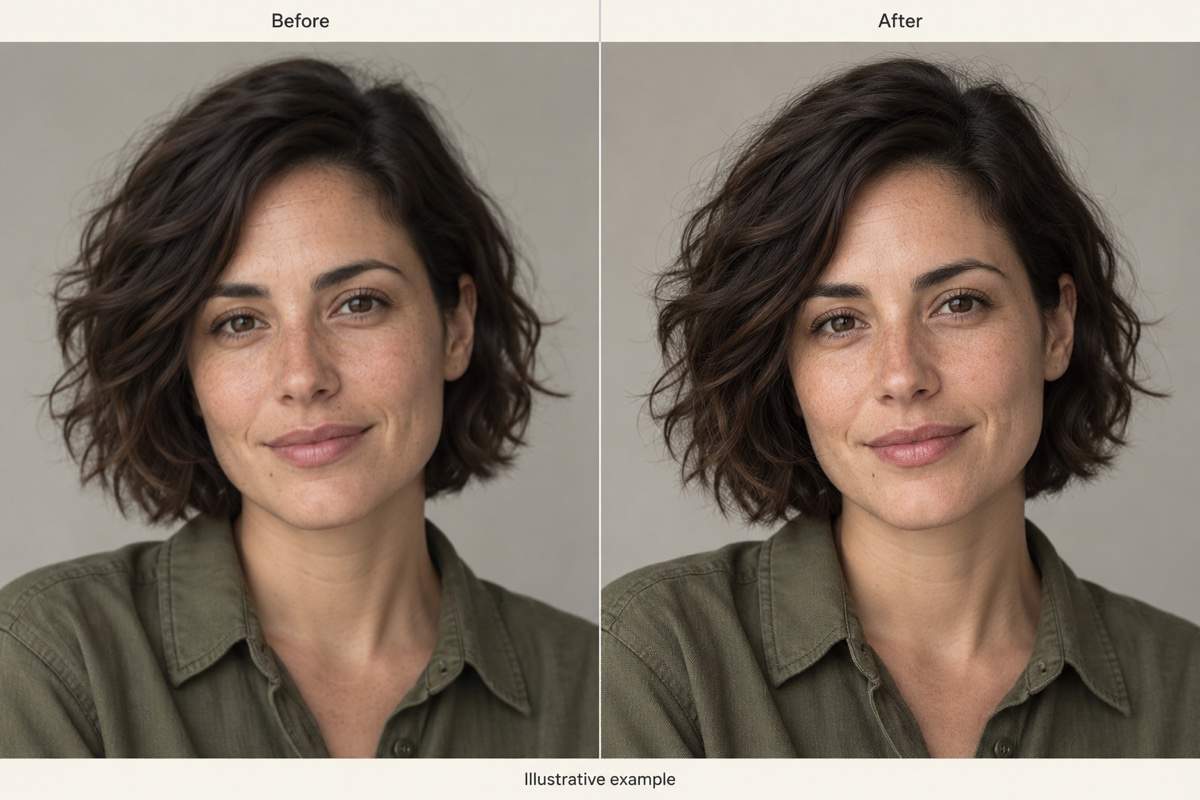
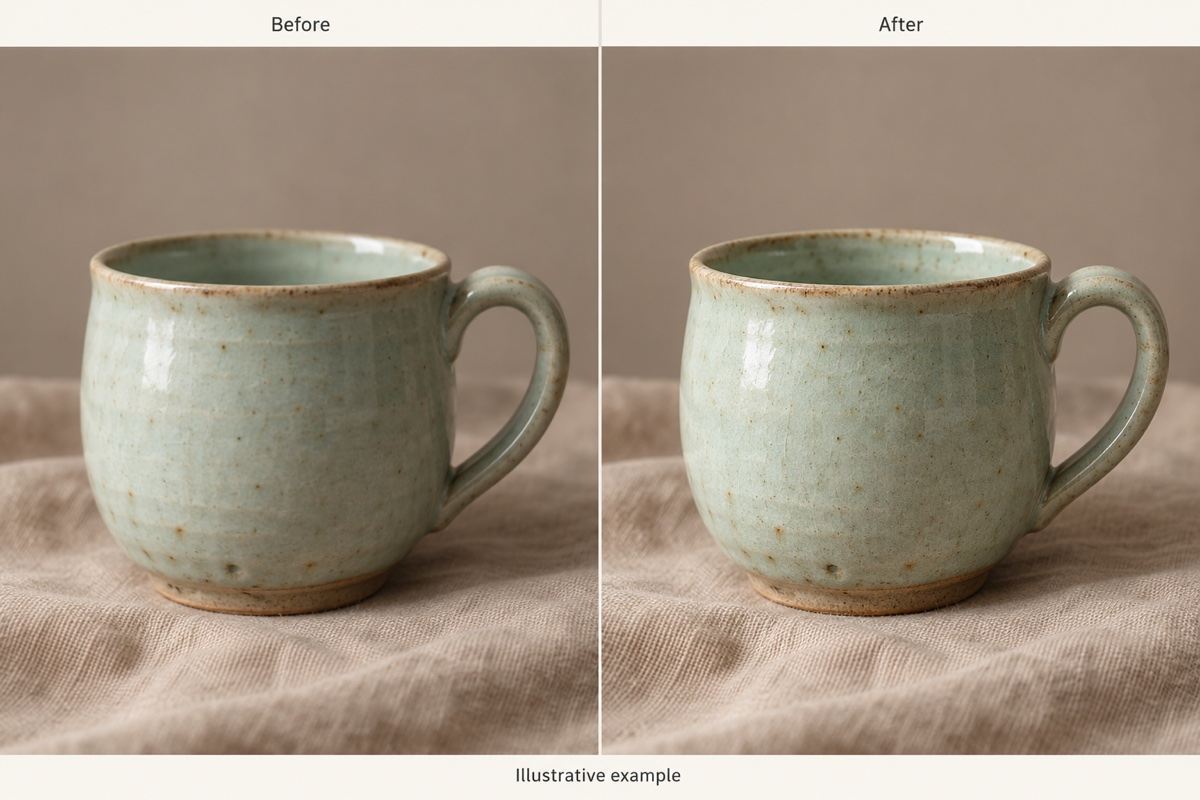
Tell the agent to keep freckles, material colors, and composition. Review these details in the result, especially when the original is very small.
Adjust an Overprocessed Result
Use Chat Edit to ask for more natural skin or softer edge contrast. Refine one issue at a time while keeping the parts you like.
Put Your Photo to Work
Use the improved image in an AI poster or product brochure. Continue from photo editing to a finished design.
Try with Free AI Credits
Sign up to test photo enhancement with free AI credits. Exports are watermark-free; available resolution and paid options depend on your plan.
Get a Natural Result from a Low-Resolution Photo
- Use the Original: Upload the camera file or a clean scan instead of a screenshot or repeatedly compressed copy.
- Name What Matters: Identify the face, product, lettering, or texture that must remain faithful to the source.
- Compare at the Same Scale: Inspect both images at the same display size. Check eyes, hair, edges, and text for unwanted changes.
- Check the Export: Verify the actual pixel dimensions. A sharper preview alone does not establish that a file is suitable for a large print.
Common Photo Quality Problems You Can Address
Soft portrait: Make my uploaded portrait clearer while keeping the person’s facial features, age, freckles, and expression. Keep skin texture natural and avoid beauty retouching.
Compressed product photo: Reduce blocky artifacts around this product. Preserve its outline, material color, and background. Do not rewrite or invent small label text.
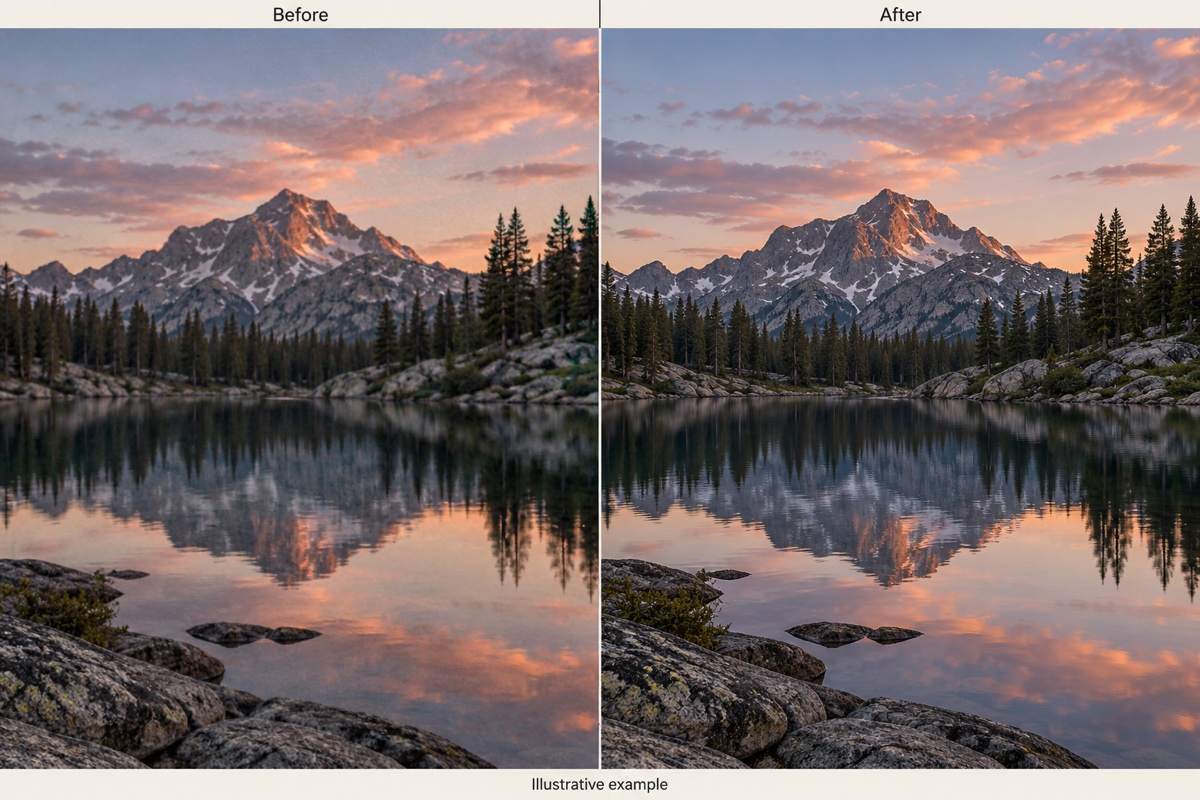
Noisy night photo: Reduce visible noise in my uploaded landscape and gently brighten shadows. Keep the evening mood and avoid exaggerated color or artificial textures.
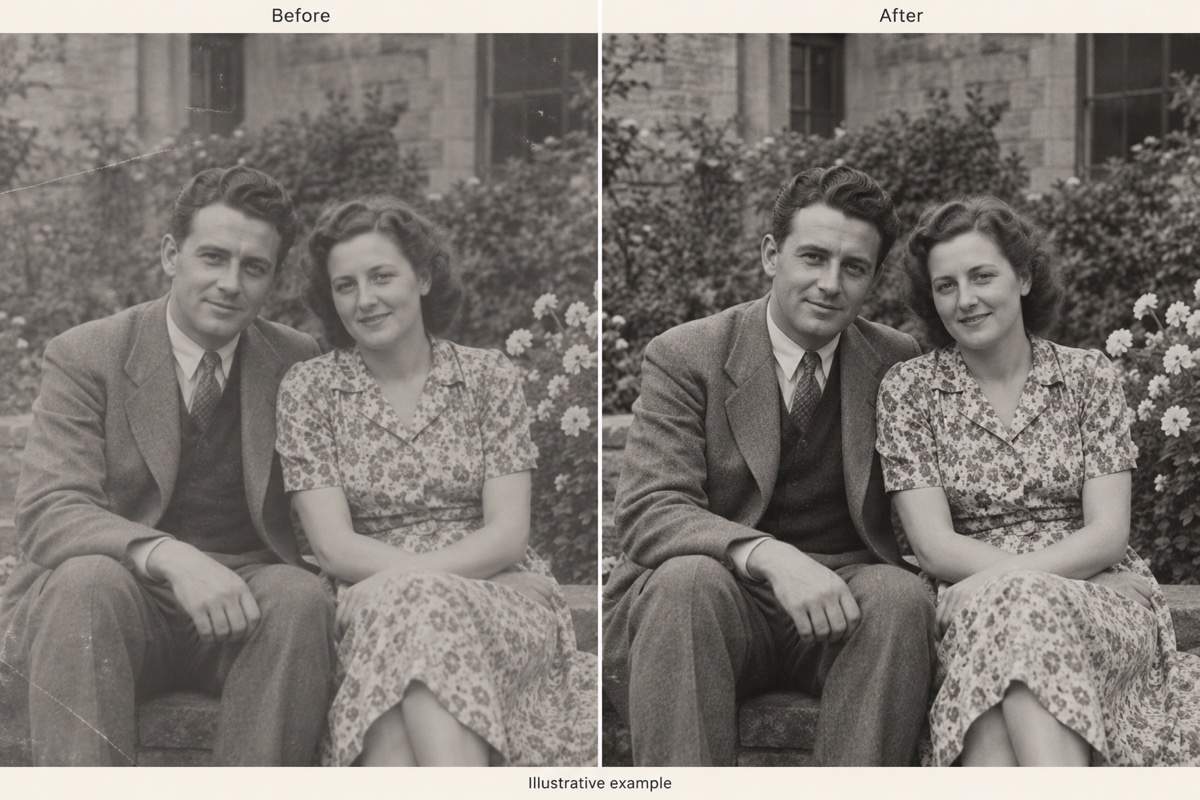
Faded old photo: Improve contrast and clarity in this scanned family photo. Keep the original faces, clothing, and monochrome tone. Do not add color or new details.
Oversharpened edges: Soften the bright outlines around objects in this edited photo. Reduce the crunchy appearance while retaining believable detail and the existing composition.
Small photo for print: Improve this uploaded photo for a small framed print. Keep the original aspect ratio and avoid invented fine detail. I will check the export dimensions against my printer’s requirements.





