Free OnlineAI Halloween Poster Generator
How to Create a Halloween Poster with AI
Tell Us What You Are Planning
Generate the Halloween Design
Fine-Tune the Fright Factor
Check, Download, and Share

Halloween Atmosphere, with the Details Guests Need
A Design Built Around Your Event
This AI Halloween poster maker turns a short brief into a complete composition. Lead with the party, attraction, or offer instead of searching for a matching template.
Cute, Creepy, or Somewhere Between
Choose smiling ghosts for younger children, vintage pumpkins for a costume party, or shadowy architecture for a haunted house poster. Adjust the mood through chat.
Keep the Invitation Readable
Ask for a strong headline and a clear block for the date, time, and location. Refine crowded lettering with Chat Edit and proofread the finished poster.
Bring Your Venue or Brand into the Design
Upload a venue photo, school logo, or product image. Tell Mew Design how to use it and which brand colors to carry into your Halloween promotion.
Connect the Poster to Your RSVP Page
Supply your exact registration or ticket URL. Mew Design can generate a QR code and place it in the layout. Keep clear space around it and test the exported code on multiple devices.
Carry the Theme from Print to Social
Create a printable Halloween poster, then request a matching social version with a new layout. Export PNG, JPG, or PDF for the intended destination.
What to Include on a Halloween Event Poster
- Set the Scare Level: Say whether the event is for young children, families, or adults. Name anything to avoid, such as blood, threatening faces, or dark backgrounds.
- Use Exact Event Details: Provide the final headline, date, time, venue, and entry information. Add an age limit or costume rules only when they apply.
- Give People One Next Step: Choose RSVP, buy tickets, visit the shop, or arrive at the venue. For a QR code, supply the exact destination URL.
- Check the Smallest Text: Preview at the intended viewing size. Keep cobwebs, fog, and distressed lettering away from essential details.
Halloween Poster Ideas for Your Next Event
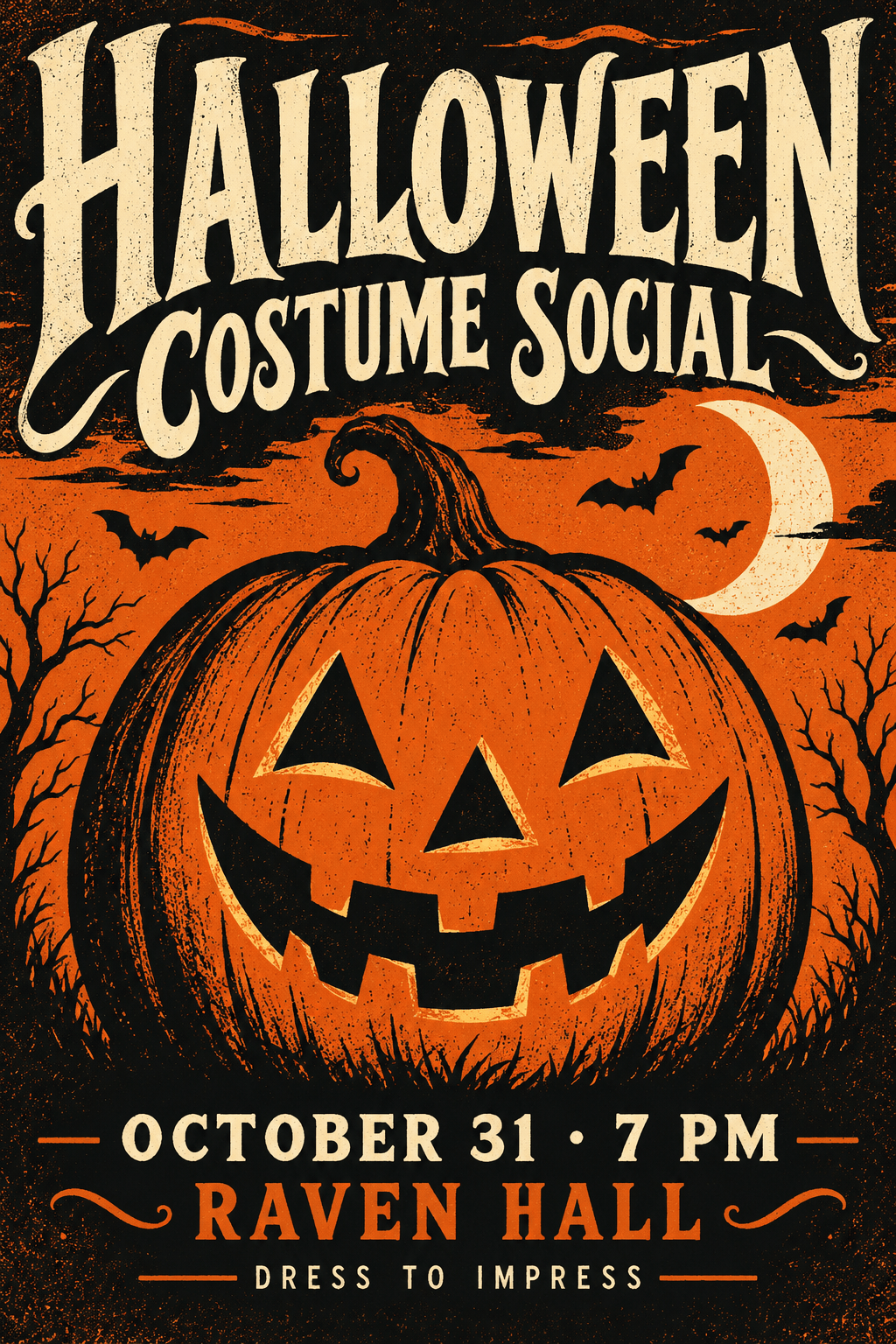
Design a vintage Halloween costume contest poster with orange and black print textures. Use my event name, date, venue, and entry rules. Make the judging time prominent. Ask me for any missing details before adding text.
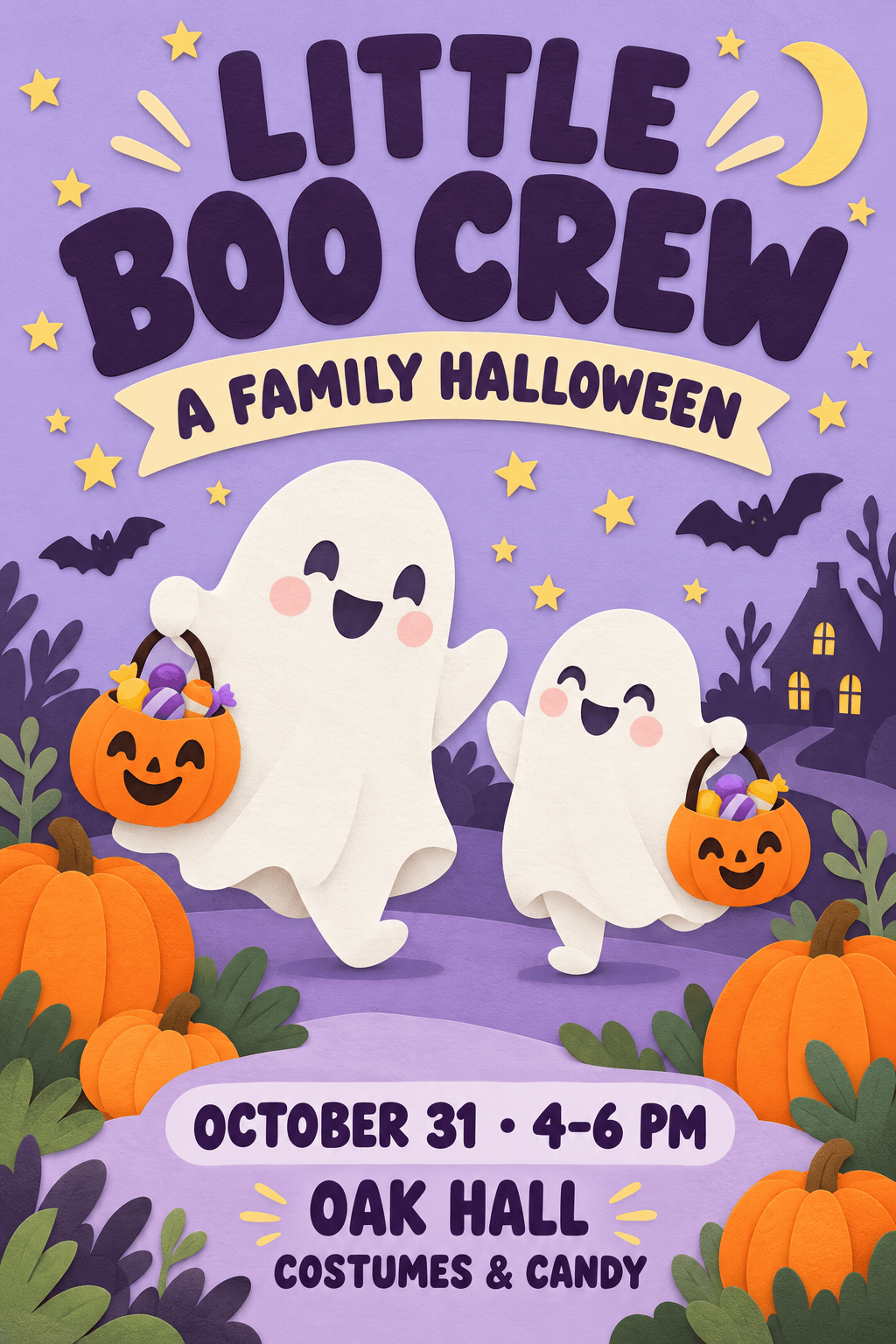
Create a Halloween poster for kids at a school celebration. Use smiling ghosts, soft colors, and rounded lettering. Include my activity list, age group, time, and pickup details. Keep the artwork cheerful and free of gore.
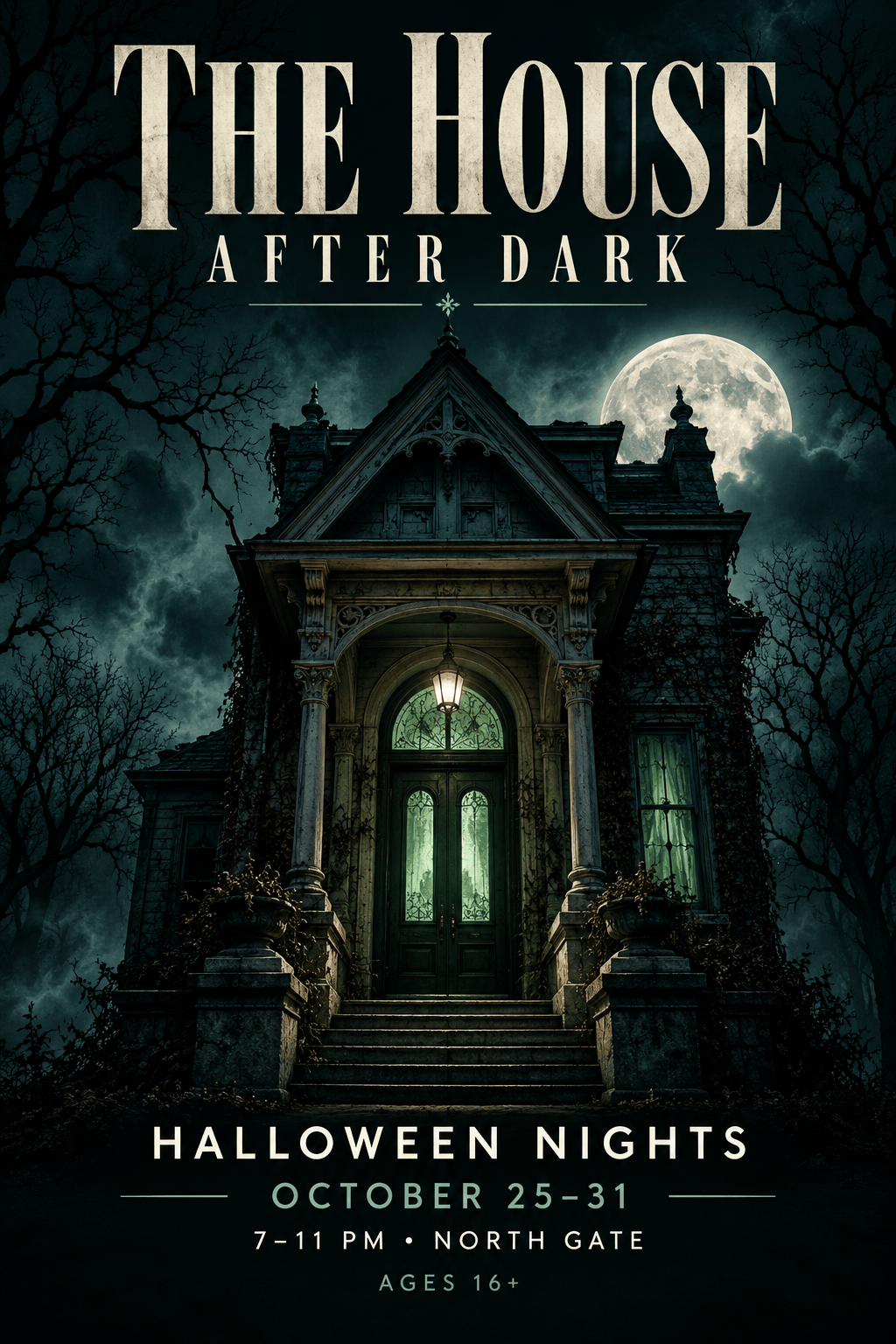
Make a haunted house poster with a moonlit doorway and restrained green accents. Feature my attraction name, opening dates, address, and age guidance. Keep practical details on a solid background, away from the fog.
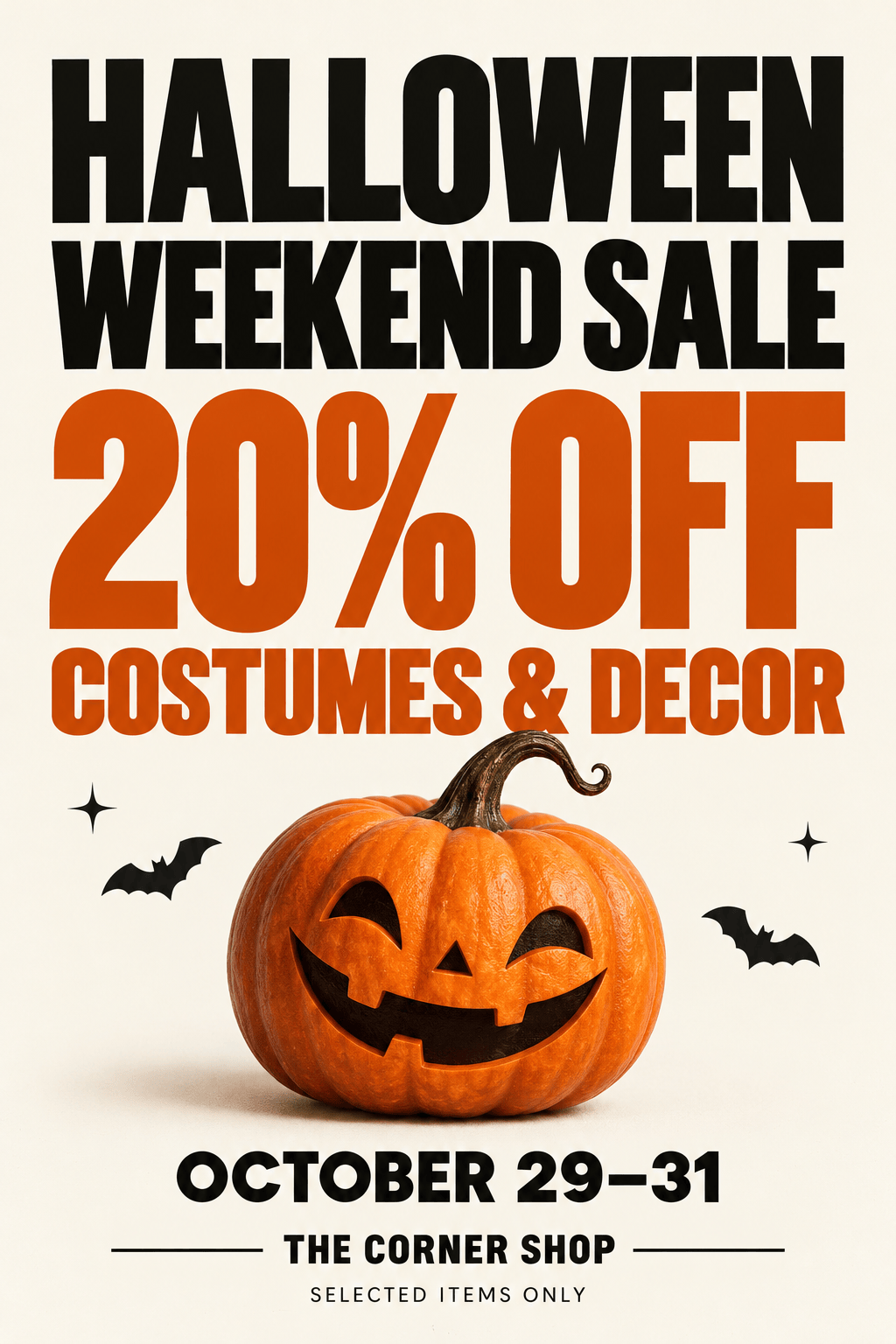
Design a Halloween sale poster for my shop using the uploaded logo and product photo. Emphasize my exact offer, valid dates, and exclusions. Use one bold seasonal illustration and do not invent discounts.
Create a neighborhood trunk-or-treat poster with friendly pumpkins and candy shapes. Include my location, event hours, and organizer details. Make the arrival instructions easy for families to find.
Create a Halloween movie night poster with original spooky artwork and a large screening title. Include my film list, start time, venue, and booking details. Use cinematic lighting while keeping the schedule readable.





