Free OnlineAI Halloween Photo Generator
How to Create a Halloween Photo with AI
Choose a Clear Authorized Photo
Describe the Complete Halloween Shot
Generate a Coherent Transformation
Refine, Inspect, and Export

Create a Complete Halloween Portrait, Not Just an Overlay
Start from a Recognizable Subject
Use an authorized photo as the visual reference and state which facial features, hairstyle, skin tone, expression, markings, or pet traits should stay recognizable. Always review the generated likeness rather than assuming it is exact.
Direct Costume, Makeup, and Scene Together
Build one cohesive photo by describing wardrobe, theatrical makeup, props, environment, color, and light in the same brief. The result can feel photographed in the setting instead of pasted onto the original image.
Choose an Original Level of Spooky
Move from playful pumpkins and autumn portraiture to elegant gothic masquerades or cinematic haunted scenes. Ask for an original archetype and avoid celebrity likenesses, named franchise characters, graphic gore, logos, and watermarks.
Make Solo, Couple, Family, and Pet Photos
Create a Halloween selfie, coordinated couple portrait, family-friendly trick-or-treat scene, or whimsical pet image. For multi-subject photos, keep the prompt simple and inspect each face, hand, costume edge, and subject interaction.
Plan the Crop for Where It Will Appear
Request a square Halloween profile picture, a vertical 4:5 feed portrait, or a 9:16 Story image. Reserve uncluttered space only when the photo will later sit inside an invitation, card, or event graphic.
Correct Specific Details Through Chat
Use Chat Edit to keep the face while changing the background, reduce the scare level, repair a prop, simplify makeup, or create a second crop. Focused revisions make it easier to preserve the parts that already work.
Write a Halloween Photo Prompt Like a Shot List
- Start with a useful source: Choose a clear, well-lit image with the face centered and visible. Mention whether the reference is a solo portrait, couple, family, group, or pet and which identity details matter most.
- Name an original theme and intensity: Try a playful pumpkin portrait, elegant vampire, moonlit witch, ghost masquerade, or family-friendly trick-or-treat scene. State whether the result should feel cute, polished, eerie, or dark—without copying a protected character.
- Direct it like photography: Specify costume and makeup materials, background, props, time of day, key light, camera distance, depth of field, and a 1:1, 4:5, or 9:16 crop.
- Add practical exclusions: Exclude graphic gore, unwanted face changes, extra people, distorted hands, duplicate props, illegible objects, logos, text, watermarks, celebrity likenesses, and recognizable franchise designs.
AI Halloween Photo Prompts for Portraits, Couples, Families, and Pets
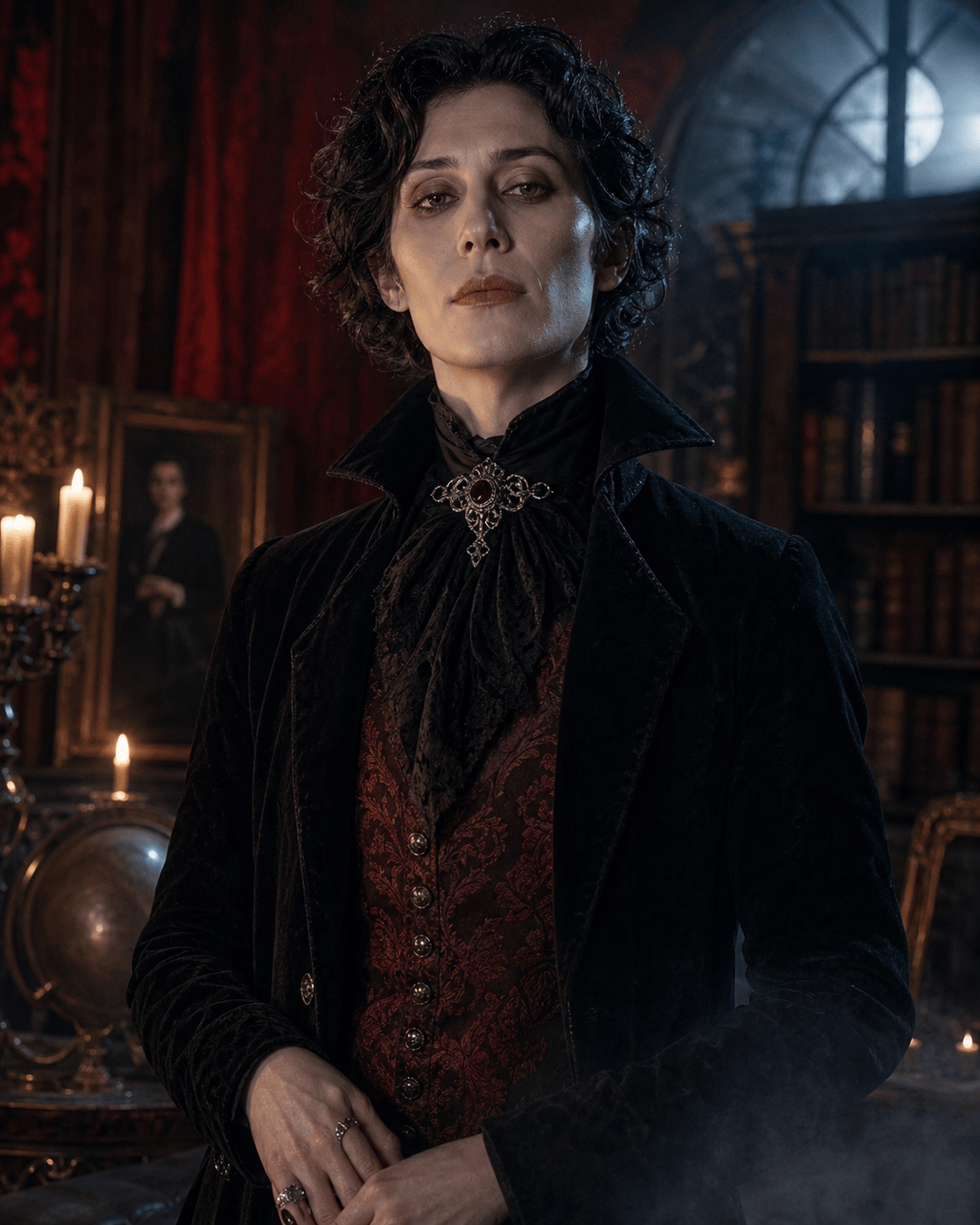
Elegant Vampire Portrait: Transform my authorized adult portrait into an original velvet-clad vampire aristocrat in a candlelit manor. Keep my face, hairline, skin tone, and expression recognizable. Subtle theatrical makeup, burgundy and black palette, cool moon rim light, realistic fabric, 4:5 portrait, elegant not gory, no blood, logo, text, watermark, or franchise character.
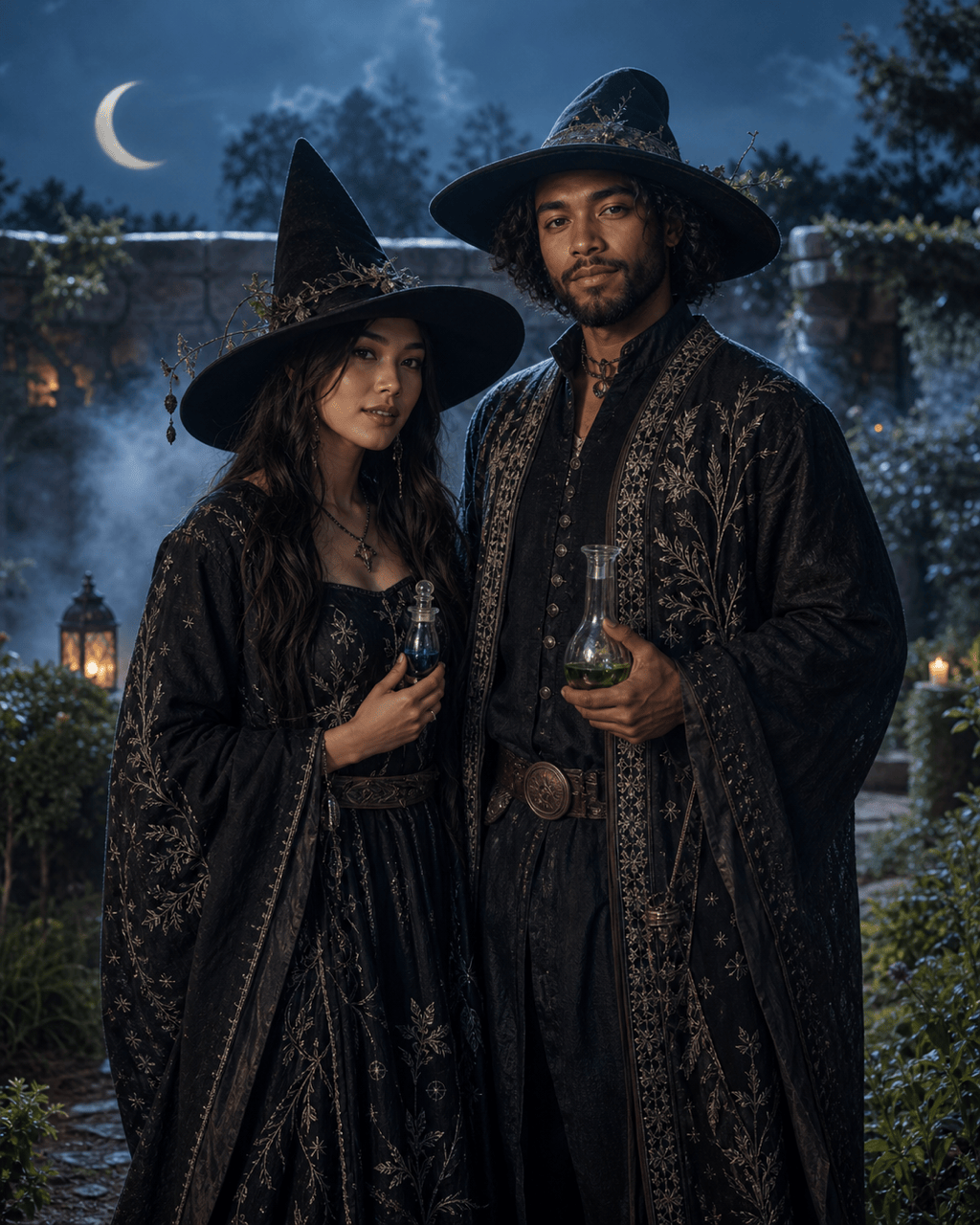
Moonlit Witch Couple: Use our permitted photo of two adults to create a coordinated moonlit witch-and-alchemist portrait. Preserve both faces, hairstyles, skin tones, and height relationship. Original charcoal costumes, silver botanical details, glass potion props, misty garden, cinematic blue moonlight, natural hands, vertical 4:5, no copied characters or text.
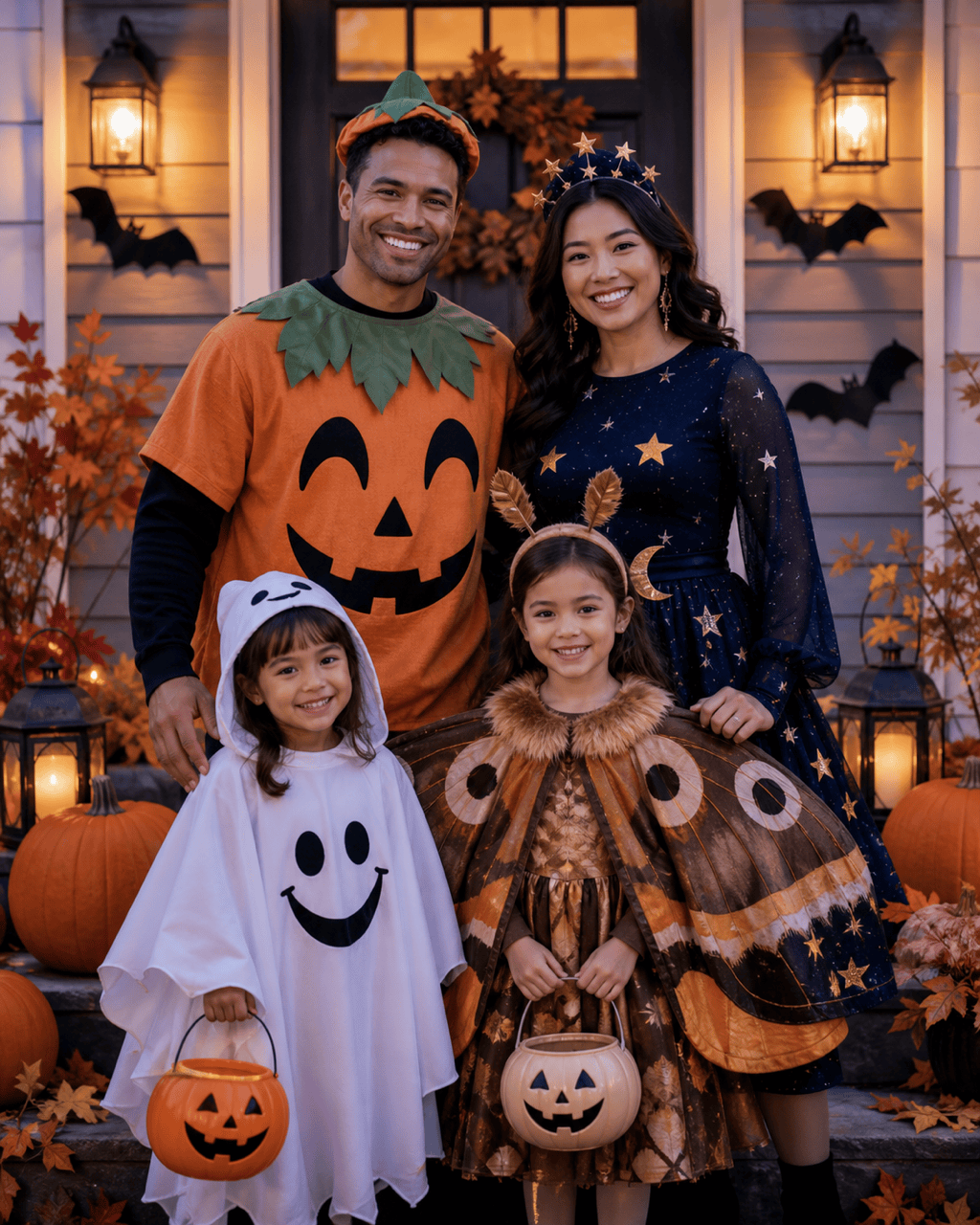
Family-Friendly Trick-or-Treat Photo: Turn our authorized family photo into a cheerful porch portrait at blue hour. Keep every face recognizable. Add original coordinated pumpkin, friendly ghost, and starry-night costumes, warm lanterns, paper bats, autumn leaves, and candy pails. Playful not frightening, no gore, masks covering faces, brand logos, or text.
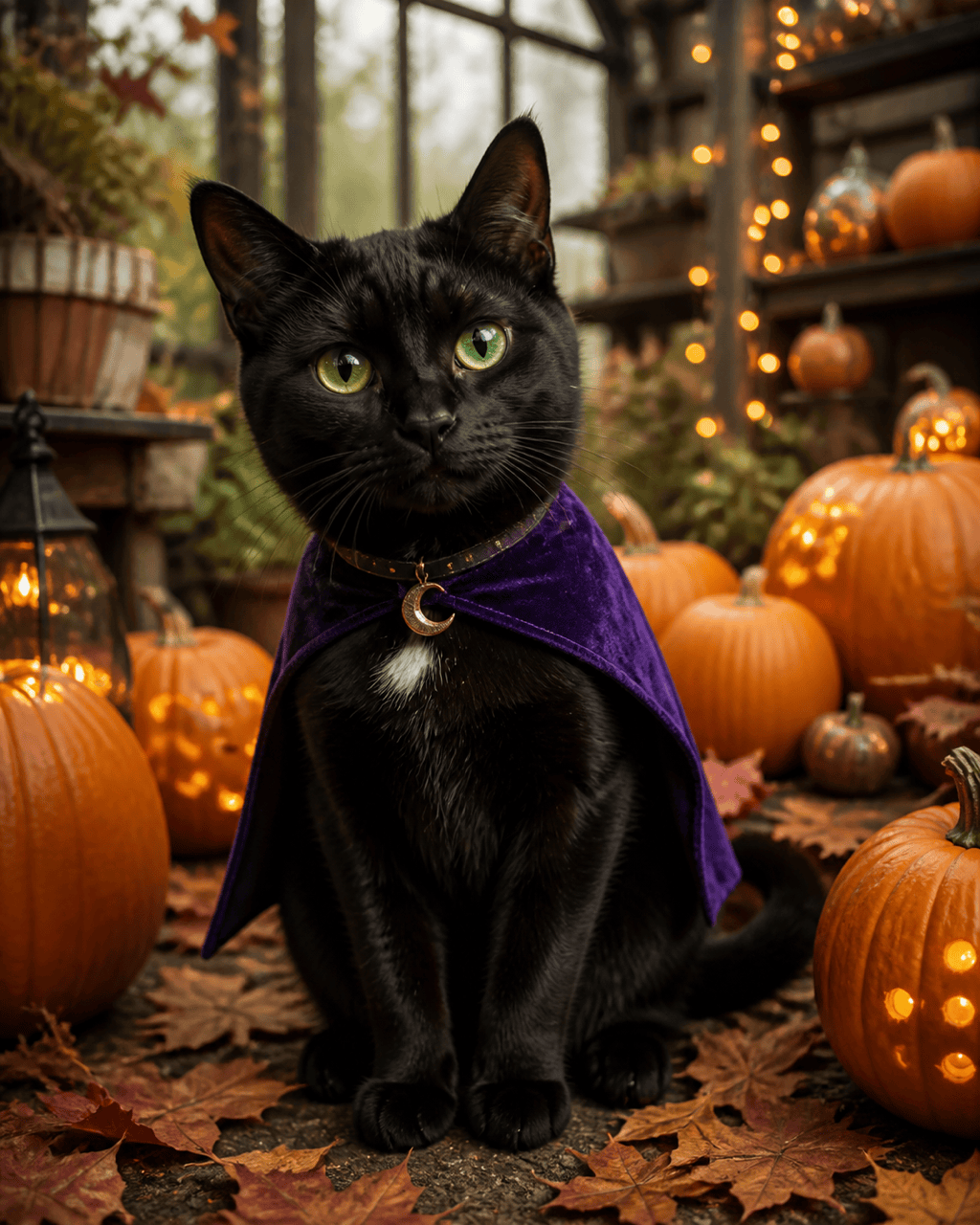
Halloween Pet Portrait: Transform my permitted black-cat photo into a whimsical pumpkin greenhouse portrait. Preserve the cat's green eyes, white chest patch, ear shape, and body proportions. Add a tiny removable-looking purple cape and crescent collar, glowing pumpkins, soft amber studio light, shallow depth of field, 4:5 crop, no human hands, text, logo, or watermark.
Retro Haunted Bedroom Selfie: Restyle my authorized adult selfie as an original late-1990s supernatural mystery photograph in a dim bedroom. Keep my facial features and short curly hair recognizable. Burgundy knit top, corded phone prop, storm light through blinds, subtle film grain, suspenseful but nonviolent, 9:16 Story crop, no named movie, celebrity, weapon, text, or copied set.
Halloween Profile Picture: Create a square close-up from my permitted portrait with an original half-moon masquerade look. Keep my eyes, nose, mouth, skin tone, and hairstyle recognizable. Fine silver face accents, midnight-blue collar, crescent bokeh, clean dark background, crisp eye light, 1:1 crop, no full face mask, heavy gore, logo, text, or watermark.





