Free OnlineAI Horror Art Generator
How to Create Horror Art with AI
Describe What Should Feel Wrong
Choose a Horror Direction
Direct the Fear with Chat Edit
Export the Finished Artwork

Why Mew Design Works for Horror Art Exploration
Control the Mood in Plain Language
Describe the emotion before the monster. Mew Design reads cues such as slow dread, uncanny stillness, claustrophobia, or dreamlike isolation and turns them into lighting, scale, atmosphere, and composition.
Transform Your Own Reference Image
Upload a portrait, room, landscape, or sketch and ask the online AI horror image generator to shift it toward a haunted, analog, Gothic, or dark fantasy direction while preserving the useful composition.
Explore More Than One Kind of Fear
Generate style variations powered by leading image models such as GPT Image 2.5. Compare grainy found footage, painterly folklore, cinematic realism, and surreal nightmare imagery without rebuilding the brief.
Refine Small Details Through Chat
The scary art generator keeps the process conversational. Ask to hide the face, pull the subject into the distance, cool the moonlight, remove distracting objects, or make the tension subtler.
Create a Cohesive Horror Series
Develop related creatures, locations, portraits, or scene variations with a shared palette and texture. This is useful for indie game concepts, illustrated stories, tabletop campaigns, and visual mood boards.
Try Ideas Free and Export Cleanly
Use free AI credits after signup to test this free AI horror art generator. Export finished images without a watermark when a concept is ready to share or place in a larger design.
How to Write an Effective AI Horror Art Prompt
- Name the Horror Language: Choose analog horror, Gothic, cosmic horror, folk horror, psychological horror, dark fantasy, found footage, or another focused direction.
- Stage the Unease: Describe distance, framing, negative space, weather, shadows, and one unsettling detail. A half-open door or wrong-looking reflection can be stronger than a crowded scene.
- Specify the Visual Treatment: Add lighting, palette, medium, lens or film texture, and aspect ratio. For example: candlelit oil painting, cold fluorescent realism, scratched 35 mm film, or CRT scanlines.
- Set the Intensity and Destination: Say whether the result should be eerie, frightening, or non-graphic, and note if it is for a book cover, game concept, thumbnail, wallpaper, poster, or social crop.
Horror Art Prompts for Distinct Visual Styles
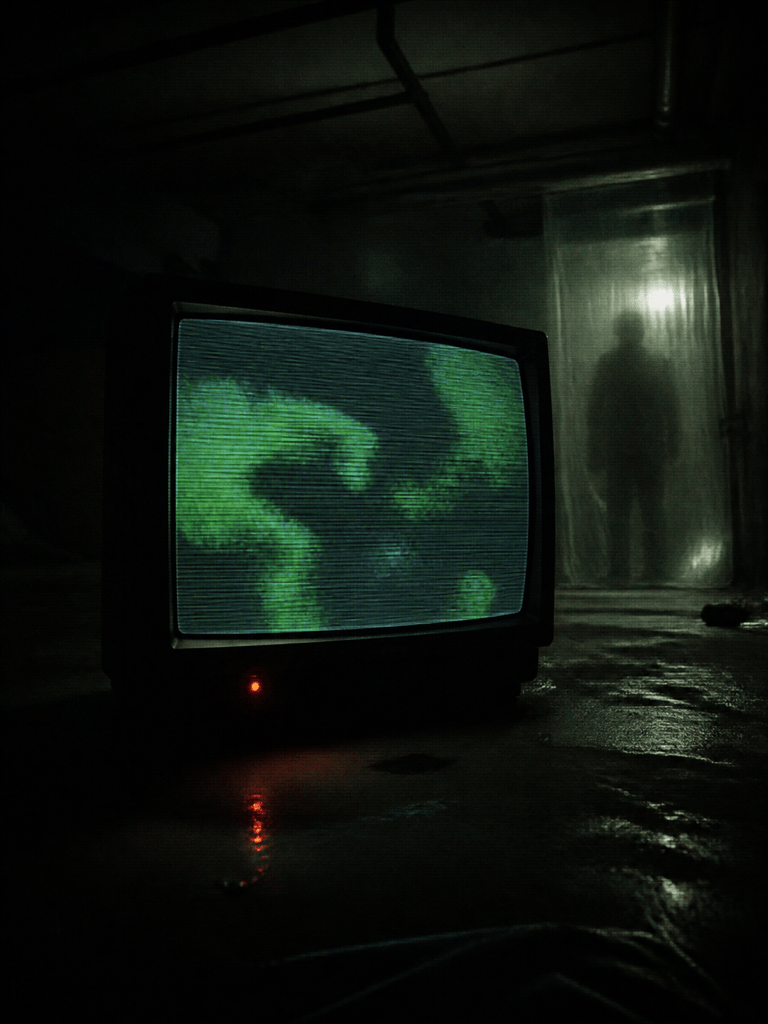
Analog Horror Broadcast: Create a portrait-format still of an emergency broadcast playing on a curved CRT television in a dark basement. Distorted weather map, unreadable abstract warning shapes rather than text, rolling scanlines, magnetic tape noise, dim red standby light, humid concrete walls, 1990s found-footage realism, ominous but non-graphic.
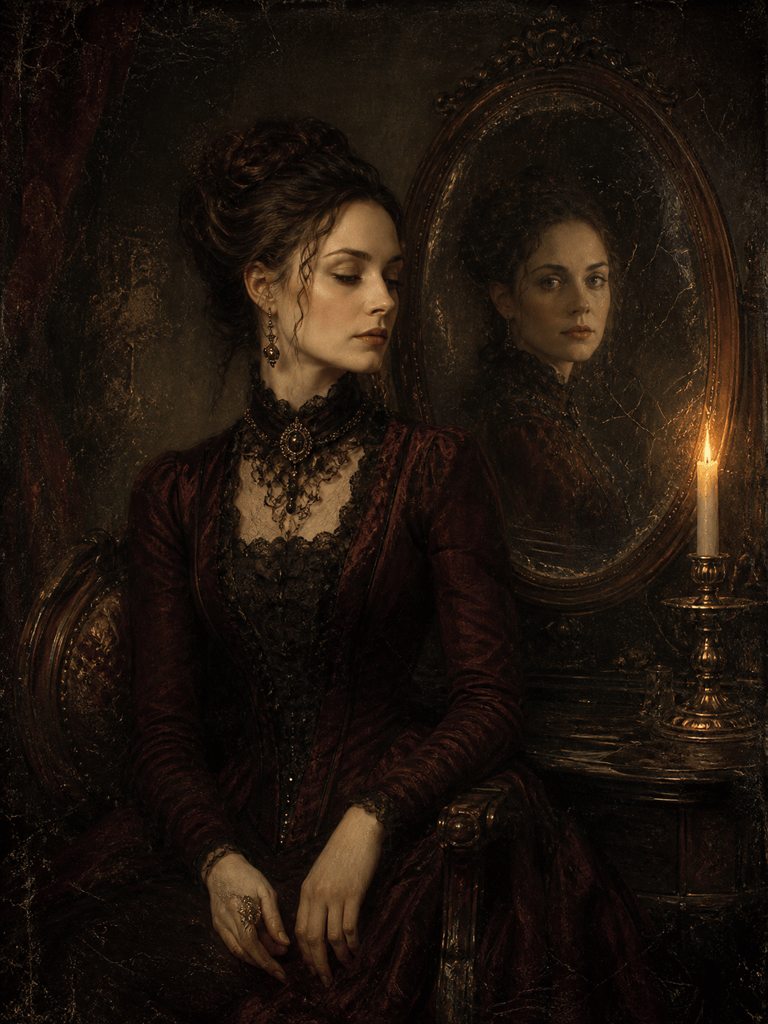
Gothic Haunted Portrait: Paint a Victorian-era portrait of an unknown woman seated beside a dying candle. Her expression is calm, but her reflection in a tarnished mirror looks toward the viewer. Cracked varnish, deep burgundy and soot-black palette, old-master lighting, elegant Gothic horror book-cover mood, no text.
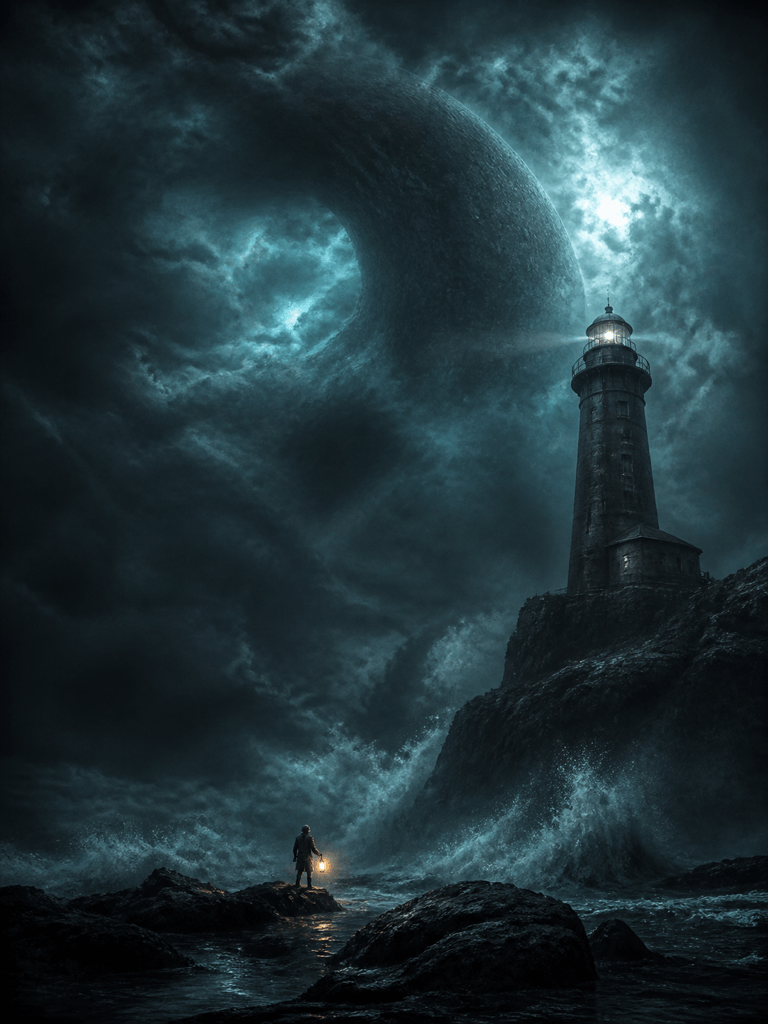
Cosmic Horror Game Concept: Illustrate a lone lighthouse keeper on black rocks beneath an impossible night sky. A vast shape is suggested behind the clouds and ocean, never fully shown. Tiny human scale, violent sea spray, cold teal moonlight, cinematic dark fantasy concept art, wide depth, restrained detail, no gore.
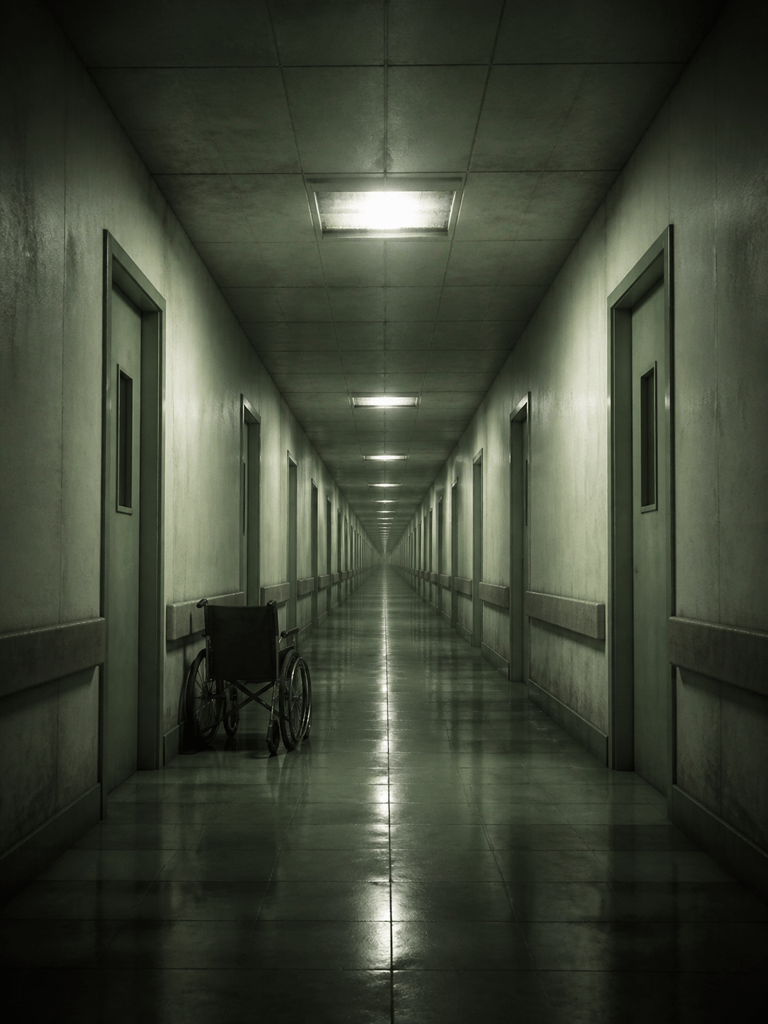
Liminal Horror Wallpaper: Create an endless abandoned hospital corridor with repeating doorways, wet tile reflections, one flickering fluorescent panel, and a wheelchair facing the wall. Symmetrical vanishing point, desaturated green-gray palette, fine film grain, quiet psychological dread, no people, no text.
Folk-Horror Poster Key Art: Create vertical key art of a solitary wooden house at the edge of a wheat field during a solar eclipse. Handcrafted straw figures form a distant circle, wind bends the crops, muted ochre and black palette, weathered screen-print texture, strong central silhouette, generous title space but no typography.
Haunted Portrait from a Reference: Transform my uploaded portrait into a subtle haunted photograph while keeping the person's identity and pose. Add pale window light, antique silver-gelatin texture, a faint double exposure behind one shoulder, soft edge decay, realistic skin, quiet unease, no wounds, no extra facial features.





