Free OnlineAI Halloween Filter
How to Add a Halloween Filter to a Photo with AI
Upload and Set the Identity Lock
Build the Halloween Look
Generate and Inspect the Transformation
Refine and Export

A Halloween Photo Filter Built for Custom Transformations
Go Beyond a Flat Overlay
This Halloween filter for photos responds to natural-language direction instead of placing the same sticker on every face. Shape the costume, makeup, accessories, atmosphere, and background as one connected visual.
Keep the Subject Recognizable
Upload a selfie or portrait and specify what should remain unchanged. The image-to-image workflow helps retain facial structure, expression, pose, hairstyle, or pet markings while the seasonal styling changes around them.
Choose Cute, Eerie, or Cinematic
Control the intensity instead of accepting one generic scary filter. Request friendly ghost lighting, polished costume makeup, a moody gothic portrait, or a non-graphic monster look that fits your audience.
Match Costume, Light, and Scene
A believable transformation needs more than face paint. Our Halloween costume filter can coordinate fabric texture, shadows, rim light, props, weather, and background color so the new look belongs in the original composition.
Create Party, Pet, and Profile Variations
Make a Halloween face filter for a close-up, direct a small adult group photo, style a pet costume portrait, or explore a related photo set. State the subject count and fixed details, then review each generated image.
Try, Adjust, and Export Without a Watermark
Start with free AI credits after signup, refine the strongest result through chat, and export a watermark-free PNG or JPG. You can test another costume or mood without rebuilding the whole edit manually.
How to Prompt a Halloween Photo Transformation
- Protect the Subject: State the face, expression, hair, pose, body shape, pet markings, people count, or original framing that should remain recognizable. Use a clear, well-lit source with minimal obstruction.
- Design the Costume System: Name an original archetype and describe garment materials, makeup placement, accessories, and fit. Avoid requesting trademarked costumes or recognizable film characters.
- Direct the Halloween Atmosphere: Specify candlelight, moonlight, fog, pumpkins, autumn leaves, haunted interiors, or clean studio backdrops, along with a cute, elegant, eerie, or cinematic mood.
- Set the Crop and Exclusions: Mention square PFP, 4:5 portrait, story, or card placement when needed. Exclude gore, realistic injury, extra people, merged faces, distorted hands, unreadable text, logos, and watermarks.
Halloween Filter Prompts for Selfies, Groups, and Pets
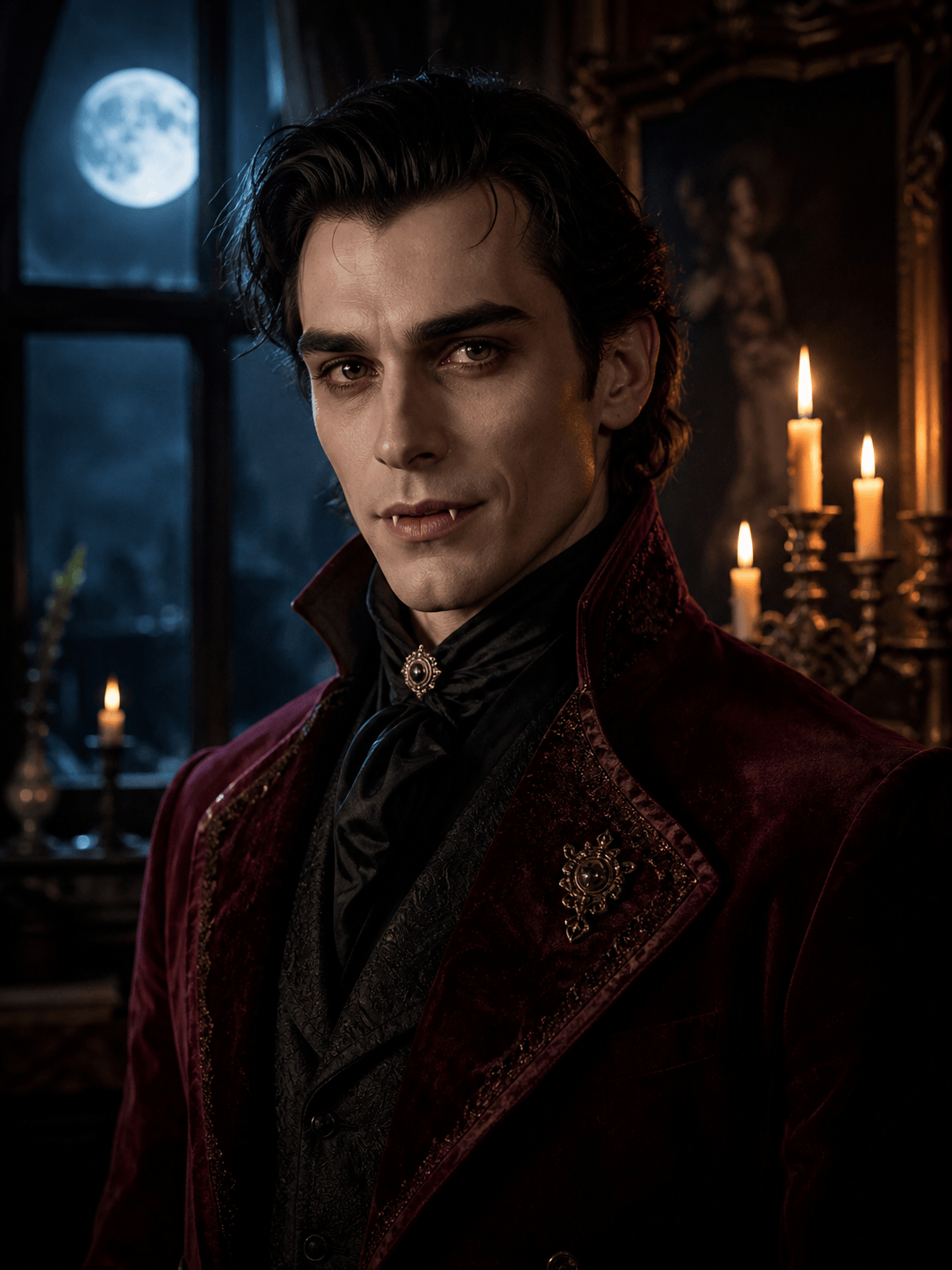
Cinematic Vampire Portrait: Transform the adult in my uploaded head-and-shoulders photo into an original vampire aristocrat. Preserve identity, expression, hairstyle, and camera angle. Add restrained pale makeup, a dark burgundy velvet collar, subtle fangs, candlelight on one side, and cool moonlight through an old window. Photorealistic editorial finish, elegant rather than violent, no blood, wounds, copied character, text, or watermark.
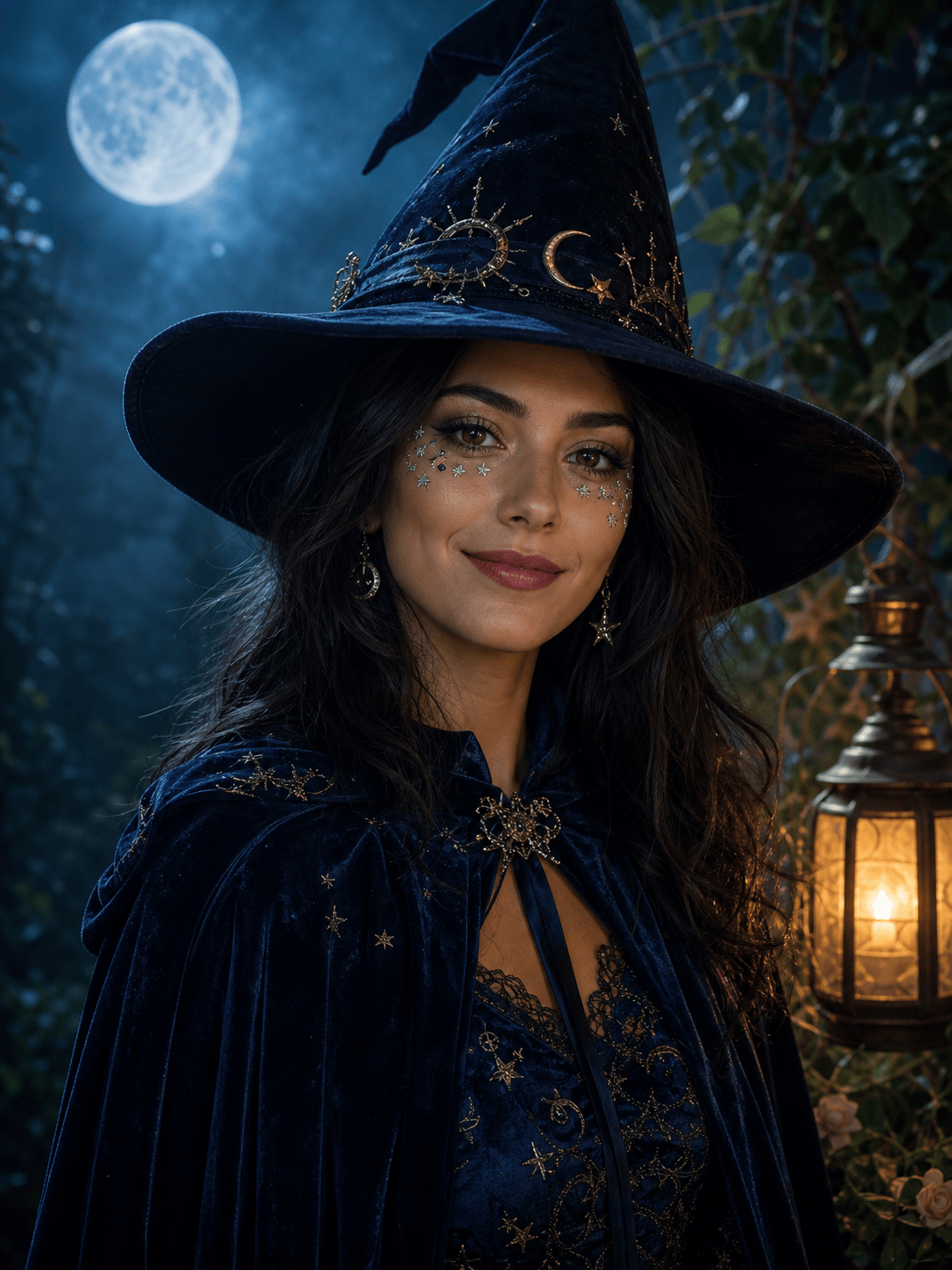
Witch-Inspired Halloween PFP: Apply an original celestial witch costume to my adult selfie for a square profile picture. Keep my face shape, skin tone, eyes, and friendly expression recognizable. Add a sculpted black hat, navy velvet cape, fine silver star makeup, a small amber lantern, and a teal moonlit haze. Centered close-up, polished fantasy photography, no brand symbols, extra fingers, text, or gore.
Skeleton Makeup Selfie: Turn my permitted adult portrait into a stylish Halloween face-filter photo with symmetrical black-and-ivory skeleton makeup. Preserve facial proportions, hair, clothing, and neutral backdrop. Use clean studio light with a soft orange rim and realistic cosmetic texture. Keep the mouth readable and non-graphic; no exposed anatomy, blood, cracked teeth, added accessories, or logos.
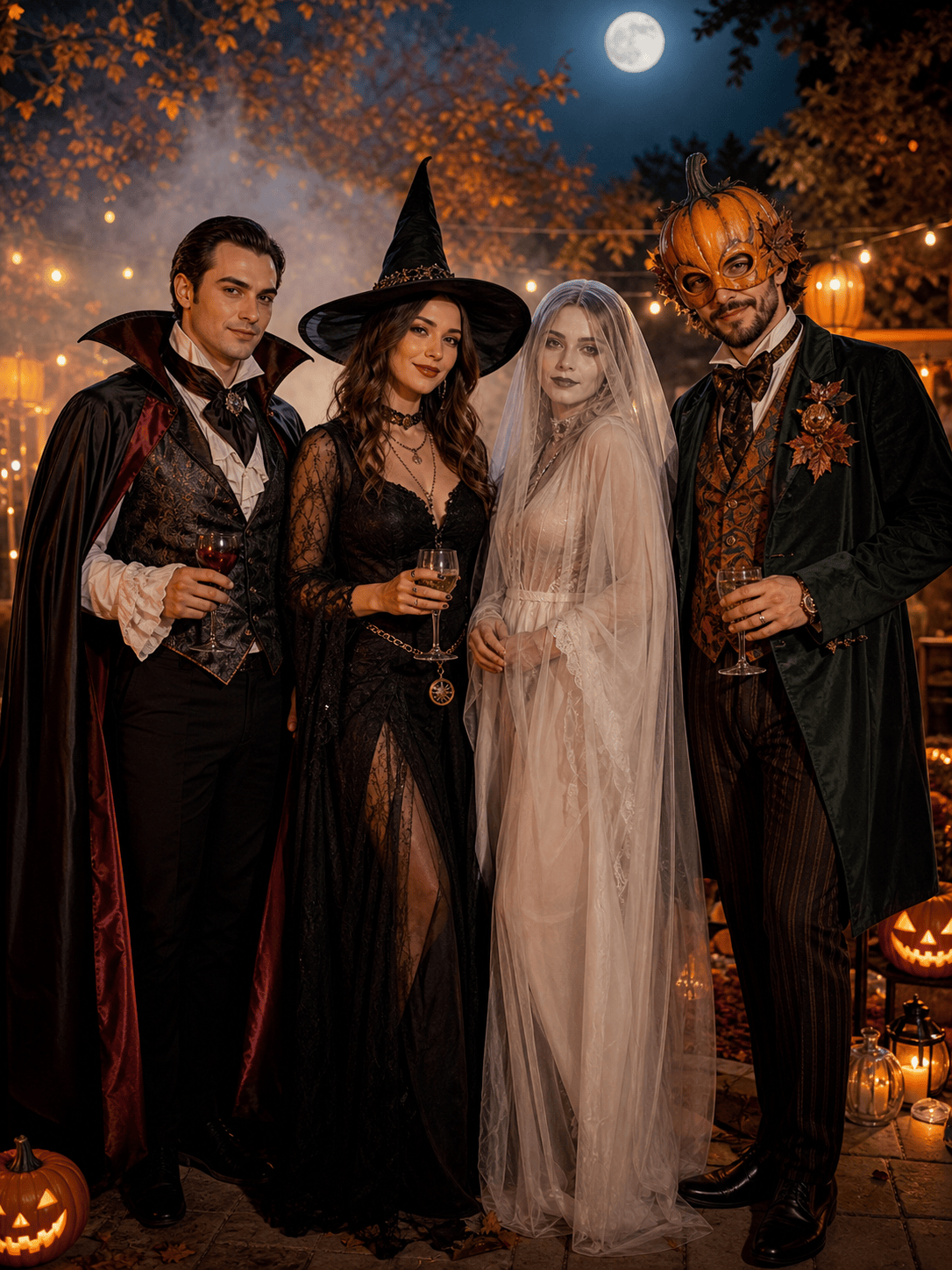
Adult Halloween Party Group: Transform the four adults in my uploaded party photo into distinct original costume archetypes: elegant vampire, moonlit witch, vintage ghost, and pumpkin masquerade guest. Keep all four identities, poses, outfits' basic silhouettes, spacing, and the backyard composition. Add one cohesive pumpkin-lit grade; no missing or merged people, distorted hands, gore, copied characters, or readable signage.
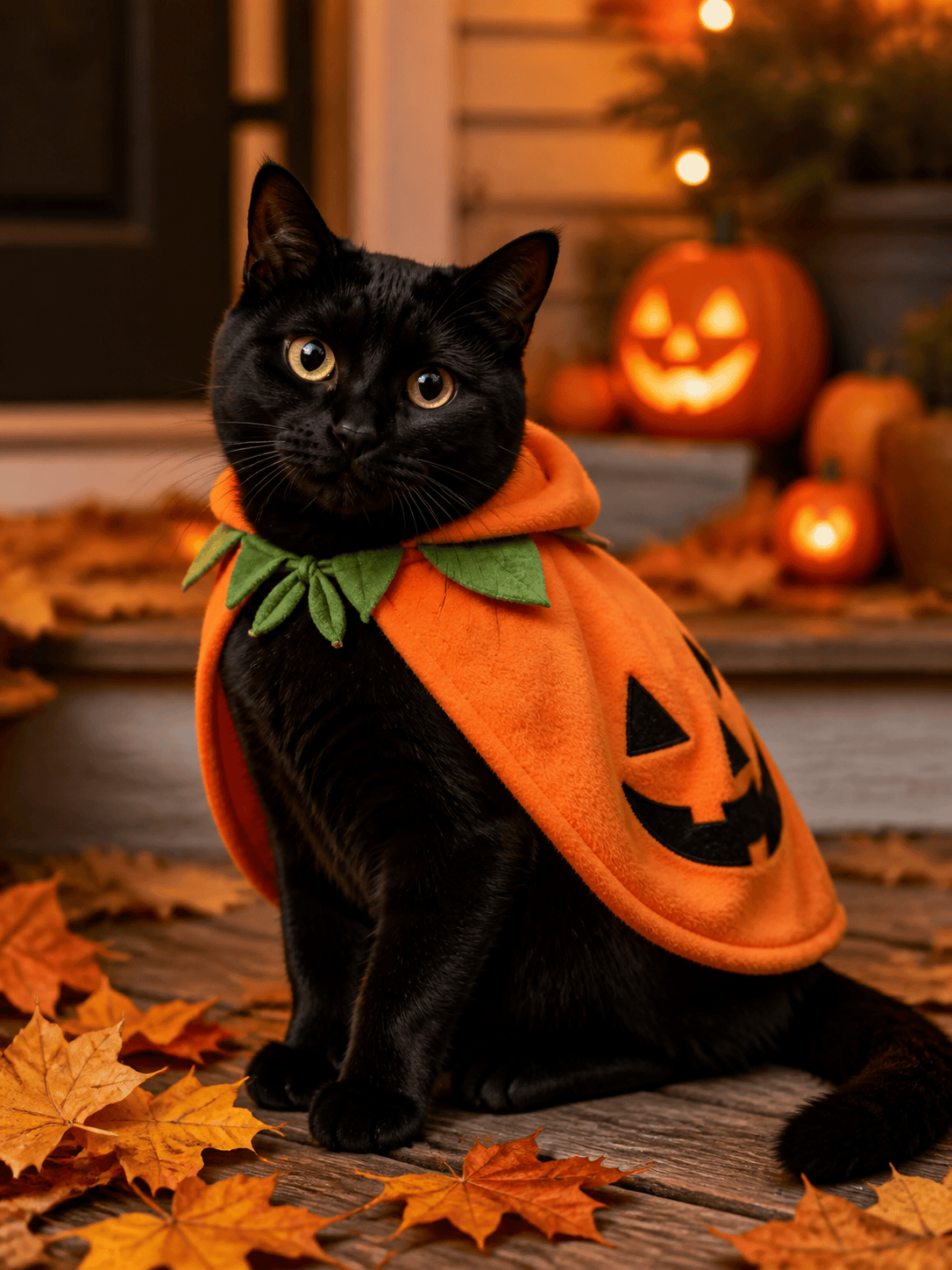
Cute Pet Pumpkin Portrait: Turn my pet's photo into a playful Halloween portrait while preserving face shape, fur pattern, eye color, and body proportions. Add a comfortable soft pumpkin cape that does not cover the ears or eyes, a small pile of autumn leaves, warm porch light, and blurred jack-o'-lanterns in the background. Natural pet photography, no unsafe restraint, human features, text, or watermark.
Vintage Halloween Photo Filter: Restyle the adult couple in my uploaded portrait as an original 1920s Halloween studio photograph. Preserve both identities, expressions, pose, and hand placement. Add period-inspired black formalwear, handmade crescent-moon masks held at their sides, painted paper pumpkins, smoky sepia lighting, soft plate-camera grain, and gently faded edges. Non-graphic, no extra people, modern objects, franchise references, or text.





