Free OnlineAI Zombie Generator
How to Turn a Photo into a Zombie with AI
Upload a Portrait or Start from Text
Set the Undead Direction
Generate and Inspect the Transformation
Refine the Effect and Export

From Familiar Face to Controlled Undead Transformation
Keep the Person Beneath the Makeup
Upload a permitted portrait and state which facial structure, hairstyle, expression, pose, clothing, and background should remain. This image-guided AI zombie filter gives you more control than a fixed one-click effect, although every result still needs review.
Choose the Level of Fright
Move from party-friendly pale makeup and cloudy eyes to cracked skin, cinematic grime, or an intense apocalypse look. You can request spooky but non-graphic imagery without exposed wounds, blood, or realistic injury.
Direct Makeup, Light, and Texture
Describe sunken eyes, skin tone, scars, dirt, costume wear, backlight, fog, color grade, and lens mood in plain language. The zombie picture maker turns those choices into a specific art direction instead of applying one generic green overlay.
Transform the Whole Scene
Change more than the face. Add a deserted street, haunted school, party backdrop, comic panel, or studio background while coordinating wardrobe and light, or keep the original setting untouched for a simple zombie selfie.
Build Related Undead Variations
Create a close portrait, full-body character, reaction shot, and poster crop around one direction. Use repeated references and precise instructions to plan a coherent set, then check identity, costume, and creature details across every image.
Try the Transformation, Then Export
Start the free AI zombie generator online with trial credits after signup. Refine the result through chat and export a watermark-free PNG or JPG when your Halloween avatar, character art, or social image is ready.
How to Prompt the Zombie Look You Actually Want
- Start with a usable photo: Choose a sharp, well-lit adult portrait with the face unobstructed. Say whether the pose, clothing, hair, glasses, expression, framing, and original background should remain unchanged.
- Define the transformation: Specify costume makeup, realistic decay, cartoon styling, glowing or cloudy eyes, scars, cracked texture, dirt, wardrobe damage, and whether the result should be playful, eerie, cinematic, or frightening.
- Direct the final image: Add the setting, key-light direction, color grade, camera distance, depth of field, aspect ratio, and destination such as a square avatar, vertical story, invitation portrait, or game character sheet.
- Protect identity and anatomy: Ask the model to preserve recognizable features and exclude merged faces, extra people, asymmetrical eyes, duplicate teeth, warped hands, exposed organs, realistic injury, logos, text, and watermarks.
Zombie Prompts for Selfies, Groups, Avatars, and Characters
Subtle Halloween Zombie Selfie: Transform my uploaded adult selfie into a recognizable zombie makeup portrait. Preserve face shape, hairstyle, glasses, smile, pose, and room background. Add pale skin, faint gray eye shadow, soft cloudy irises, two small prosthetic cracks, and cool party lighting; square profile crop, playful and non-graphic, no blood, text, logo, or extra facial features.
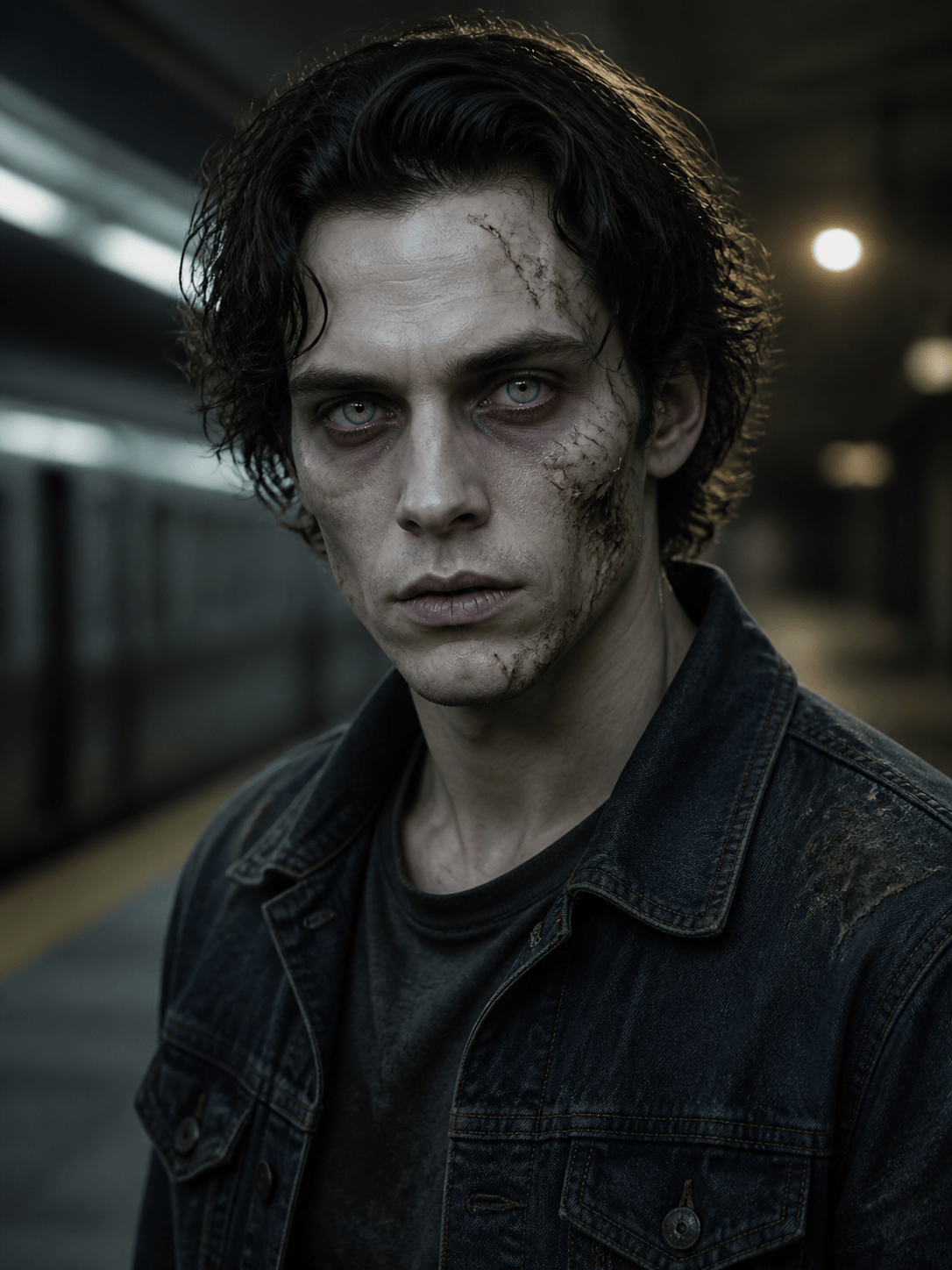
Cinematic Undead Portrait: Create a chest-up portrait of an original adult subway worker transformed into an eerie zombie. Weathered uniform, dusty pale skin, subtle scar texture, unfocused amber eyes, wet underground platform, flickering fluorescent key light and red emergency rim light, 85 mm portrait compression, realistic movie makeup, no gore or readable signage.
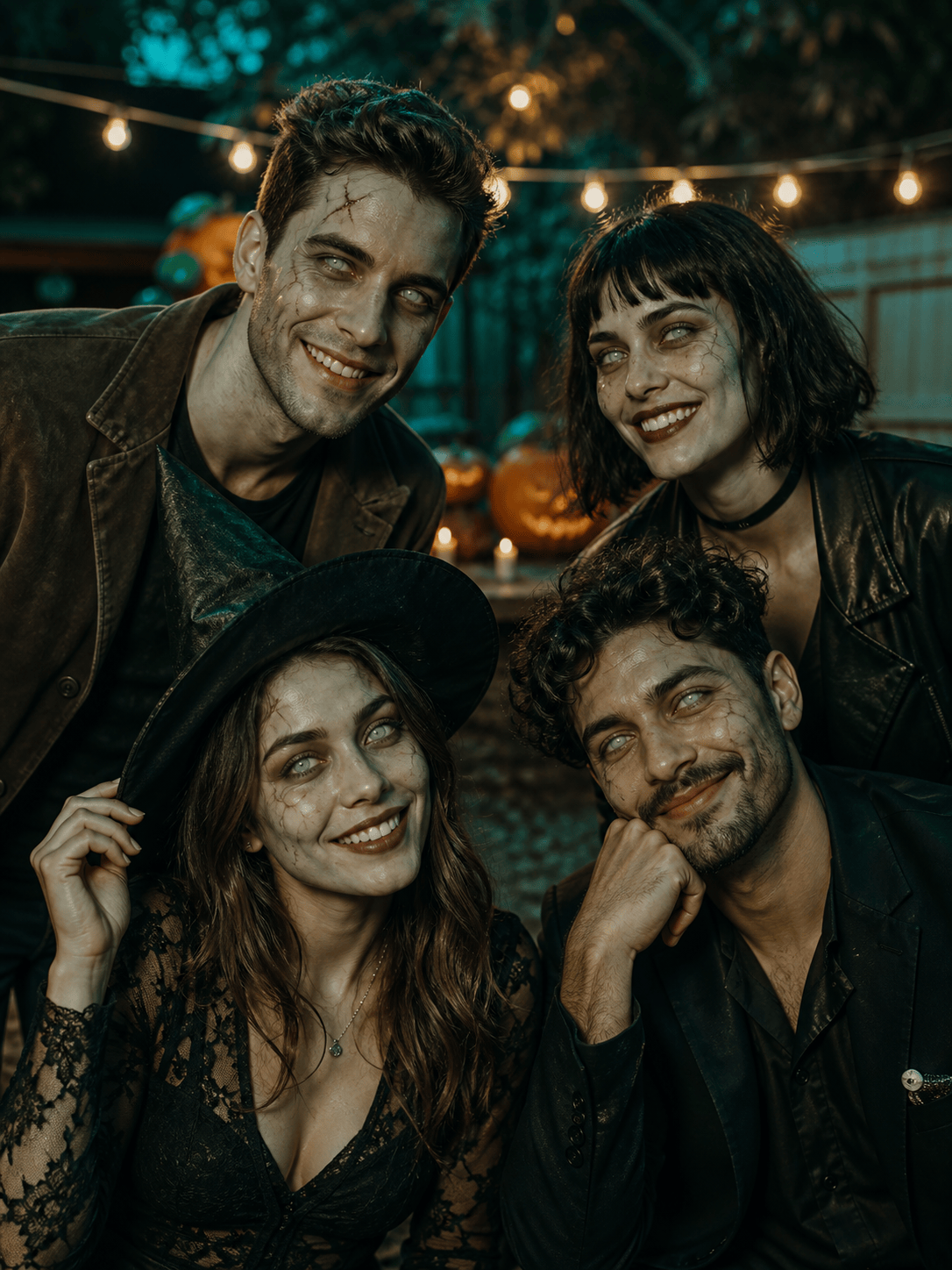
Halloween Group Photo: Apply coordinated costume-style zombie makeup to the four adults in my uploaded party photo. Keep every person's identity, pose, outfit, spacing, and pumpkin-lit backyard unchanged. Give each face a different mild undead detail while maintaining one teal-and-orange grade; no merged faces, missing people, blood, or distorted hands.
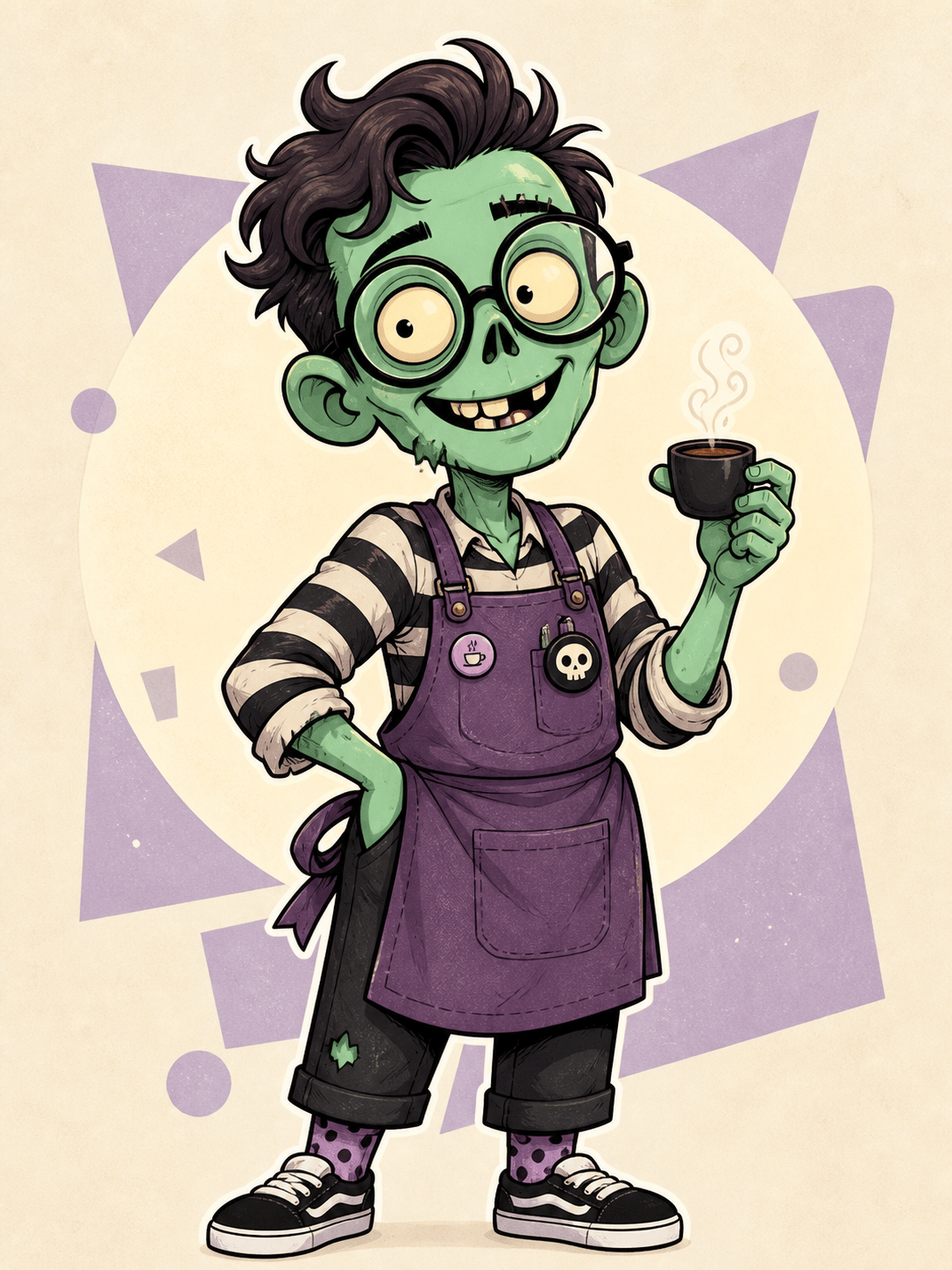
Cartoon Zombie Avatar: Draw a friendly original zombie barista for a square social avatar. Mint-green skin, one stitched eyebrow, oversized round glasses, purple apron, tiny coffee cup, bold clean outline, simple cream circle background, playful sticker illustration, centered readable silhouette, no text, brand mark, gore, or copied character design.
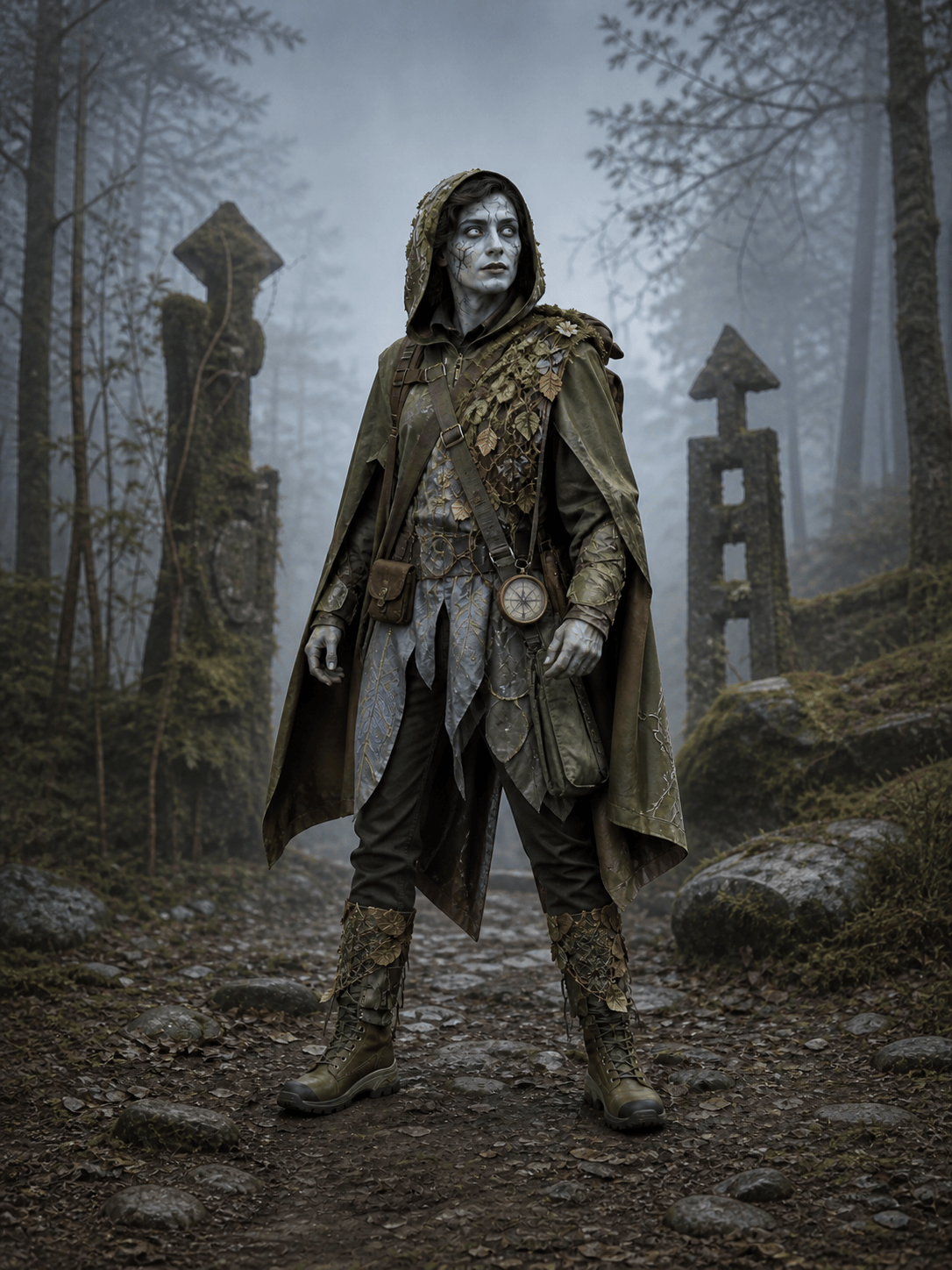
Zombie Game Character Concept: Design an original full-body adult scout infected by a fictional fungal outbreak. Practical rain shell, trail pack, cracked compass, asymmetric vine-like growth limited to one shoulder, alert stance, front three-quarter view, neutral misty backdrop, grounded survival-game concept art, clear costume construction, non-graphic anatomy, no logo or franchise resemblance.
Retro Zombie Movie Key Art: Create vertical horror-comedy key art with an original adult zombie couple running through a neon-lit 1980s shopping mall after closing. Dynamic low-angle composition, cyan and magenta reflections, grainy screen-print texture, exaggerated but non-graphic expressions, generous empty space at the top for later typography, no generated text, trademarks, or recognizable film characters.





