Free OnlineAI Halloween Banner Generator
How to Create a Halloween Banner with AI
Name the Occasion and Placement
Set the Mood and Generate
Make the Message Stand Out
Check the Fit and Download

Halloween Atmosphere, with Room for Your Message
Build Around the Headline
Our AI Halloween banner maker brings the artwork and wording into one design. Give the event name or offer priority, with bats, cobwebs, and pumpkins framing the message instead of covering it.
Choose Your Level of Spooky
Create a friendly Halloween party banner for children or a moody graphic for a horror night. Specify the audience and style so the imagery suits the occasion.
Keep Your Shop Recognizable
Upload your logo and product photo for a Halloween sale banner. Use your brand colors alongside seasonal accents, and ask for changes to the discount, deadline, or call to action in chat.
Adapt the Composition to Its Home
Request separate versions for a website header, social cover, or printed sign. Reposition the headline and key artwork for each shape, then check the final crop in the destination.
Connect an Entrance Sign to Tickets
Supply the exact ticket or registration URL and ask Mew Design to generate a QR code within your printed banner. Leave clear space around it and test the exported code on multiple devices before printing.
Carry the Look Across Your Campaign
Create related banners with a shared palette and illustration style. Save a successful seasonal design workflow as a Mew Skill to reduce repeated briefing for future promotions.
What Makes a Halloween Banner Easy to Read?
- One Main Message: Lead with the party name, seasonal greeting, or discount. Move long schedules and extra information to a linked page or a matching event flyer.
- Contrast Before Decoration: Keep fog, webs, and branches out of the letter shapes. Use decorative type for a short headline and simpler lettering for dates and offer details.
- Space for Cropping: Keep essential text away from the edges. For a Halloween YouTube banner, plan around the visible area across devices; see our YouTube banner guide.
- Print at the Intended Scale: For a printable Halloween banner, judge text from the expected viewing distance. Ask your printer about resolution, bleed, and space needed for hems or eyelets.
Halloween Banner Ideas for Six Different Occasions
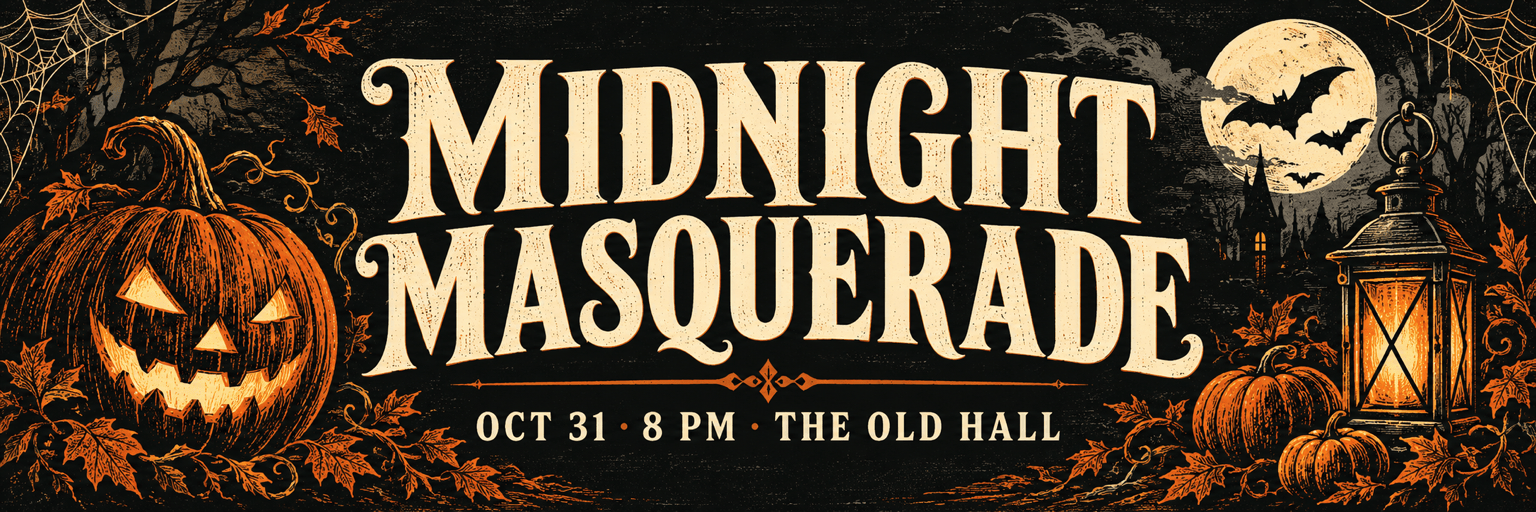
Party entrance: Create a custom Halloween party banner with a vintage orange-and-black palette, small bats, and a large event name. Ask me for the exact name, date, time, venue, and banner size before adding the text. Keep details readable from across the room.
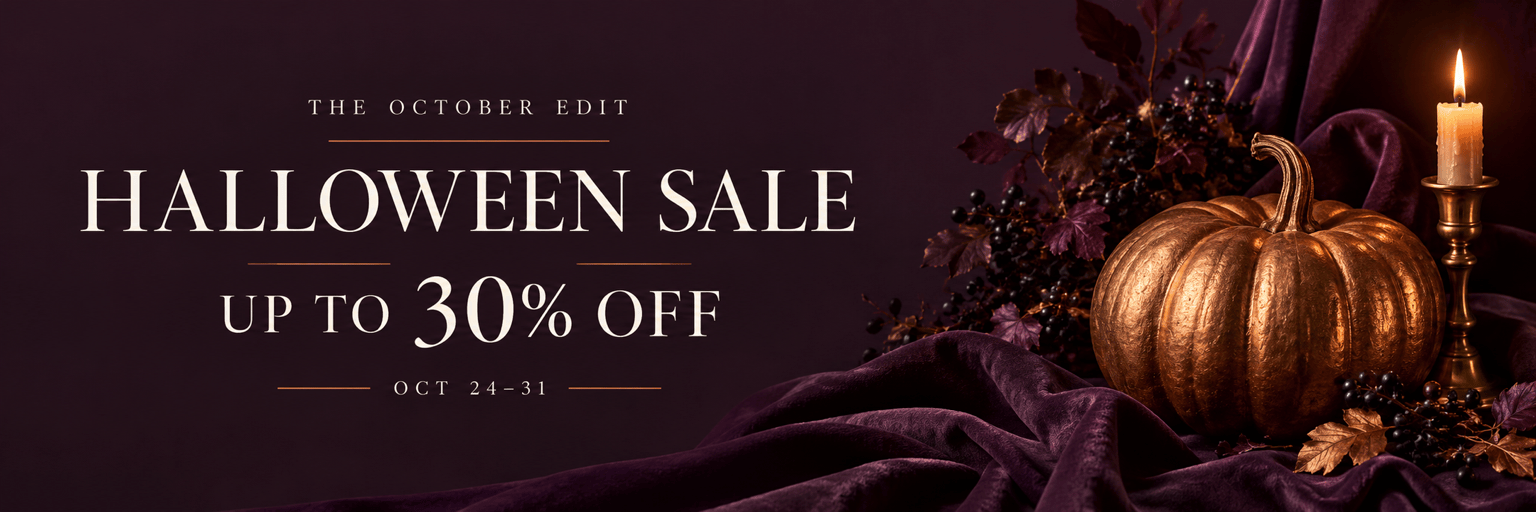
Shop sale: Design a Halloween sale banner using my uploaded logo and product photo. Put the confirmed discount first, followed by the offer dates and one shopping action. Ask for any missing offer details. Keep pumpkins at the edges and the product clearly visible.
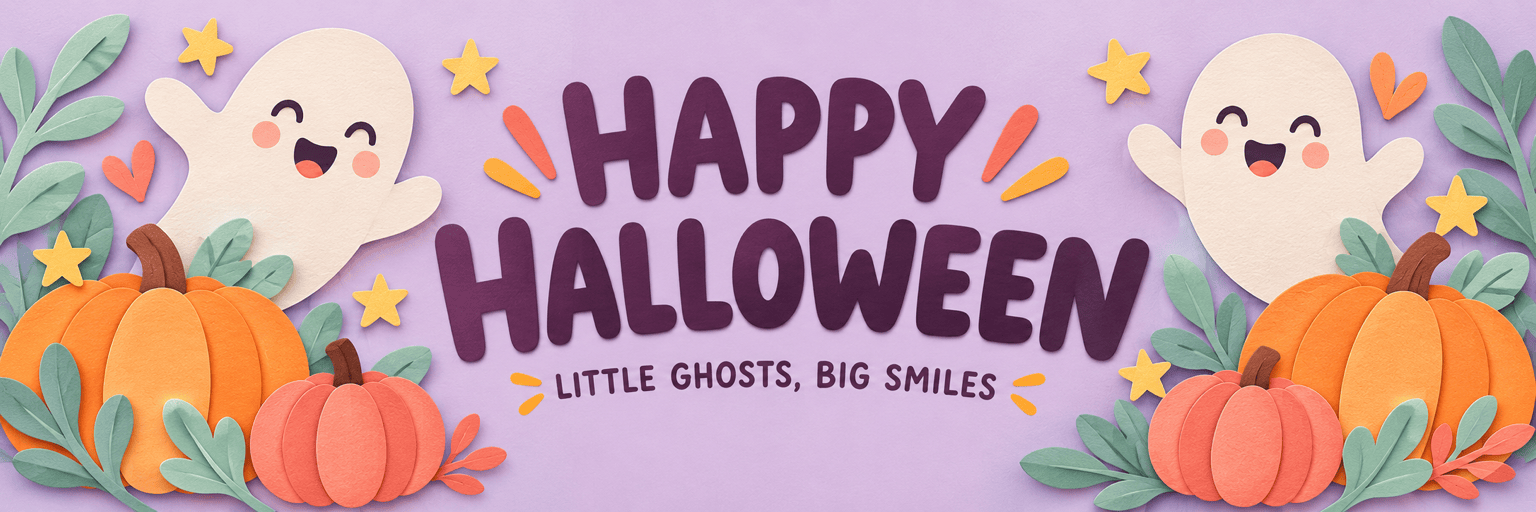
School celebration: Make a cheerful Happy Halloween banner with smiling ghosts, rounded lettering, and soft lilac and orange colors. Use the exact greeting “HAPPY HALLOWEEN”. Keep the design welcoming for young children, with no gore or frightening faces.
Website header: Create a wide Halloween website banner with a quiet text area and a pumpkin-and-lantern scene to one side. Ask for my website dimensions and headline. Leave room for a real website button; do not draw a fake clickable button into the artwork.
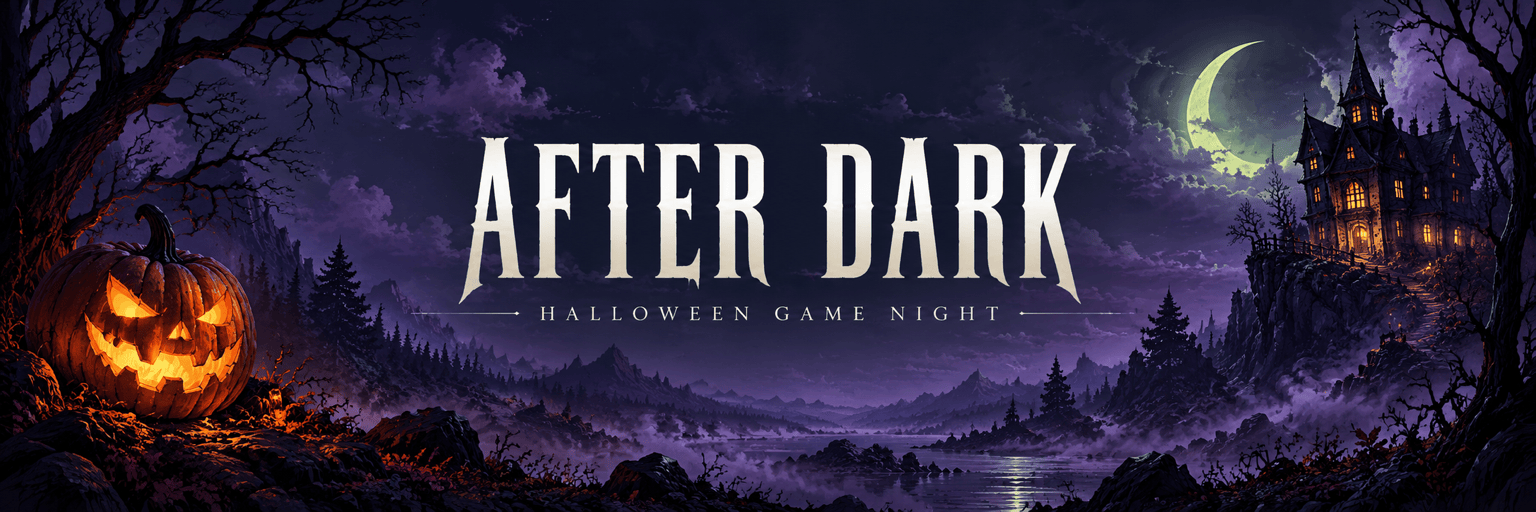
Gaming community: Design a Halloween social cover with a moonlit haunted house, violet fog, and subtle green highlights. Ask for my channel name and destination before placing text. Keep the name central and leave space for profile images or interface overlays.
Haunted attraction: Create a dark Halloween banner for a haunted-house event, using a dramatic title and one eerie focal point. Ask for the exact event name, opening dates, ticket URL, and size. For the printed version, generate a QR code from that URL with clear space around it.





