Free OnlineAI Group Photo Generator

How to Create a Group Photo with AI
Gather Clear Portrait References
Describe the Scene and Arrangement
Generate the Shared Group Portrait
Refine Details and Export

Why Use Mew Design for AI Group Photos
Keep Each Person Recognizable
Use reference portraits and explain what matters about each person, such as face, hairstyle, glasses, clothing, or age. Review the result carefully because generated likenesses can still change.
Match Light, Scale, and Depth
Describe the camera viewpoint and shared environment so the AI can reconcile different source backgrounds, lighting directions, body scale, and shadow placement into one cohesive photograph.
Add a Missing Person or New Setting
Start from an existing group photo or individual references, then ask for a new location, pose, or an additional consenting person. Explain where the person belongs and how the scene should stay consistent.
Fix Eyes and Expressions in Chat
If one person blinks or looks stiff, keep the group composition and request a targeted change. Chat Edit helps you adjust an expression, gaze, clothing detail, or small background distraction without rewriting the whole brief.
Create Family, Friend, and Team Variations
Explore a family reunion portrait, a relaxed friend snapshot, a polished AI team photo from headshots, or a social crop while keeping the group concept visible across iterations.
Start Free and Export Clean Images
New users can try the free AI group photo generator with signup credits, compare a few directions, and export an approved image without a watermark. Check consent, accuracy, and platform rules before sharing or selling it.
How to Write a Prompt for an AI Group Photo
- Identify each person: Say which reference belongs to whom and name the details that should stay recognizable, such as face shape, glasses, hairstyle, clothing, or relative age.
- Stage the group: Specify who stands or sits where, the camera distance, viewpoint, pose, eye direction, background, lighting, depth, and aspect ratio. A clear arrangement reduces awkward overlaps.
- Set realism and safety rules: Ask for matched scale, perspective, shadows, hands, and expressions. Label fictional composites, avoid real private information, and do not ask for impersonation or fabricated evidence.
- Edit one detail at a time: After the first result, say what to keep and request one or two controlled changes, such as opening one person's eyes, moving a person, or softening the background.
AI Group Photo Generator Prompts to Try
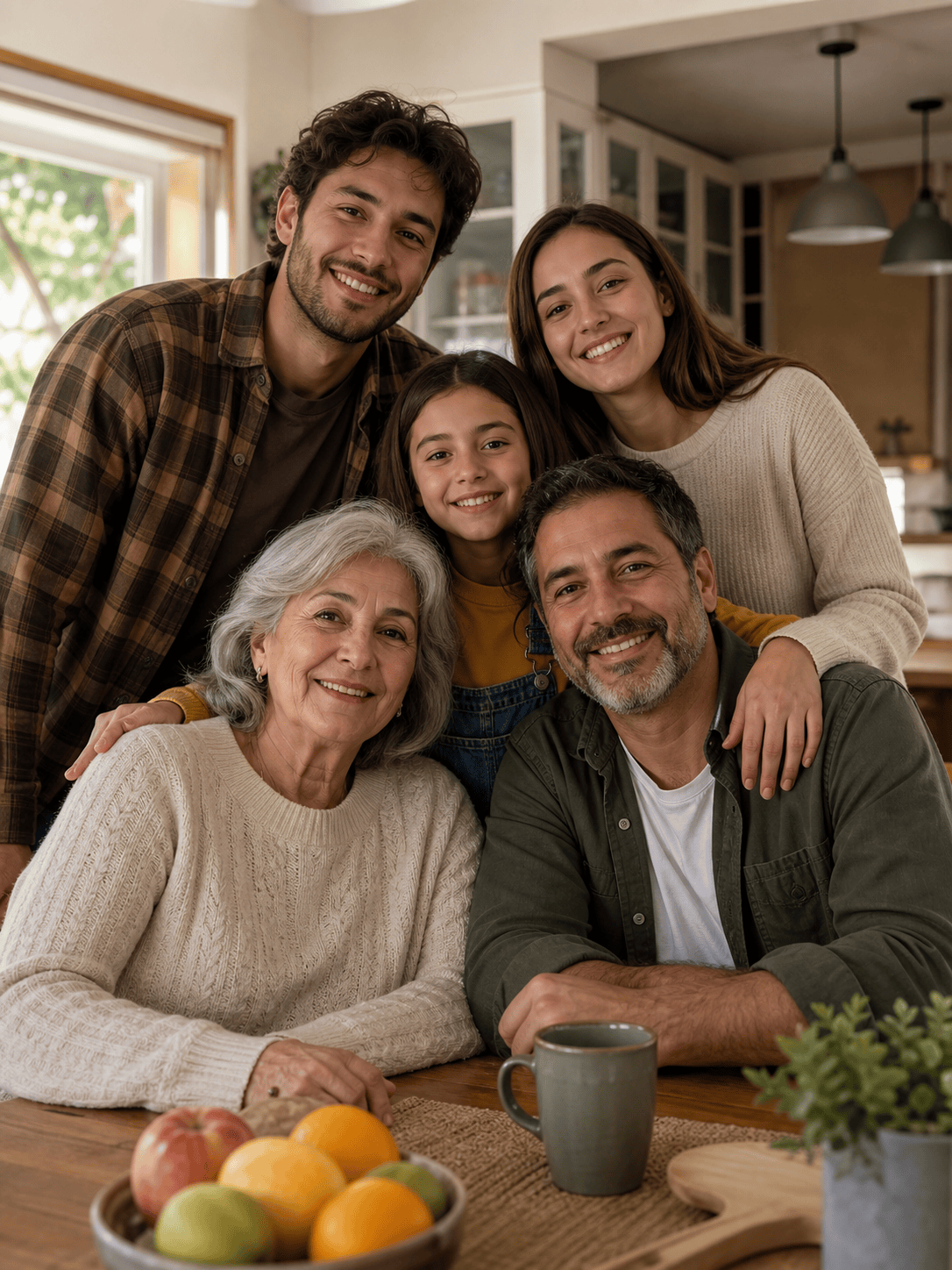
Create a warm 4:5 family group photo from four separate portraits. Place everyone around a kitchen table during a Sunday meal, with the oldest person seated near the center and the others naturally turned toward one another. Match the indoor window light, preserve each person's recognizable features, keep hands realistic, and leave a little space above for a printed keepsake caption. This is an AI-created composite; do not add extra people or text.
Create a polished AI team photo from six uploaded professional headshots. Arrange the diverse team in a bright modern office, with two people seated and four standing in a relaxed staggered formation. Match lens perspective, wardrobe color temperature, shadows, scale, and eye direction. Use a wide 3:2 crop for an About page, keep each person recognizable, and add no logos or invented name badges.
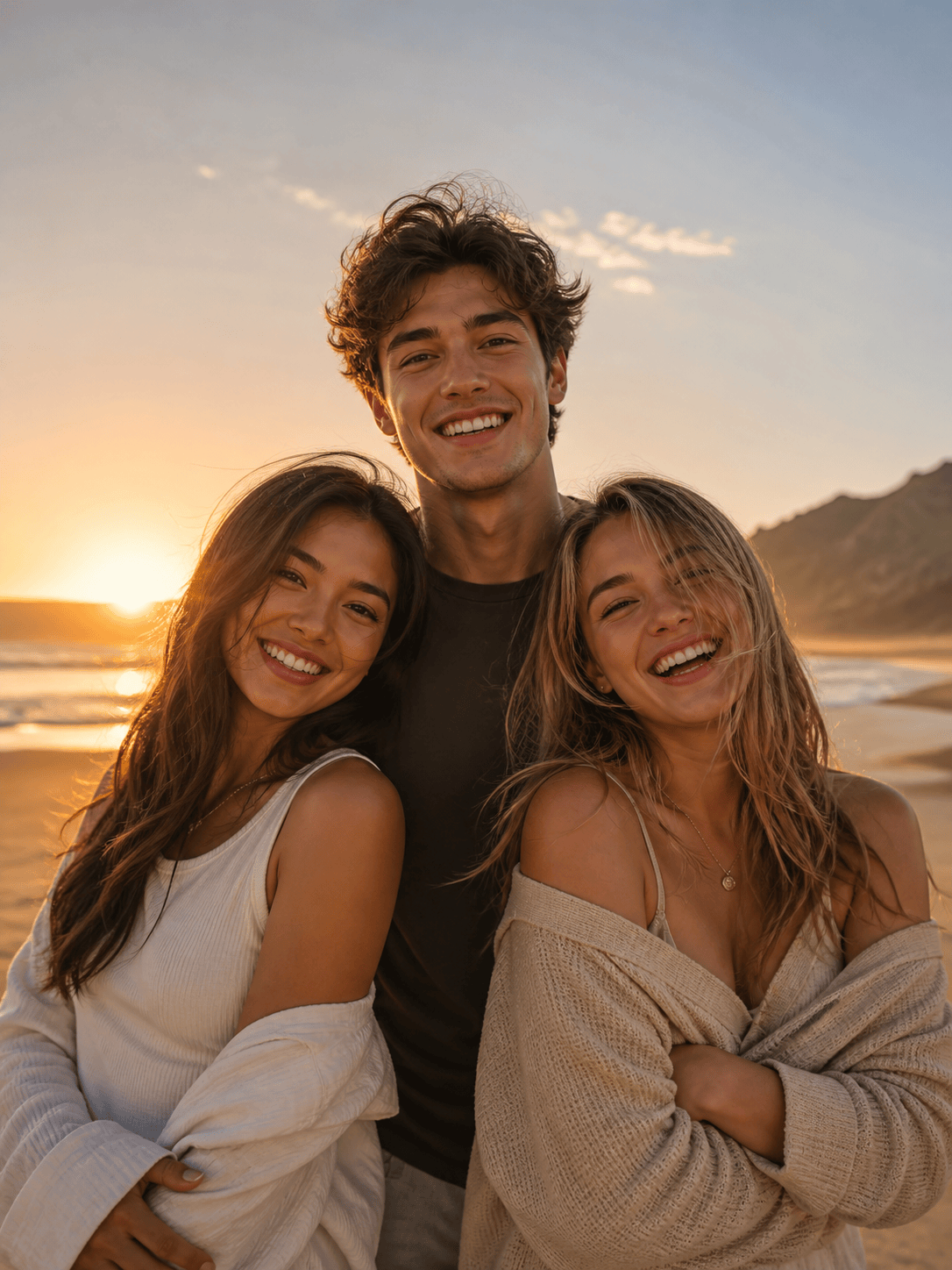
Merge these three friends into one natural beach group photo at golden hour. Put the tallest person slightly behind the other two, keep their hairstyles and facial features recognizable, match warm rim light and long shadows, and use a 16:9 social banner crop with open sky on the left. Make the scene look like a creative AI composite, not proof that the friends were photographed together.
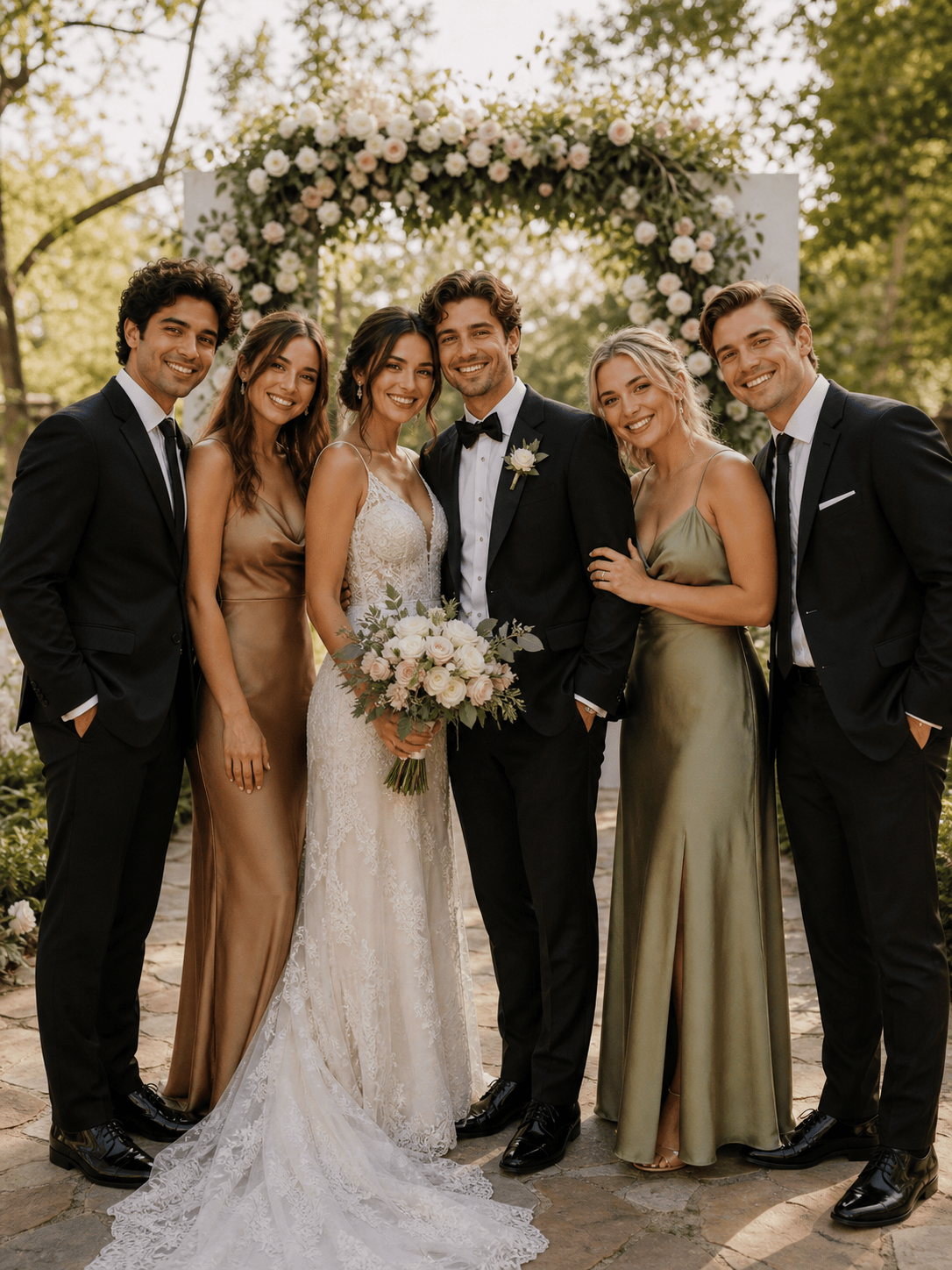
Add the consenting person from the uploaded portrait to this wedding group photo. Place them beside the couple, match the original camera angle, color temperature, clothing formality, depth of field, and floor shadows, and keep everyone else's face unchanged as much as possible. Repair small edge artifacts, use a vertical 4:5 crop, and treat the result as a clearly labeled memorial composite rather than documentary evidence.
Create a cheerful sibling group portrait from three individual childhood photos for a birthday keepsake. Keep each child's face and hair recognizable without aging them up, arrange them on a simple studio backdrop with coordinated pastel sweaters, match soft front light, and use a square crop. Avoid extra children, text, logos, or changes that could misrepresent the original photos.
Turn five uploaded selfies into a playful holiday-card group photo. Place the friends in a snowy outdoor market with coordinated scarves, natural height differences, believable hands, consistent cool ambient light, and a 4:5 portrait crop. Keep the faces recognizable, explore one illustrated and one photographic direction, and leave the final card text blank for later design.





