Free OnlineAI Glitch Image Generator
How to Create a Glitch Image with AI
Choose an Idea or Photo
Direct the Digital Distortion
Generate and Tune the Effect
Export for Your Channel

Glitch Art That Looks Directed, Not Accidental
Create from Text or Transform a Photo
Start from a written scene or upload an existing image for a new treatment. This online glitch image maker supports both original concepts and photo-based edits without a manual layer stack.
Keep the Subject in Control
State what the distortion may change and what should remain clear. Ask for glitch blocks around a face, product, logo, or silhouette instead of letting noise bury the focal point.
Prompt the Exact Kind of Glitch
Describe chromatic RGB offsets, CRT scanlines, analog snow, pixel streaks, compression blocks, or neon signal breaks. The AI glitch effect generator uses those cues to build a coherent visual direction.
Adjust Distortion Through Chat
If the first pass is too chaotic or too subtle, use Chat Edit. Ask to isolate the effect behind the subject, change cyan to acid green, sharpen the scanlines, or clean up key details.
Guide the Look With References
Upload visual references or brand assets to shape the palette and composition. You can also explore generation with GPT Image 2.5 when you need detailed, prompt-led artwork.
Test Variations and Export Cleanly
Use free AI credits after signup to explore glitch intensity, palette, and framing. Export selected images without a watermark as PNG or JPG for digital creative work.
How to Prompt AI for Controlled Glitch Art
- Name the Artifacts: Choose terms such as RGB split, chromatic aberration, scanlines, pixel sorting, VHS tracking noise, static, signal tearing, or datamosh-like blocks.
- Set Intensity and Placement: Say whether the distortion is subtle, medium, or severe, and place it around edges, across the eyes, behind the subject, or through the background.
- Protect Key Details: Specify which face, product shape, logo, title area, or silhouette should remain readable. If you upload a photo, say what must not change.
- Add the Destination: Include the crop or ratio and the intended use, such as a square PFP, album cover, vertical poster, 16:9 thumbnail, or campaign image.
Glitch Art Prompts for Distinct Creative Uses
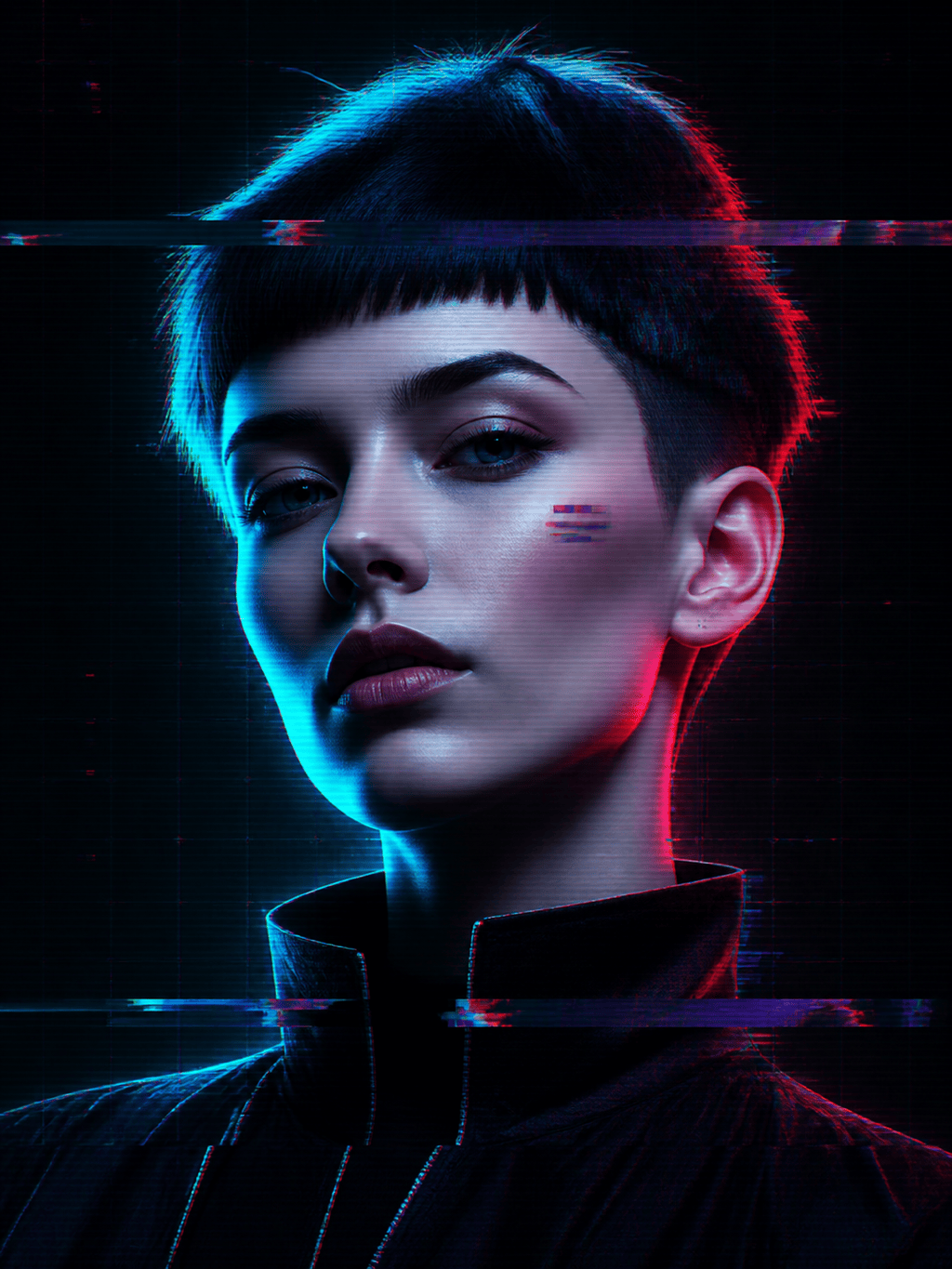
Cyberpunk Glitch Portrait: Transform my uploaded portrait into a square profile image. Keep my identity and eyes recognizable. Add cyan-red RGB channel separation around the head, narrow scanlines, fragmented pixels behind the shoulders, and a black neon-lit background. Medium distortion, no text.
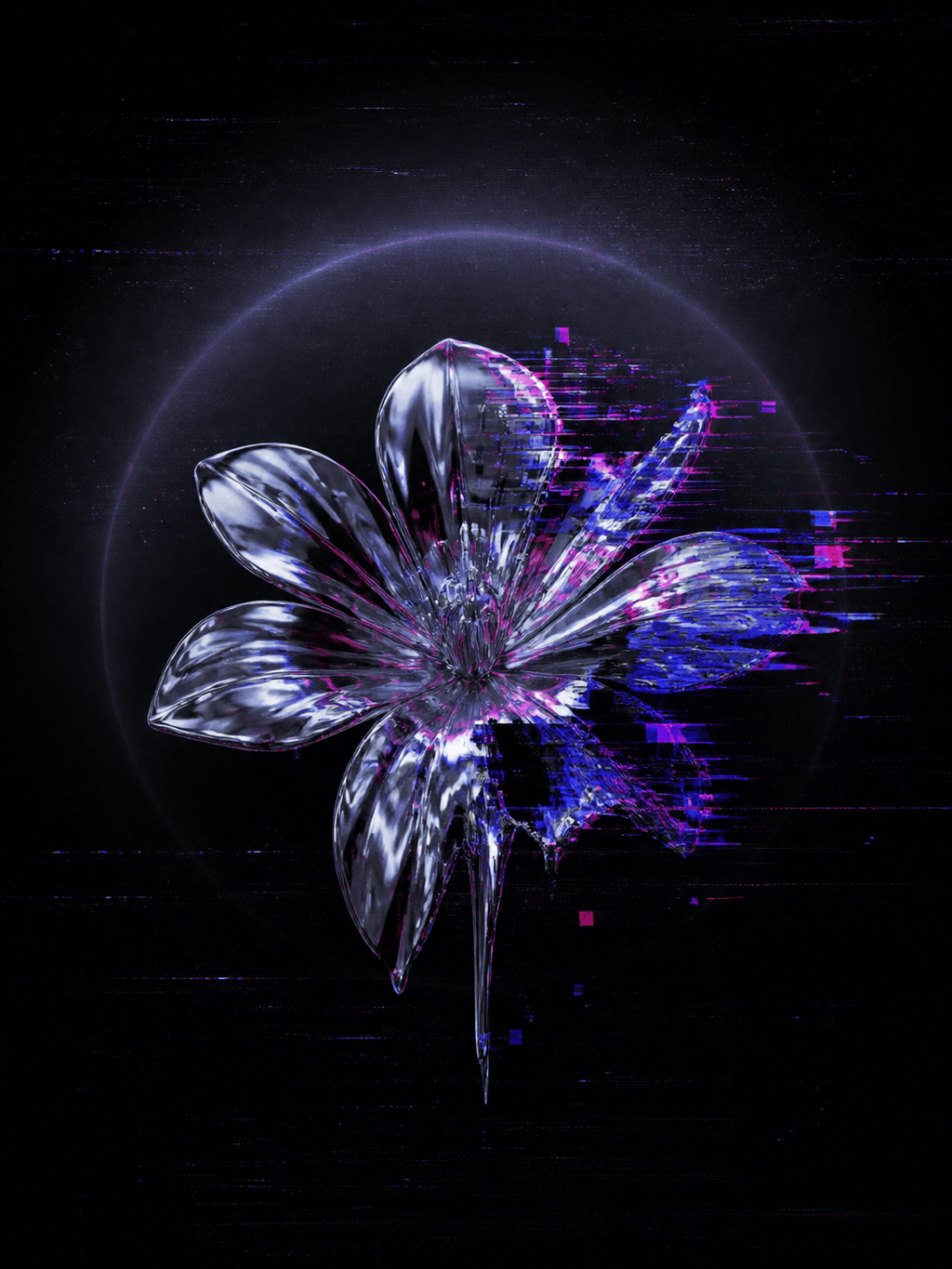
Electronic Album Cover: Create square glitch album artwork with an isolated chrome flower floating in darkness. Add magenta and electric-blue signal tears, pixel-sorted reflections, fine analog noise, and a clean upper-left area for a title I will add later. Moody and experimental.
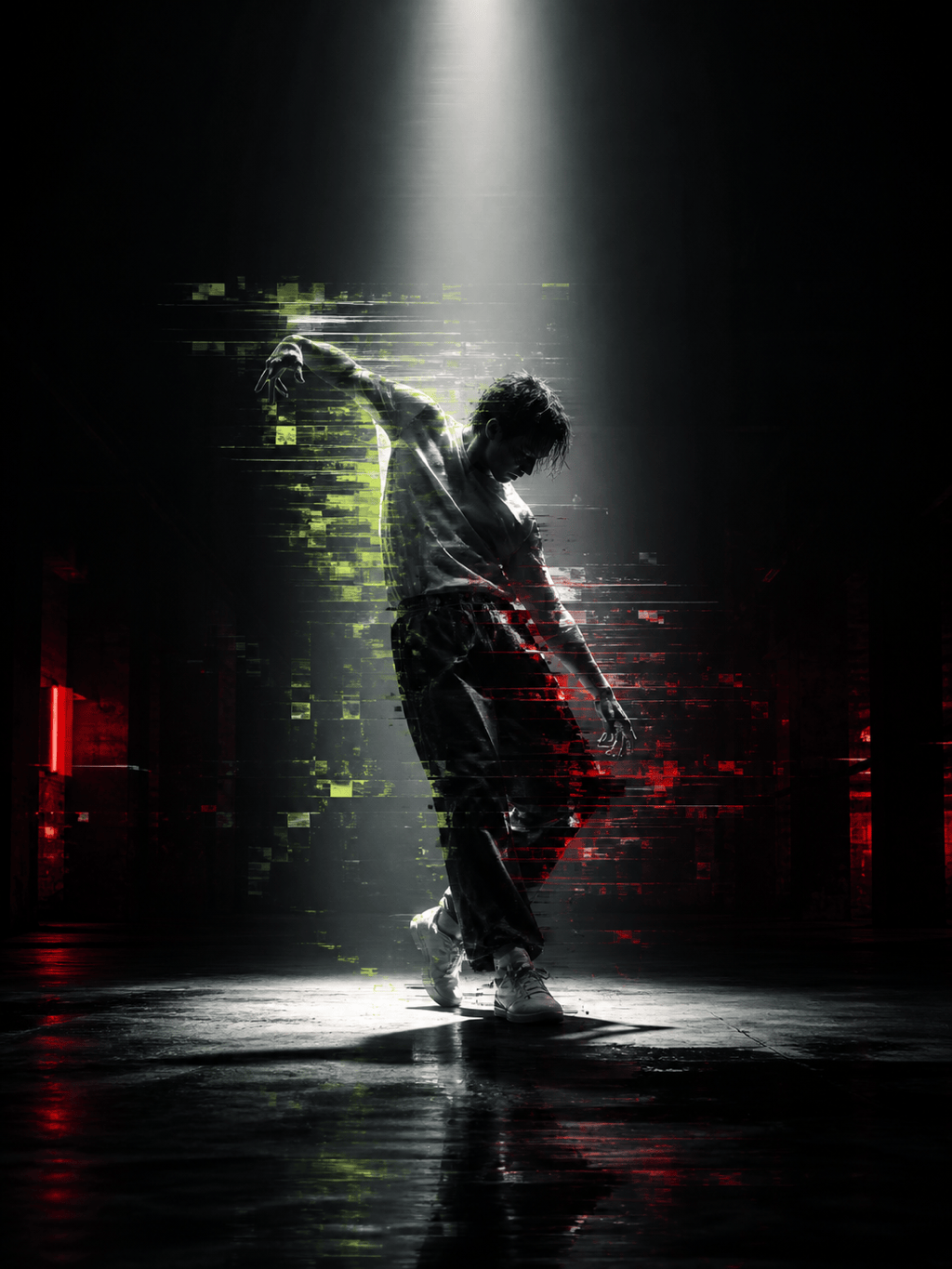
Cyberpunk Event Poster: Design vertical key art for an underground digital arts night. Show a lone dancer made of broken data blocks under a white spotlight, with acid-green scanlines and red compression streaks. Reserve clear space at the top and bottom for event text.
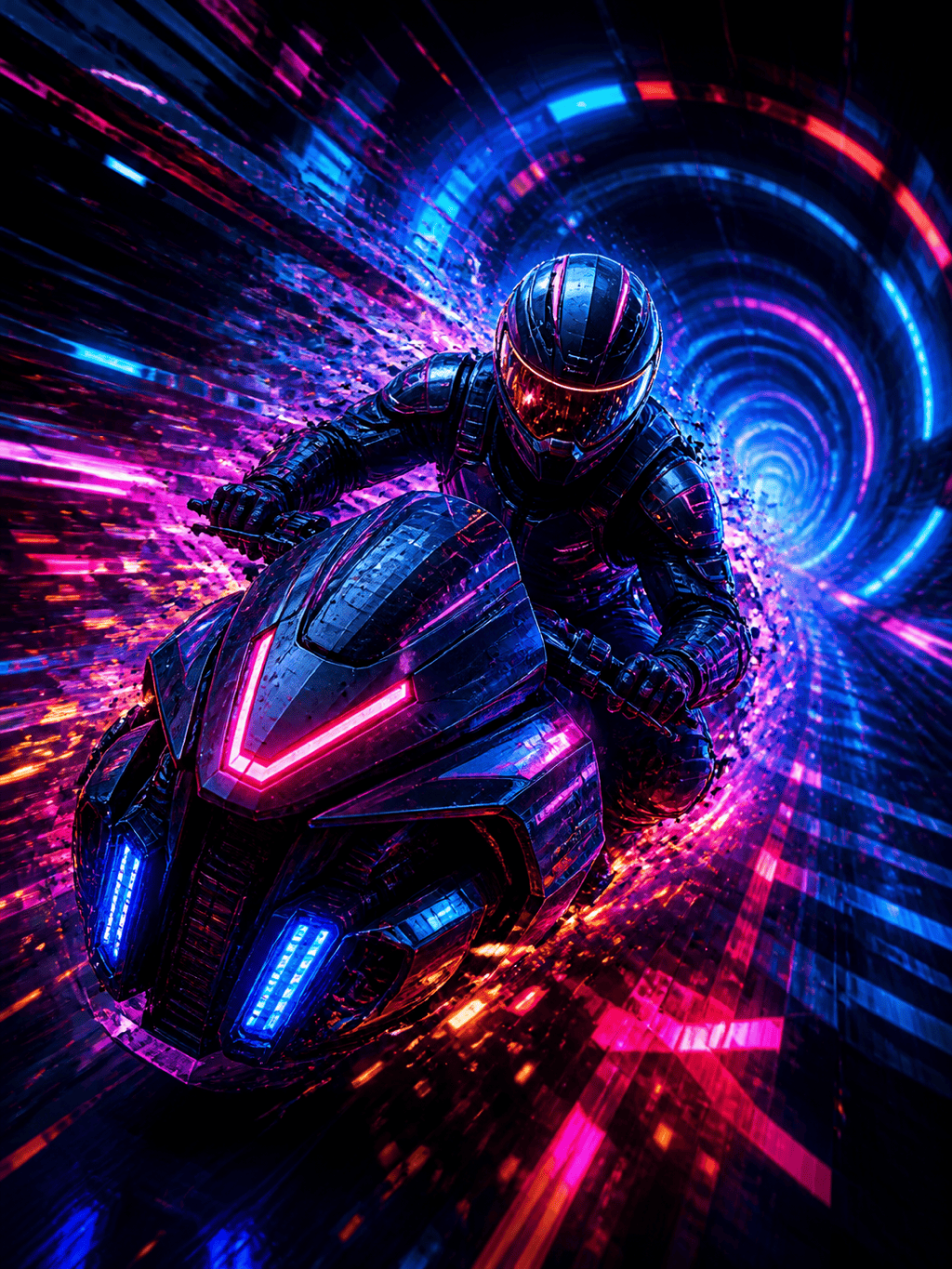
Gaming Thumbnail: Create 16:9 key art of a futuristic racer turning toward the camera in a neon tunnel. Keep the helmet and vehicle sharp while the background breaks into high-speed RGB trails, signal bars, and angular pixel fragments. Strong contrast with room for a short headline.
Glitch Product Ad: Restyle my uploaded headphone photo as a tech campaign image. Preserve the product shape and material. Add controlled blue chromatic offsets, three horizontal data tears, subtle CRT texture, and a deep graphite backdrop. Keep the center clean and premium.
Retro VHS Street Photo: Turn my night street photo into a late-1990s tape capture. Keep storefront shapes recognizable, then add tracking errors, color bleed, timestamp-like negative space, soft static, and occasional horizontal frame displacement. Muted purple, blue, and amber palette.





