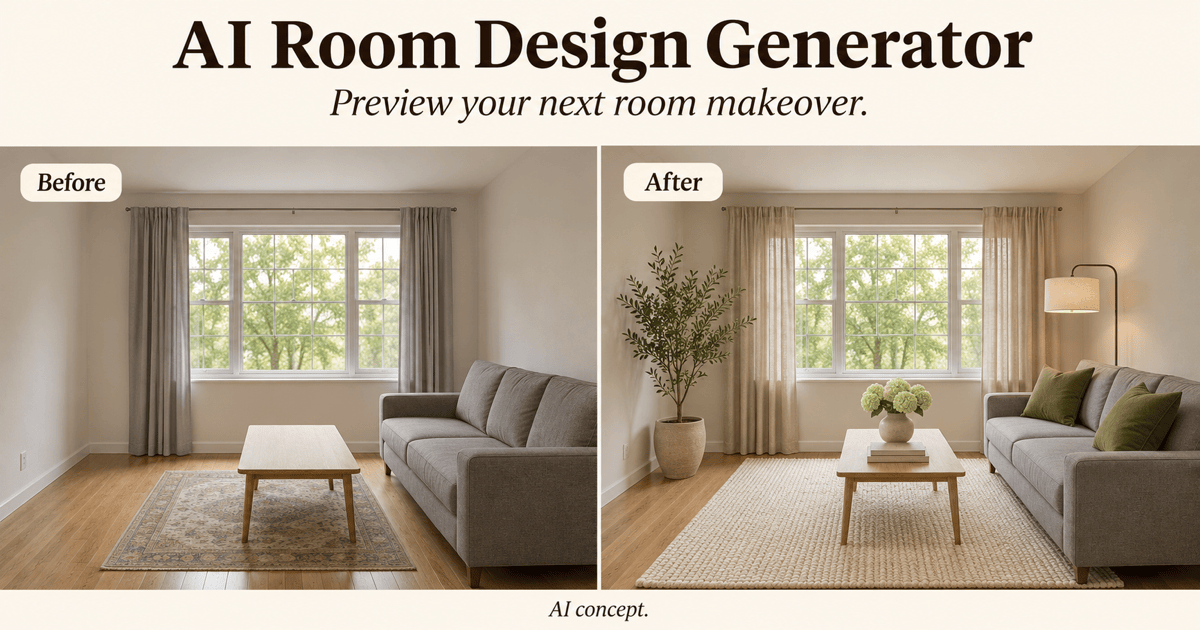
Free OnlineAI Garden Planner
How to Create a Garden Design with AI
Show Your Space and Its Limits
Generate a Garden Concept
Adjust the Beds, Paths, and Planting
Check the Layout and Share It

AI Garden Design for Small Gardens and Backyards
Design a Garden From Your Photo
Use AI garden design from a photo to explore changes in a familiar setting. Specify the house, fences, trees, and paving to preserve, then check that the result follows those constraints.
Plan a Small Garden Layout
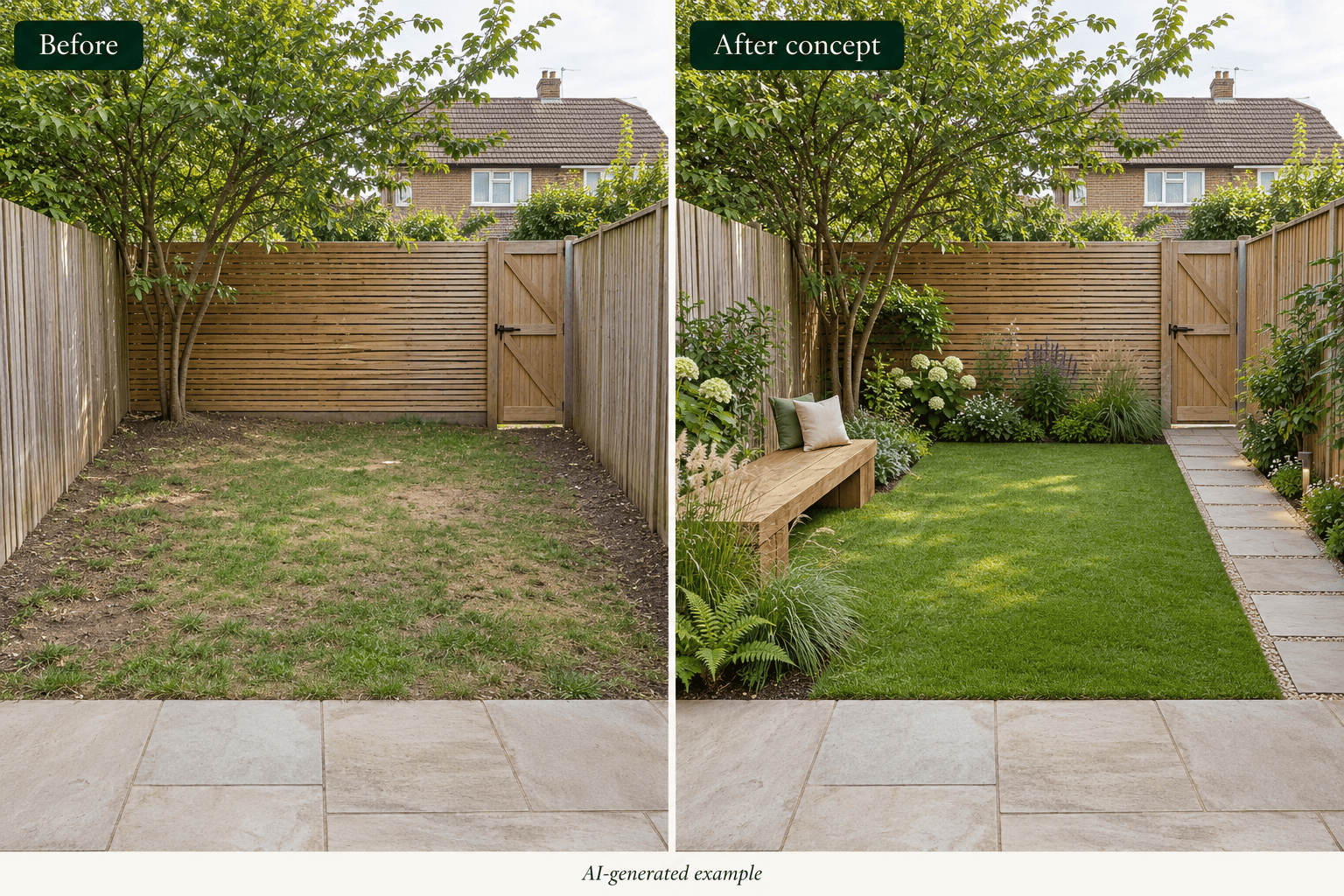
Explore small garden layouts with narrow borders, a compact seating area, and clear paths. This online AI garden designer turns your description into a visual concept so you can compare where planting, lawn, and outdoor dining could fit.
Compare Cottage, Modern, and Mediterranean Gardens
Try cottage, modern, or Mediterranean garden ideas using the same photo and brief. Keep the viewpoint consistent so you can compare planting character and materials.
Edit Garden Paths, Beds, and Seating
Ask for a wider-looking path, fewer pots, or a smaller seating area with Chat Edit. Refine the concept in everyday language and review each change before moving on.
Choose a Model for Your Garden Visual
Select a preferred image model or use Mew Auto to choose one based on your photo and design request. Access the latest leading image models in one workflow as new releases are added.
Download Garden Designs to Share
Export garden concepts without a watermark as PNG, JPG, or PDF. Share the look and layout you prefer as a discussion aid before a professional prepares measured plans.
What to Prepare for AI Garden Design
- Measure and Mark What Stays: Provide approximate length and width, entrances, existing trees, and fixed structures. A photo does not establish scale or property boundaries.
- Describe the Growing Conditions: Include your region, observed sunlight, soil, and drainage where known. Ask for a visual direction; check specific plants with a local nursery or horticultural source.
- Set Your Maintenance and Use Priorities: Explain whether you want dining, play space, vegetables, privacy, or a low-maintenance garden design. Mention your budget priorities without treating the image as a cost estimate.
- Review Before You Plant: Check mature plant sizes, access, water needs, and seasonal appearance. Confirm levels, drainage, and construction details on site; an attractive rendering is a concept, not a building plan.
Small Garden, Front Yard, and Vegetable Garden Ideas
Create a small backyard garden design from my photo. Keep the fence and patio, add narrow planted borders and a compact bench, and leave a clear path to the gate. Avoid crowding the center and keep the original viewpoint.
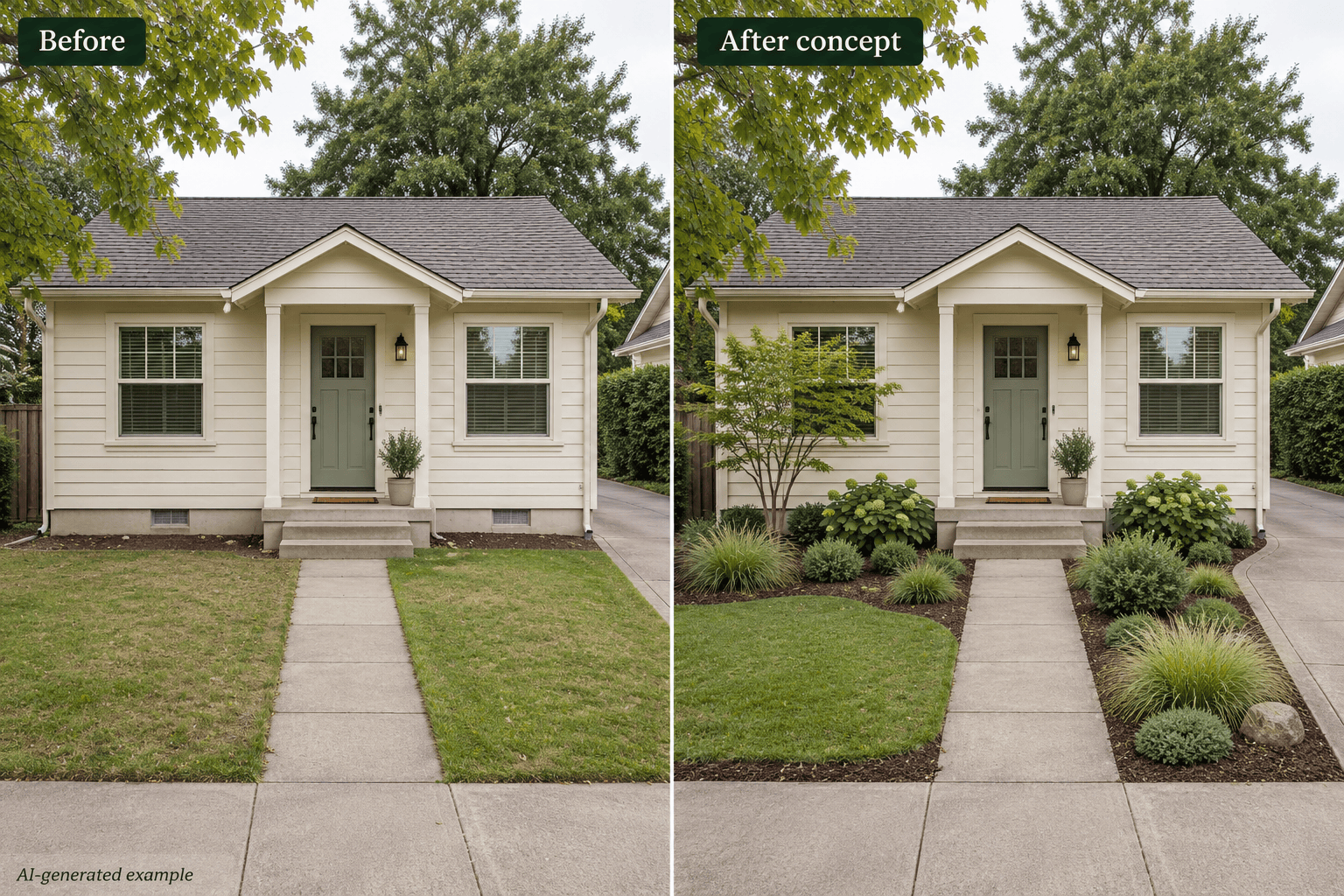
Reimagine my front garden with a low-maintenance layout. Keep the entrance path and driveway, reduce the lawn, and show simple planting groups with mulched beds. Leave doors and access routes clear; I will verify the plants locally.
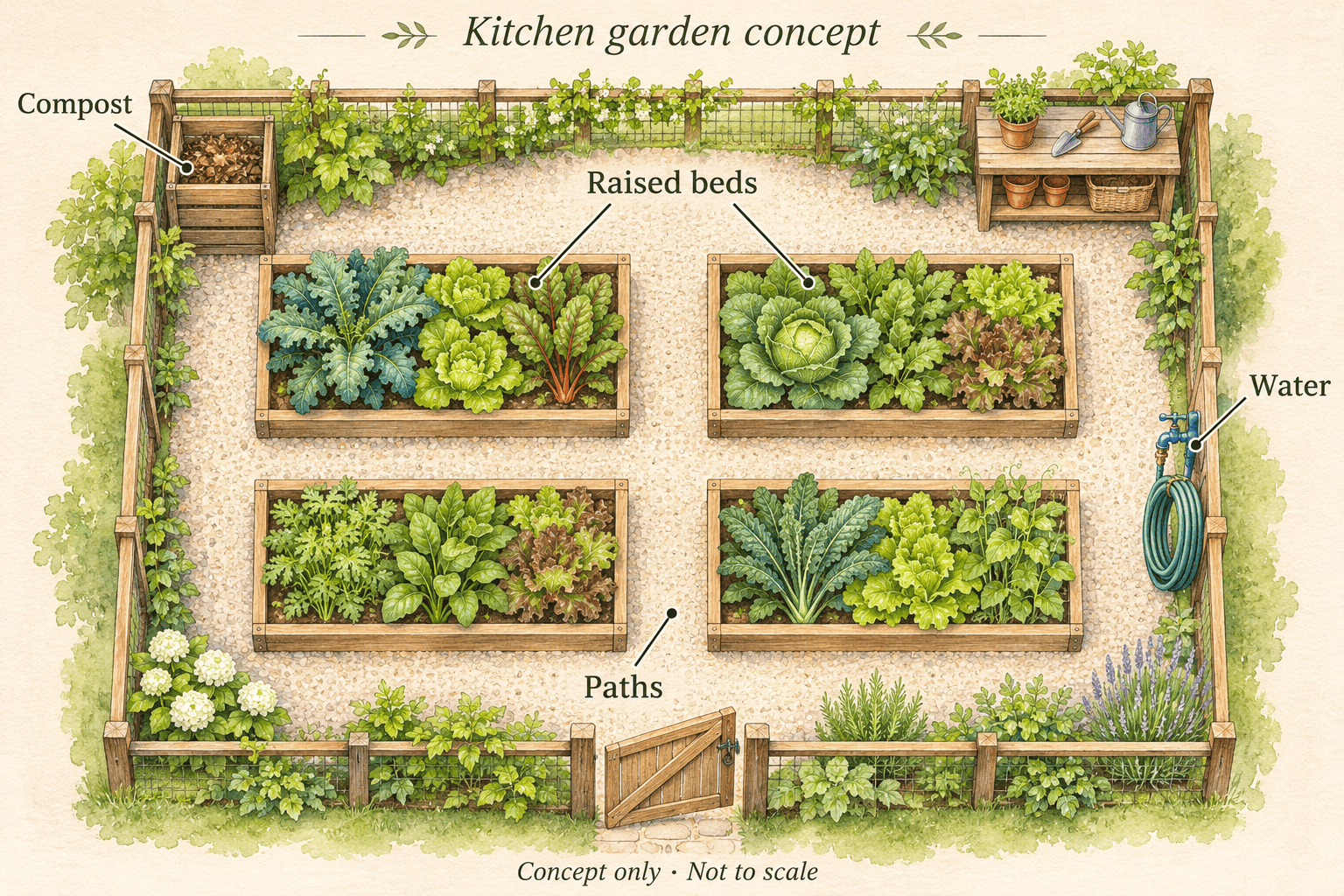
Create a top-down raised bed vegetable garden layout concept with four beds, connected paths, a water point, and a compost area. Show room to reach the beds. Do not add unverified dimensions or present it as a planting schedule.
Show a shade garden concept for the side yard in my photo. Keep the existing tree and passageway. Use layered foliage and a small resting spot, and avoid presenting sun-loving flower beds as suitable for this shaded space.
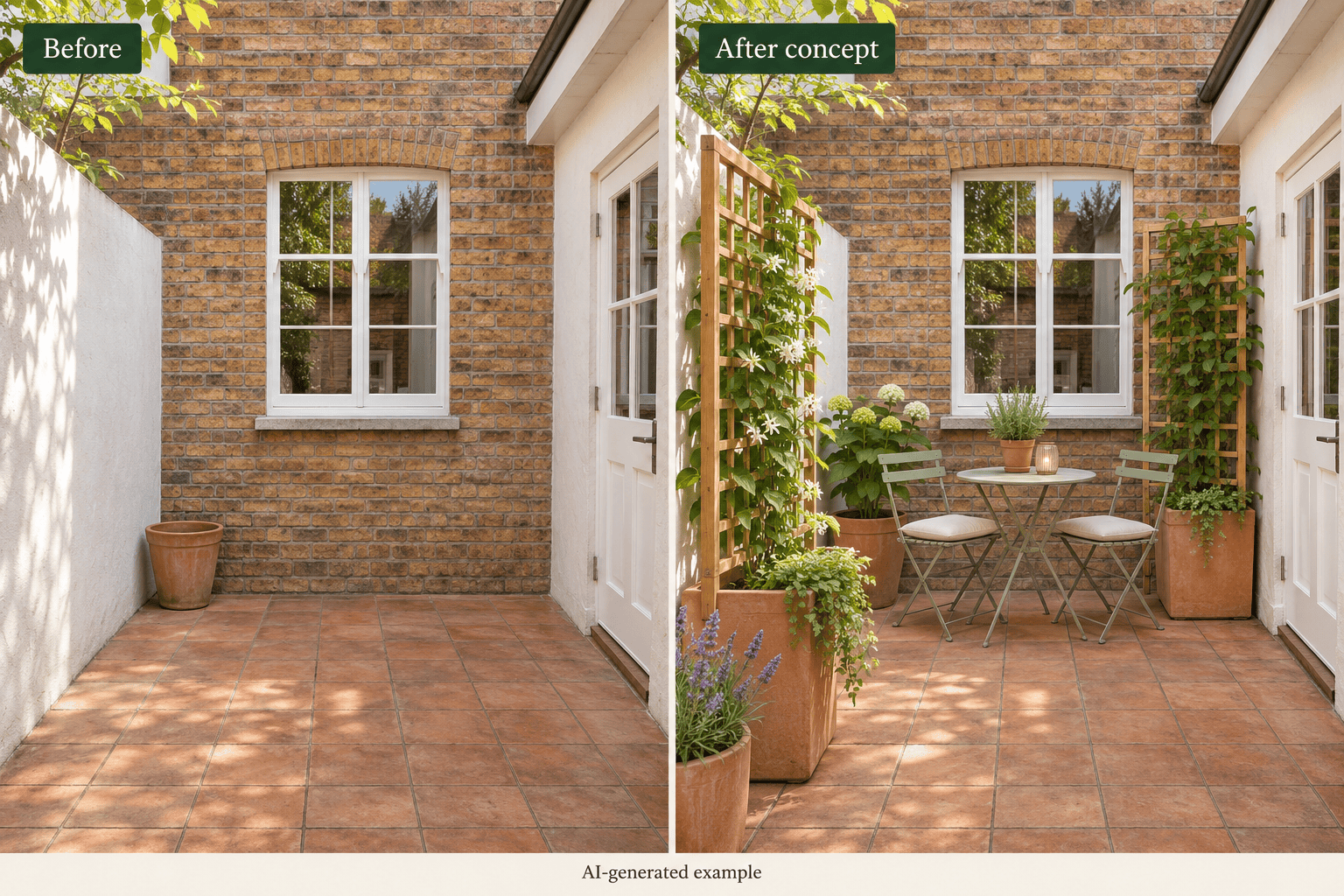
Design a renter-friendly courtyard garden from my photo using movable planters, a small table, and climbing plants on freestanding supports. Keep the existing paving and walls. Show an inviting space without permanent construction.
Generate two garden concepts from the same photo: one cottage style and one modern style. Keep the house, boundaries, patio, and camera angle consistent. Change the planting character and materials so I can compare the two directions.