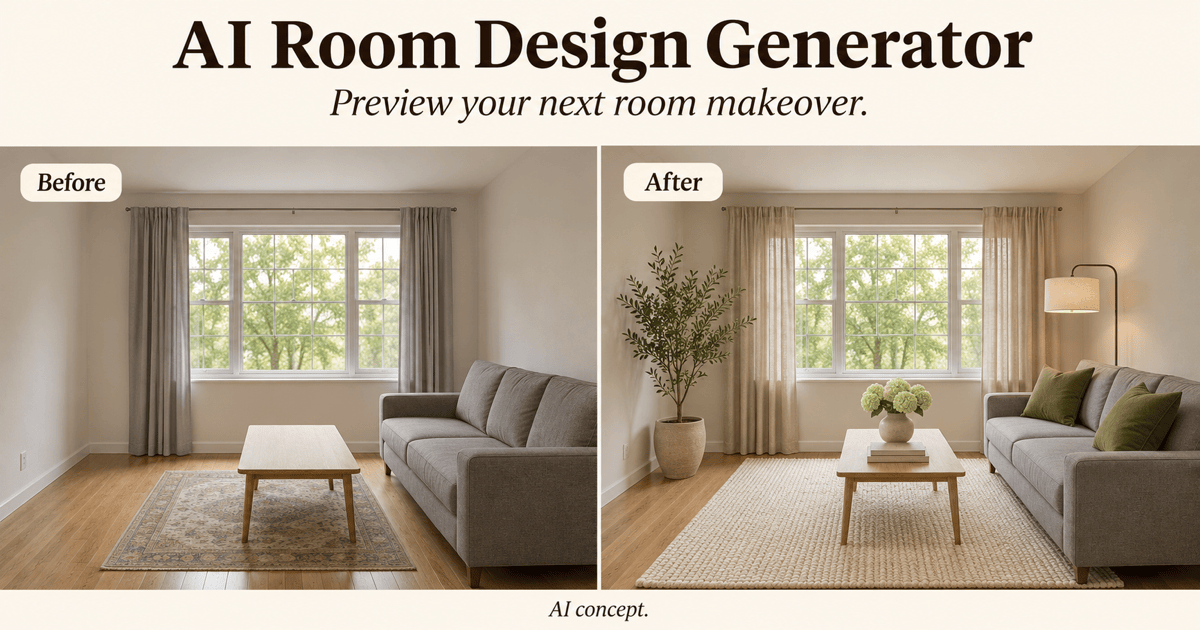
Free OnlineAI Garden Design Generator
How to Create a Garden Design with AI
Add Your Garden Photo and Priorities
Generate a Garden Makeover
Compare and Refine the Layout
Download Your Garden Concept

AI Garden Design from Photos for Backyards and Courtyards
Redesign Your Garden from a Photo
Start an AI garden design from a photo of your backyard, front yard, or courtyard. Ask to preserve existing boundaries while exploring new planting and seating areas.
Compare Garden Styles
Use this AI garden designer to explore cottage, modern, Mediterranean, or Japanese-inspired concepts. Add a reference image to guide materials, colors, and atmosphere.
Small Garden Layouts for Seating and Planting
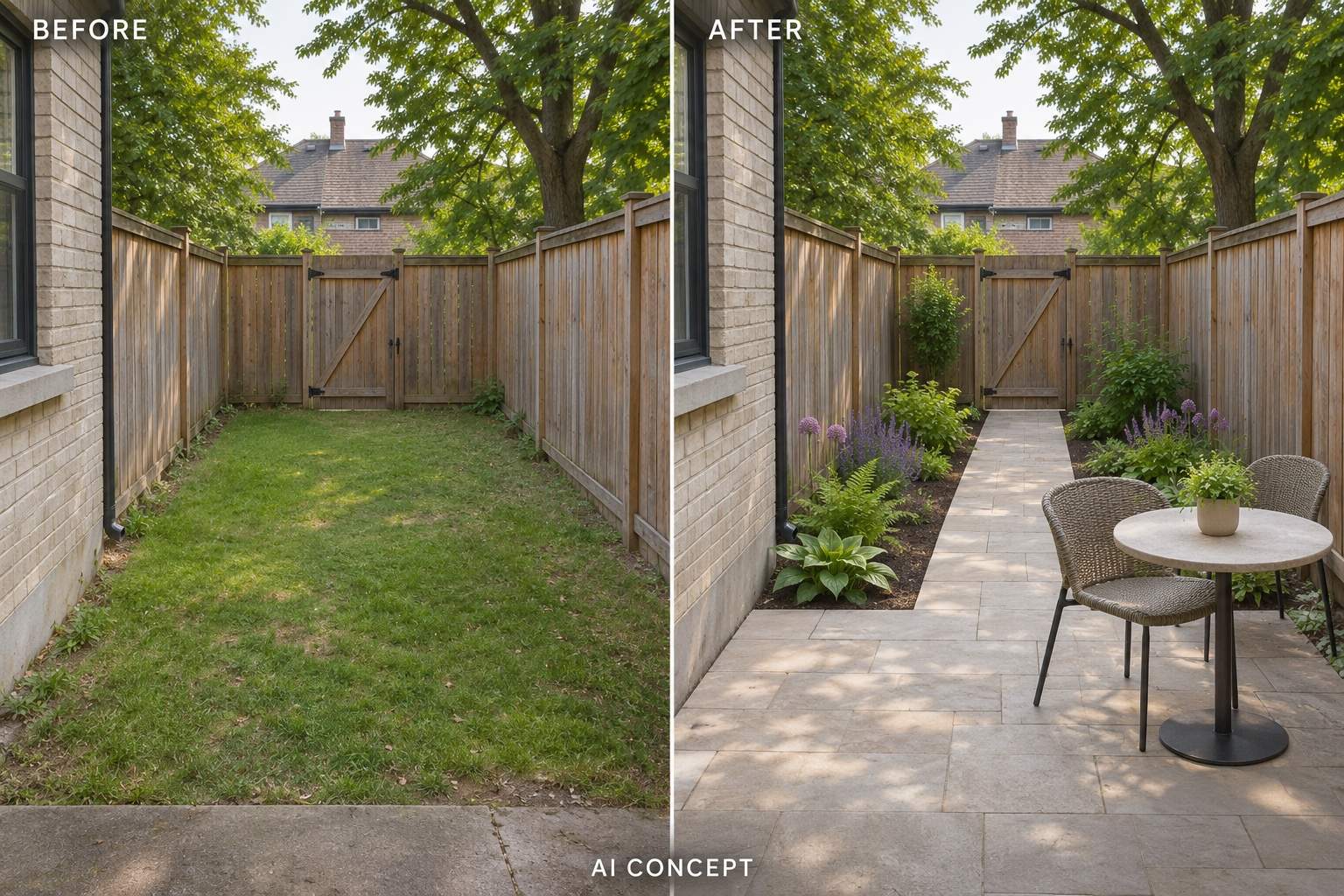
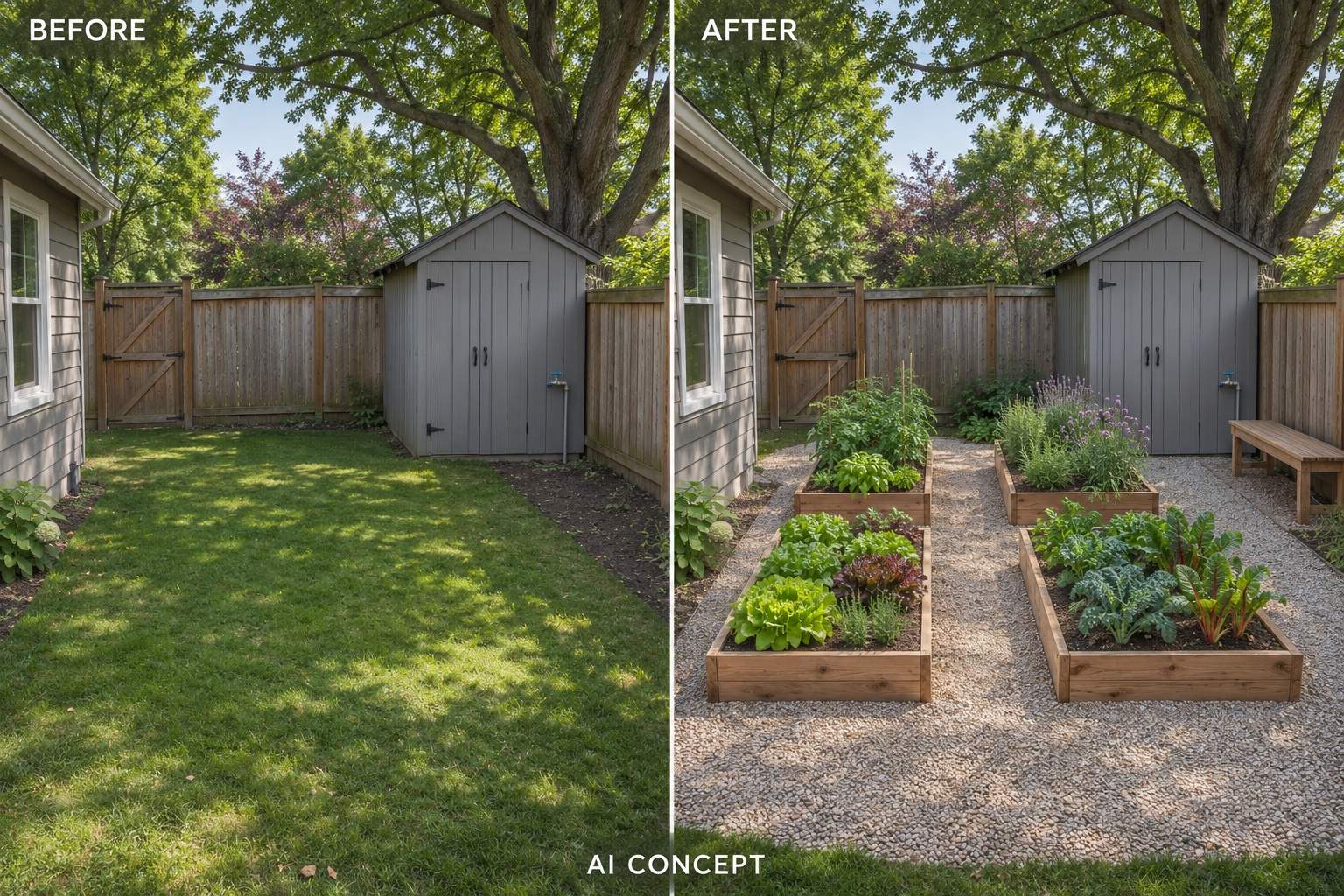
Visualize a compact patio, narrow border, or raised vegetable beds. Describe how you want to use the space so the concept balances planting, seating, and access.
Refine Paths, Planting, and Privacy
Keep developing a promising idea through chat. Request less lawn, a simpler planting scheme, or more privacy, then review each revision for unwanted changes.
Choose an Image Model for Garden Redesigns
Select your preferred image model or let Mew Auto choose for your photo and brief. Access the latest leading image models in one place, with new releases added promptly.
Try AI Garden Design Online
Start in your browser with free AI credits after signup. Explore garden concepts without installing design software, then download watermark-free results. Credit use varies by model and task.
How to Get Better AI Garden Designs from Your Photo
- Show the Whole Area: Use a sharp, well-lit photo with the ground, boundaries, and access points visible. Avoid close-ups that hide the layout.
- Describe Growing Conditions: Add your location, sun or shade, soil, and known drainage issues. These guide the brief; the image does not verify which plants will thrive.
- Separate Keeps from Changes: Name fixed trees, walls, paths, and utilities. State your budget priorities and maintenance preferences without expecting the image to provide a cost estimate.
- Check Space to Move and Grow: Compare access routes, furniture size, and planting density with your measurements. Confirm mature plant sizes and local suitability before buying.
Small Garden, Low-Maintenance, and Courtyard Design Ideas
Redesign my small backyard photo with a compact dining patio, planting along the edges, and an open route to the gate. Keep the fence and house unchanged. Show the result from the original viewpoint.
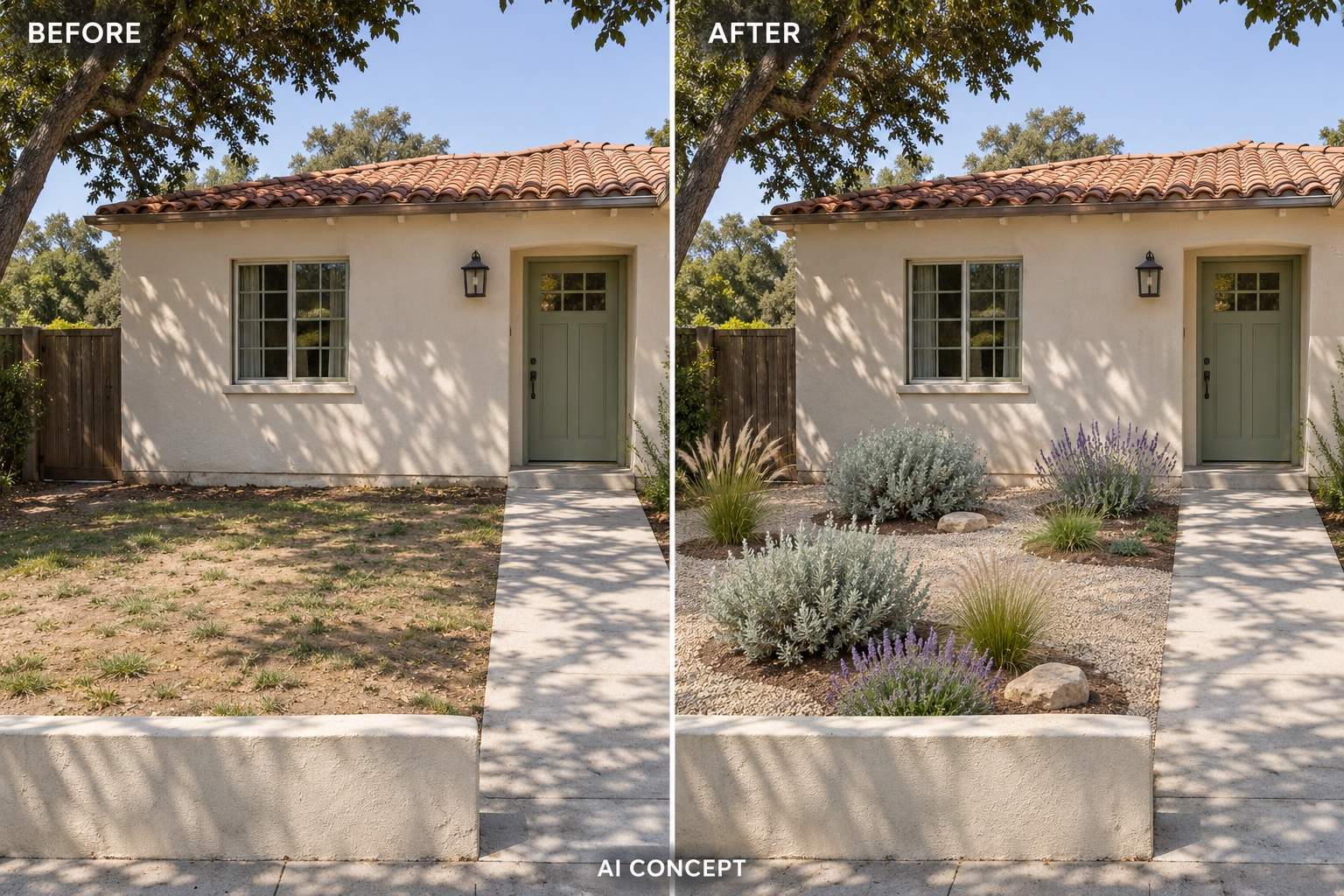
Show a low-maintenance front garden concept on my photo. Reduce the lawn, group planting in mulched beds, and keep the existing entrance path clear. Use a restrained palette and avoid overcrowding.
Reimagine my garden photo with cottage-style flower borders and a small seating spot. Keep the central lawn and existing tree. Use layered planting with varied foliage, rather than showing every plant in full bloom.
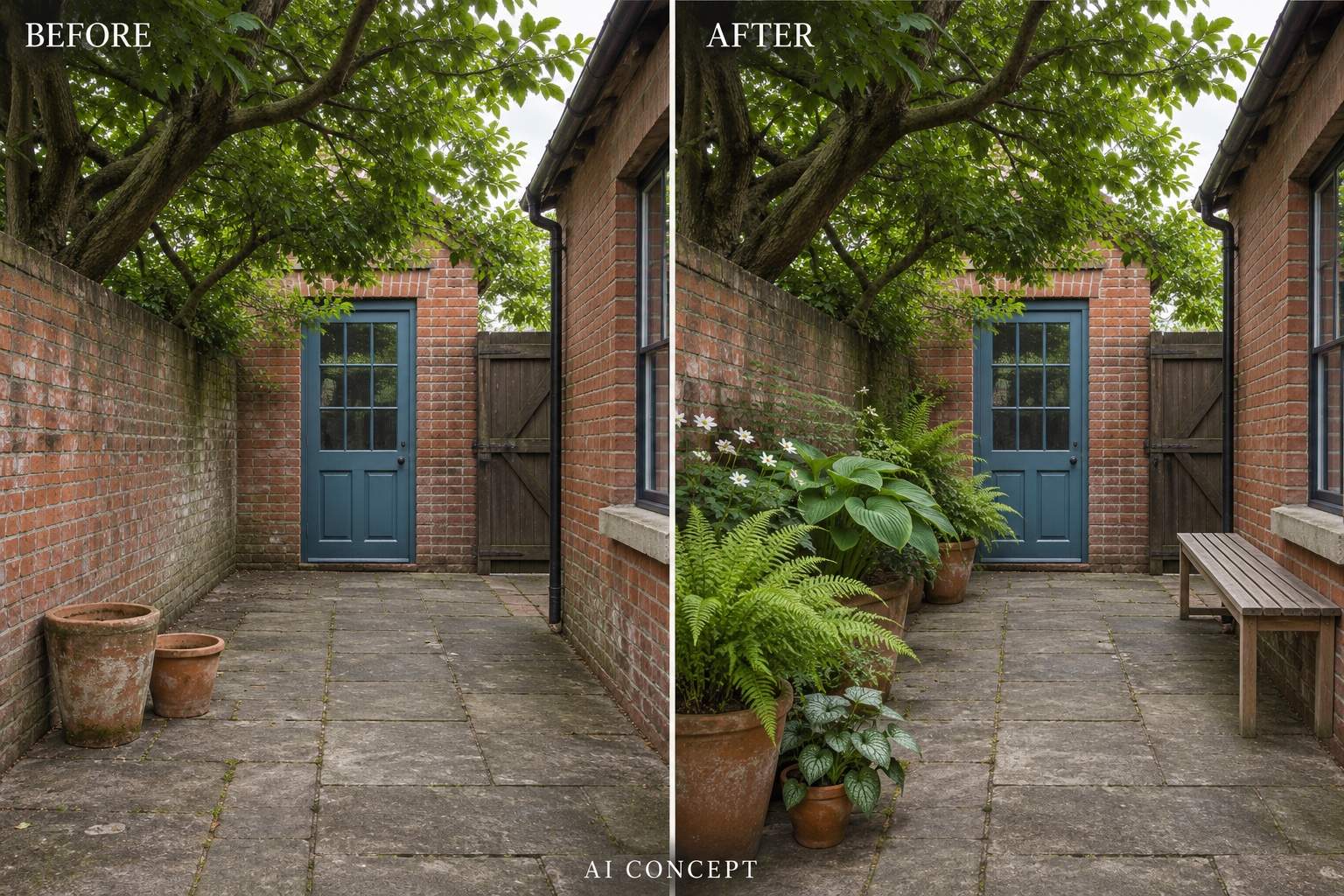
Turn my shaded courtyard photo into a green retreat with containers, a bench, and a clear walkway. Retain the walls and paving. Use shade-garden foliage as visual inspiration, with room between pots.
Visualize raised vegetable beds in my backyard photo. Leave paths between the beds and retain access to the shed and water tap. Keep the existing fence and show a practical, uncluttered arrangement.
Create a modest garden refresh from my photo without replacing the patio or fence. Add a few containers, simplify the borders, and reuse the existing seating. Keep the changes visually achievable in stages.