Free OnlineAI Flutter Icon Generator

Turn an app idea, product brief, or reference image into an original launcher icon concept with Mew Design - AI Design Agent. This free AI Flutter icon generator helps you explore clear symbols, brand colors, and flat, illustrated, or dimensional styles, then refine the result through chat. Export a high-resolution square master for your Android and iOS icon workflow; use Flutter or native tooling afterward to prepare exact platform assets and project configuration.

How to Create a Flutter App Icon With AI

Use the online Flutter app icon generator to turn your product idea or reference image into a focused square icon master, then prepare the final launcher assets in your Flutter workflow.
1

Define the App Signal

Tell Mew Design what your app does, who it serves, and the one idea people should recognize at a glance. Add a logo or visual reference if you already have a brand direction.
2

Specify the Icon System

Choose one central symbol, a compact color palette, and a flat, illustrated, glass, or 3D style. Ask for a square, center-weighted composition with no tiny text or baked-in device frame.
3

Generate and Inspect

Create several visual directions, then compare silhouette, contrast, and recognition at small sizes. Check that the focal symbol still works when circular or rounded masks crop the outer area.
4

Refine, Export, and Package

Use Chat Edit to simplify shapes, adjust spacing, or tune colors. Export a high-resolution square master, then use Flutter launcher tooling, Android adaptive layers, or Xcode assets to create the final platform files.
create a Flutter app icon

Flutter Icon Concepts Built for Small Screens

Turn Product Purpose Into a Symbol

Describe the job your app performs and let the AI Flutter icon generator explore visual metaphors that communicate it without squeezing a full interface into the icon.

Design for At-a-Glance Recognition

Prioritize one strong silhouette, clear edges, and controlled contrast so your Flutter app icon remains distinct on a crowded home screen and at notification size.

Keep Your Brand Direction Intact

Upload a logo, palette, sketch, or mood reference. Mew Design can use those cues to create a more relevant launcher icon concept instead of a generic symbol.

Plan for Different Launcher Masks

Request a center-weighted mark with generous outer breathing room, a full-bleed background, and no baked outer rounding so the master can adapt more cleanly to Android and iOS presentation.

Refine Specific Details Through Chat

Keep the promising concept and ask for targeted changes such as a simpler glyph, more contrast, less depth, a different palette, or extra clearance around the focal shape.

Explore a Cohesive Icon Family

Use models such as Nano Banana Pro or GPT Image 2 to explore color, dark, or monochrome concepts while preserving one recognizable core symbol.

How to Prompt AI for a Flutter App Icon

Create a 1024 × 1024 app icon concept for Orbit Budget, a friendly budgeting app for young professionals. Use one original abstract symbol that combines a wallet pocket with a small orbiting coin. Flat vector-friendly style, deep navy background, mint and warm gold accents, crisp geometric edges, high contrast, and a center-weighted composition that stays recognizable at 24 px. No text, letters, currency symbols, device frame, trademarked logo, baked rounded corners, or outer drop shadow.
A useful Flutter icon prompt connects the app’s purpose to one memorable visual metaphor, then sets clear constraints for small-screen use.
  • Start with the product: State what the app does, its audience, and the feeling the icon should communicate before naming a style.
  • Choose one focal symbol: Combine at most two simple ideas. Avoid app screenshots, long words, several unrelated objects, and details that disappear at 24–48 px.
  • Control color and composition: Specify a short palette, strong contrast, square format, center weighting, and enough clearance for circular and rounded launcher masks.
  • Name the exclusions: Ask for no text, trademarked symbols, device frame, baked outer rounding, or platform shadow. Request adaptive foreground, dark, or monochrome ideas as separate variants.

AI Flutter Icon Generator Prompt Examples

Budgeting App: Create an original square launcher icon for a Flutter budgeting app. Combine a simple wallet pocket with one orbiting coin, flat geometric style, deep navy and mint palette, crisp edges, no text, readable at 24 px, with generous clearance around the central mark.

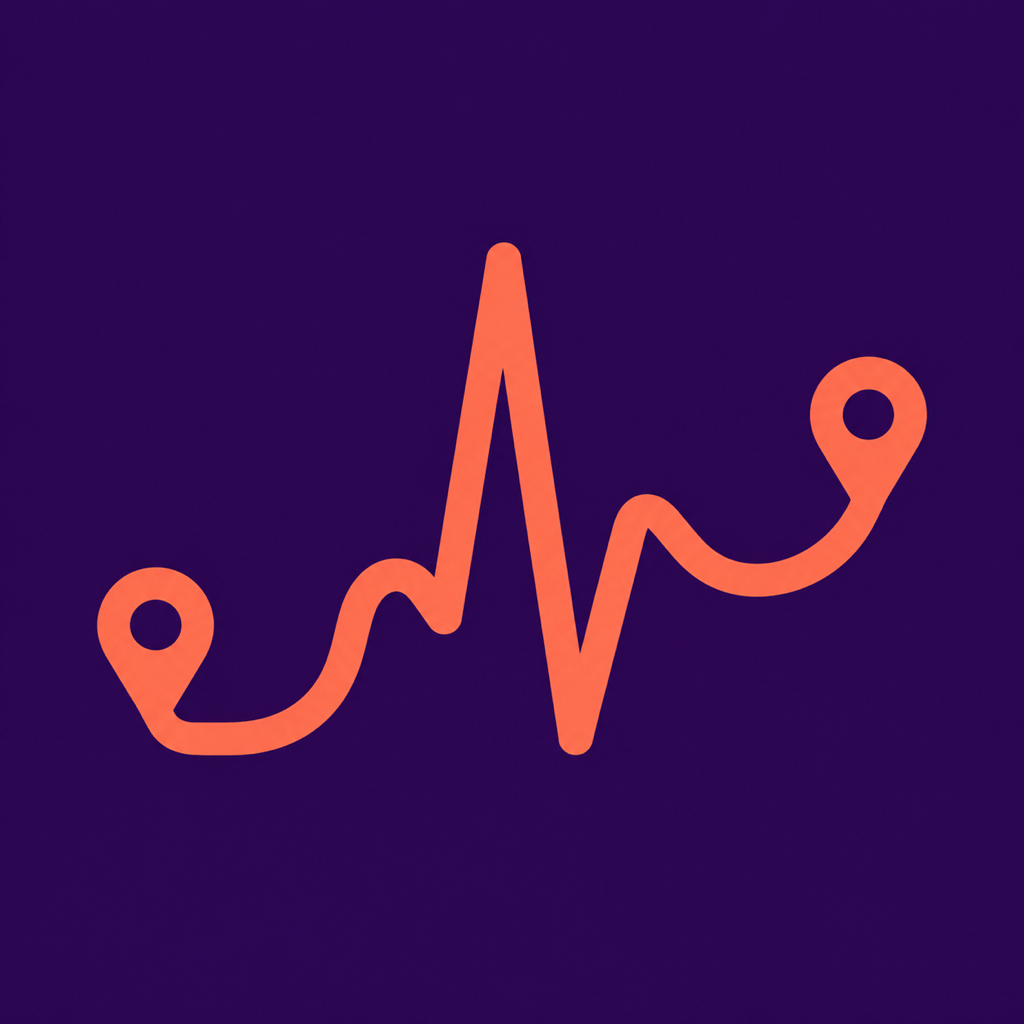
Fitness App: Design a bold Flutter fitness app icon using one continuous route line that becomes a heartbeat peak. Coral foreground on a dark violet full-bleed background, energetic but minimal, strong silhouette, no letters, people, or outer shadow.

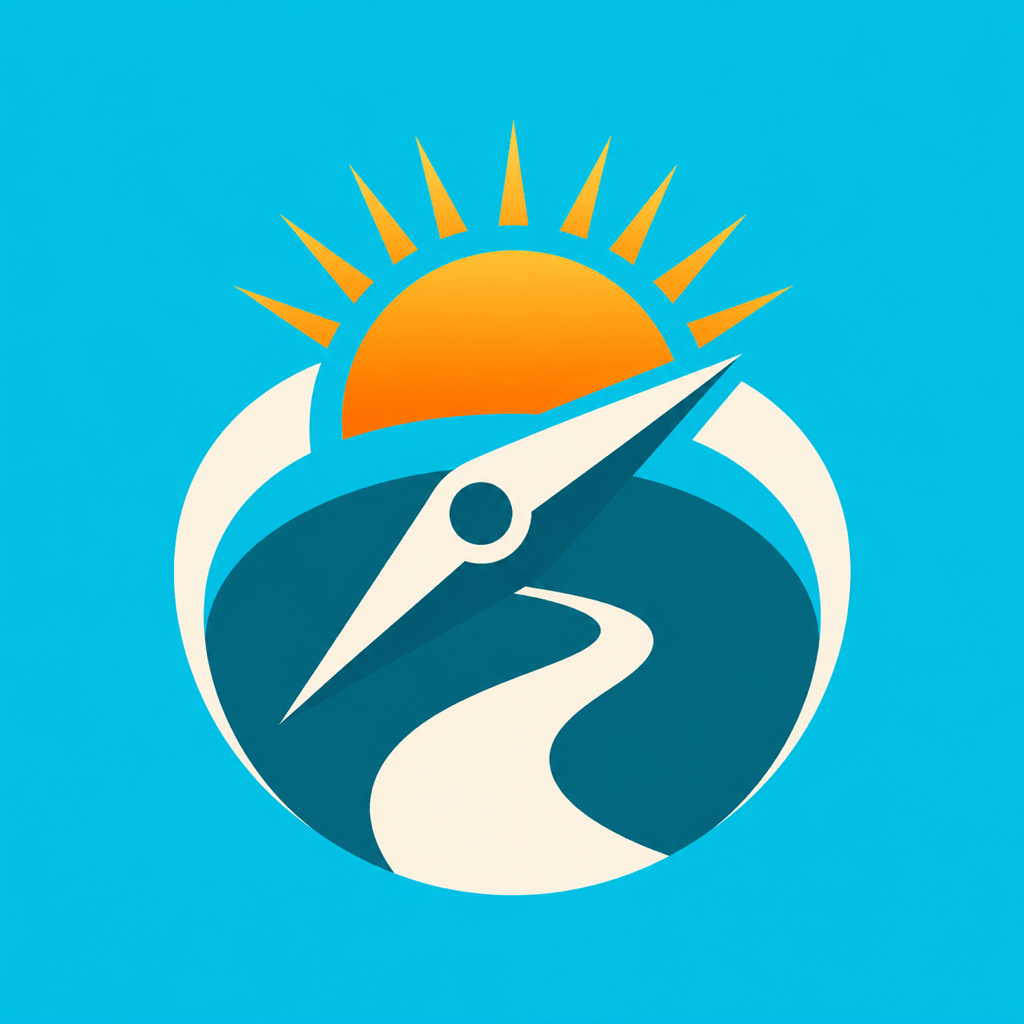
Travel Planner: Generate a friendly Flutter launcher icon that combines a compass needle, rising sun, and curved travel path into one compact symbol. Cyan and warm orange, clean illustrated style, center weighted, high contrast, no text or recognizable travel-brand logo.

Privacy App: Create a trustworthy app icon concept for a Flutter privacy utility. Use an original shield formed from two interlocking leaves around a small keyhole-shaped negative space, cool blue and teal, flat vector-friendly geometry, no padlock cliché, no lettering, no baked rounded corners.

Learning App: Make a playful icon for a Flutter flashcard app. Turn two stacked cards into an open-book silhouette with one small spark, cobalt and lemon palette, simple shapes, minimal shading, readable at notification size, no words or alphabet characters.

Brand Reference Workflow: Using @[uploaded logo] only as a style and color reference, create an original square app icon concept with a simplified central mark, full-bleed background, and safe outer spacing. Also propose a separate one-color foreground concept suitable for later adaptive-icon and themed-icon preparation.


FAQs About the AI Flutter Icon Generator

It is an AI design tool for creating app icon concepts for projects built with Flutter. Describe your app, symbol, colors, and style, or upload a reference image. Mew Design generates the artwork and lets you refine the concept through conversation.
Yes. You can sign up and use free credits to try an icon prompt, compare directions, and refine a result before deciding whether you need more generations.
It can create a high-resolution square icon master and visual variants for either platform. Mew Design does not replace the final implementation step: use Flutter launcher tooling, Android resources, or Xcode to resize, layer, validate, and connect the artwork to your project.
A 1024 × 1024 px square master is a practical starting point for creative work and matches Apple’s current app-icon layout size. Google Play uses a separate 512 × 512 px listing asset, while device launcher files use additional platform-specific sizes. Always verify current store and build requirements before release.
On Android, an adaptive launcher icon uses separate foreground and background layers so device launchers can apply different masks and effects. A monochrome layer can support themed icons. You can use Mew Design to explore these visual parts, then assemble and test the required resources with Android or Flutter tooling.
Usually not at the outer boundary of the master. Google Play and device systems apply their own masks, rounding, and shadows. Keep the background full bleed, leave breathing room around the focal symbol, and preview the design under several masks before shipping.
Yes. Upload a logo, sketch, palette, or existing icon as a reference and explain what should remain recognizable. For the cleanest result, use a high-resolution source and ask the AI to simplify small details rather than merely shrinking the original.
No. Mew Design is an independent design product and is not affiliated with or endorsed by Google. Flutter is a Google trademark. Use only artwork and uploaded brand assets you have the right to use, and review the final icon for trademark or marketplace conflicts before commercial release.

Ready to Generate Designs With AI?

Get Started - 50 Free Credits
No credit card required
© 2025 - 2026 Mew Design, MAGOAI LTD.All rights reserved.
Mew Design - Your AI design partner, now with full control. | Product Hunt