Free OnlineAI Flower Generator
Create custom flowers with Mew Design - AI Design Agent. Turn a prompt or photo into realistic flower images, bouquet concepts, botanical illustrations, floral patterns, wallpapers, and more. Choose the species, arrangement, palette, background, style, and format, then refine individual details through chat.

How to Use the AI Flower Generator

A specific flower brief produces cleaner petals, more believable arrangements, and artwork sized for its intended use. Start from text or a reference photo, then inspect the first result before refining it.
1

Name the Flower and Purpose

Start with the species or flower family and the output you need, such as a rose macro, wedding bouquet, botanical print, wallpaper, tattoo concept, or repeating pattern. You can also upload a reference photo.
2

Describe the Floral Direction

Add bloom stage, approximate flower count, arrangement shape, greenery, palette, setting, light, medium, composition, and aspect ratio. Mention any blank space needed for invitation or packaging copy.
3

Generate and Inspect

Create the first version, then check petal anatomy, stem connections, flower count, species cues, subject separation, and pattern edges. AI can invent plausible-looking details, so inspect anything that must be exact.
4

Edit, Resize, and Export

Use chat to change only the bloom, color, background, or composition that needs work. Create coordinated versions for print, social posts, or wallpaper, then download your finished PNG or JPG.
Create flower images with AI

An AI Flower Image Generator With Creative Control

Control Every Floral Detail

Describe a specific species, variety, bloom stage, approximate count, arrangement, greenery, vase, palette, or background. Detailed visual instructions make this AI flower maker useful for both single blooms and complex compositions.

From Realistic Flowers to Art

Explore photorealistic macro photography, watercolor, vintage botanical plates, colored-pencil studies, tattoo line art, paper cutouts, 3D renders, and fantasy florals. Try Nano Banana Pro or GPT Image 2 when a model suits your direction.

Build a Bouquet From a Brief

Use the AI flower bouquet generator to combine focal flowers, supporting blooms, foliage, wrapping, and a setting without being limited to stock arrangements. Ask for loose garden style, compact hand-tied form, asymmetry, or a precise color story.

Create From a Photo

Upload a flower reference, product photo, room, portrait, or invitation draft. Ask the AI to preserve the subject while changing flower colors, adding a floral frame, replacing a bouquet, or matching a visual style.

Fix Flower Details Through Chat

Refine the image without rewriting everything. Separate fused petals, simplify crowded foliage, restore a missing stem, reduce excessive symmetry, change one flower variety, or protect negative space for text.

Make Floral Assets in More Formats

Create vertical prints, square posts, wide banners, phone wallpapers, invitation art, transparent-background elements, and floral pattern concepts. Generate coordinated variations and export watermark-free PNG or JPG files with available credits.

How to Prompt an AI Floral Art Generator

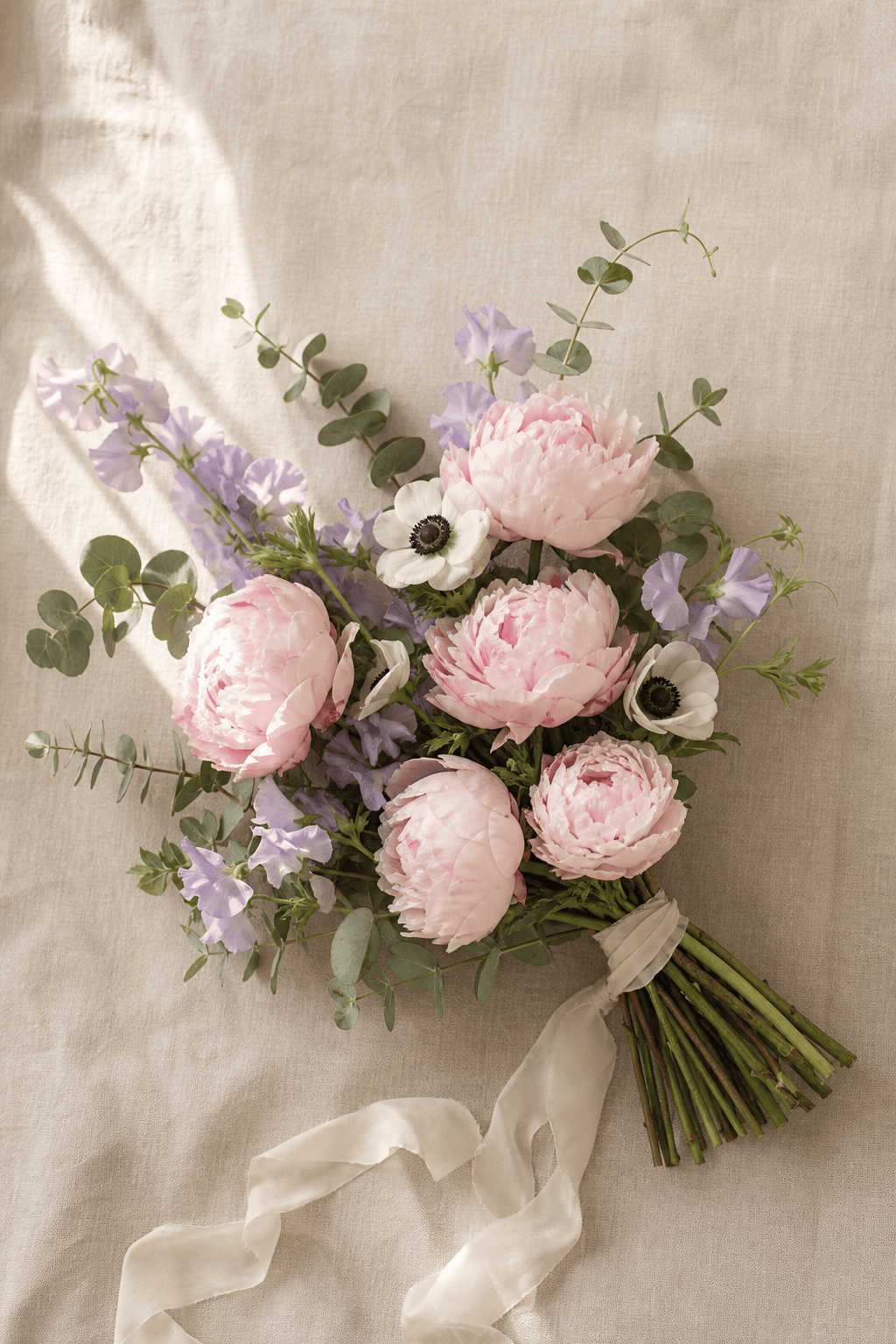
Create a loose, asymmetrical bridal bouquet with five blush peonies as focal flowers, white anemones with dark centers, sweet peas, and airy eucalyptus. Show natural stem lengths wrapped in ivory silk ribbon on a warm linen background. Soft window light from the left, realistic editorial flower photography, gentle shadows, accurate petal structure, 3:4 portrait, no text, leave open space above the bouquet.
Build the prompt in this order: flower species or variety, bloom stage and count, arrangement, foliage, palette, background, lighting, medium or camera style, composition, aspect ratio, and constraints.
  • Name the visual anatomy: Specify full stem or flower head, open or closed blooms, visible leaves, petal texture, dew, pollen, thorns, roots, or cross-sections only when those details support the image.
  • Define the arrangement: Say whether flowers should be isolated, loosely scattered, hand-tied, placed in a vase, arranged as a wreath, or repeated edge to edge. Add asymmetry when a bouquet should feel natural.
  • Design for the destination: State the ratio and end use, such as a 3:4 print, square post, phone wallpaper, invitation border, packaging motif, or tattoo stencil. Request negative space where copy will sit.
  • Verify facts that matter: Use a clear reference when a cultivar must look recognizable. Confirm flower meanings, toxicity, seasonality, botanical details, and real bouquet availability separately before acting on them.

AI Flower Generator Prompts to Try

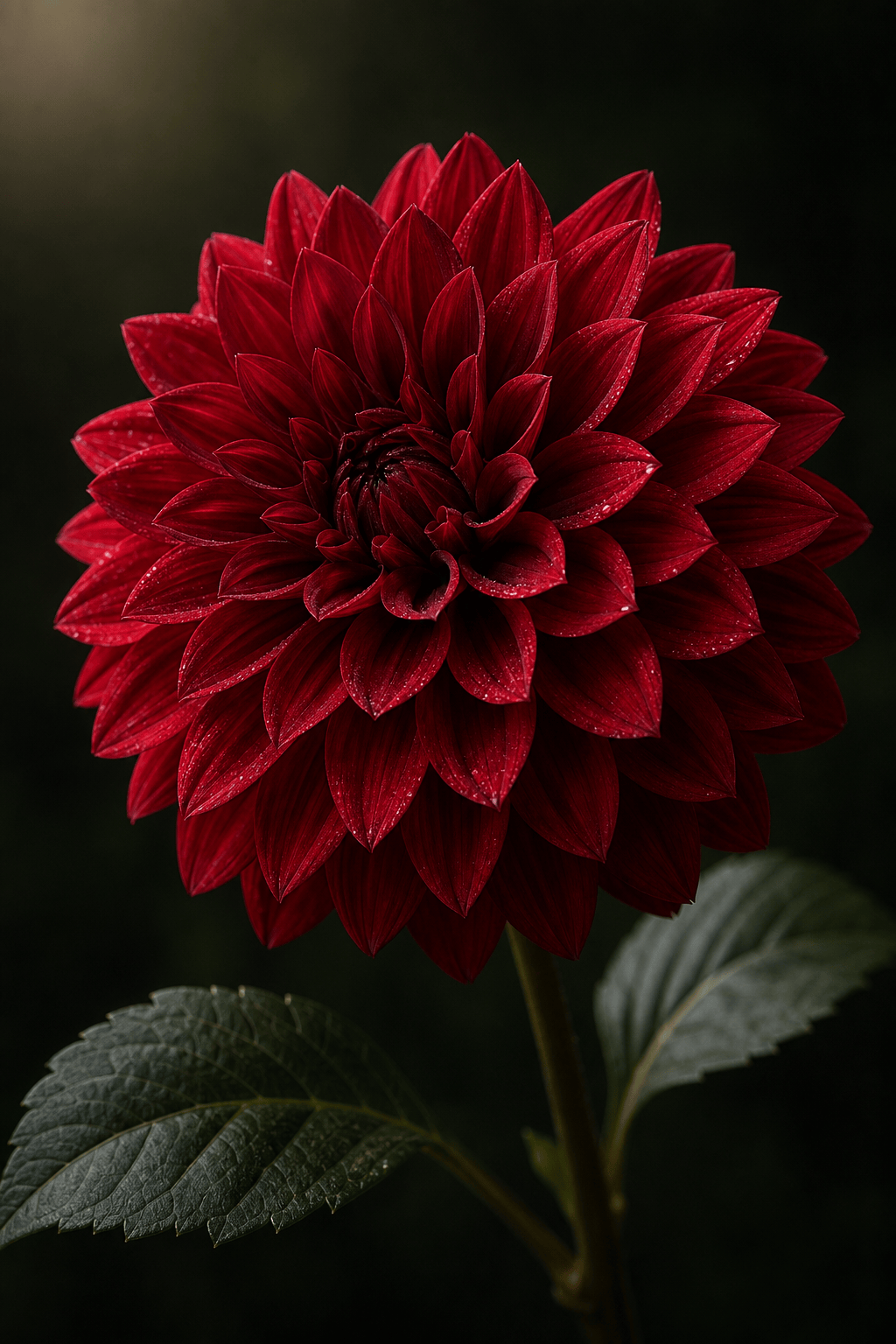
Realistic Flower Generator: Create a photorealistic macro of a single deep-red dahlia at peak bloom, layered petals sharply defined, tiny morning dew droplets, dark green leaves softly out of focus, natural side light, 100 mm macro-lens look, black background, centered 3:4 portrait, no text.

AI Flower Bouquet Generator: Design a loose asymmetrical spring wedding bouquet with blush peonies, white anemones, lavender sweet peas, and silver-green eucalyptus. Natural visible stems wrapped in ivory ribbon, photographed on warm linen with soft window light, refined editorial realism, 3:4.

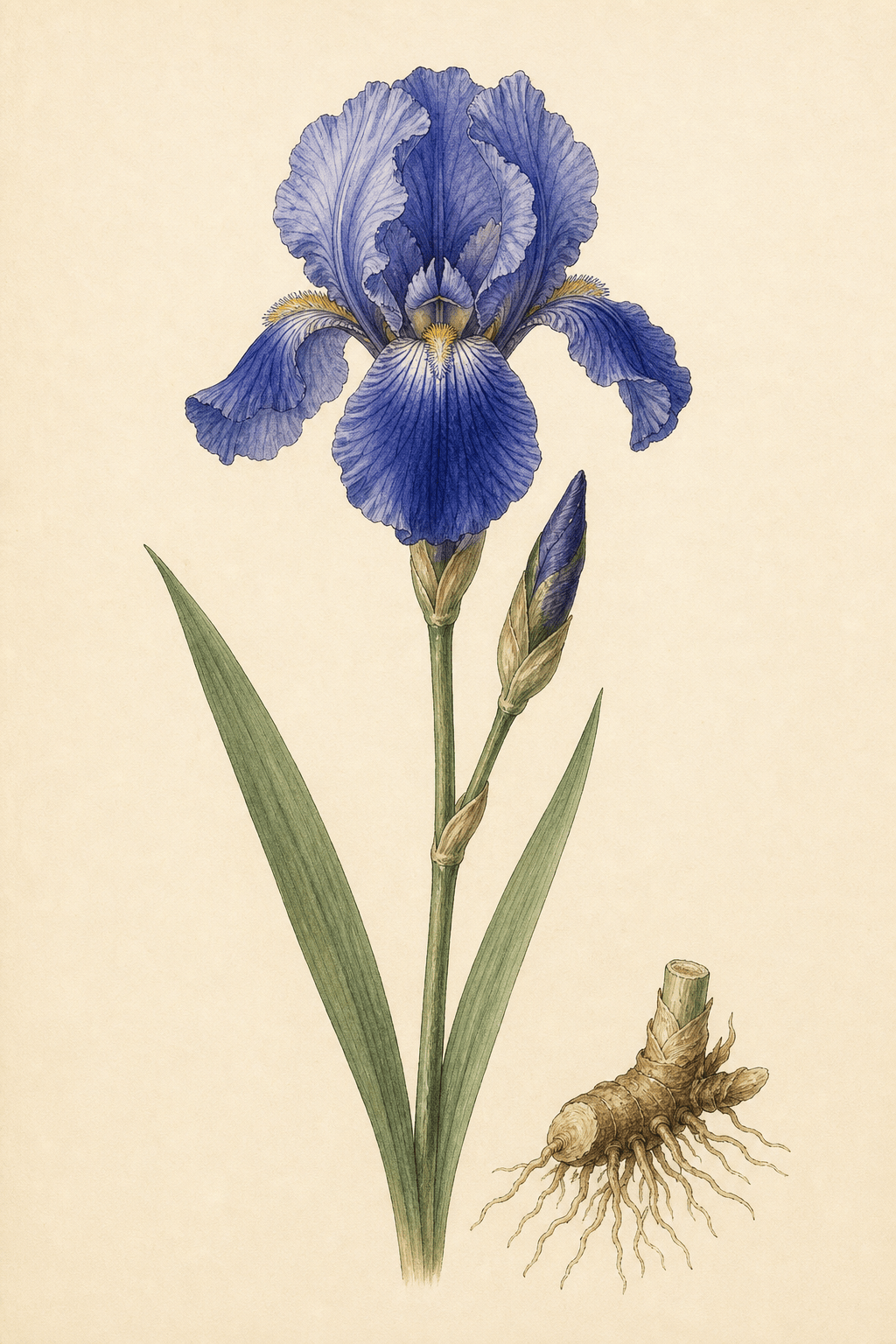
AI Botanical Illustration Generator: Create a vintage scientific-style illustration of a blue bearded iris with one open bloom, one bud, full stem, leaves, and a small rhizome study. Fine ink outlines with restrained watercolor on warm ivory paper, centered plate, no labels, no border, 3:4.

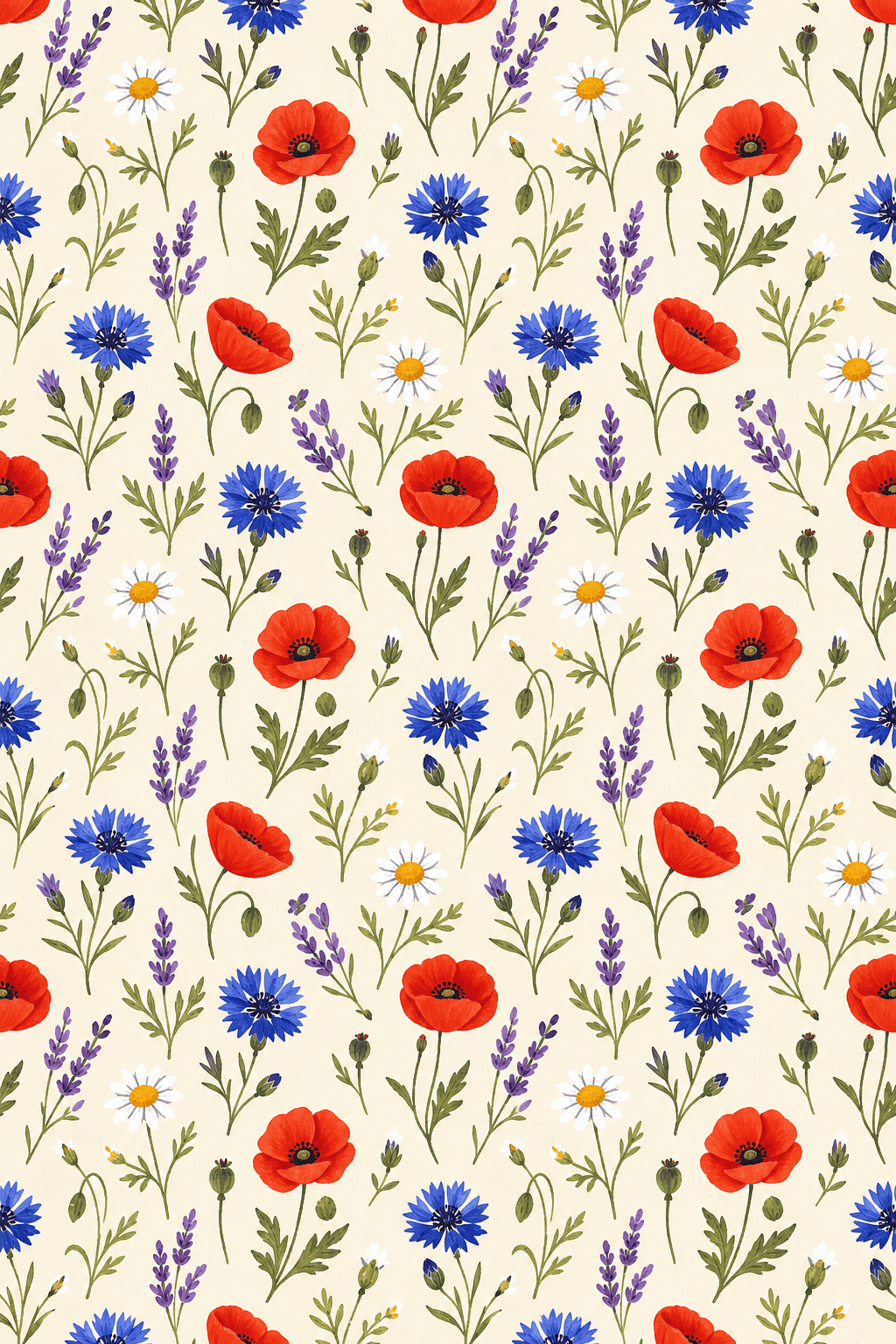
AI Flower Pattern Generator: Create a seamless repeating wildflower pattern with poppies, cornflowers, chamomile, and delicate green leaves. Hand-painted gouache, small evenly spaced motifs, soft cream background, edge-to-edge repeat, balanced density, suitable for fabric and packaging, no text.

Birth Flower Tattoo Concept: Draw a clean black line-art tattoo combining a January carnation and a July larkspur in one vertical stem composition. Elegant botanical contour lines, consistent medium-fine line weight, minimal shading, clear negative space, white background, inner-forearm placement concept, no words.

Floral Photo Edit: Add a natural arch of pale pink climbing roses and sparse greenery around @[uploaded portrait]. Keep the face, body, clothing, lighting, and background architecture unchanged. Place flowers behind the subject where possible, preserve clean copy space on the upper right, realistic depth and shadows.


AI Flower Generator FAQs

An AI flower generator turns a text prompt or reference image into custom flower visuals. You can create realistic blooms, bouquet concepts, botanical illustrations, floral patterns, wallpapers, tattoo ideas, invitation art, and other floral assets while directing the species, color, arrangement, background, and style.
Yes. New Mew Design accounts receive free credits for initial flower images and edits. Credit use depends on the image model and settings shown in the creation flow.
Yes. Name the focal flowers, supporting blooms, greenery, palette, arrangement shape, wrapping or vase, and setting. Ask for visible natural stems and controlled asymmetry if you want a more believable hand-tied or garden-style bouquet. Treat the result as a visual concept rather than a guarantee that a florist can source the exact flowers.
Yes. Upload a flower, bouquet, portrait, product, or room photo and state what must remain unchanged. You can request a new floral style, different flower colors, a replacement bouquet, a botanical frame, or realistic flower overlays around the original subject.
Use one clear reference, name the exact species or cultivar, describe visible traits, and request an approximate count. Keep mixed arrangements focused, then inspect petals, centers, leaves, and stems. Follow up with a targeted correction when one element drifts; generative images cannot guarantee botanical or numerical precision.
Yes. For a pattern, request a seamless edge-to-edge repeat, motif scale, spacing, density, and background color, then tile-test the result because seamless output is not guaranteed. For isolated flowers, ask for clean subject edges and a transparent background or request background removal after generation.
Yes, as a design concept. Specify the final dimensions, aspect ratio, line weight, print palette, bleed, and negative space. Test printed colors and resolution before production, and have a professional tattoo artist adapt and approve any tattoo concept for the body and placement.
AI flower images are creative visuals and may invent petals, merge stems, or combine traits from different plants. Verify species, meaning, toxicity, and horticultural facts separately. Commercial use can depend on your Mew Design plan, the selected model, and rights to uploaded references, so review the current terms before publishing or selling the work.

Ready to Generate Designs With AI?

Get Started - 50 Free Credits
No credit card required
Š 2025 - 2026 Mew Design, MAGOAI LTD.All rights reserved.
Mew Design - Your AI design partner, now with full control. | Product Hunt