Free OnlineAI Ebook Cover Generator

How to Create an Ebook Cover With AI
Write the Cover Brief
Plan the Front-Cover Hierarchy
Generate and Proof at Two Sizes
Refine and Export the Digital Front

Design for the Digital Shelf, Not Just the Full-Size Canvas
Turn a Book Brief Into a Cover System
Start with a title and short description, paste a synopsis, or upload a supported brief to the file library and reference it with @. Mew Design can identify the central promise, tone, audience, and visual metaphor before building the cover hierarchy.
Use Category Signals Readers Recognize
Set the visual shelf with restrained business graphics, warm wellness imagery, practical cookbook cues, or an atmospheric fiction concept. For deeper fantasy, romance, thriller, mystery, sci-fi, and literary guidance, use the AI Novel Cover Generator.
Treat Exact Copy as a Design Constraint
Put the title, subtitle, author, edition, or series line in quotation marks and ask for no other words. The AI ebook cover generator with text can compose the lettering with the art, but generated text must still be proofread character by character before publishing.
Build for Thumbnail Recognition
Ask for one dominant title, a controlled number of elements, strong figure-ground contrast, and a focal point that remains clear when reduced. Compare variations as both a full cover and a tiny store tile instead of choosing only by large-screen detail.
Guide a Series With References
Upload a permitted earlier cover, author brand board, portrait, illustration, logo, or palette and explain what to preserve. Repeat the same title zone, type mood, color logic, series marker, and image treatment while keeping each new cover original.
Edit, Export, and Promote the Final Front
Start with free signup credits, refine the static design through Chat Edit, and export without a watermark as PNG, JPG, or PDF. When the cover is approved, turn it into device, paperback, or launch graphics with the AI Book Cover Mockup Maker.
How to Prompt AI for a Storefront-Ready Ebook Cover
- Lock the Visible Copy: Place the title, subtitle, author, series, or edition in quotation marks, define the reading order, and request no extra words. Shorter cover copy is easier to compose and proofread.
- Name the Shelf and Reader: State nonfiction category or fiction genre, target reader, emotional promise, tone, and one-sentence synopsis. Add concrete category cues instead of asking only for a professional or bestselling look.
- Direct Art and Typography Together: Choose one focal image or symbol, palette, image treatment, type personality, contrast, title zone, author position, and amount of negative space. Avoid crowded collages and unrelated font effects.
- Specify the Digital Test: Mention Kindle, EPUB store, PDF guide, lead magnet, course download, or library tile; request a tall ratio and thumbnail legibility, then verify exact dimensions, color mode, file type, and size against current platform rules.
AI Ebook Cover Prompts for Publishing and Lead Generation
Business Lead Magnet: Create a 1.6:1 digital front cover with the exact title 'THE QUIET GROWTH PLAYBOOK', subtitle 'A Calm System for Sustainable Revenue', and author 'MAYA CHEN'. Use deep navy, ivory, and one coral accent; a single rising circular pathway; bold editorial sans-serif type; clear title space; and strong readability at thumbnail size. No extra text, people, logos, spine, back, or device mockup.
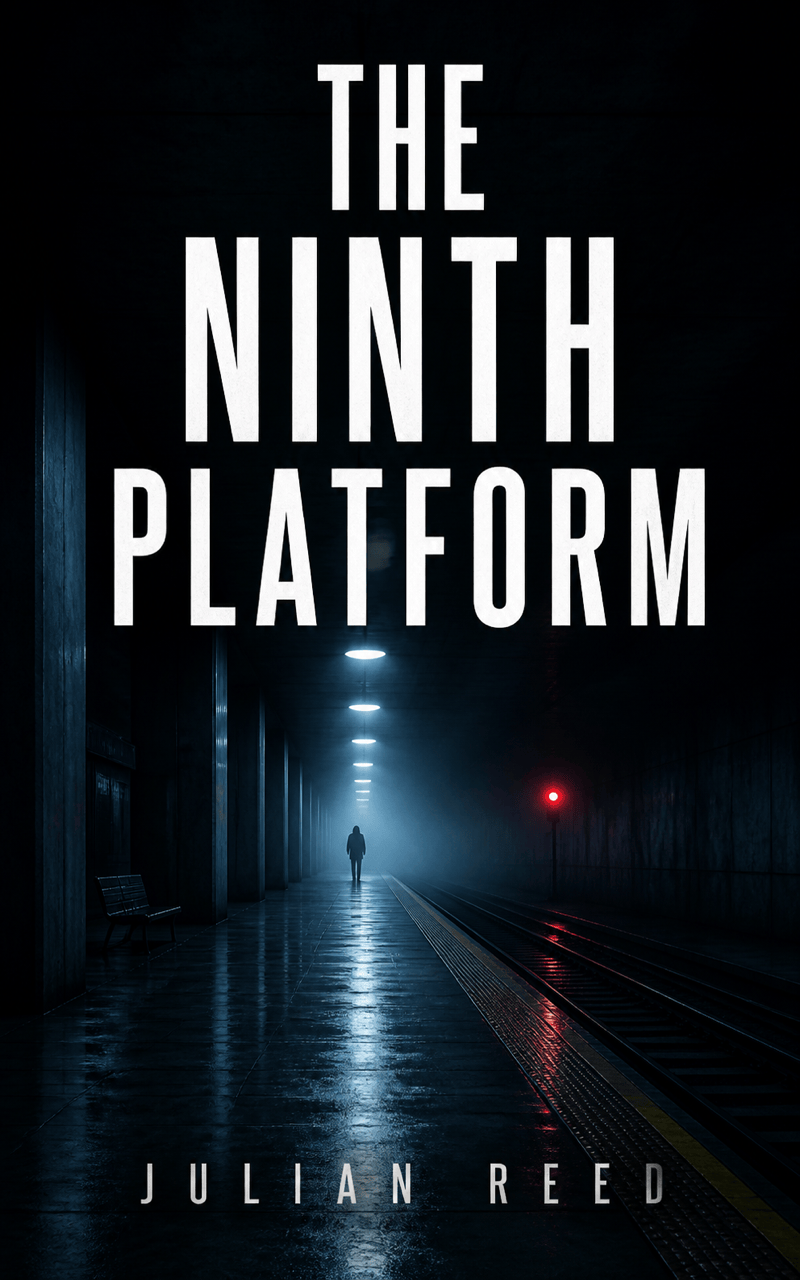
Psychological Thriller: Design a dark ebook front titled 'THE NINTH PLATFORM' by 'JULIAN REED'. Show one empty underground platform, a distant red signal, wet reflections, and a barely visible figure. Use a condensed white uppercase title, cold blue-black palette, cinematic tension, simple lower author line, and no invented review quotes, badges, train logos, spine, or back cover.
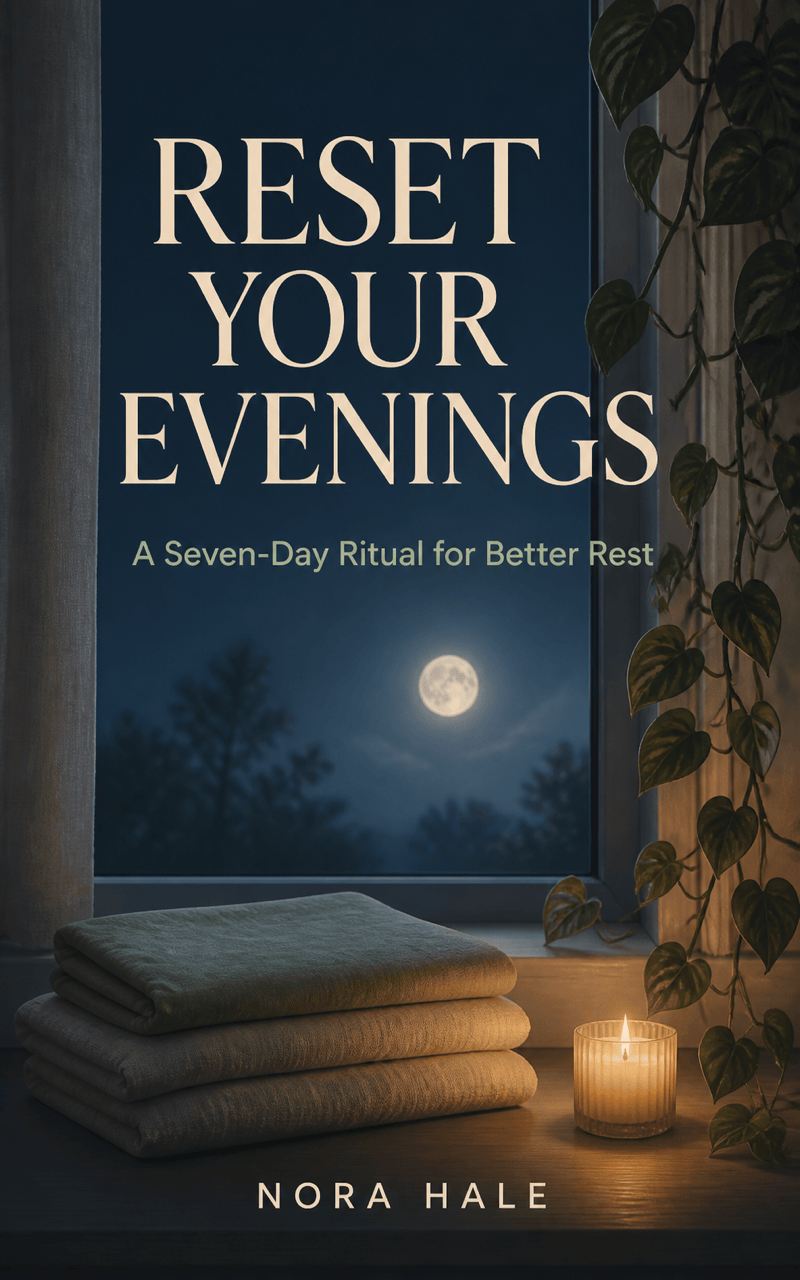
Wellness Guide: Create a calm digital cover titled 'RESET YOUR EVENINGS', subtitle 'A Seven-Day Ritual for Better Rest', by 'NORA HALE'. Use a moonlit window, one trailing houseplant, soft indigo and sage, restrained serif title with a clean sans-serif subtitle, generous breathing room, and no medical symbols, stock-photo collage, fake credentials, or extra words.
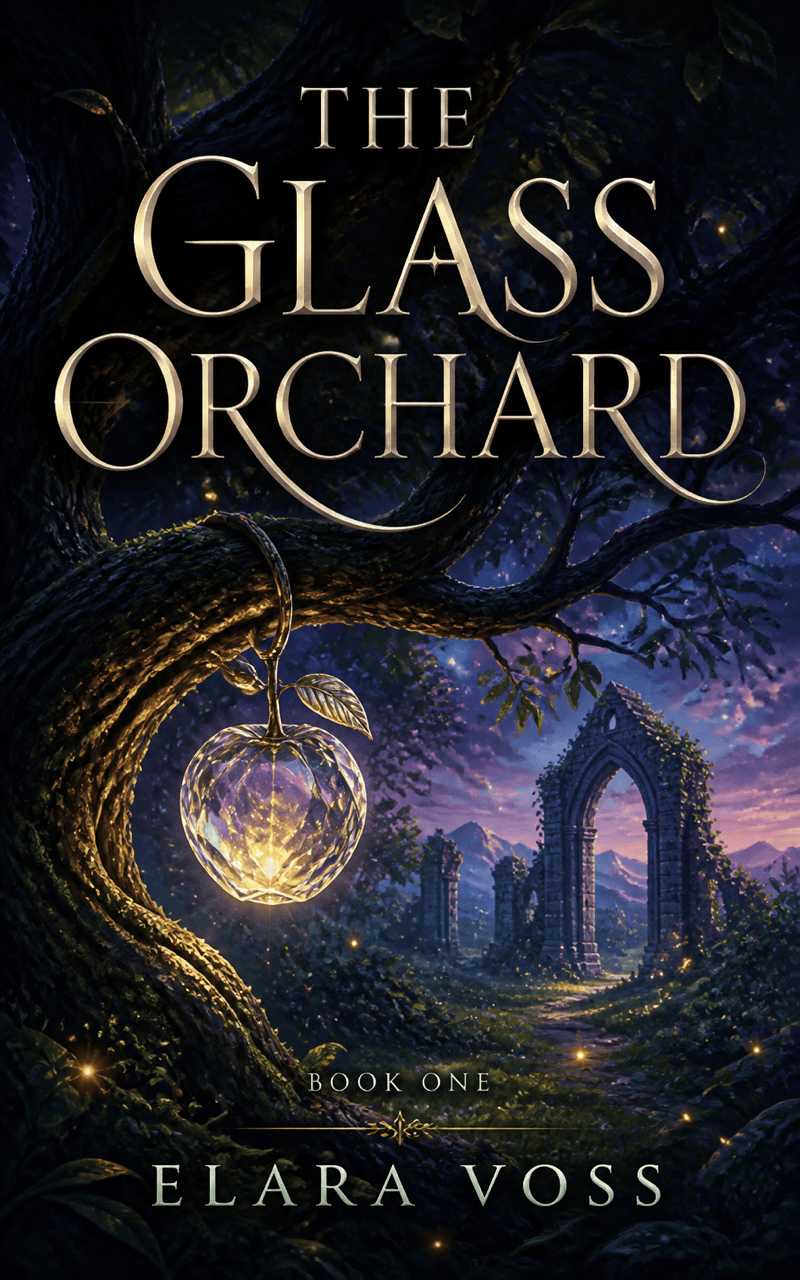
Fantasy Ebook: Make a luminous front cover titled 'THE GLASS ORCHARD' by 'ELARA VOSS'. Show a single crystal fruit hanging in an ancient twilight grove with a distant ruined arch. Use emerald, violet, and pale gold, elegant high-contrast serif lettering, one small series marker 'BOOK ONE', original imagery, and no dragons, franchise characters, fake awards, spine, or back cover.
Practical Cookbook: Design a bright ebook cover titled 'ONE PAN, REAL LIFE', subtitle 'Thirty Fast Dinners for Busy Weeknights', by 'LEO MARTIN'. Use one overhead enamel pan with colorful vegetables, warm cream background, bold friendly title, small author line, clean appetizing photography, and no restaurant logos, recipe text, cluttered ingredient collage, or extra labels.
Course Download: Create a polished PDF ebook front titled 'THE CLIENT ONBOARDING FIELD GUIDE' with the brand line 'NORTHLINE STUDIO'. Use a modular checklist symbol, cobalt and electric mint accents on charcoal, modern geometric type, space for a small permitted logo reference, strong mobile thumbnail contrast, and no fake statistics, calls to action, extra copy, spine, back cover, or device frame.





