Free OnlineAI Book Cover Mockup Maker
How to Make a Book Cover Mockup with AI
Choose the Edition and View
Upload the Cover Artwork
Stage the Book for Its Audience
Inspect the Binding and Export

Why Choose Mew Design as Your AI Book Cover Mockup Maker
Paperback, Hardcover, and Ebook Views
Create the edition your launch actually needs: angled paperback, premium casebound book, dust jacket, stacked set, open spread, tablet display, or coordinated print-and-ebook image.
Cover Art Mapped to Book Geometry
The online book cover mockup maker considers front planes, spine width, cover edges, perspective, page blocks, and binding so the artwork feels attached to a physical object.
Genre-Aware Marketing Scenes
A thriller, cookbook, business guide, romance novel, and children’s picture book should not share the same props or mood. Describe the readership and Mew Design builds a relevant presentation.
Evaluate a Cover Before Printing
Compare cover directions as realistic books before approving a print run. A mockup can reveal weak thumbnail contrast, awkward spine hierarchy, or an image that loses impact at an angle.
Launch Variations Without New Photos
Ask for a clean retailer image, author announcement, flat lay, bedside lifestyle shot, or a multi-book series arrangement while keeping the same cover identity.
Free Credits and Watermark-Free Export
Try the free AI book mockup generator with signup credits. Export clean images for KDP promotion, client presentations, newsletters, social media, or an author press kit.
How to Write an Effective AI Book Cover Mockup Prompt
- Define the Book Object: State paperback or hardcover, trim ratio, approximate page count, page color, finish, dust jacket, and whether the spine or back cover should be visible.
- Assign the Artwork: Name the uploaded front, spine, and back files. Specify what text, colors, proportions, and illustration details must remain unchanged.
- Direct the Photography: Choose straight-on, three-quarter, top-down, stacked, open, or device view, then add light direction, surface, background, props, and depth of field.
- Name the Publishing Use: Mention Amazon/KDP, an author website, a cover reveal, preorder ad, media kit, client approval, or bookstore sell sheet so the crop supports that destination.
Customizable AI Book Cover Mockup Prompt Examples
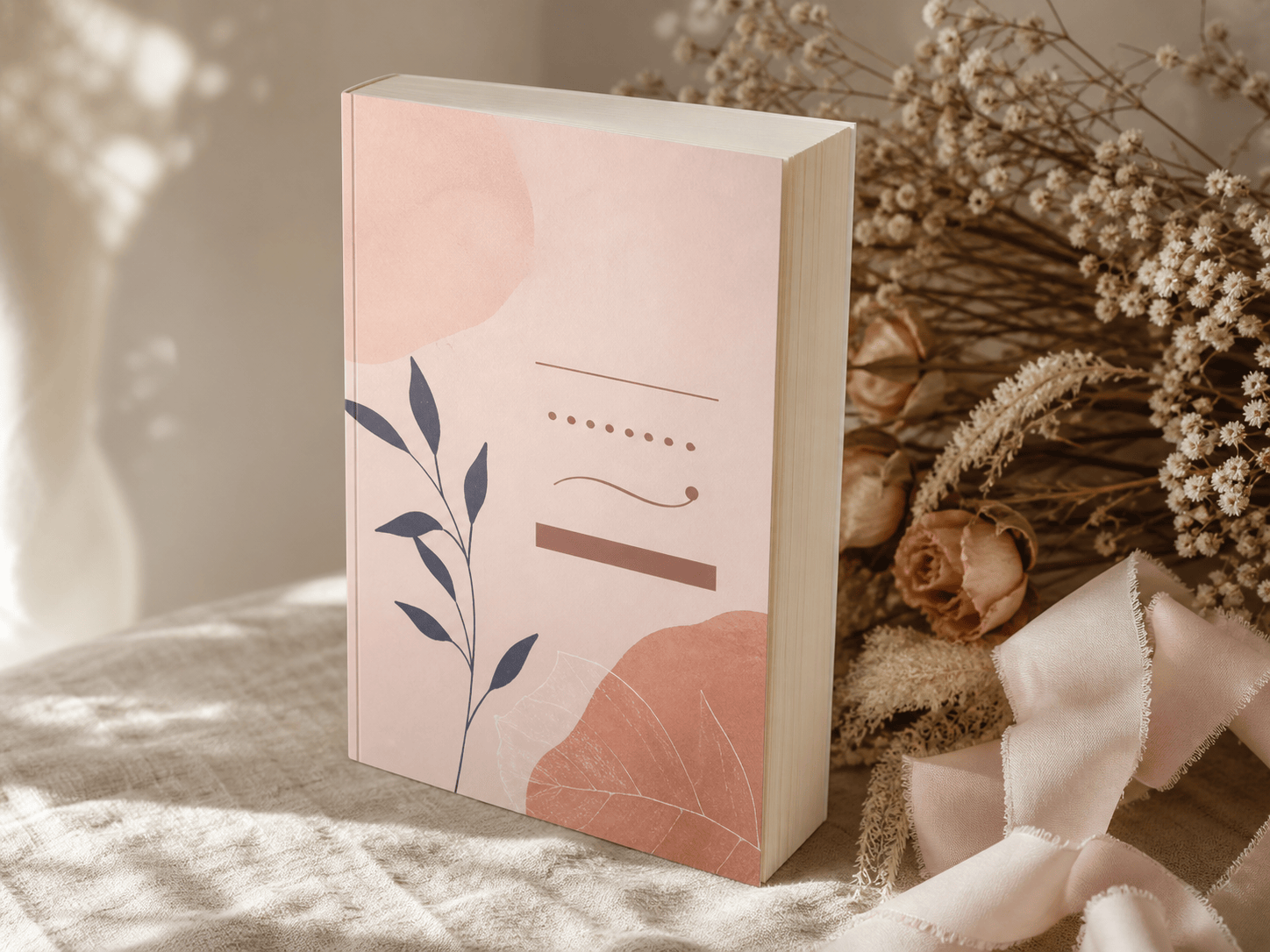
Romance Paperback Reveal: Apply my uploaded cover to a 5×8-inch matte paperback with 280 cream pages. Show the book standing at a soft three-quarter angle beside blush flowers and a linen ribbon, warm natural light, bright 4:3 social-launch crop. Preserve title and author text exactly.
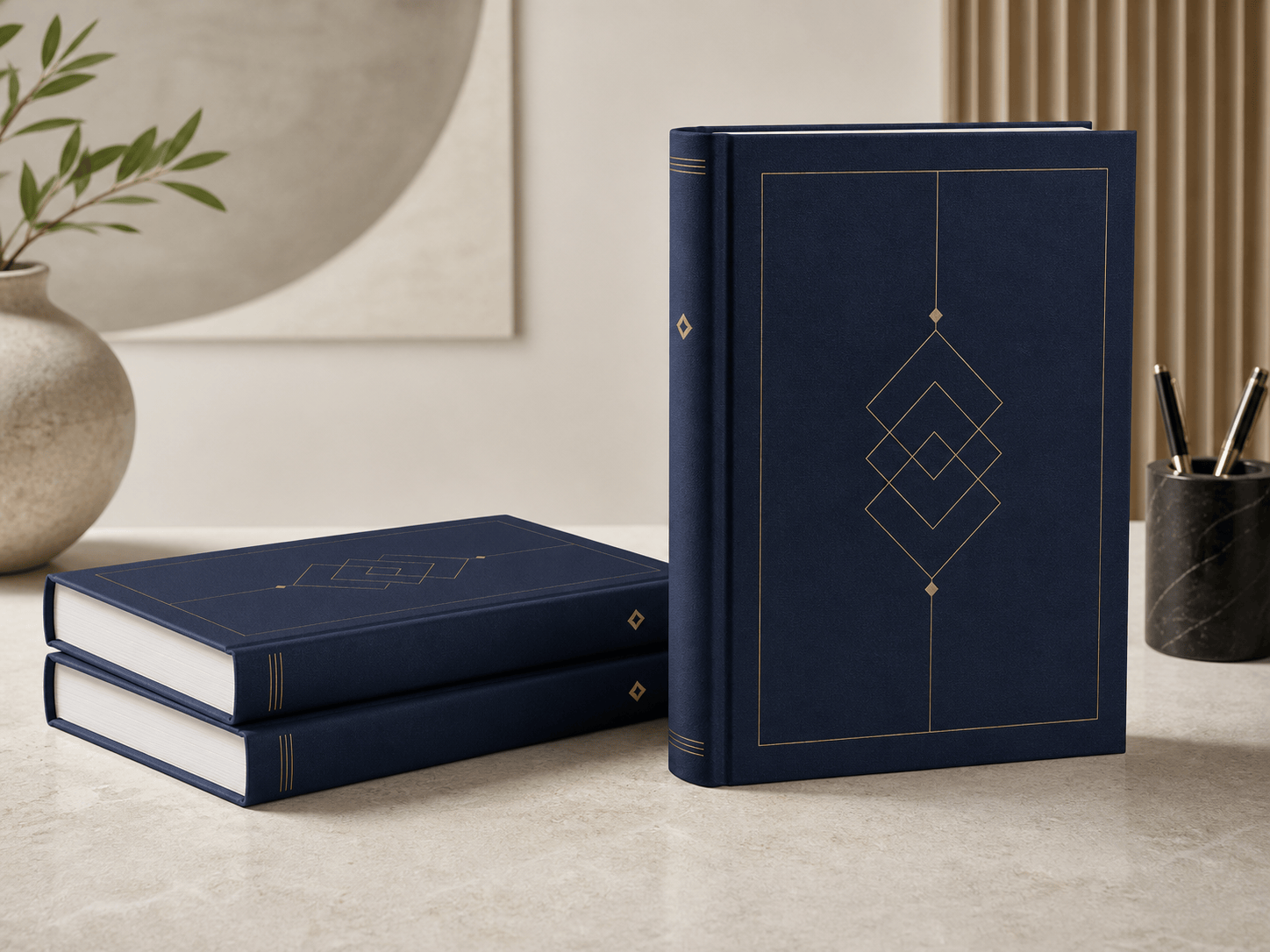
Business Hardcover: Place my uploaded navy-and-gold cover on a premium casebound business book, visible spine, two-copy stack on a pale stone desk. Clean executive lighting, crisp page edges, generous negative space for a LinkedIn launch graphic.
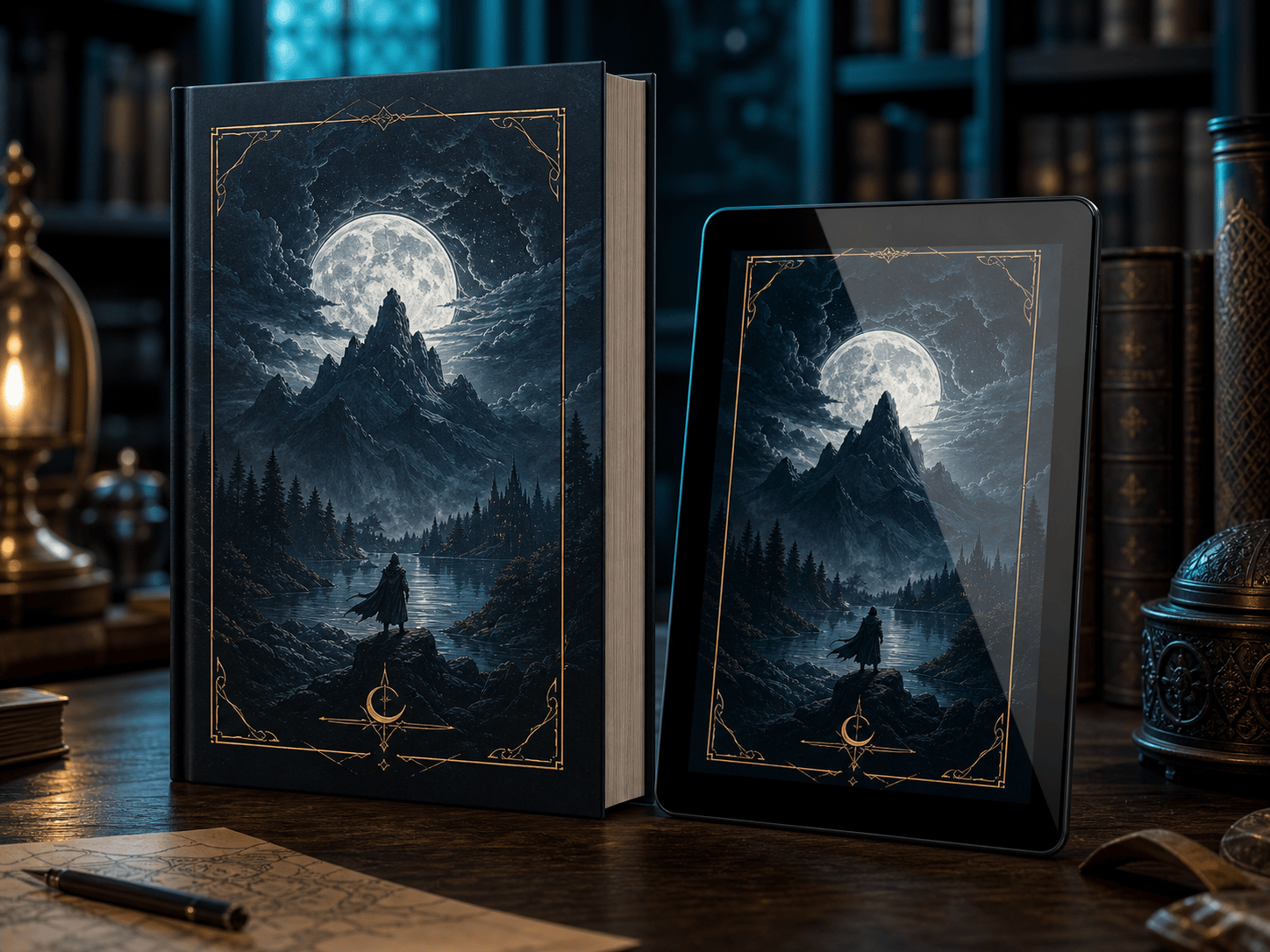
Fantasy Edition Bundle: Create a coordinated mockup with one thick paperback and one tablet displaying my uploaded fantasy cover. Dark atmospheric library setting, subtle teal rim light, embossed-foil impression, no invented symbols or text.
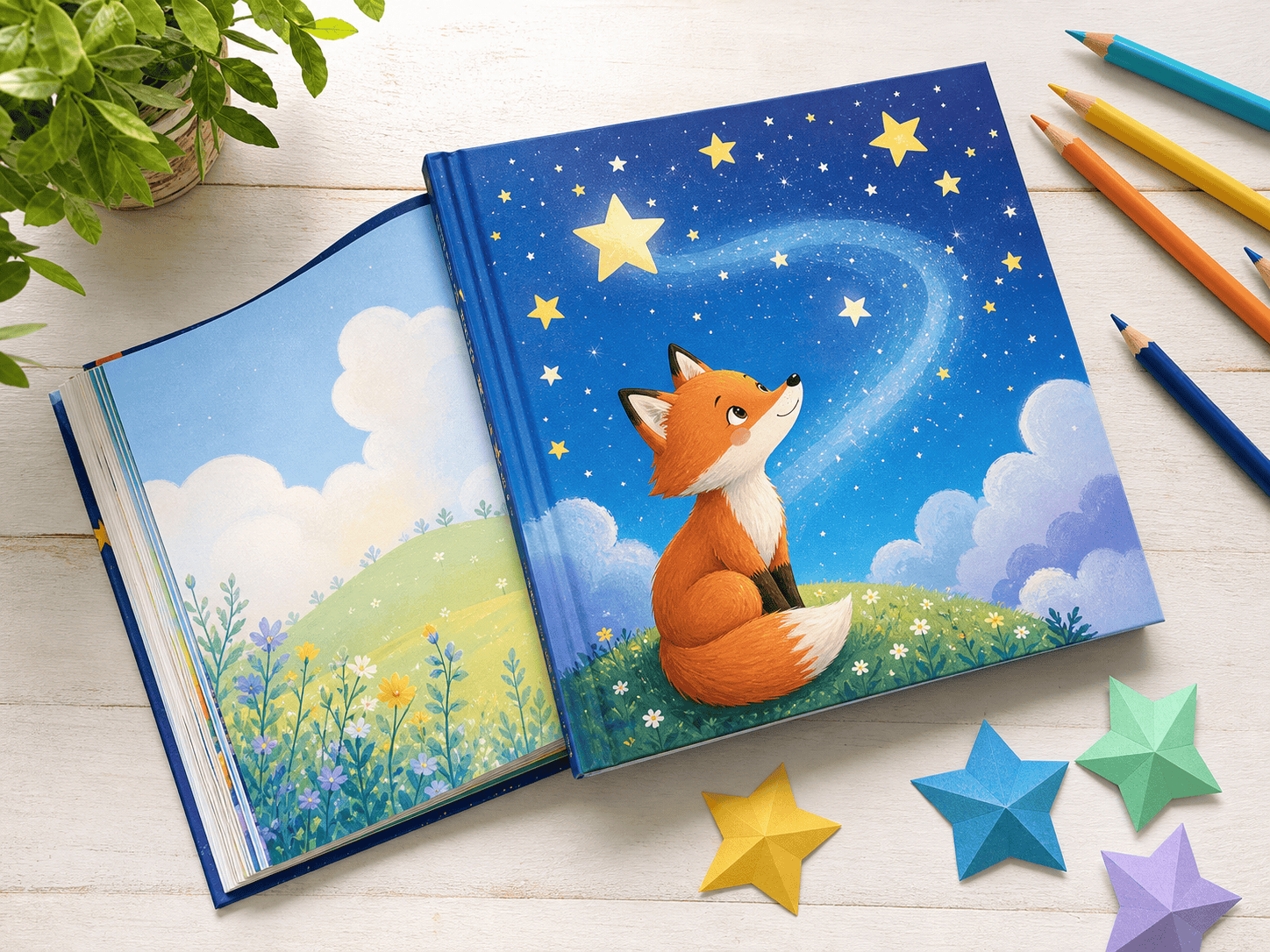
Children’s Picture Book: Map my uploaded illustrated cover onto a square hardcover picture book lying open beside colored pencils and paper stars. Bright daylight, playful top-down flat lay, realistic thick pages, cheerful publisher-catalog style.
Cookbook Lifestyle: Show my uploaded cookbook cover on a large matte hardcover standing on a bright kitchen counter, with an open copy behind it and restrained herb props. Keep food imagery and title accurate; clean retailer-ready composition.
Three-Book Series: Use the three uploaded covers on matching trade paperbacks arranged as one standing book and two stacked books. Keep spine colors and series numbering consistent, neutral studio background, soft shadows, front-facing ecommerce crop.





