Free OnlineAI Duotone Generator
How to Create a Duotone Image with AI
Upload or Describe Your Image
Set the Two-Color Direction
Generate the Duotone Look
Refine and Export

Why Use Mew Design for AI Duotone Effects
Recolor Photos Through Conversation
Skip adjustment layers and filter menus. Upload an image, ask for a navy-and-cyan treatment, and tell this AI duotone photo editor what to preserve or change.
Create Beyond a Fixed Filter
Start from a photo or generate the full visual from text with GPT Image 2.5. Mew Design can also adapt the subject, background, lighting, or layout when the concept needs more than recoloring.
Keep Faces and Key Details Clear
Use a contrast-rich source and ask the agent to retain facial features, product edges, or architectural forms while it remaps the image into two colors.
Match Custom Brand Colors
Give the duotone image maker exact hex values or upload brand references. Then request coordinated color pairs across a launch, playlist series, or social campaign.
Explore Coherent Variations
Generate several crops or palette directions without rebuilding the artwork. Compare warm/cool, dark/neon, editorial, halftone, and grainy print treatments for the same concept.
Try It Free and Export Cleanly
Sign up to test the free AI duotone generator with free AI credits. Finished exports are watermark-free and available as PNG or JPG for common creative workflows.
How to Prompt AI for a Strong Duotone Effect
- Choose Tonal Contrast: Pair a genuinely dark color with a noticeably lighter one so faces, textures, and silhouettes stay readable.
- Name the Destination: Request a square album cover, vertical poster, web hero, profile image, or campaign tile so the composition fits its final placement.
- Protect Important Details: Tell Mew Design to keep facial identity, product contours, logo placement, or background transparency unchanged when editing a source image.
- Add a Print Character: For a less digital finish, ask for halftone dots, risograph grain, screen-print texture, paper noise, or a clean vector-like treatment.
Duotone Prompts for Photos, Covers, and Campaigns
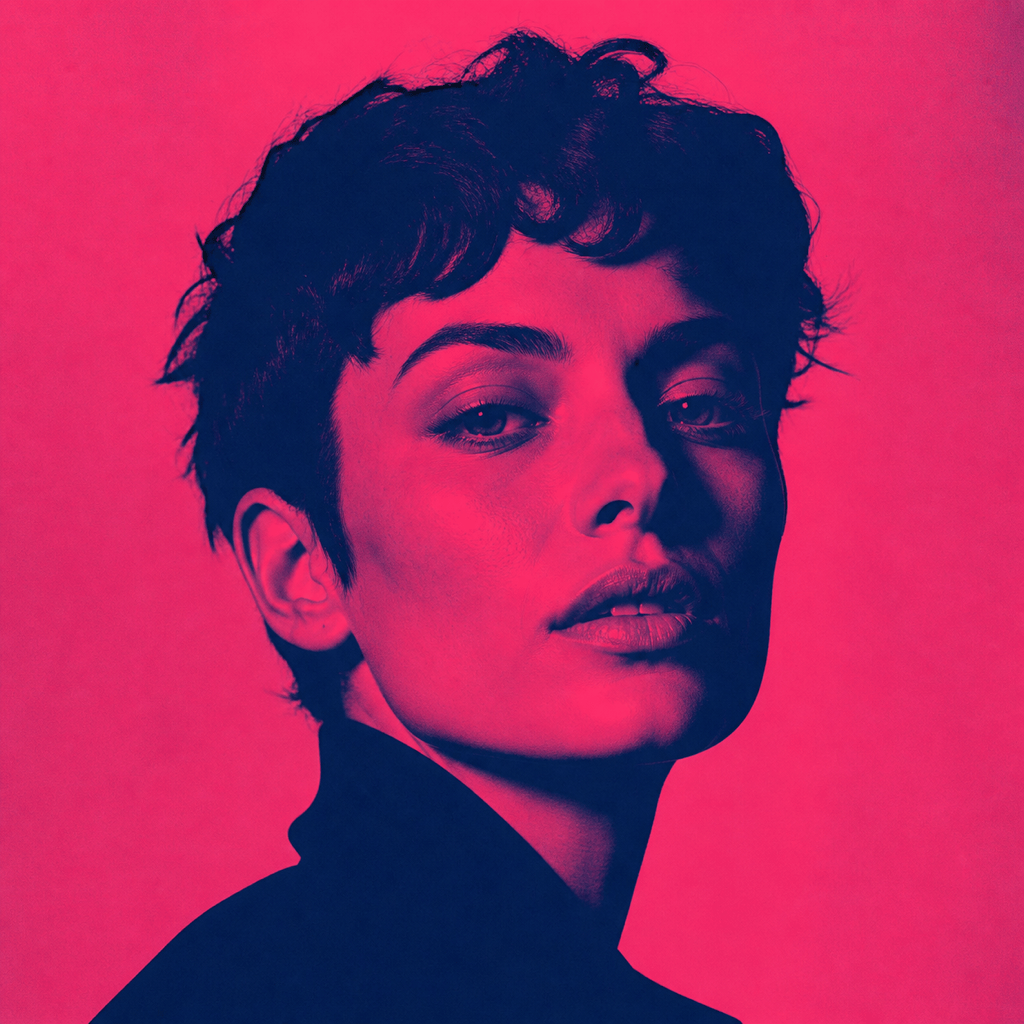
Editorial Portrait: Turn my uploaded portrait into a square duotone image. Use deep navy shadows and hot pink highlights, preserve facial identity and hair detail, add subtle magazine-print grain, and leave negative space on the left for a headline.
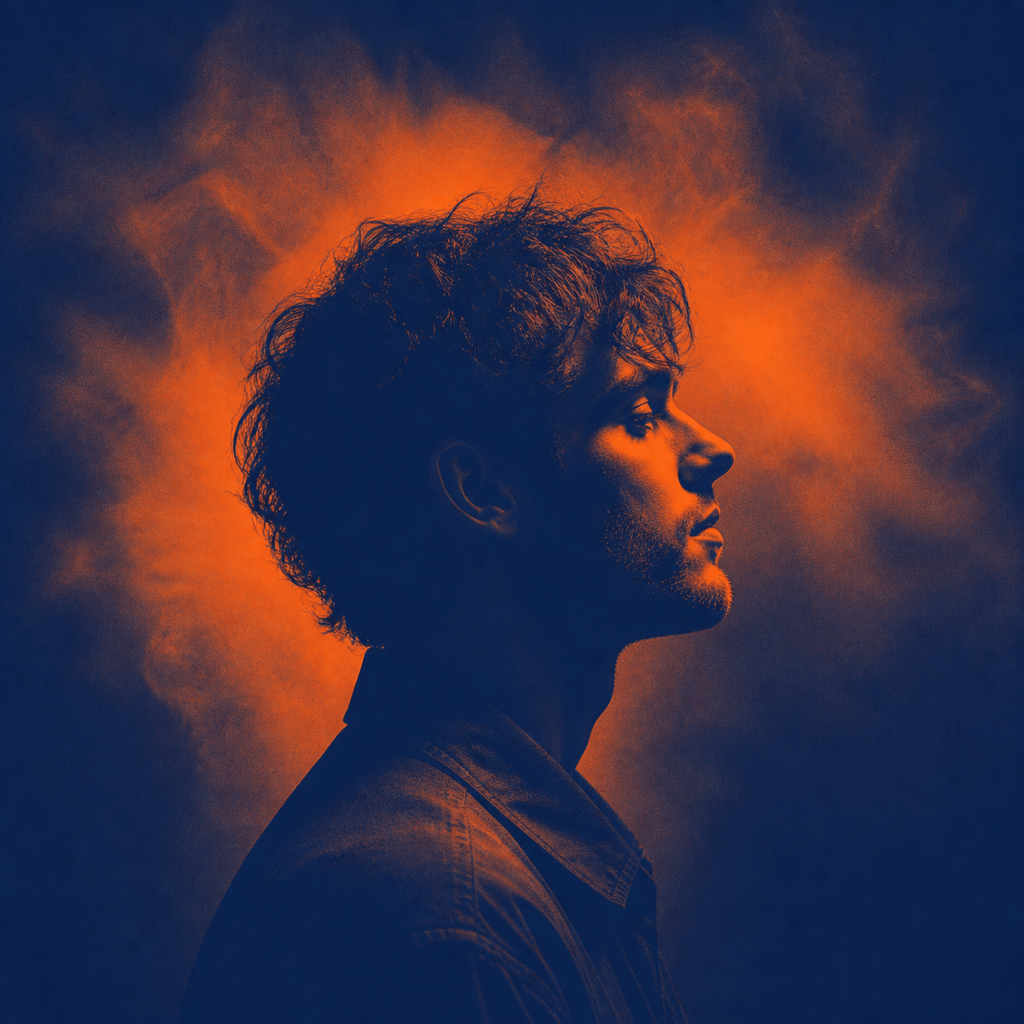
Album Cover: Create a high-contrast duotone portrait of an independent electronic musician, indigo shadows and warm orange highlights, dramatic side lighting, centered square crop, soft film grain, no text or logos.
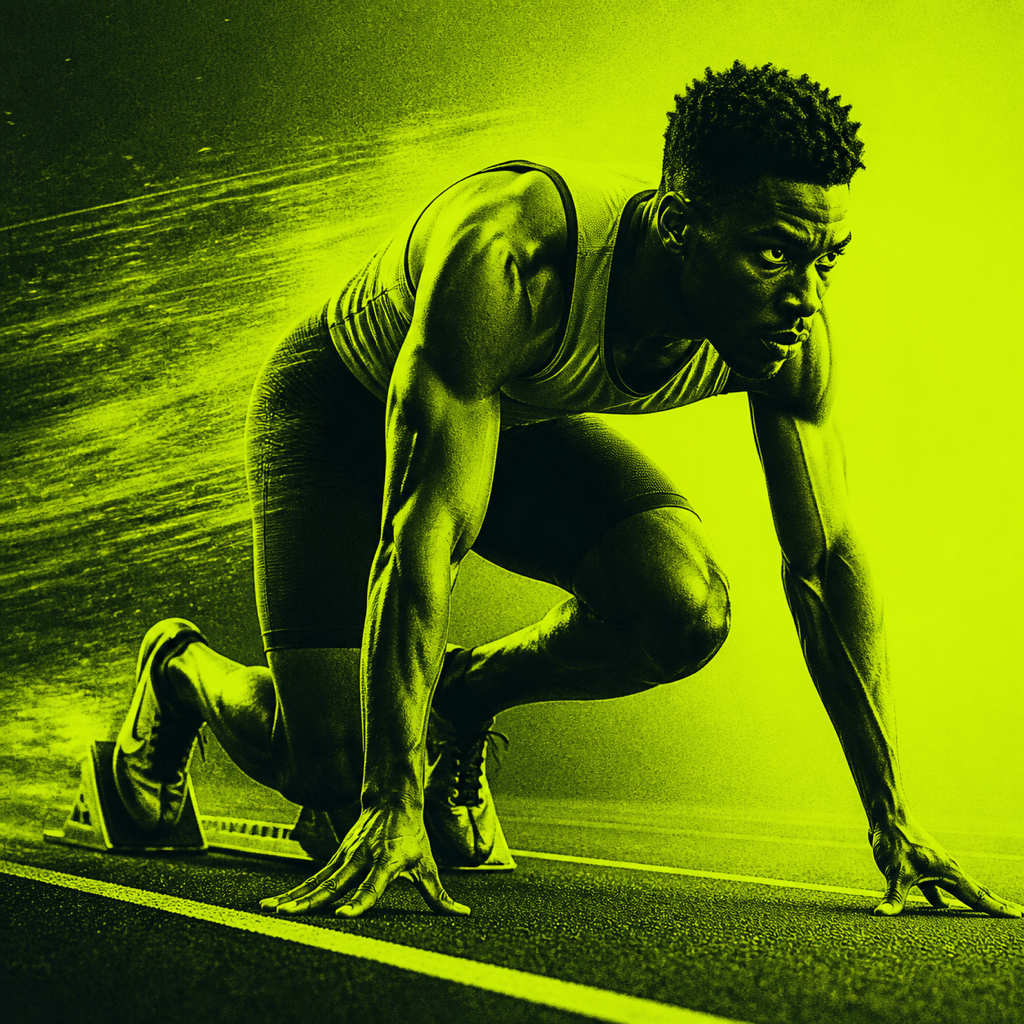
Spotify-Style Social Graphic: Rework my uploaded band photo into a bold two-color photo effect using black-green shadows and bright lime highlights. Keep every face recognizable and create a clean 1:1 campaign tile.
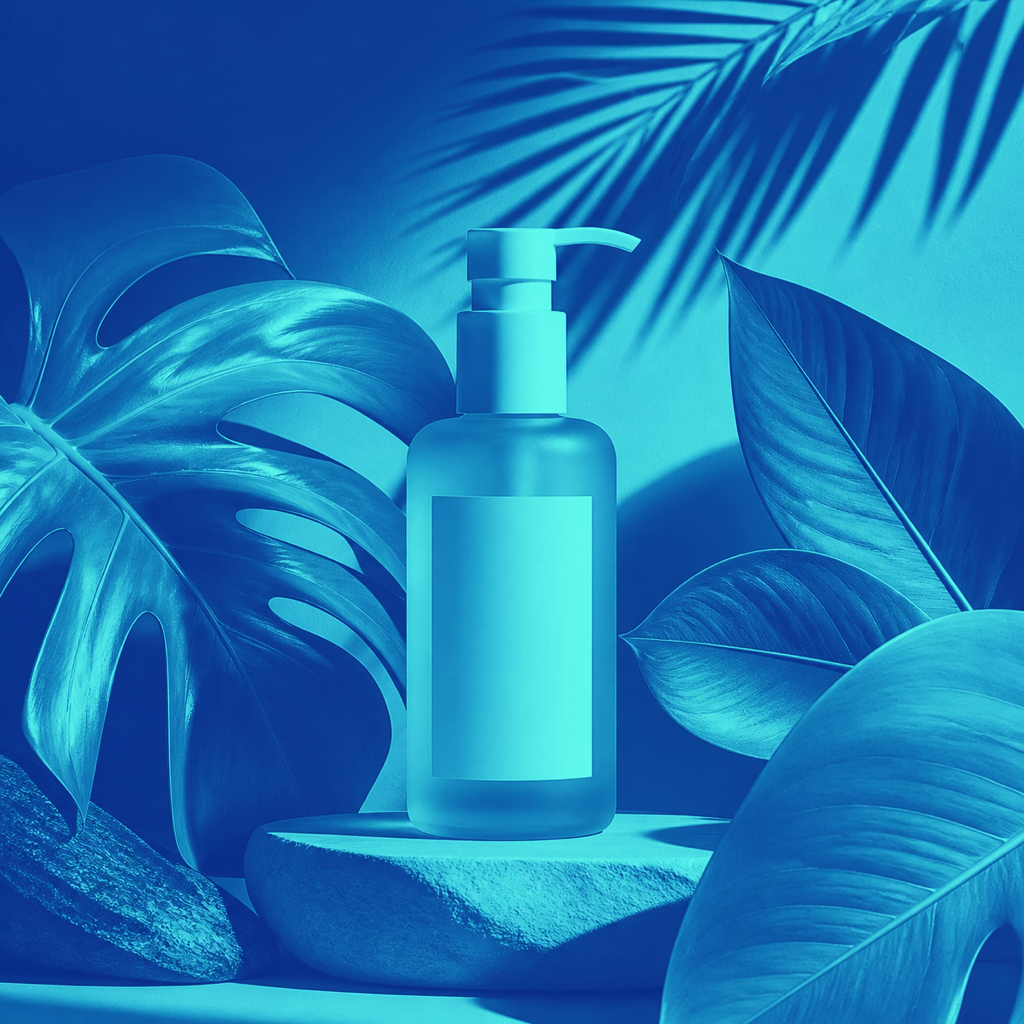
Brand Campaign: Apply our custom colors #062B67 and #55E5FF to the uploaded product photo. Preserve the packaging shape, remove distracting background detail, and generate three coherent crops for website, story, and feed use.
Event Poster Artwork: Generate a vertical duotone image of a dancer in motion with charcoal shadows and electric cyan highlights, strong silhouette separation, screen-print texture, and clear empty space at the top for event details.
Retro Halftone Portrait: Transform my selfie into a two-color vintage print using burgundy shadows and pale peach highlights. Use coarse halftone dots, keep the eyes sharp, simplify the background, and export a square profile image.





