Free OnlineAI Drawing Filter
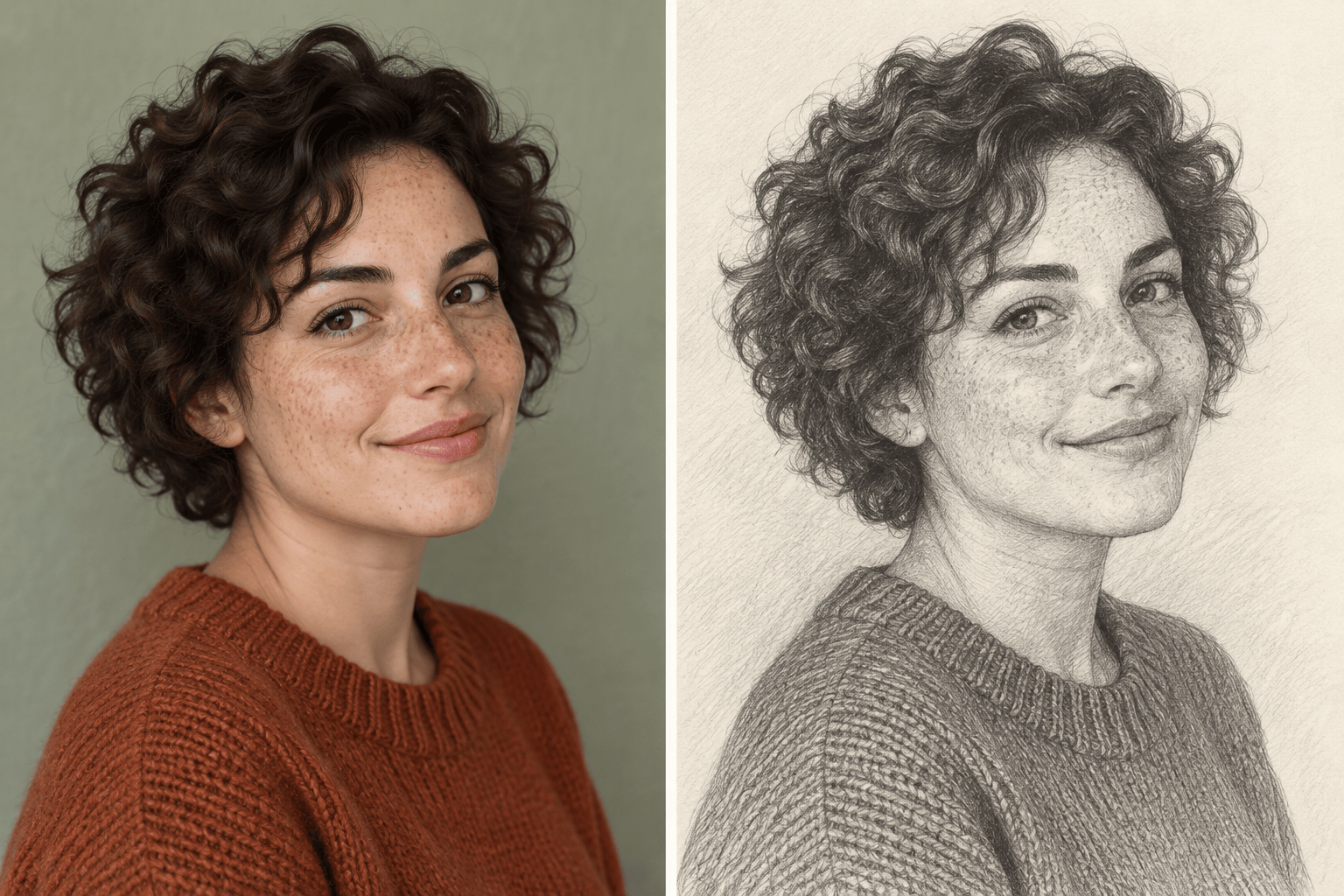
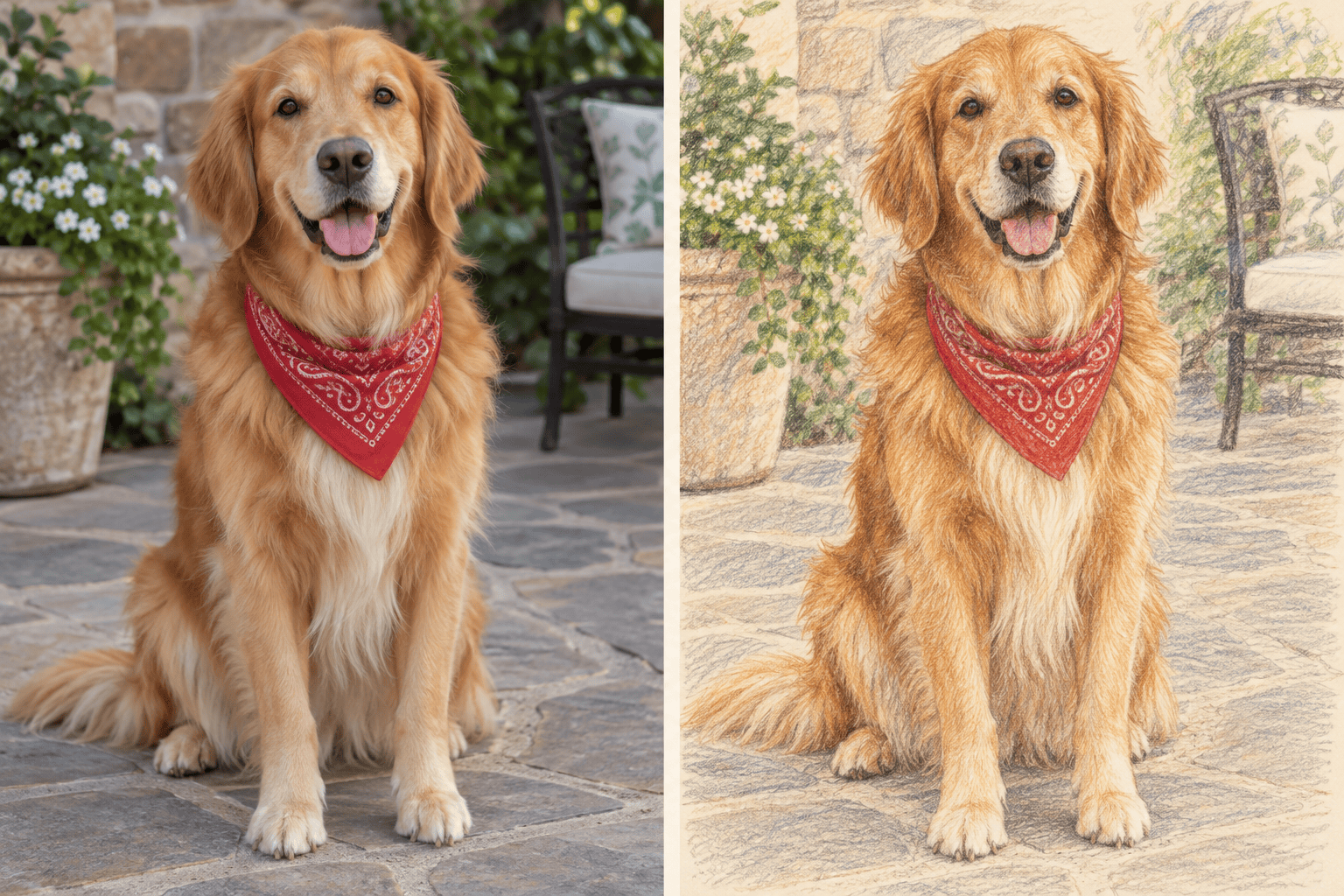
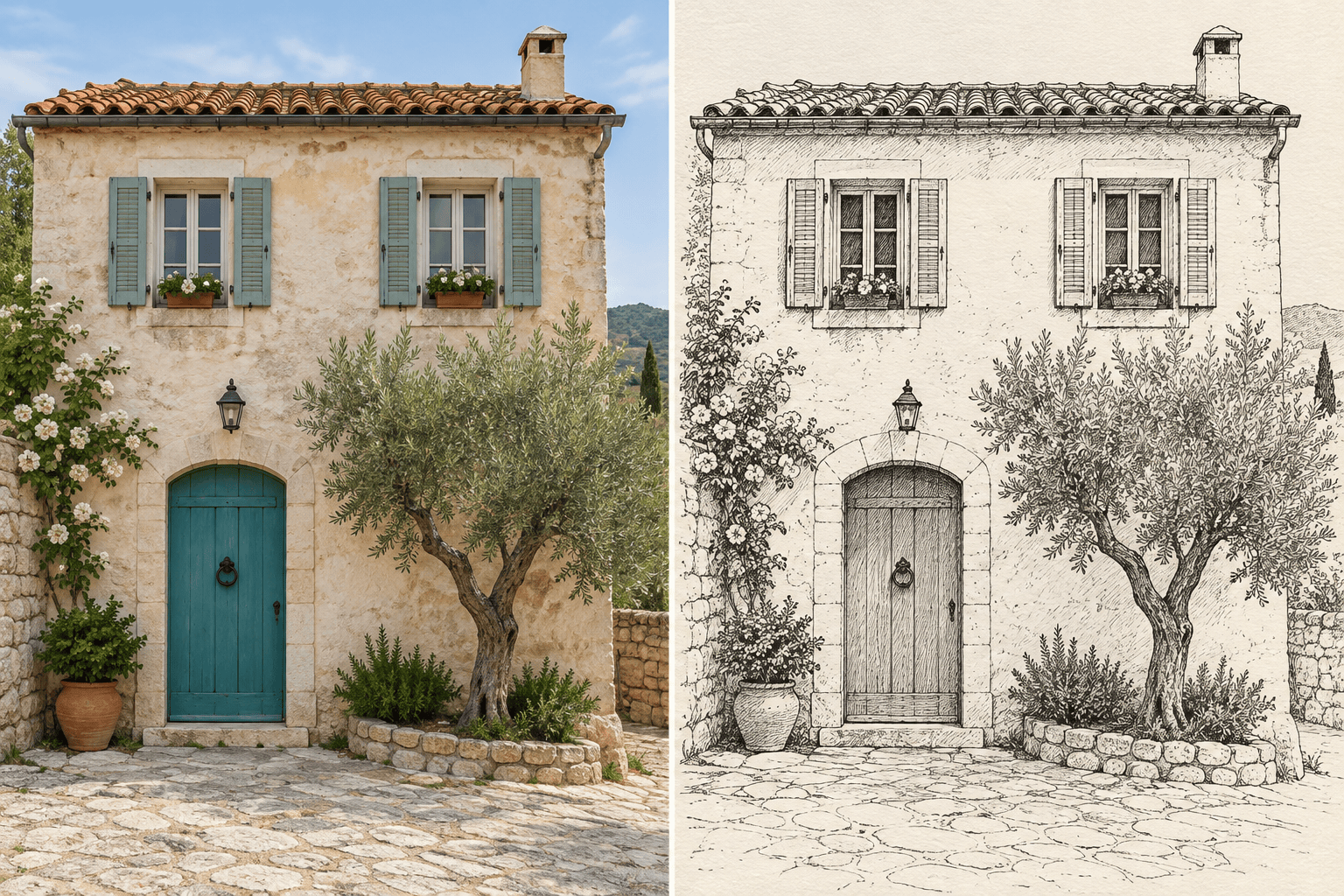
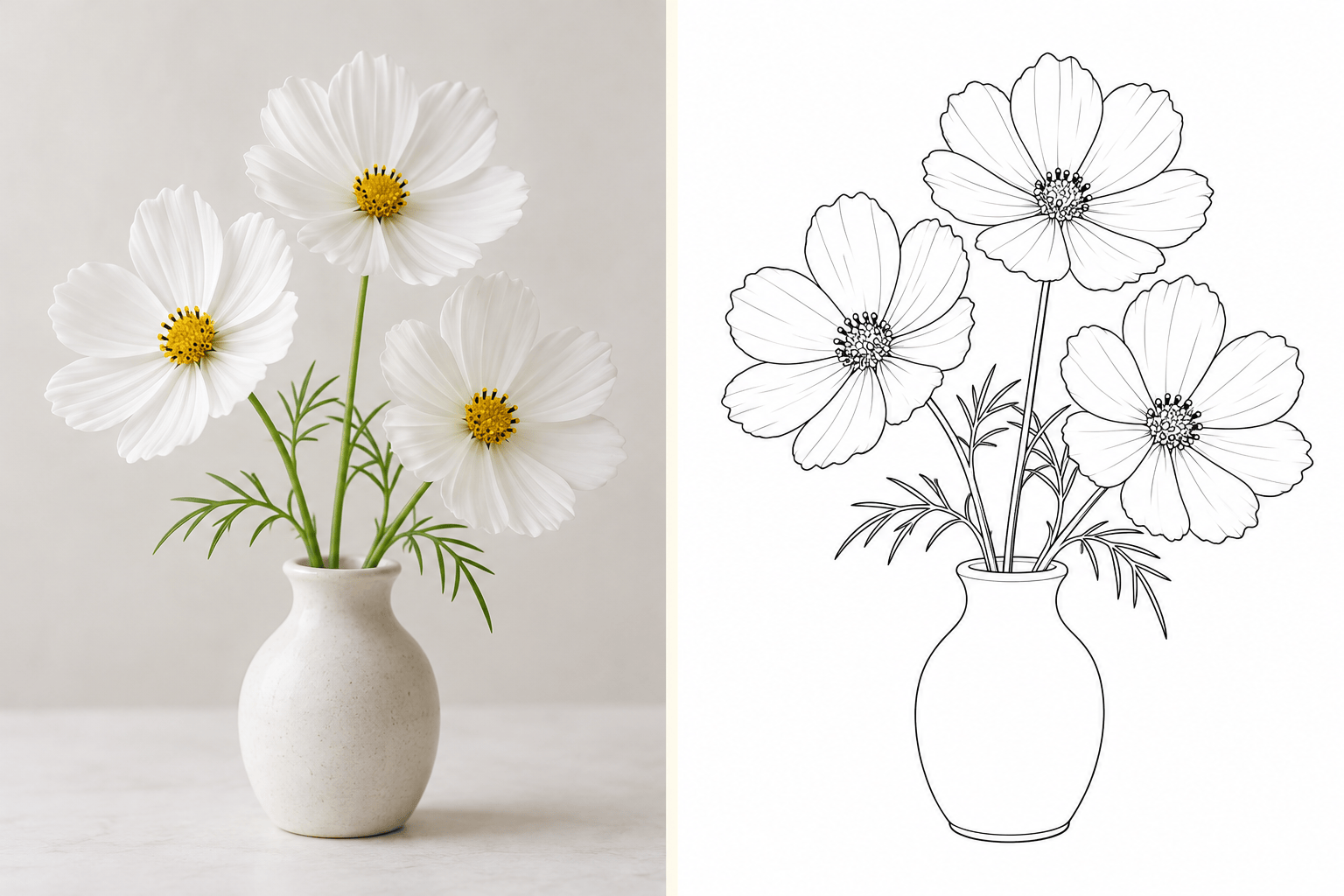
How to Turn a Photo into a Drawing with AI
Upload a Clear Photo
Describe the Drawing Style
Check the Details
Download Your Drawing

A Drawing Effect You Can Shape
Start with Your Own Subject
Use your photo as the visual starting point. This photo to drawing converter supports portraits, pets, buildings, and everyday objects.
Choose the Marks and Texture
Our AI sketch filter follows descriptions of pencil shading, colored strokes, or ink outlines. Ask for the finish that suits your photo.
Refine the Parts That Matter
Use Chat Edit to adjust dark shadows, stray lines, or distracting backgrounds. Point out the source details that need another pass.
Bring a Style Reference
Upload a drawing reference alongside your photo. Explain which image supplies the subject and which supplies the line work or texture.
Compare Drawing Directions
Request a softly shaded portrait and a bolder ink version from the same photo. Compare them at profile-picture size before choosing.
Keep a Watermark-Free Copy
Download your drawing as PNG or JPG for social posts or personal projects. Free signup credits let you test a style before continuing.
Choose the Right Photo and Drawing Finish
- Start Sharp: Use a clear image with visible eyes or defined subject edges. A heavily blurred photo leaves the AI guessing.
- Match the Medium: Choose pencil for soft shading, colored pencil for visible color strokes, or line art for outlines with little or no gray fill.
- Name What Must Stay: Mention an expression, pet markings, or building proportions. Compare these with the original after generation.
- Plan the Background: Keep scenery for a travel sketch, or request plain paper for a portrait. Busy textures can compete with the subject.
Fix Common Photo-to-Drawing Problems
Use my original portrait to revise this drawing. Bring the eye shape, smile, and jawline closer to the photo while keeping the pencil style.
Lighten the heavy graphite shading in this drawing. Keep the facial contours and use separate pencil strokes instead of broad dark patches.
Simplify the background in this photo-based drawing to plain white paper. Keep the subject outline and current drawing style.
Revise this pet drawing using my source photo. Restore the distinctive fur markings and separate the eyes and whiskers from the surrounding shading.
Compare this building sketch with my source photo. Correct the roofline and window placement while keeping the ink drawing style.
Turn my uploaded photo into a clean line drawing for a coloring page. Use clear closed outlines, a white background, and no shading or solid black fills.





