Free OnlineAI Craft Generator
How to Create a Craft Design with AI
Describe the Project and Materials
Generate a Craft Visual
Refine the Making Details
Export and Build

A More Practical AI Craft Maker for Handmade Ideas
See the Finished Idea Before Making
Turn a quick concept into a polished craft visual without sketching every detail. This free AI craft generator is useful for comparing shapes, palettes, and finishes before you spend time or materials.
Prompt With Real Craft Materials
Describe felt stitching, torn paper, corrugated cardboard, air-dry clay, beads, wood grain, pressed flowers, or recycled objects. The AI craft maker uses those tactile cues to produce a more relevant handmade look.
Create Printables and Presentation Views
Ask for an A4 printable-style layout, large easy-cut shapes, a top-down materials board, a finished product mockup, or a step-card concept. Always check dimensions and assembly marks before treating an AI image as a production template.
Edit Through Conversation
Keep the concept and change only what is not working. Chat Edit can simplify a kids' craft, adjust the number of pieces, improve visual hierarchy, swap colors, or make a holiday variation without restarting.
Use Photos and Style References
Upload your available supplies, a rough sketch, or a reference image. Mew Design can use image-to-image editing and models such as Nano Banana Pro and GPT Image 2.5 to explore a related direction.
Make Variations for Classes or Shops
Generate coordinated versions for different ages, seasons, colorways, or product listings. An online AI craft ideas generator can help teachers, DIY creators, and handmade sellers present one concept in several useful formats.
What Makes a Useful AI Craft Prompt
- Name the Material and Technique: Specify cardstock and folding, felt and embroidery, polymer clay shaping, wood burning, decoupage, macramé, or another real process.
- Set the Maker and Difficulty: Say whether the concept is for adults, teens, or children with supervision, and request beginner, intermediate, or detailed construction.
- Choose the Output View: Ask for a finished craft mockup, top-down materials layout, A4 printable-style template, packaging preview, or illustrated step-card concept.
- Add Constraints You Will Verify: State dimensions, number of pieces, palette, text, and assembly cues. Check all measurements, cut lines, fold marks, adhesives, tools, and safety requirements before making.
AI Craft Prompts for Real DIY Use Cases
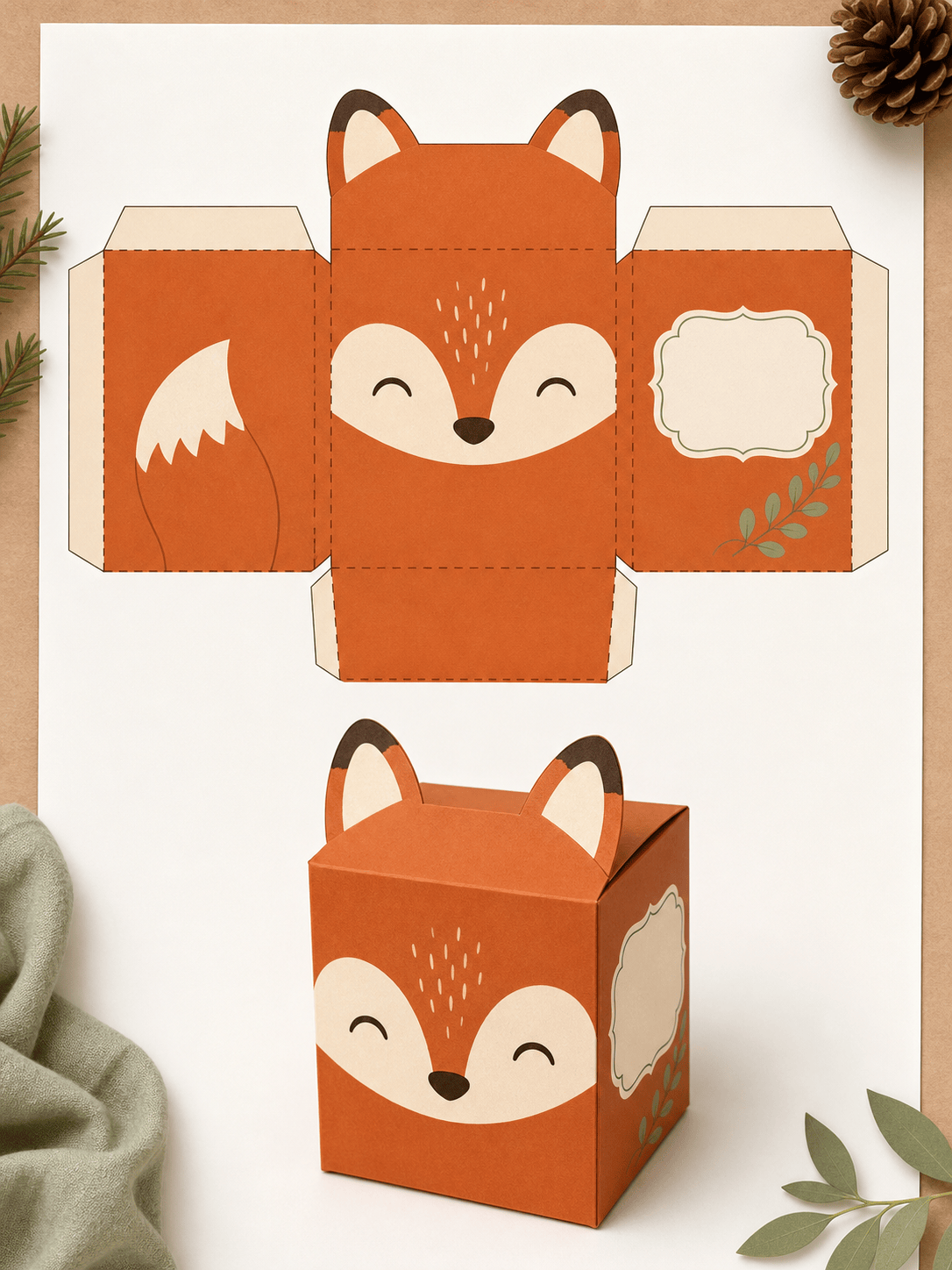
Printable Paper Gift Box: Create an A4 paper craft template for a small hexagonal favor box. Use a clean flat layout with solid cut lines, dashed fold lines, broad glue tabs, and a separate assembled mockup. Add a delicate blue botanical pattern and leave a blank label area. Keep the shape beginner-friendly.
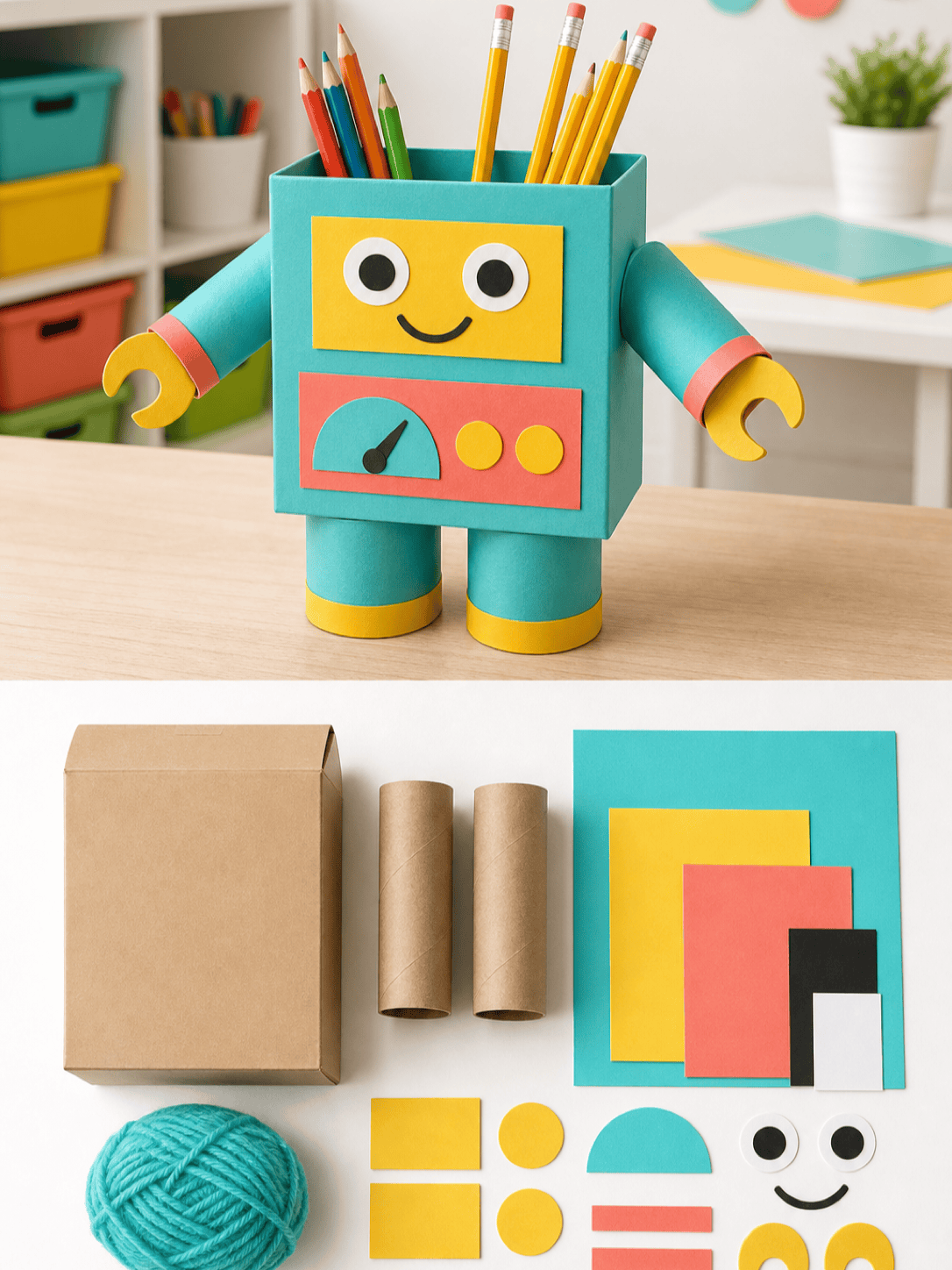
Recycled Kids' Craft: Visualize an adult-supervised classroom craft that turns one cereal box, two paper tubes, scrap paper, and yarn into a friendly robot desk organizer. Show a colorful finished example and a simple top-down parts arrangement. Use rounded shapes and avoid tiny detachable decorations.
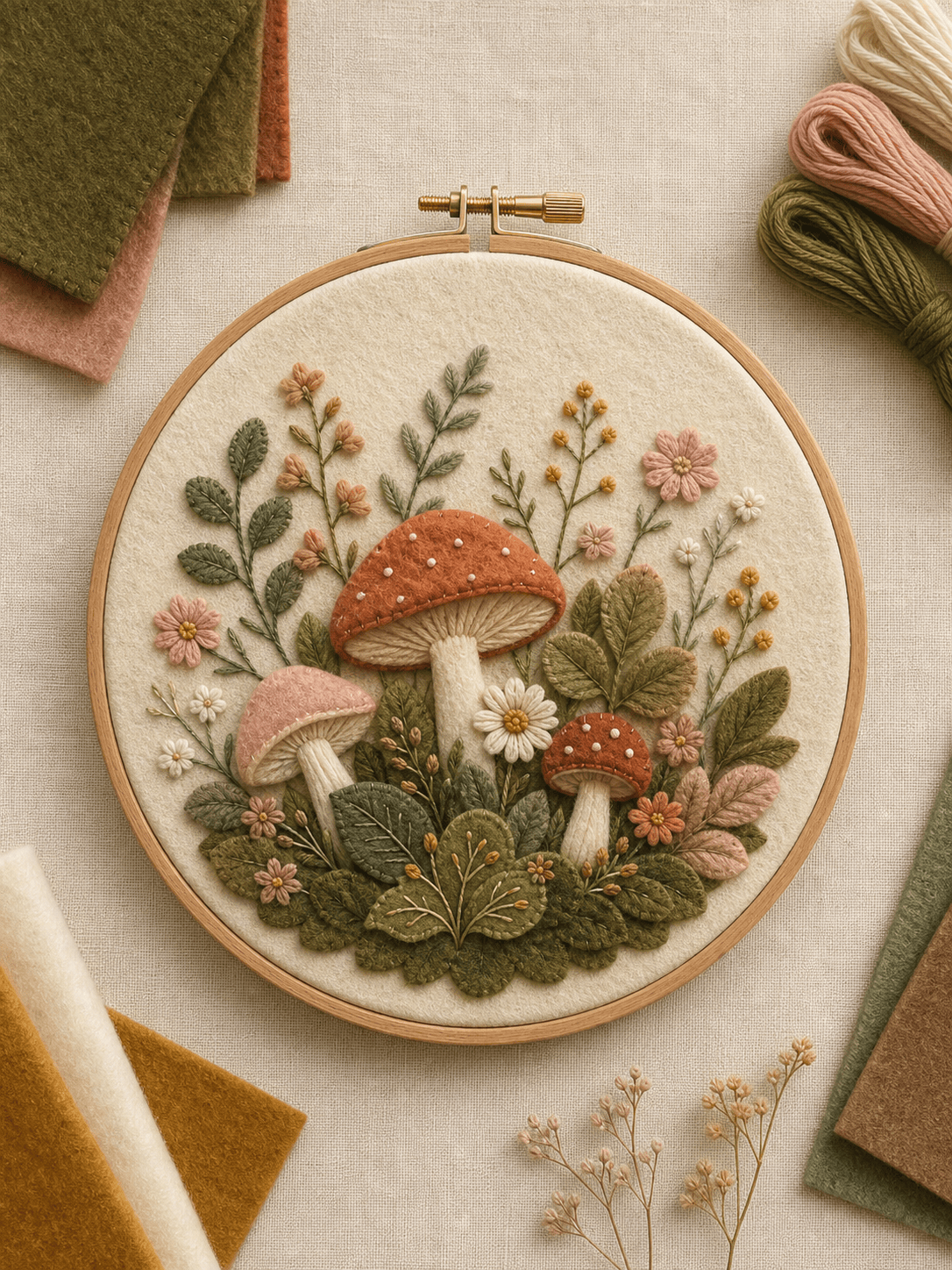
Felt Embroidery Hoop: Design a 15 cm cottage-garden embroidery hoop with layered felt mushrooms, wildflowers, and leaves. Show visible blanket stitches, simple beginner stitch paths, moss green, terracotta, cream, and blush felt, photographed as a warm handmade product mockup.
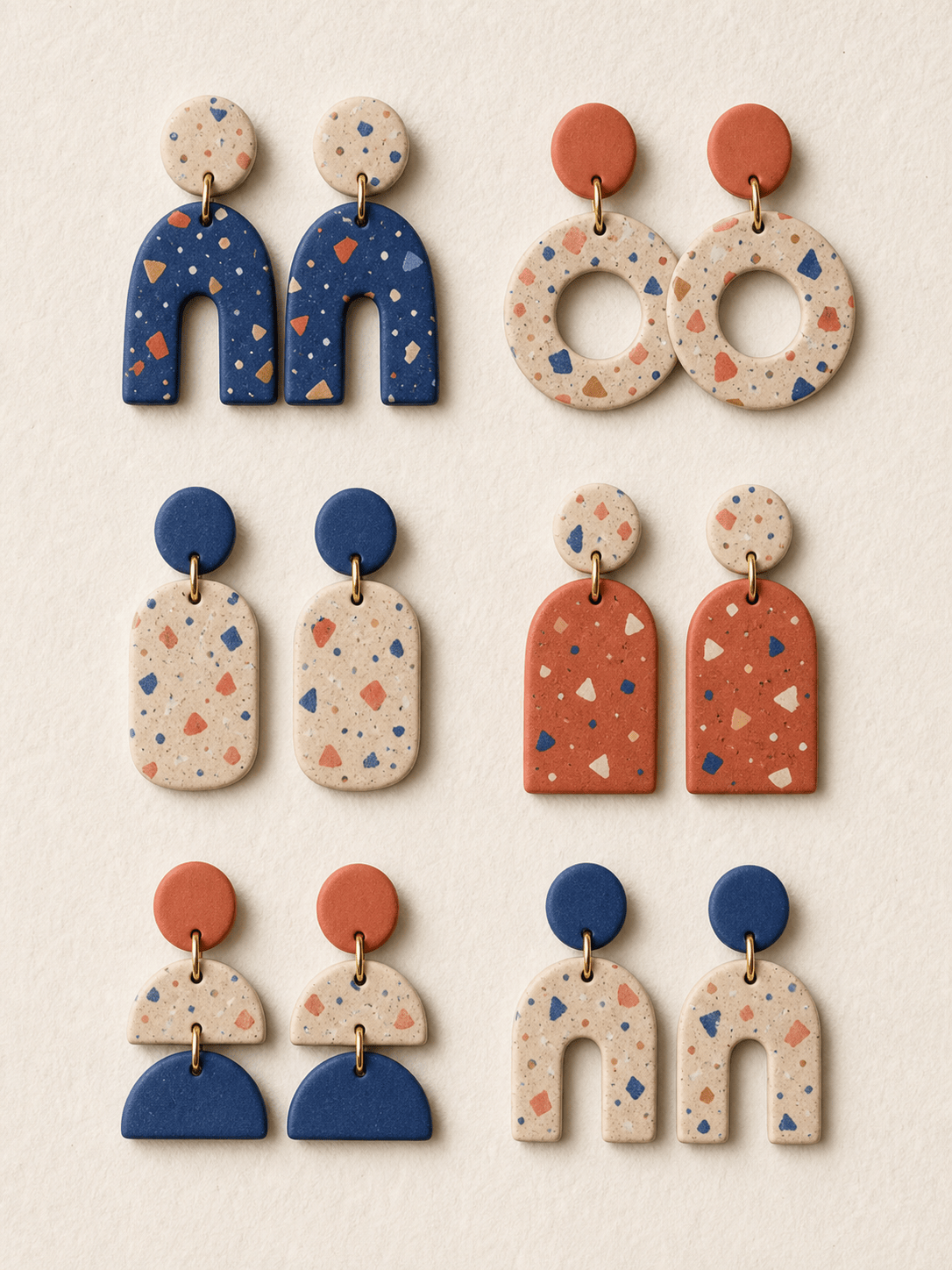
Polymer-Clay Earrings: Create a cohesive set of six lightweight polymer-clay earring concepts with terrazzo patterns. Use cream, cobalt, and coral, simple geometric cutters, realistic matte clay texture, small brass findings, and a clean grid that compares each pair.
Travel Scrapbook Page: Design a 12-by-12-inch scrapbook layout for a coastal road trip with space for four photos, torn kraft paper, map fragments, ticket-stub shapes, handwritten-style labels, and blue-gray fabric tape. Keep the photo hierarchy clear and the embellishments practical to layer.
Handmade Shop Mockup: Create an Etsy-style product concept for a set of lavender soy candles with hand-stamped recycled-paper labels, twine, and pressed-flower gift tags. Show one styled listing image plus a coordinated packaging flat lay. Use natural daylight and a quiet rustic palette.





