Free OnlineAI Comparison Infographic Generator
How to Create a Comparison Infographic with AI
Describe what you want to compare
AI generates your comparison infographic
Refine the content and design
Export and share

Top Reasons to Pick Mew Design as Your AI Comparison Infographic Maker
Generate Comparison Infographic from Text, Data, or URL
Paste raw notes, structured data, or webpage URLs. Mew Design organizes key points into an AI-generated comparison infographic with clear sections and visual flow.
Built for Side-by-Side Decision Making
Create product comparisons, pricing plans, feature charts, pros and cons visuals, and competitor breakdowns that help viewers understand differences quickly.
Clear Text and Layout Accuracy
Comparison visuals depend on precise wording. Our online AI comparison infographic generator keeps labels, bullet points, numbers, and category names readable and well placed.
Brand-ready Infographics for Work
Upload brand colors, logos, or design references to match your comparison infographic with reports, sales decks, marketing pages, or internal presentations.
Edit by Chat or by Hand
If the generated result isn't what you wanted, continue editing – use Chat Edit to describe changes naturally, or use Click Edit to update the copy manually.
Free AI Comparison Infographic Trial
Use the free AI credits after signup to test this AI comparison infographic generator, then export watermark-free results when your design is ready.
How to Write a Good Prompt for AI Comparison Infographic Creation
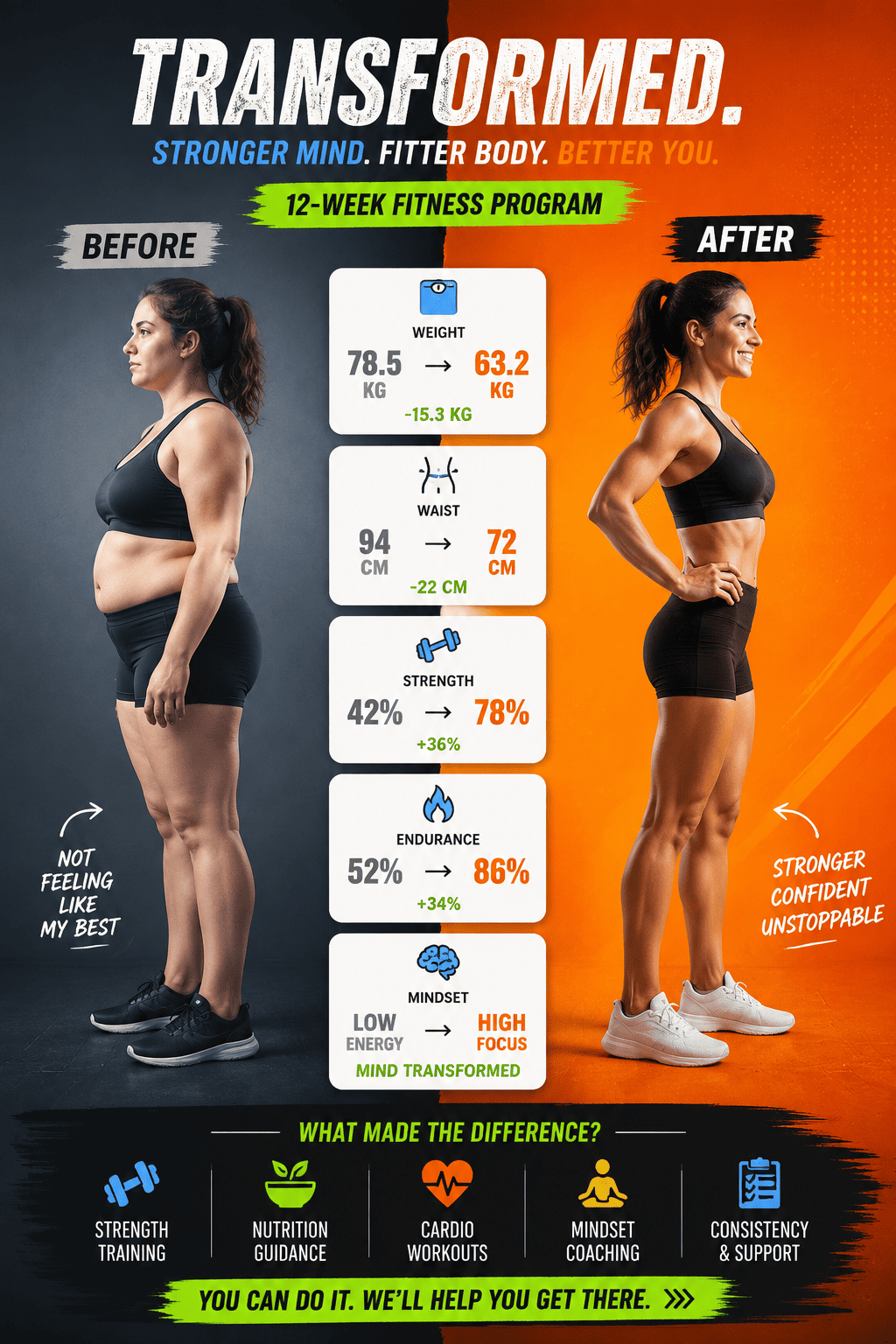
- Items to Compare: Mention important parts such as product comparison, pricing comparison, before after, labels, sections, motifs, data points, or required text.
- Comparison Criteria: Mention the exact categories you want included, such as price, features, benefits, limitations, audience, performance, or use cases.
- Decision Goal: Explain why you are making the comparison, such as helping customers choose a plan, supporting a sales deck, or summarizing research.
- Visual Format: Specify whether you want a two-column layout, three-plan pricing chart, feature matrix, pros and cons infographic, or report-style visual.
AI Comparison Infographic Prompt Examples You Can Adapt
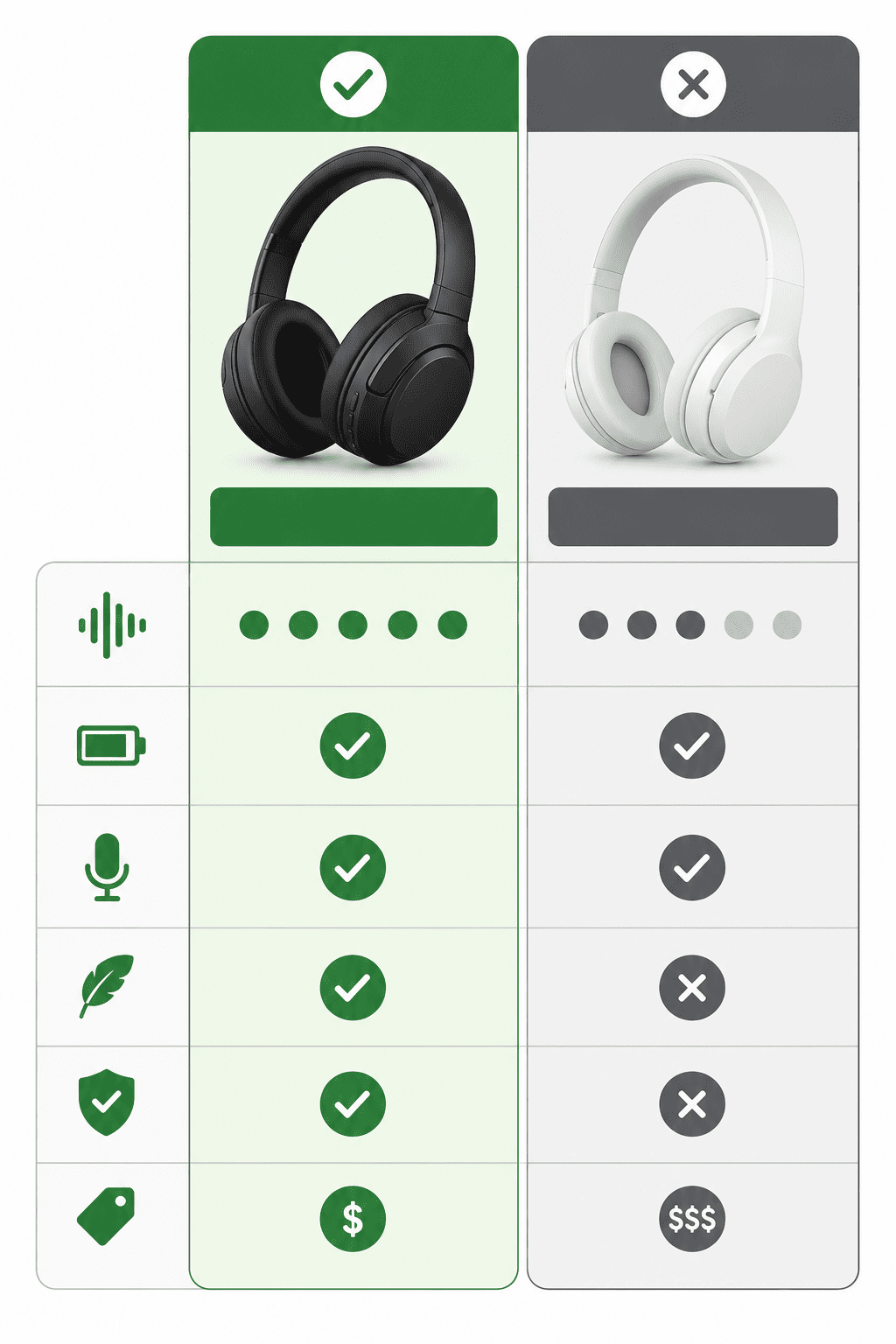
Create a product comparison infographic for [Product A] and [Product B]. Compare: Price, Main features, Pros, Cons, Best use cases, Ideal customer. Use a clean side-by-side layout with short bullet points, simple icons, and a neutral design style suitable for a buying guide or blog article.
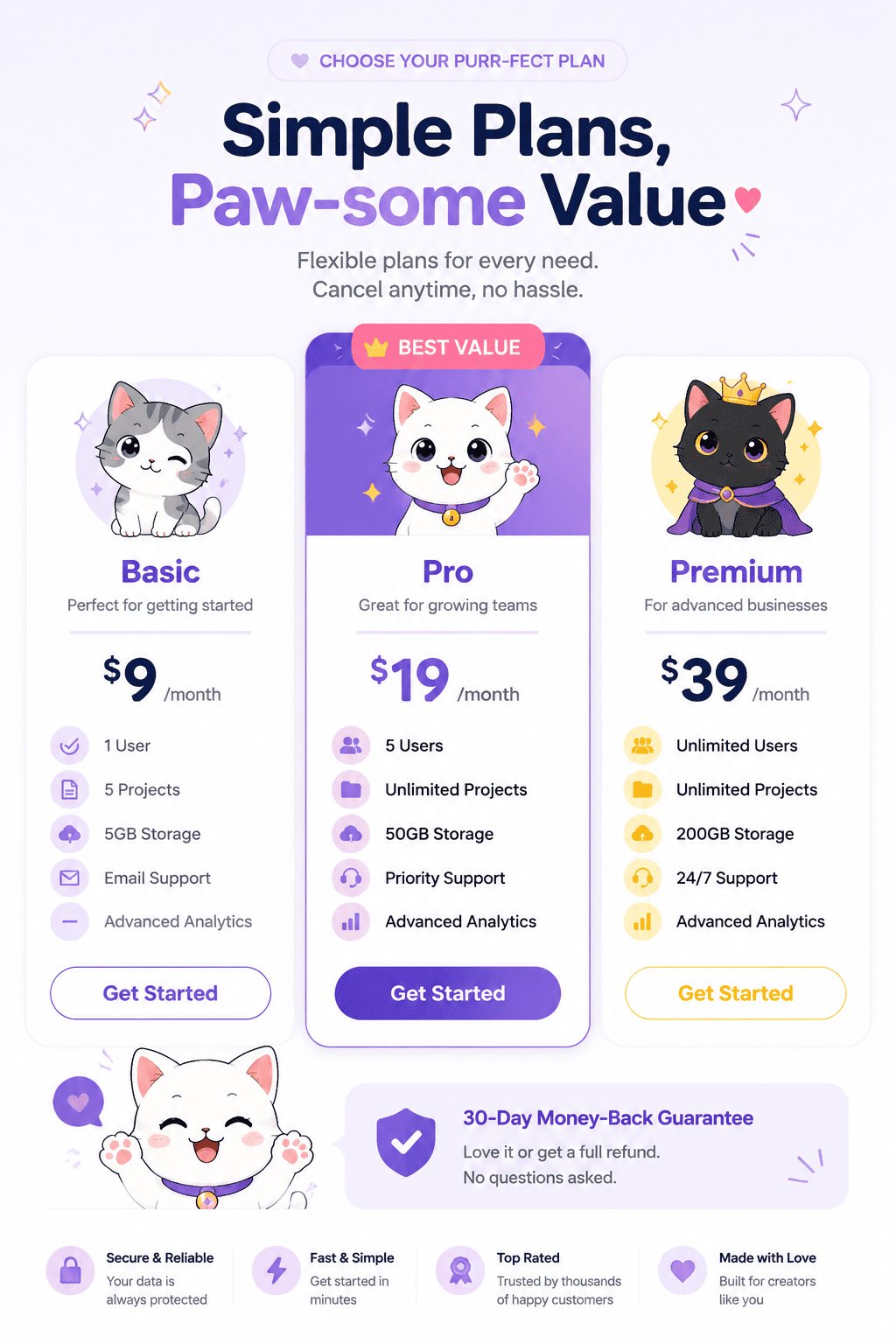
Create a pricing comparison infographic for [product name]. Plans: Starter: [details], Pro: [details], Enterprise: [details] Compare monthly price, user limits, storage, integrations, support, and advanced features. Highlight the best-value plan without making the design too crowded.
Create a feature comparison infographic for four software tools. Tools: [Your Product] [Competitor A] [Competitor B] [Competitor C]. Compare automation, reporting, integrations, security, support, and pricing tier. Use a clear matrix layout with checkmarks, labels, and a professional presentation style.
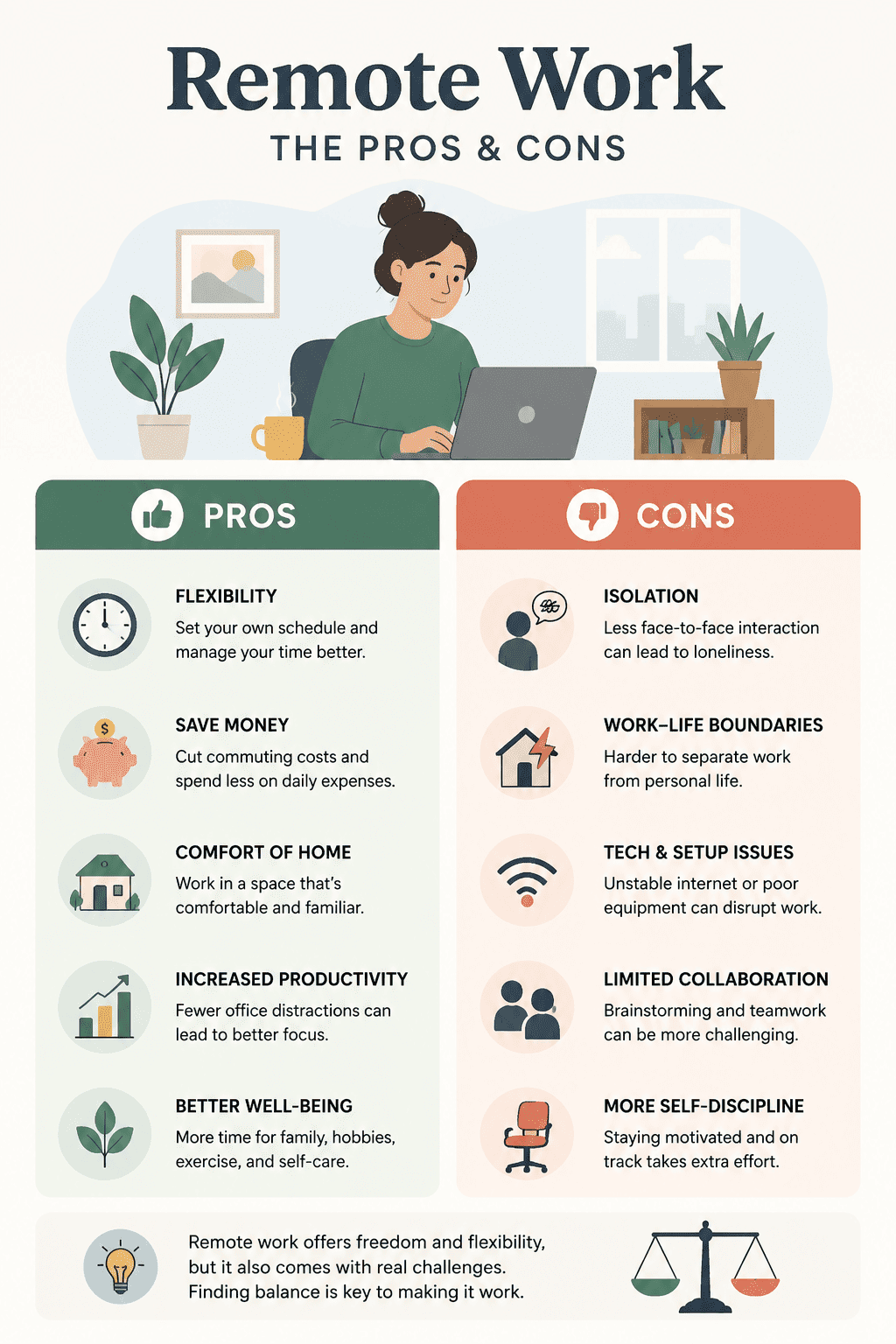
Design a pros and cons infographic comparing [Option A] and [Option B]. Include 4–6 concise points for each side. Use two balanced columns, strong section headings, and simple visual cues to show advantages and limitations clearly. Suitable for a business presentation, classroom discussion, or decision-making document.
Create a competitor comparison infographic using these websites: [Your website URL], [Competitor URL 1], [Competitor URL 2]. Compare visible positioning, product focus, audience, pricing signals, feature messaging, and trust elements. Keep the content based on visible information only and organize it into a clean report-style infographic.
Create a comparison infographic for four marketing channels: SEO, paid ads, email marketing, and social media. Compare cost, time to results, scalability, lead quality, and best-fit business stage. Use a modern infographic layout with color-coded sections and concise explanations for a marketing planning meeting.





