Free OnlineAI Cartoon Surprised Face Generator
How to Create a Cartoon Surprised Face with AI
Describe or Upload Your Character
Direct the Surprised Expression
Fine-Tune the Reaction
Export and Put It to Work

Why Mew Design Makes Cartoon Reactions Easier
Expression Control in Plain Language
Tell the AI exactly how the surprise should feel: delighted, speechless, comically shocked, or quietly amazed. Our AI surprised face maker converts those emotional cues into specific facial details.
Four Visual Cues That Read Instantly
The online cartoon shocked face generator can coordinate eyes, eyebrows, pupils, and mouth instead of changing one feature in isolation, so the expression stays legible even at avatar or sticker size.
Styles Beyond a Single Filter
Explore bold comic ink, pastel kawaii art, clean anime cel shading, glossy 3D, or a custom direction. Models such as Nano Banana Pro and GPT Image 2.5 support varied visual treatments.
Reference Images for Familiar Characters
Upload a portrait or original character and explain what should stay recognizable while the expression changes. You can also attach a style reference to guide linework, color, or rendering.
Coherent Reaction Sets
Generate several variations of the same cartoon face for reaction packs or expression sheets. Keep the character description, framing, palette, and style consistent while changing the emotion or intensity.
Free to Try, Ready to Edit
Test the free AI cartoon surprised face generator with signup credits, refine the result through chat, and export a watermark-free image without learning illustration software.
How to Prompt AI for a Surprised Cartoon Face
- Build the Expression: Specify wide eyes, iris or pupil size, eyebrow height, mouth shape, and whether the surprise feels delighted, confused, shocked, or frightened.
- Choose a Cartoon Language: Name concrete traits such as thick comic outlines, kawaii proportions, anime cel shading, flat vector shapes, or glossy 3D materials.
- Protect the Silhouette: Ask for a centered head-and-shoulders close-up with the hair, eyebrows, chin, and open mouth fully inside the frame, especially for a square avatar or sticker.
- Refine One Cue at a Time: Use Chat Edit to raise the brows, reduce fear, enlarge the eyes, simplify the background, or keep the same character while testing a different reaction intensity.
Surprised Cartoon Face Prompts for Every Style
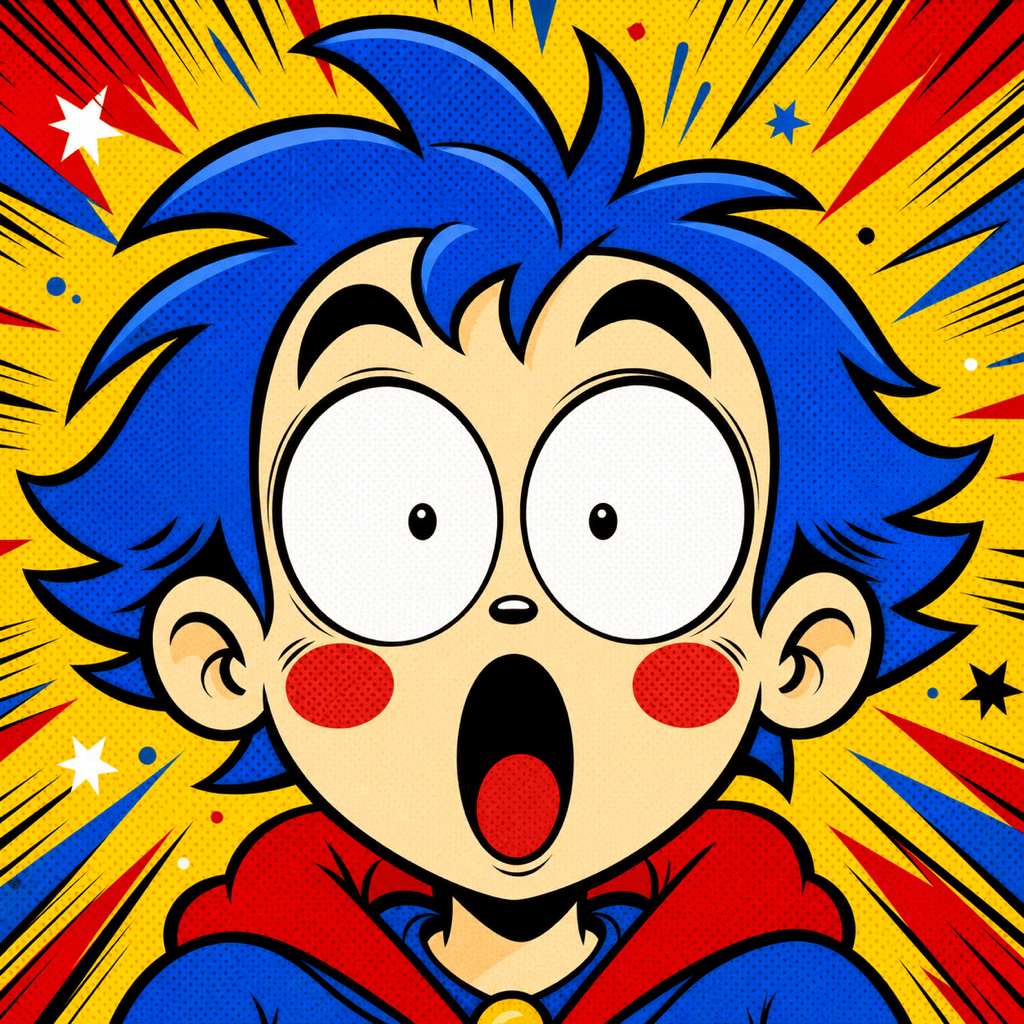
Comic Meme Reaction: Create a square 2D cartoon shocked face with huge round eyes, tiny pupils, raised eyebrows, and a wide O-shaped mouth. Use thick black ink, vivid primary colors, halftone dots, and explosive surprise lines. Center the face for a meme reaction image; no text.
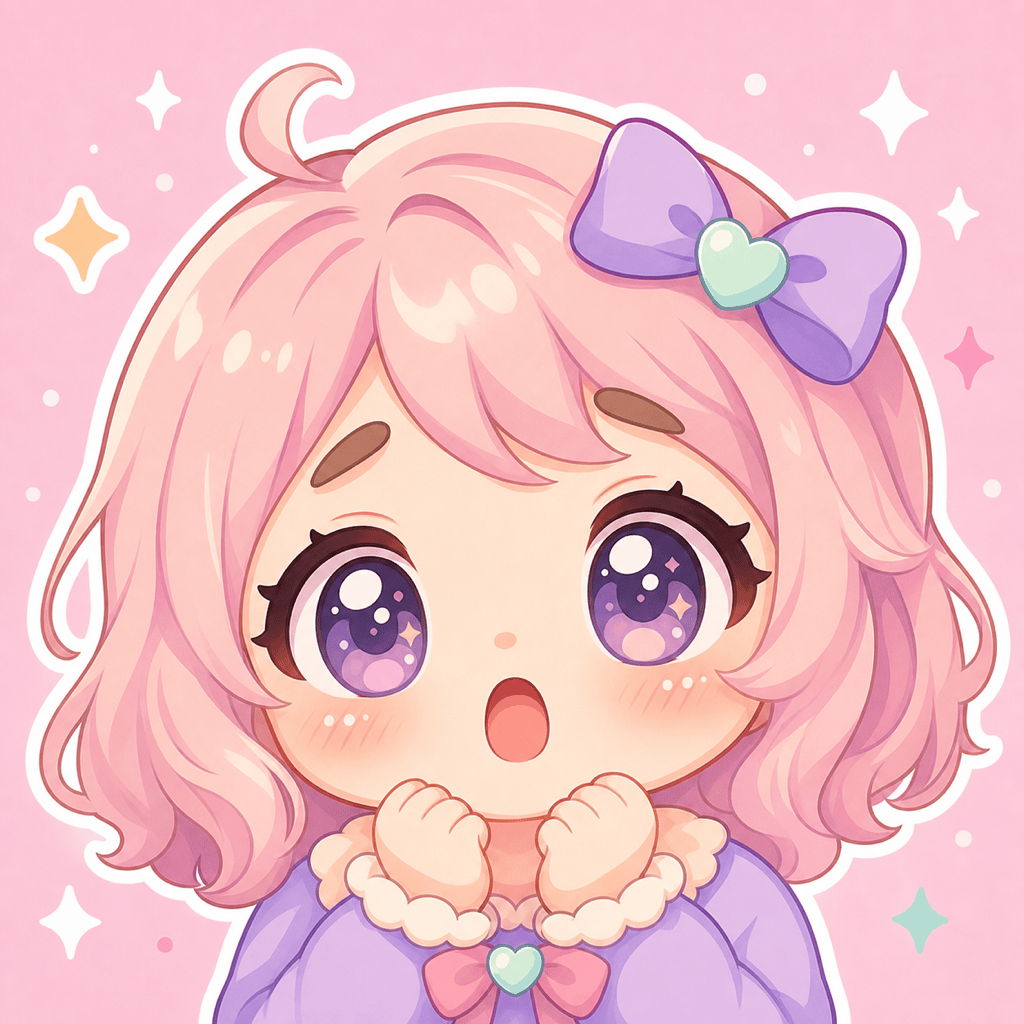
Cute Sticker: Draw a cute surprised face cartoon of an original chibi character with sparkling oversized eyes, blush dots, soft curved brows, and a tiny round mouth. Use pastel pink, cream, and lavender with clean sticker-like edges and a minimal background.
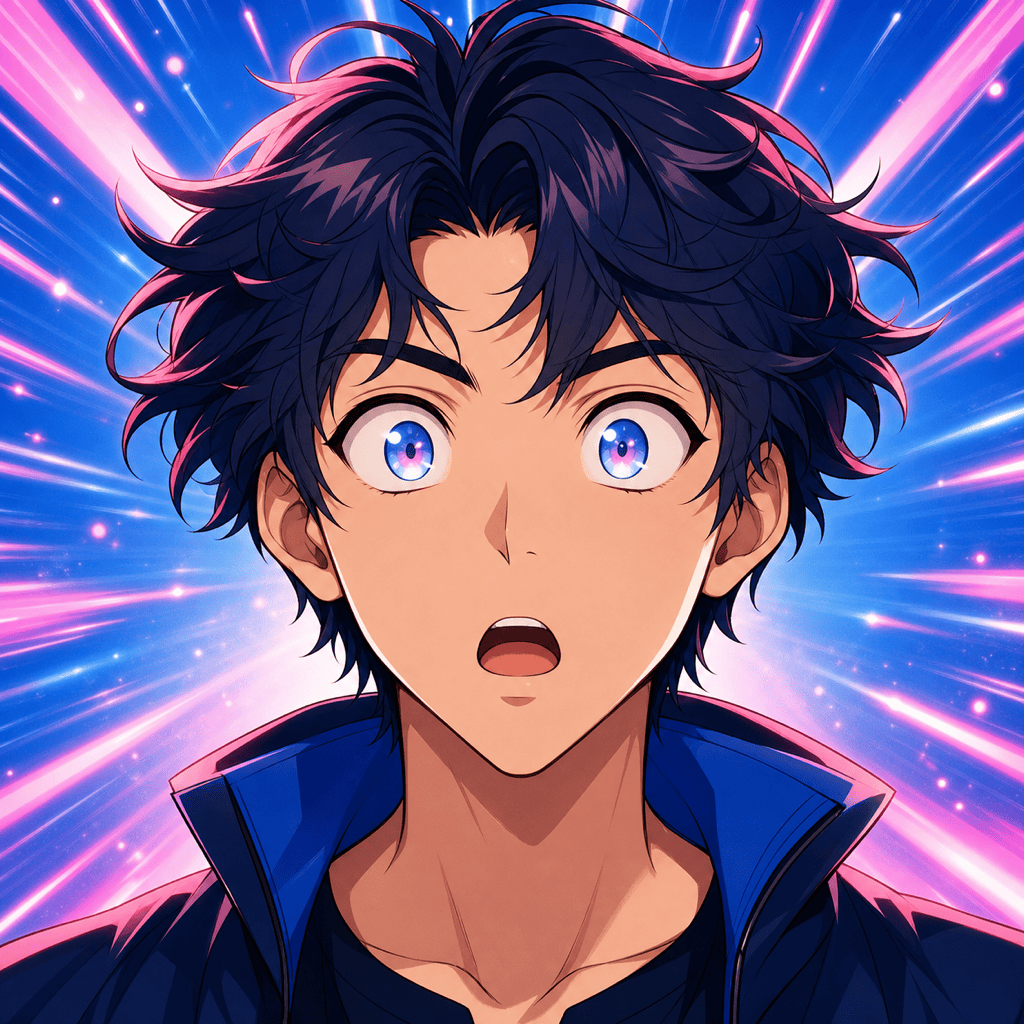
Anime Close-Up: Generate an anime surprised face in a square close-up. Show wide luminous eyes, small pupils, sharply lifted brows, a slightly open mouth, crisp cel shading, and blue-pink speed lines. Keep the emotion amazed rather than afraid.
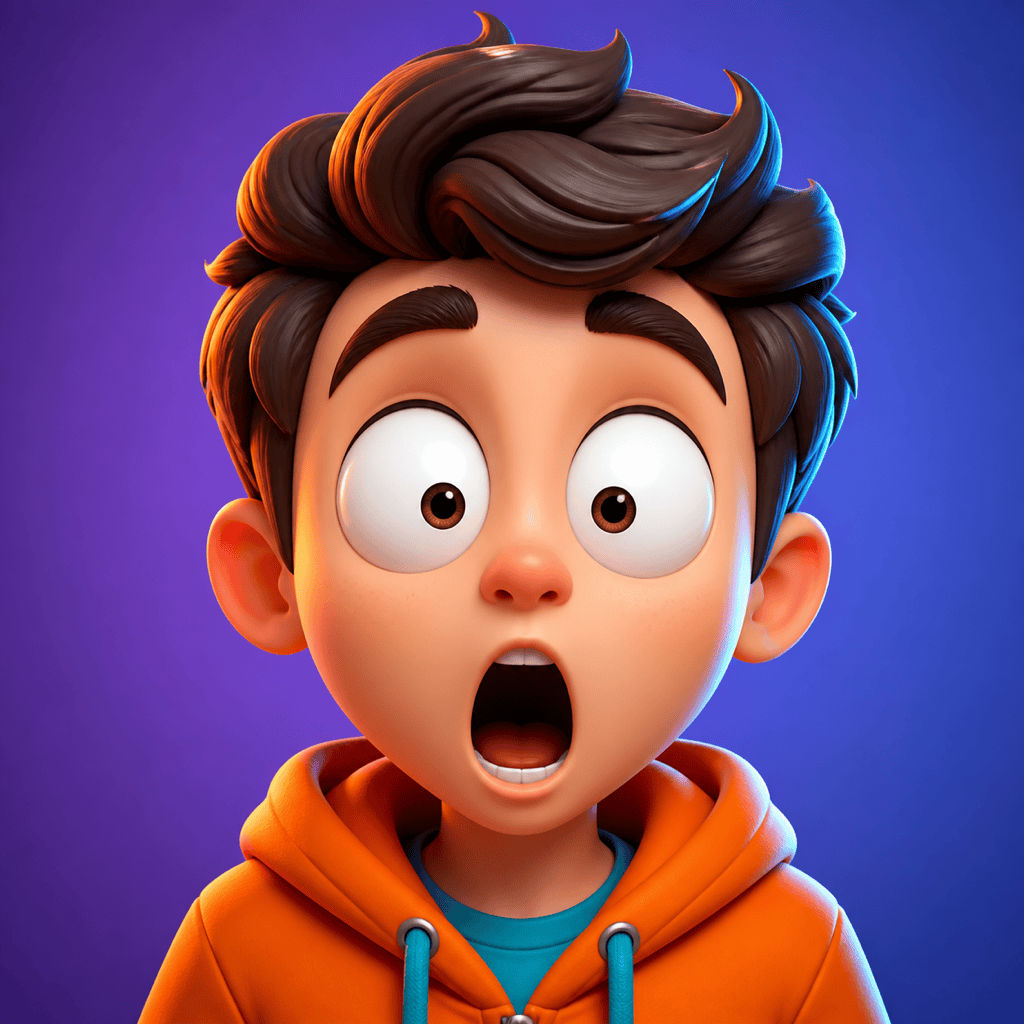
Glossy 3D Avatar: Create a polished 3D cartoon reaction face with enlarged eyes, high brows, and a rounded open mouth. Use smooth clay-like materials, soft studio lighting, orange and cyan accents, and a simple gradient background for a profile avatar.
Photo to Cartoon Surprise: Turn my uploaded portrait into a colorful 2D cartoon with a playful surprised expression. Keep the hairstyle, glasses, face shape, and outfit recognizable; change the eyes, eyebrows, and mouth to show delighted shock. Use a clean square composition.
Character Reaction Sheet: Create a consistent four-panel expression sheet for one original cartoon character: subtle surprise, delighted surprise, comic shock, and speechless amazement. Keep the same head shape, hairstyle, outfit, palette, line style, and front-facing crop in every panel.





